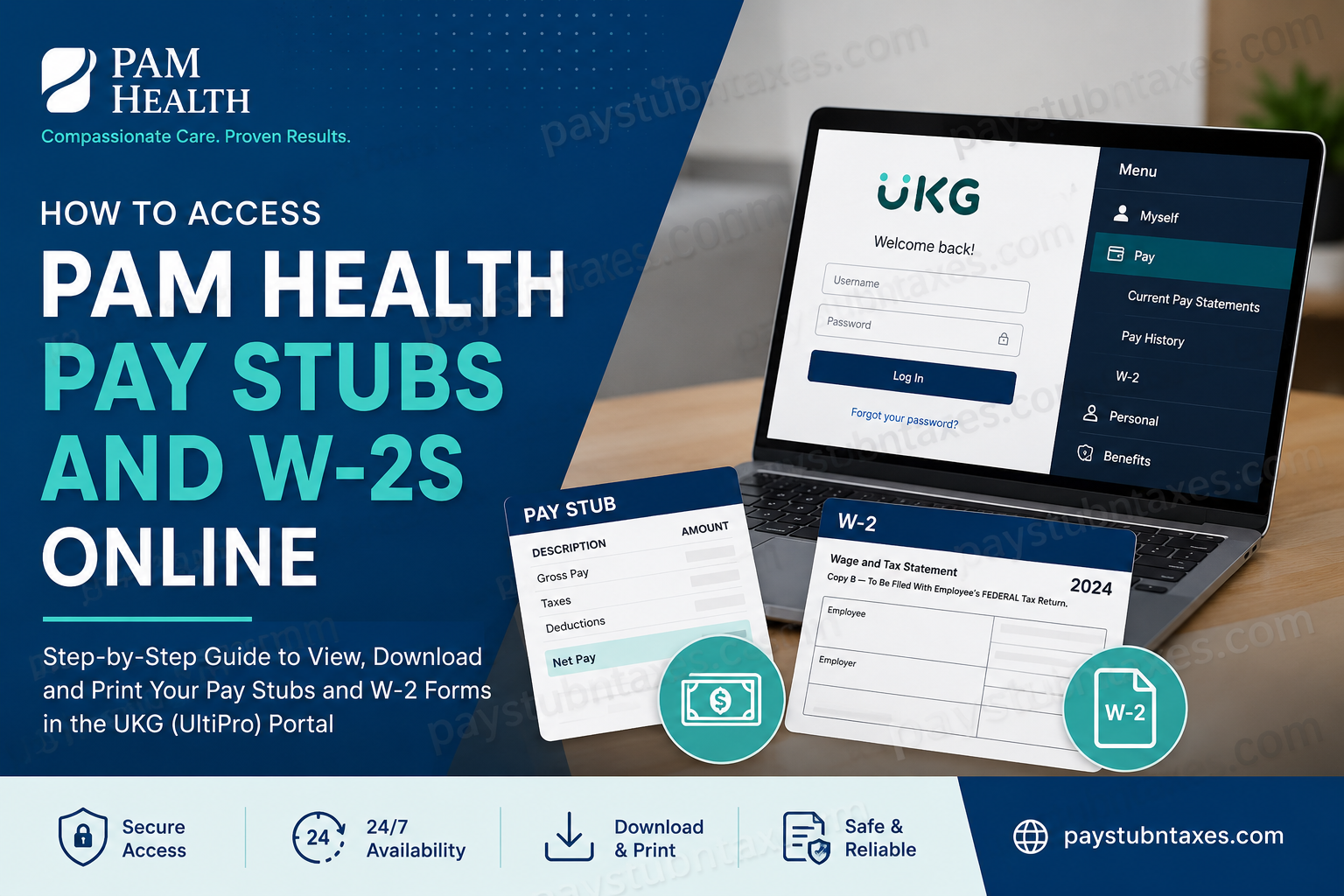
PAM Health is one of the nation’s leading providers of post-acute healthcare services, operating rehabilitation hospitals, specialty hospitals, wound care clinics, and outpatient therapy centers across the United States. Headquartered in Enola, Pennsylvania, PAM Health has built a reputation for delivering compassionate, patient-centered care while fostering a supportive workplace culture for its employees. To streamline payroll, benefits administration, workforce management, and employee self-service functions, PAM Health utilizes the UKG (formerly UltiPro) platform. Through the secure UKG portal, employees can conveniently access pay statements, review payroll history, update personal information, and retrieve annual tax documents such as Form W-2. This guide explains everything PAM Health employees need to know about accessing pay stubs and W-2 forms online.
PAM Health Employee Payroll Portal
PAM Health employees can access payroll and tax documents through the UKG Self-Service Portal:
UKG Login Portal: https://e42.ultipro.com/
The portal is available 24 hours a day and can be accessed from any internet-connected device, allowing employees to manage payroll records without contacting Human Resources.
How to Access PAM Health Pay Stubs Online
Follow these steps to view and download your pay statements:
Step 1: Visit the UKG Login Portal
Navigate to: https://e42.ultipro.com/
Step 2: Enter Your Login Credentials
Sign in using the username and password provided by the PAM Health Human Resources department.
If you are unsure of your login credentials, contact PAM Health HR for assistance.
Step 3: Complete First-Time Login Setup
During your initial sign-in, UKG will require you to:
- Create a new secure password
- Select and answer three security questions
- Verify your account information
These security measures help protect sensitive payroll and personal information.
Step 4: Access the Payroll Menu
After successfully signing in:
- Click the Menu button.
- Navigate to Myself.
- Locate the Pay section.
Step 5: View Current Pay Statements
Select Current Pay Statements to review your latest paycheck details, including:
- Gross earnings
- Net pay
- Federal and state tax withholdings
- Benefit deductions
- Direct deposit information
- Year-to-date earnings
Step 6: Access Pay History
If you need older pay records, select Pay History within the Pay section.
Employees can download, save, or print historical pay stubs for personal recordkeeping, loan applications, income verification, or tax preparation purposes.
How to Download and Print PAM Health Pay Stubs
Once your pay statement appears on the screen:
- Open the desired pay period.
- Click the PDF or Print icon.
- Save the document to your computer or mobile device.
- Print a hard copy if necessary.
Maintaining copies of your pay statements can be valuable when applying for mortgages, rental agreements, government benefits, or financial assistance programs.
How to Access Your PAM Health W-2 Form Online
PAM Health employees can also retrieve annual tax documents directly through UKG.
Step 1: Log In to UKG
Visit: https://e42.ultipro.com/
Step 2: Navigate to Tax Documents
After logging in:
- Select Menu
- Choose Myself
- Click Pay
- Select W-2
Step 3: Open Your W-2 Form
Available tax years will appear on the screen.
Select the desired year to:
- View your W-2 electronically
- Download a PDF copy
- Print the form for tax filing purposes
How to Enroll in Electronic W-2 Delivery
Going paperless ensures quicker access to tax forms and reduces the risk of lost mail.
To consent to electronic delivery:
- Click the Menu icon on the Home screen.
- Select Myself.
- Choose Pay.
- Click W-2.
- Select Change W-2 Consent Form under Things I Can Do.
- Choose Go Paperless! I consent to receive my Form W-2 electronically.
- Click Save.
After enrollment, future W-2 forms will be delivered electronically through UKG whenever they become available.
Benefits of Using UKG Self-Service
The UKG platform offers PAM Health employees a secure and efficient way to manage employment records.
Key benefits include:
- 24/7 access to payroll information
- Secure electronic storage of tax documents
- Quick retrieval of historical pay statements
- Mobile-friendly access
- Reduced paperwork
- Faster W-2 delivery
- Enhanced account security
- Self-service profile updates
Rather than waiting for mailed documents or contacting payroll administrators, employees can access critical information whenever needed.
What If You Cannot Access Your Account?
If you encounter login issues:
Forgot Password
Use the Forgot Your Password? link on the login page and follow the verification prompts.
Account Locked
Multiple unsuccessful login attempts may temporarily lock your account. Contact Human Resources for assistance.
Former Employees
Former PAM Health employees who no longer have active system access should contact the HR or Payroll department regarding W-2 retrieval and tax document requests.
Browser Problems
Try:
- Clearing browser cache and cookies
- Using Google Chrome, Microsoft Edge, Firefox, or Safari
- Disabling browser extensions temporarily
- Accessing the portal from another device
About PAM Health
Founded in 2006 and rebranded from Post Acute Medical to PAM Health in 2021, the organization has grown into one of America’s leading rehabilitation and post-acute healthcare providers. PAM Health operates dozens of hospitals and healthcare facilities across multiple states while remaining committed to its mission of delivering compassionate, expert care and helping patients achieve the highest possible quality of life.
Its employee-focused culture, comprehensive benefits, educational advancement opportunities, and commitment to clinical excellence continue to attract healthcare professionals nationwide.
Final Thoughts
Accessing PAM Health pay stubs and W-2 forms online is straightforward through the UKG Self-Service Portal. By logging into the secure platform, employees can instantly review earnings statements, download payroll records, access annual tax forms, and manage personal payroll information from virtually anywhere. For the smoothest experience, employees should keep their login credentials current, enable electronic W-2 delivery, and regularly review payroll information to ensure accuracy throughout the year.
FAQ: PAM Health Pay Stubs and W-2s Online
1. How do I access my PAM Health pay stubs online?
Log in to the UKG Self-Service Portal, navigate to Myself > Pay > Current Pay Statements, and select the pay period you wish to view.
2. What website does PAM Health use for payroll access?
PAM Health uses the UKG (UltiPro) platform available at https://e42.ultipro.com/ for payroll and HR self-service functions.
3. Can I download my PAM Health pay stubs as PDF files?
Yes. UKG allows employees to download, save, and print pay statements in PDF format.
4. How can I retrieve older pay stubs from PAM Health?
Access Pay History within the UKG Pay section to view and download historical pay statements.
5. Where can I find my W-2 form in UKG?
After logging in, go to Myself > Pay > W-2 and select the tax year you need.
6. When will my W-2 become available online?
W-2 forms are typically available by the end of January each year, in accordance with IRS filing requirements.
7. Can former employees access PAM Health W-2 forms online?
Former employees may retain access for a limited period. If access is unavailable, contact PAM Health Human Resources or Payroll for assistance.
8. How do I consent to electronic W-2 delivery?
Within UKG, navigate to Myself > Pay > W-2, select the W-2 Consent option, choose paperless delivery, and save your preference.
9. What should I do if I forget my UKG password?
Use the Forgot Your Password? link on the UKG login page to reset your password securely.
10. Can I access PAM Health payroll records from my phone?
Yes. The UKG portal is mobile-friendly and can be accessed through most smartphones and tablets.
11. Why can’t I see my current pay statement?
Pay statements become visible after payroll processing is completed. If a statement is missing, contact Payroll or HR for clarification.
12. Is the UKG portal secure?
Yes. UKG uses encrypted connections, authentication protocols, and security settings to protect employee payroll and tax information.
13. Can I print my W-2 directly from UKG?
Yes. Once the W-2 form is displayed, you can print it immediately or save a PDF copy for tax filing purposes.
14. What information is included on a PAM Health pay stub?
Pay stubs typically include gross earnings, net pay, taxes withheld, deductions, benefits, direct deposit details, and year-to-date totals.
15. Who should I contact if I cannot access my PAM Health payroll account?
Employees should contact PAM Health Human Resources or the Payroll Department for assistance with login issues, account access, or tax document requests.
