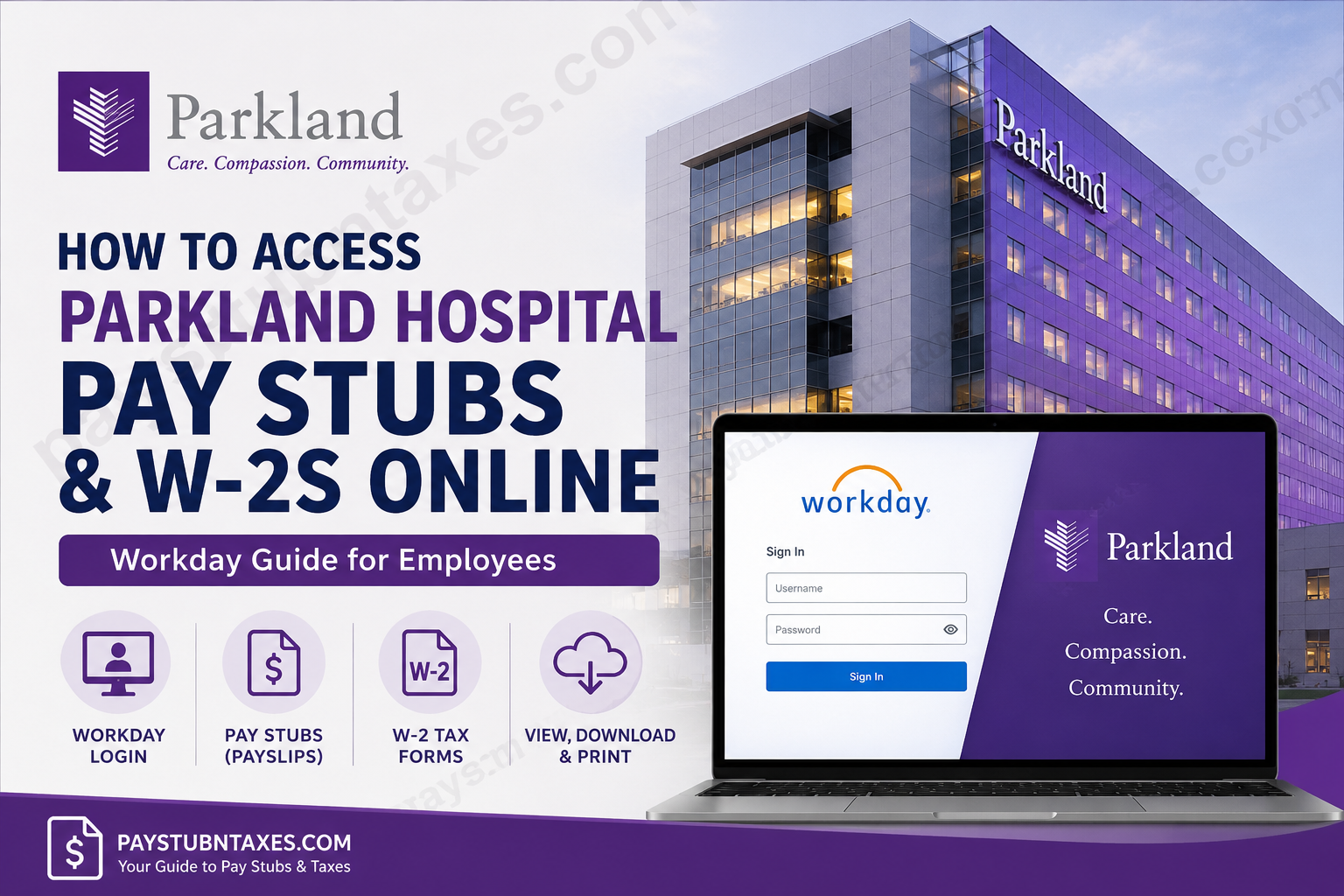
For healthcare professionals, timely access to payroll records and tax documents is more than a matter of convenience—it is an essential component of financial planning and regulatory compliance. As one of the nation’s largest public healthcare systems, Parkland Health has modernized its employee self-service experience by transitioning to Workday, enabling both current and former employees to access pay information digitally with greater efficiency and security. If you are a Parkland employee seeking to retrieve your payslips or W-2 forms online, this comprehensive guide will walk you through the process step by step.
About Parkland Health
Founded in 1894, Parkland Health has evolved into one of the largest public hospital systems in the United States. Located in Dallas, Texas, the organization serves as Dallas County’s public hospital and functions as the primary teaching hospital for UT Southwestern Medical Center. Today, Parkland operates a Level I Trauma Center, North Texas’ only verified burn center, numerous community clinics, and extensive outreach programs, while providing care to more than one million outpatient visitors annually.
Despite its remarkable growth, Parkland’s enduring mission remains unchanged: delivering exceptional healthcare to every member of the community.
Parkland Health Payroll System Transition to Workday
Parkland officially transitioned to Workday on January 13, 2026, making it the primary platform for payroll, tax forms, and employee self-service functions. Employees can now access current pay records and future tax documents directly through Workday. Meanwhile, historical payroll data remains accessible through PeopleSoft.
Key Dates to Remember
- Workday launched: January 13, 2026
- First paycheck available in Workday: January 13, 2026
- 2026 W-2 availability: Mid-January 2027
- Past W-2s and payslips: Continue to be accessible via PeopleSoft through Workspace.
Parkland Workday Login Portal
Both current and former employees can access payroll records through the official Workday portal:
Workday Login:
https://wd12.myworkday.com/parklandhospital/d/login.htmld
Employees should log in using their Parkland Single Sign-On (SSO) credentials.
Those accessing Workday from non-Parkland devices may first need to register for remote access through Imprivata. Technical assistance is available through the Technical Support Center.
How to Access Parkland Pay Stubs Online
Retrieving your payslips in Workday is straightforward once you have logged in.
Method 1: Using the Pay Menu
- Sign in to Workday using your Parkland credentials.
- Navigate to your Worker Profile.
- Select Pay.
- Click Payslips.
- Choose the desired check date or check number.
- View, download, or print your pay stub.
Workday stores electronic payslips in a centralized location, making it easier to access historical payroll records whenever needed. Employees can view their payslips under Pay > Payslips within their worker profile.
Alternative Navigation Path
If the Pay section is not immediately visible:
- Click your profile icon.
- Select View Profile.
- Click More if necessary.
- Open Pay.
- Select Payslips.
How to Access Parkland W-2 Forms Online
Workday also provides electronic access to annual tax forms.
Steps to View Your W-2
- Log into Workday.
- Open the Pay application.
- Select More.
- Click My Tax Documents.
- Choose the desired tax year.
- Select View/Print to download your W-2.
The Workday navigation menu allows employees to access tax documents directly from the Pay section. Employees can view W-2 forms through My Tax Documents and print them electronically.
Accessing Historical W-2s and Past Payslips
Although Workday now serves as Parkland’s primary HR platform, legacy payroll records remain available through PeopleSoft.
When historical tax forms become available, employees are directed to access PeopleSoft via Workspace to:
- View previous W-2 forms
- Download archived payslips
- Print tax records for personal use
Parkland has indicated that historical payroll documents will continue to be accessible through PeopleSoft during the transition period.
Additional Workday Payroll Features
Beyond pay stubs and W-2 access, Workday enables employees to manage several payroll-related functions:
Update Direct Deposit
Navigate to: Pay → Payment Elections
Employees can review or modify direct deposit information directly within Workday.
Modify Tax Elections
Navigate to: Pay → Tax Elections
Employees may update W-4 withholding preferences and tax elections electronically.
Review Benefit Elections
Workday also supports benefits enrollment and management, including medical, dental, and insurance selections. Employees can review or modify benefit plans during open enrollment periods.
Troubleshooting Login Issues
If you encounter problems accessing Workday or payroll documents, try the following:
- Verify your SSO username and password.
- Clear your browser cache and cookies.
- Attempt access using a different browser.
- Ensure remote access through Imprivata is configured if logging in externally.
- Contact Parkland support if the issue persists.
Parkland Payroll Support Contacts
Technical Support Center
- Phone: 214-590-5999 (Ext. 25999)
Technical support is available for Workday access issues and remote login assistance.
Office of Talent Management
- Phone: 469-419-3000 (Ext. 7-3000)
Employees may contact the Office of Talent Management for payroll or HR-related concerns.
Employee Service Center
Employees can also:
- Submit support tickets via the Employee Service Center.
- Access enterprise system resources through the intranet.
Final Thoughts
Parkland Health’s migration to Workday marks a significant leap toward a more streamlined and employee-centric digital experience. By consolidating payroll, benefits, and tax documentation into a unified platform, Parkland has empowered employees to manage their financial records with unprecedented ease and efficiency. Whether you are an active staff member or a former employee, accessing your pay stubs and W-2 forms online is now simpler than ever—provided you know where to look. With Workday serving as the new cornerstone of Parkland’s HR ecosystem and PeopleSoft preserving legacy records, employees can navigate payroll administration with confidence and clarity.
Frequently Asked Questions
1. How do I access my Parkland Health pay stubs online?
Log in to the Parkland Workday portal using your SSO credentials and navigate to Pay > Payslips to view or download your pay stubs.
2. Where can I find my W-2 in Workday?
After signing into Workday, go to Pay > More > My Tax Documents and select the tax year to view or print your W-2.
3. What is the Parkland Workday login URL?
The official Workday portal is:
https://wd12.myworkday.com/parklandhospital/d/login.htmld
4. When did Parkland Health switch to Workday?
Parkland transitioned to Workday on January 13, 2026, making it the primary payroll and HR platform.
5. When will the 2026 W-2 be available?
The 2026 W-2 form is expected to become available in mid-January 2027.
6. Can former employees access Parkland pay stubs and W-2s?
Yes. Both current and former employees may access payroll records and tax documents through Workday, subject to account access.
7. Where can I access older W-2 forms and payslips?
Historical W-2s and past payslips remain available through the PeopleSoft system accessed via Workspace.
8. What login credentials do I need for Workday?
Employees must sign in using their Parkland Single Sign-On (SSO) username and password.
9. Can I access Workday from home?
Yes. Employees can access Workday remotely, although some users may need to configure Imprivata remote access first.
10. How do I download my pay stub?
Open the desired payslip in Workday and use the Download or Print option to save a PDF copy.
11. How can I update my direct deposit information?
Navigate to Pay > Payment Elections in Workday to add or modify direct deposit accounts.
12. How do I change my tax withholding information?
Go to Pay > Tax Elections in Workday to update your W-4 or other tax preferences.
13. What should I do if I cannot log in to Workday?
First verify your SSO credentials, clear your browser cache, or try another browser. If the issue persists, contact Technical Support.
14. What is the Parkland Technical Support phone number?
Employees can contact the Technical Support Center at 214-590-5999 (Ext. 25999).
15. How do I get help with payroll or HR questions?
Contact the Office of Talent Management at 469-419-3000 (Ext. 7-3000) or submit a ticket through the Employee Service Center.
