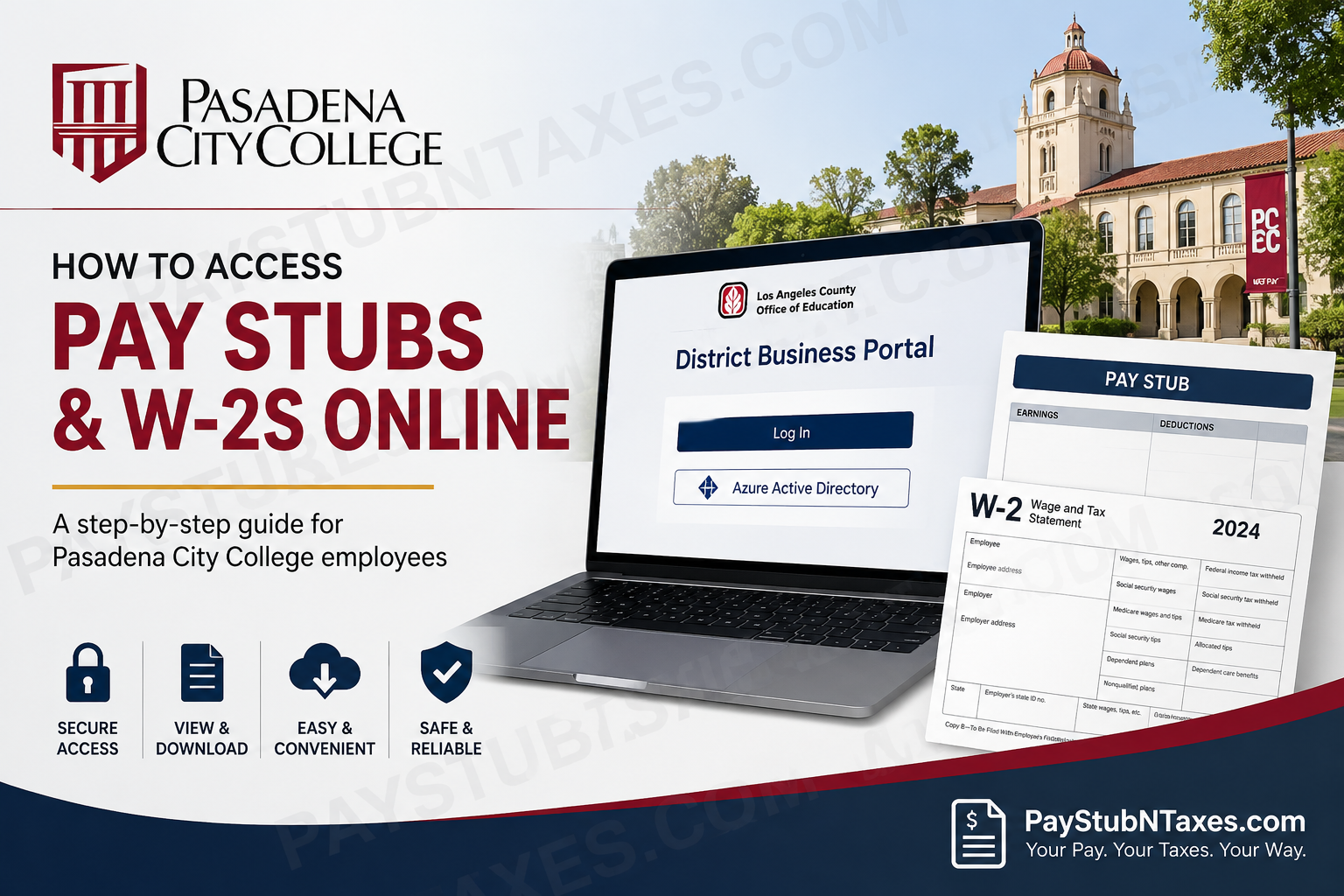
Pasadena City College (PCC) has long stood as one of California’s most distinguished community colleges, serving more than 27,000 students through a diverse portfolio of academic, vocational, and transfer programs. Founded in 1924, PCC has evolved into a dynamic institution renowned for academic excellence, innovation, and student success. For employees, access to payroll records is equally important. Whether you need recent pay stubs for income verification or your annual W-2 form for tax filing purposes, Pasadena City College provides secure electronic access through the Los Angeles County Office of Education (LACOE) District Business Portal. This comprehensive guide explains how current and former employees can access PCC pay stubs and W-2 forms online with ease.
About Pasadena City College Payroll Services
The Pasadena City College Payroll Department is committed to delivering high-quality employee services built upon mutual respect, trust, and effective communication while supporting faculty, staff, administrators, and the broader college community. Payroll resources include online pay stubs, tax forms, direct deposit enrollment, and other payroll-related services.
Employees may access payroll documents electronically through the District Business Portal, ensuring convenient and secure access anytime and anywhere.
How to Access Pasadena City College Pay Stubs Online
Current employees can retrieve their pay statements electronically through the LACOE District Business Portal.
Step 1: Visit the District Business Portal
Navigate to:
https://districtbusinessportal.lacoe.edu
Review and accept the user agreement, then click “Log In.” The portal requires users to acknowledge acceptable use policies before proceeding.
Step 2: Sign in Using Azure Active Directory
On the login page:
- Select “Azure Active Directory.”
- Enter your pasadena.edu email address and password.
- Complete any required multi-factor authentication.
The portal authenticates employees using their institutional credentials for enhanced security.
Step 3: Open My Documents
After successful authentication:
- Select “my Documents” from the dashboard.
This section houses payroll and employment-related records.
Step 4: Access Pay Stubs
Within my Documents:
- Click “Pay Stubs.”
- Browse available pay statements.
- Select “View” or “Download” to open the desired document.
Employees can save PDF copies for recordkeeping, mortgage applications, or income verification purposes.
How to Access Pasadena City College W-2 Forms
Annual W-2 wage statements are generally issued no later than January 31 of the following tax year.
Electronic W-2 Access
Employees wishing to obtain W-2 forms electronically should contact the Payroll Department to confirm electronic availability and enrollment preferences.
Paper W-2 Delivery
If electronic access is unavailable, W-2 forms are mailed and postmarked on or before January 31, in accordance with federal requirements.
What If You Cannot Access Your Payroll Records?
If you experience login difficulties or cannot locate your pay statements or tax documents:
Common Troubleshooting Tips
- Verify your pasadena.edu email credentials.
- Ensure multi-factor authentication is completed.
- Clear your browser cache and cookies.
- Try a different browser or device.
- Contact Payroll for account assistance.
A minor technical hiccup today can become a major inconvenience tomorrow—therefore, keeping your login credentials updated is always prudent.
Contact Pasadena City College Payroll
For payroll inquiries, document access issues, or W-2 questions, contact:
Angelica De La Torre
Email: adelatorre43@pasadena.edu
Payroll Department
Email: payroll@pasadena.edu
Phone: 626-585-7724
Human Resources
Email: HRgeneral@pasadena.edu
Why Access Pay Stubs Online?
Electronic payroll systems offer numerous advantages, including:
- Instant access to historical pay records
- Secure storage of sensitive information
- Faster tax preparation
- Reduced paper usage
- Convenient downloading and printing
In an increasingly digital world, online payroll access is not merely a convenience—it is an indispensable tool for efficient financial management.
About Pasadena City College
Established in 1924 with an inaugural enrollment of just 267 students, Pasadena City College has grown into one of California’s premier community colleges. Over the decades, PCC has expanded its campus, launched renowned academic programs, and earned national recognition for educational excellence.
Today, PCC serves a vibrant and diverse student body while continuing its mission of breaking barriers and creating opportunities for lifelong success. The institution’s history spans more than a century of educational innovation and community impact.
Pasadena City College Pay Stubs & W-2 FAQs
1. How do I access my Pasadena City College pay stubs?
Visit the LACOE District Business Portal, log in using your Pasadena City College email credentials, navigate to my Documents, and select Pay Stubs.
2. What is the login portal for PCC payroll records?
The official payroll portal is the LACOE District Business Portal at:
https://districtbusinessportal.lacoe.edu/
3. What login credentials do I need?
You need your pasadena.edu email address and password to sign in via Azure Active Directory.
4. Can I download my pay stubs as PDFs?
Yes. Employees can view, download, and print pay stubs directly from the portal for recordkeeping or income verification.
5. How often are pay stubs available online?
Pay stubs are generally uploaded after each payroll cycle, allowing employees to access current and historical pay records.
6. How do I access my W-2 form online?
Electronic W-2 access may be available through PCC payroll services. Contact the Payroll Department to confirm availability and enrollment.
7. When are W-2 forms issued?
Federal regulations require employers to issue W-2 forms by January 31 of the following tax year.
8. Will PCC mail my W-2?
Yes. If electronic delivery is unavailable or not selected, PCC mails W-2 forms by January 31.
9. What should I do if I forget my password?
Contact your institution’s IT help desk or Human Resources department to reset your password.
10. Can former employees access PCC pay stubs?
Former employee access may vary. Contact Payroll or Human Resources for assistance with obtaining past payroll documents.
11. Is the payroll portal secure?
Yes. The portal uses Azure Active Directory authentication and institutional security measures to protect employee information.
12. Can I access pay stubs on my mobile device?
Yes. The District Business Portal is accessible from most smartphones and tablets with internet access.
13. Who do I contact for payroll assistance?
Employees can contact the PCC Payroll Department via payroll@pasadena.edu or call 626-585-7724.
14. Who is Angelica De La Torre?
Angelica De La Torre is a payroll contact for Pasadena City College employees and can assist with payroll-related inquiries.
15. Why should I keep copies of my pay stubs and W-2s?
Pay stubs and W-2 forms are essential for tax filing, loan applications, employment verification, and personal financial records.
Disclaimer: Payroll systems, login procedures, and W-2 availability may change periodically. Employees should contact Pasadena City College Payroll or Human Resources directly for the most up-to-date information.
