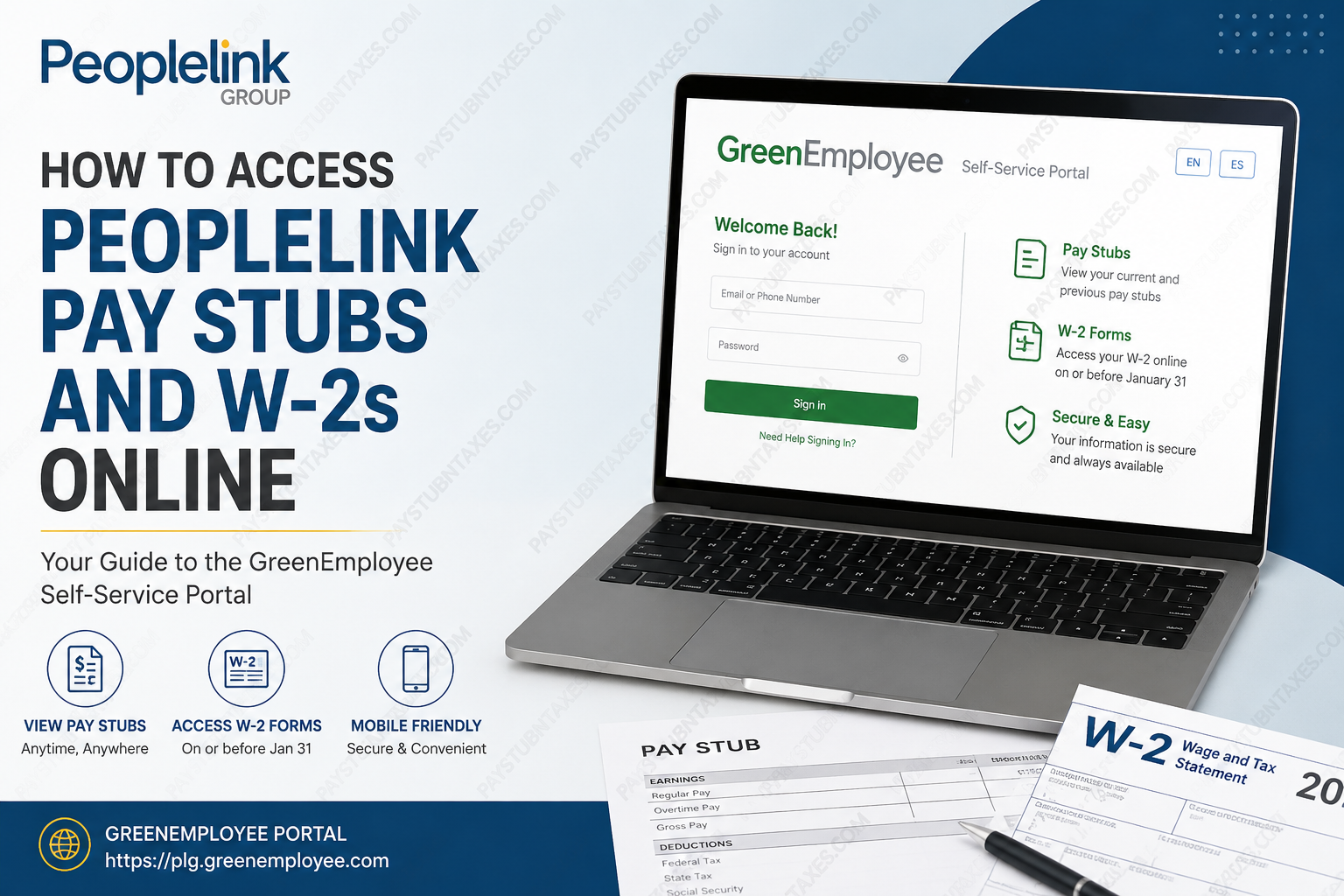
Managing payroll documents should never feel like navigating a labyrinth. Fortunately, Peoplelink Group has simplified the process by offering employees secure online access to their pay stubs and tax forms through the GreenEmployee self-service portal. Whether you are a current associate or a former employee, you can conveniently view, download, and print your payroll documents anytime and from virtually anywhere. With thousands of employees working across the United States every day, Peoplelink continues its long-standing mission of connecting people with meaningful employment while providing modern digital tools that make employment administration seamless.
What Is Peoplelink Group?
Founded in 1987 and headquartered in South Bend, Indiana, Peoplelink Group is one of America’s leading workforce and staffing solutions providers. The company serves organizations nationwide by delivering innovative staffing, payroll, outsourcing, and workforce management services across numerous industries, including:
- Manufacturing
- Logistics and Distribution
- Administrative Services
- Construction and Trade
- Engineering
- Finance and Accounting
- Information Technology
- Sales and Marketing
Peoplelink places more than 14,000 employees on assignments every day and remains committed to its people-first philosophy, emphasizing safety, performance, and community engagement.
What Is the Peoplelink GreenEmployee Portal?
The Peoplelink GreenEmployee Portal is an online employee self-service platform powered by Greenshades Software. The portal enables employees to securely access:
- Current and previous pay stubs
- Annual W-2 tax forms
- Payroll information
- Tax documents
- Account notifications
- Personal information updates
The portal is available 24 hours a day and can be accessed using a computer, tablet, or smartphone. It also supports both English and Spanish languages.
Peoplelink GreenEmployee Login Portal
Official Portal: https://plg.greenemployee.com
It is advisable to bookmark the website for quick access during every payroll cycle.
How to Register for a Peoplelink GreenEmployee Account
If you are accessing the portal for the first time, you must create an account after receiving your first paycheck.
Information You’ll Need
Before beginning the registration process, have the following information available:
- Valid email address
- Social Security Number
- Date of birth
- Phone number currently on file with payroll
Step-by-Step Registration Process
Step 1: Visit: https://plg.greenemployee.com
Step 2: Scroll to the bottom of the login page and click: New User? Register
Step 3: Enter your personal information and select Continue.
Step 4: The system will verify your identity and send a verification code to either:
- Your email address, or
- Your mobile phone number on file.
Step 5: Enter the verification code.
Step 6: Create your password and complete your account setup.
Once registration is complete, your GreenEmployee account is ready to use.
How to Log In to Peoplelink GreenEmployee
Step 1: Go to: https://plg.greenemployee.com
Step 2: Enter either:
- Email address, or
- Phone number.
Step 3: Select Sign In.
Step 4: Verify your identity using one of the available methods:
- Email verification code
- Text message verification code
- Automated phone call code
- Password authentication
Step 5: After successful verification, you will be redirected to your GreenEmployee dashboard.
How to View and Download Peoplelink Pay Stubs
After logging in:
Step 1: Open your dashboard.
Step 2: Navigate to Pay History or Most Recent Pay Stub.
Step 3: Select the pay period you wish to review.
Step 4: Click:
- View
- Download
The portal stores both current and prior-year pay statements, allowing employees to retrieve payroll information whenever needed.
How to Access Your Peoplelink W-2 Online
Peoplelink makes annual tax documents available electronically through GreenEmployee.
Step 1: Sign in to: https://plg.greenemployee.com
Step 2: Navigate to Tax Forms or W-2 Forms.
Step 3: Choose the applicable tax year.
Step 4: Download or print your W-2.
W-2 forms are typically finalized and available on or before January 31 each year.
How to Receive Your W-2 Electronically
Electronic delivery is the fastest and most secure method.
Before December 12:
- Log into GreenEmployee.
- Select Settings.
- Click Notifications.
- Scroll to: Year-End W-2 and 1095-C Distribution Preferences
- Select: Change your W-2 and 1095-C Distribution Preferences
- Enter the authorization code displayed.
- Choose:
I want to receive ‘green’ W-2 electronically through this website.
You will receive an email notification as soon as your W-2 becomes available.
How to Reset Your GreenEmployee Password
If you’ve forgotten your password:
- Visit the login page.
- Click Need Help Signing In?
- Choose Reset Password.
- Enter your registered email address.
- Open the password reset email.
- Create a new password.
- Return to the portal and sign in.
How to Verify Your Mailing Address
To avoid delays in receiving paper tax documents:
- Download your latest pay stub.
- Review your mailing address.
- If corrections are needed, contact your local Peoplelink branch or representative.
Keeping your address current ensures your W-2 is delivered correctly should you opt for paper delivery.
Can Former Employees Access Their W-2s?
Yes. Former employees can generally continue accessing their payroll documents through the GreenEmployee portal using their existing credentials.
If you no longer have access to your account or have never received your W-2, contact Peoplelink’s support team directly.
Peoplelink Payroll Contact Information
Peoplelink Group Headquarters
- Phone: (574) 232-5400
- Fax: (574) 245-5822
- Website: https://www.peoplelinkgroup.com
- Employee Portal: https://plg.greenemployee.com
Benefits of Using the Peoplelink GreenEmployee Portal
The portal offers several advantages:
✅ 24/7 access to payroll information
✅ Secure online document storage
✅ Mobile-friendly platform
✅ Electronic W-2 delivery
✅ Access to historical pay statements
✅ English and Spanish language options
✅ Faster tax document retrieval
✅ Paperless and environmentally friendly
Troubleshooting Login Issues
If you’re unable to access your account:
- Verify that your email and phone number match payroll records.
- Check your spam or junk folder for verification emails.
- Request a new verification code.
- Reset your password.
- Contact your branch representative for assistance.
Final Thoughts
The Peoplelink GreenEmployee Portal places your payroll and tax information right at your fingertips. From downloading your latest pay stub to obtaining your annual W-2, the system offers a secure, convenient, and paperless solution that saves time and simplifies employment administration. By creating your account and opting for electronic tax delivery, you can access important payroll documents faster, reduce paperwork, and enjoy the convenience of managing your employment information whenever you need it.
Frequently Asked Questions
1. How do I access my Peoplelink pay stubs online?
Visit https://plg.greenemployee.com, log in to your GreenEmployee account, and select Pay History to view and download your pay stubs.
2. What is the Peoplelink GreenEmployee Portal?
It is an online self-service platform that allows Peoplelink employees to access pay stubs, W-2 forms, and payroll information securely.
3. How do I register for a GreenEmployee account?
Go to the GreenEmployee login page, click Register, enter your personal information, verify your identity, and create a password.
4. What information do I need to create an account?
You need:
- A valid email address
- Social Security Number
- Date of birth
- Phone number on file with payroll
5. When will my Peoplelink W-2 be available?
W-2 forms are typically available online on or before January 31 of each year.
6. Can former employees access their W-2s online?
Yes. Former employees can usually log in to GreenEmployee using their existing credentials to access previous tax forms.
7. How do I download my W-2 from GreenEmployee?
Log in, go to Tax Forms, select the applicable year, and click Download or Print.
8. How do I reset my GreenEmployee password?
Click Need Help Signing In? or Reset Password on the login page and follow the instructions sent to your email.
9. Can I access Peoplelink pay stubs on my phone?
Yes. The GreenEmployee portal is mobile-friendly and can be accessed from smartphones and tablets.
10. How do I receive my W-2 electronically?
Go to Settings > Notifications > Year-End W-2 and 1095-C Distribution Preferences and select electronic delivery.
11. What should I do if I don’t receive my W-2?
Contact Peoplelink’s payroll department or call (574) 232-5400 for assistance.
12. Can I change my direct deposit information online?
No. You must contact your local Peoplelink branch or representative to update direct deposit information.
13. Why am I not receiving the verification code?
Verify that your email address and phone number match the information on file and check your spam or junk folder.
14. How long are pay stubs available in GreenEmployee?
Employees can access current and previous-year pay statements through the GreenEmployee portal.
15. Is the Peoplelink GreenEmployee Portal secure?
Yes. The portal uses identity verification and secure login procedures to protect employee payroll and tax information.
