PeopleShare, now operating as PeopleShare by PROMAN, is one of the largest staffing and recruiting agencies in the Mid-Atlantic, Midwest, and Southeast United States. Since its founding in 2005, the company has expanded into more than 40 branches across eight states and, following its acquisition by PROMAN in 2023, has become part of a nationwide staffing network spanning more than 100 offices in 20 states. To simplify payroll administration and provide employees with secure, round-the-clock access to their earnings information, PeopleShare uses the Satellite Employee Portal powered by Avionté. Through this platform, both current and former employees can conveniently access their pay stubs and W-2 tax forms from any computer, tablet, or smartphone. This guide explains exactly how to log in, retrieve your payroll documents, and resolve common account issues.
What Is the PeopleShare Satellite Employee Portal?
The Satellite Employee Portal is an online self-service platform that allows PeopleShare employees to:
- View and download pay stubs
- Access current and prior-year W-2 forms
- Update account credentials
- Review payroll information from any location
- Access records even after employment ends, subject to portal availability
The portal eliminates the need to wait for paper documents and provides secure access to essential payroll information whenever needed.
PeopleShare Employee Portal Login
Official Portal:
https://peopleshare.myavionte.com/satellite/login?buildId=GzaaMVS253U&appId=BOLD
When you open the portal, you’ll see a login screen requesting your:
- Username or email address
- Password
The portal can be accessed on:
- Desktop computers
- Laptops
- Smartphones
- Tablets
How to Access Your PeopleShare Pay Stubs Online
Follow these steps to view your pay statements:
Step 1: Visit the Employee Portal
Go to the official PeopleShare Satellite Employee Portal.
Step 2: Enter Your Credentials
Use:
- Your email address or username on file
- Your password
Step 3: Sign In
Click Continue.
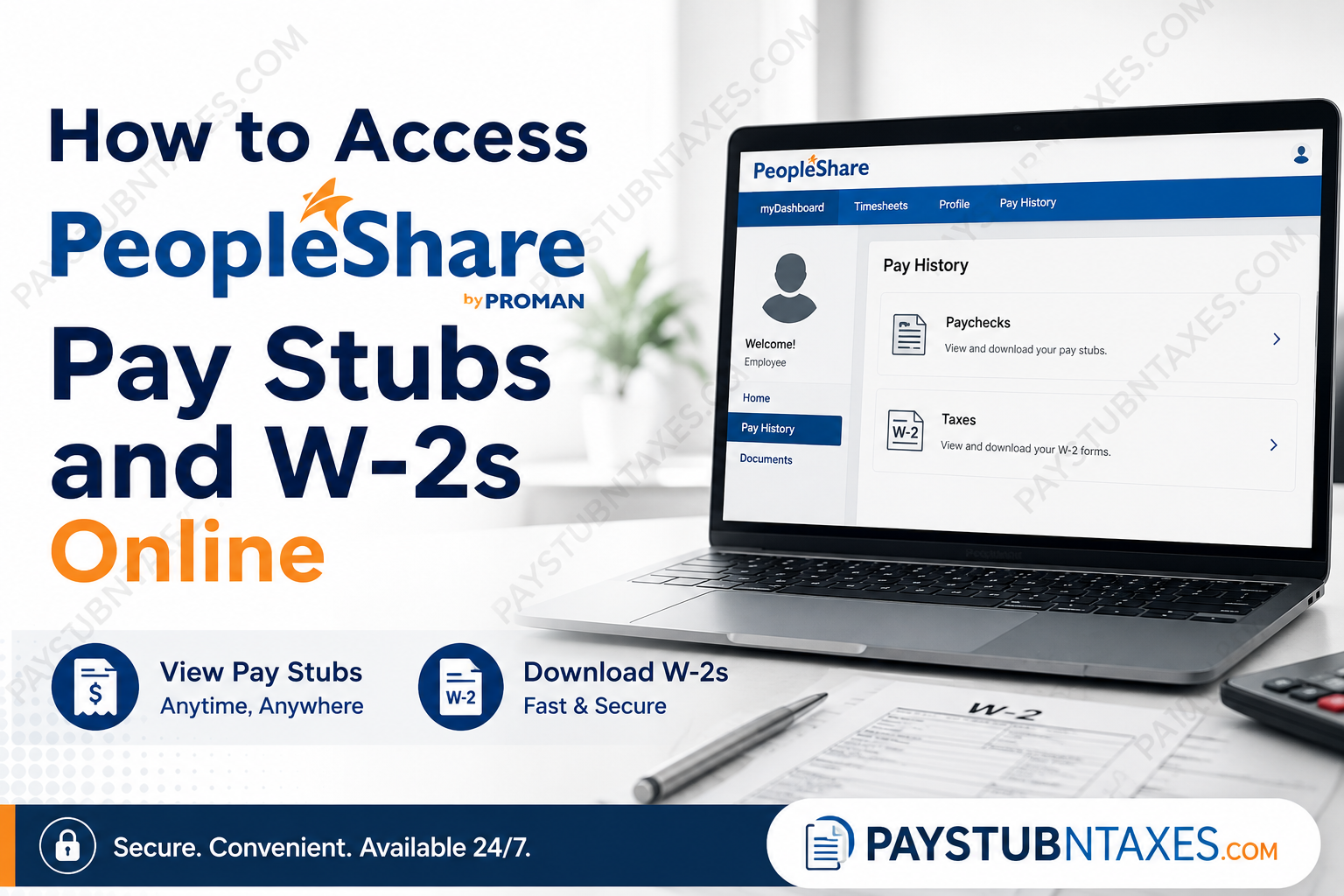
Step 4: Navigate to Pay History
After logging in: Pay History → Paychecks
Step 5: Open Your Pay Stub
Select the paycheck you wish to review, download, or print.
The employee dashboard contains a dedicated Pay History section where paychecks are stored electronically.
How to Access Your PeopleShare W-2 Online
Employees can also retrieve their tax forms electronically.
Step 1: Log into the Satellite Employee Portal.
Step 2: Select: Pay History → Taxes
Step 3: Choose the desired tax year.
Step 4: Download or print your W-2 form.
The portal maintains prior-year W-2 records, allowing employees to access important tax documents whenever necessary.
First-Time Login Instructions
If this is your first time using the portal:
- Open the login page.
- Click Forgot your password?
- Enter the email address associated with your PeopleShare account.
- Check your inbox for a password-reset email.
- Click the reset link.
- Create a new password.
- Select Save and Login.
The portal uses your email address on file as your username and provides self-service password recovery.
How to Reset Your Password
If you’ve forgotten your password:
- Visit the login page.
- Click Forgot your password?
- Enter your registered email address.
- Open the password reset email.
- Create a new password.
- Log in again.
If you don’t receive the email:
- Check your spam folder.
- Verify that you’re using the correct email address.
- Contact PeopleShare support for assistance.
Accessing Pay Stubs and W-2s on Mobile Devices
The PeopleShare Satellite Portal is fully mobile-friendly.
To access your payroll documents:
- Open the portal in your mobile browser.
- Sign in using your credentials.
- Tap Pay History.
- Select Paychecks or Taxes.
- Download or print your documents.
The portal has been designed to provide secure access from smartphones and tablets without requiring additional software.
Benefits of Electronic Payroll Access
Using the PeopleShare portal offers numerous advantages:
24/7 Availability
Access documents anytime, from anywhere.
Faster Tax Preparation
Retrieve W-2s immediately instead of waiting for mailed copies.
Enhanced Security
Documents are stored in a secure, password-protected environment.
Paperless Convenience
Download or print only when necessary.
Easy Record Keeping
Maintain digital copies of your earnings statements and tax documents.
Troubleshooting Login Issues
I Forgot My Password
Use the Forgot Password link.
I No Longer Have Access to My Email
Contact PeopleShare support.
My W-2 Is Missing
Confirm that you’re viewing the correct tax year.
My Account Is Locked
Wait several minutes and try again, or contact support.
I Cannot Access the Portal
Clear your browser cache or try a different browser.
PeopleShare Payroll Support
If you need assistance accessing your account or did not receive your W-2, contact:
PeopleShare Customer Service
📞 Phone: 610-489-1400
You may also contact your local PeopleShare branch for payroll assistance.
Final Thoughts
PeopleShare has streamlined payroll administration by offering employees secure online access to their earnings statements and tax documents through the Satellite Employee Portal. Whether you need a recent pay stub, a prior-year W-2, or simply wish to review your payroll history, the portal provides a quick, convenient, and paperless solution. By keeping your login credentials secure and updating your contact information regularly, you can ensure uninterrupted access to your payroll records whenever you need them.
FAQs
1. How do I access my PeopleShare pay stubs online?
Log in to the PeopleShare Satellite Employee Portal and navigate to Pay History → Paychecks.
2. What is the PeopleShare employee portal website?
The official portal is:
https://peopleshare.myavionte.com/satellite/login?buildId=GzaaMVS253U&appId=BOLD
3. Can former employees access their PeopleShare W-2 forms?
Yes. Former employees can typically access their payroll documents through the Satellite Employee Portal.
4. Where can I find my PeopleShare W-2 online?
After logging in, go to Pay History → Taxes to download your W-2 form.
5. What is my PeopleShare login username?
Your username is generally the email address associated with your PeopleShare account.
6. How do I reset my PeopleShare portal password?
Click Forgot your password?, enter your email address, and follow the instructions sent to your inbox.
7. Can I download and print my pay stubs?
Yes. The portal allows you to download, save, and print pay statements.
8. Is the PeopleShare portal available on mobile devices?
Yes. The Satellite Employee Portal is accessible from smartphones and tablets.
9. When are W-2 forms available?
W-2 forms are generally available by the end of January each year.
10. Can I view previous years’ W-2 forms?
Yes. Prior-year tax documents can be accessed under the Taxes section.
11. What should I do if I never received my W-2?
Contact PeopleShare Customer Service at 610-489-1400 for assistance.
12. Is the PeopleShare payroll portal secure?
Yes. The portal uses password-protected access to safeguard employee information.
13. Can I access my payroll records outside business hours?
Yes. The portal is available 24 hours a day, seven days a week.
14. Why can’t I log into my account?
Common reasons include an incorrect password, outdated email address, or temporary account lockout.
15. Who do I contact for payroll or W-2 assistance?
Call PeopleShare Customer Service at 610-489-1400 or contact your local PeopleShare branch.
