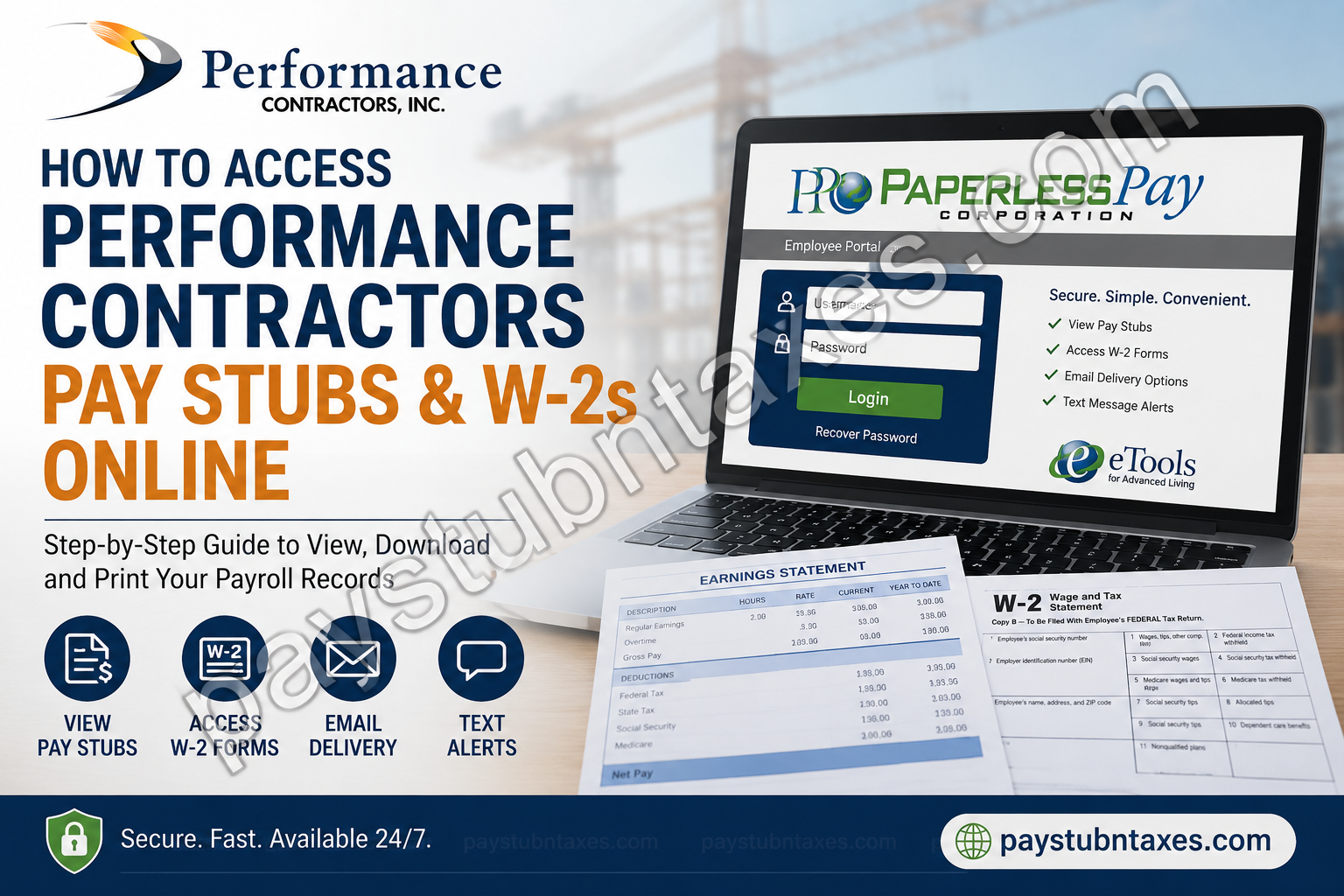
Performance Contractors has built a reputation as one of the leading merit shop industrial contractors in the United States, delivering comprehensive construction, maintenance, and turnaround services across industries ranging from petrochemical and refining to power generation and manufacturing. Alongside its commitment to safety and craftsmanship, the company also provides employees with convenient digital payroll services through the PaperlessPay my-eStub portal, enabling workers to access pay stubs and W-2 tax forms anytime and anywhere. If you’re a current or former employee wondering how to retrieve your payroll records online, this guide will walk you through the entire process.
What Is the Performance Contractors Employee Payroll Portal?
Performance Contractors uses PaperlessPay Corporation’s my-eStub platform to provide secure online access to:
- Electronic pay stubs
- W-2 tax forms
- Email pay stub delivery
- Password-protected PDF statements
- Text message notifications
- Payroll history for up to 36 months
The platform can be accessed from virtually any device with an internet connection, including:
- Desktop computers
- Laptops
- Tablets
- Smartphones
How to Register for My-EStub
Step 1: Visit the Website
Open your web browser and go to: https://www.my-estub.com
Then click Employee Portal.
Step 2: Enter Your Username
Your username follows this format: PC + Employee Number + First Four Letters of Your First Name
Example: PC12345678JOHN
The username is case-sensitive and should be entered exactly as provided.
Step 3: Enter the Default Password
For first-time users, the default password is: PC001$
After entering your credentials, click Login.
Change Your Password During Initial Setup
For security purposes, you’ll be required to create a new password.
Your new password must:
- Be between 6 and 20 characters
- Include at least one capital letter
- Include at least one number
- Include at least one special character
Examples of special characters:! @ # $ % ? &
Creating a strong password significantly reduces the risk of unauthorized access to your payroll information.
Set Up Security Questions
You must select and answer two security questions.
These questions are particularly important because they help you recover your account if you forget your password.
Although an email address is optional, it is strongly recommended since it enables the online password recovery feature.
Choose Your Pay Stub Delivery Preferences
The my-eStub system gives employees two convenient options.
Option 1: Email Notification
Receive an email when a new pay stub becomes available.
Option 2: Password-Protected PDF
Receive your pay stub as an encrypted PDF sent directly to your email address.
Many employees prefer the PDF option because it provides a downloadable copy for personal recordkeeping.
Enable Text Message Notifications
Performance Contractors also offers SMS notifications.
You can:
- Receive pay date alerts
- View key payroll information
- Receive payment notifications directly on your mobile phone
Simply:
- Select your cellular provider.
- Enter your phone number.
- Choose your notification preferences.
- Click Finish.
How to View Performance Contractors’ Pay Stubs Online
After successfully logging in:
Step 1: Select Payment Listing.
Step 2: Locate the desired pay period.
Step 3: Click the blue Trans ID next to the payment date.
Your complete pay statement will open in a separate window where you can:
- View earnings
- Review deductions
- Check taxes withheld
- Print copies
- Download records for future reference
How Long Are Pay Stubs Available?
Performance Contractors retains electronic pay stubs for:
- Up to 36 months, or
- As long as the company continues its partnership with PaperlessPay.
Employees are encouraged to download and save important payroll records periodically.
How to Access Your W-2 Form Online
The my-eStub portal also allows employees to receive W-2 forms electronically.
Step 1: Log into your account.
Step 2: Navigate to the W-2 section.
Step 3: Provide electronic consent.
You will need to:
- Select Yes
- Review the consent policy
- Click Consent
- Verify your information
Once consent has been provided, future W-2 forms will be available electronically for viewing and printing.
Benefits of Electronic W-2 Delivery
Electronic W-2 access offers numerous advantages:
Faster Delivery
No waiting for postal mail.
Better Security
Forms are protected behind secure login credentials.
Convenience
Access your tax documents from anywhere.
Easy Tax Filing
Download and import forms into tax preparation software.
Environmentally Friendly
Reduces paper usage and mailing waste.
Forgot Your Password?
If you’ve forgotten your password:
- Use the security questions you created during registration.
- If you cannot recover your account, contact PaperlessPay support.
Performance Contractors Payroll Support
For questions regarding:
- Login issues
- Password recovery
- W-2 access
- Pay stub retrieval
- Technical support
Contact:
PaperlessPay Employee Support Center
📞 1-800-489-1711 (Option 1)
📧 clientsupport@paperlesspaycorp.com
Support representatives can provide personalized assistance with your my-eStub account.
Troubleshooting Login Problems
Pop-Up Blocker Issues
Allow pop-ups from: www.my-estub.com
Incorrect Username
Ensure your username follows:
PC + Employee Number + First Four Letters of Your First Name
Password Errors
Passwords are case-sensitive.
Browser Problems
Try:
- Google Chrome
- Microsoft Edge
- Firefox
- Safari
Why Employees Prefer My-EStub
The my-eStub system transforms payroll management from a cumbersome paper-based process into a seamless digital experience. Whether you need a recent paycheck for a mortgage application, a previous year’s W-2 for tax filing, or a copy of your earnings history, the portal places your payroll information at your fingertips, allowing you to access essential documents whenever the need arises.
Final Thoughts
Performance Contractors continues to invest in tools that simplify the employee experience, and the my-eStub portal is a prime example. By offering secure online access to pay stubs and W-2 forms, the company enables employees to manage their payroll records efficiently without waiting for paper documents or contacting payroll departments. If you have not yet activated your account, setting up your my-eStub profile today can save considerable time and provide immediate access to your most important payroll documents.
Frequently Asked Questions
1. How do I access my Performance Contractors’ pay stubs online?
Visit www.my-estub.com, click Employee Portal, log in, and select Payment Listing to view your pay stubs.
2. What is the Performance Contractors payroll website?
Performance Contractors uses the PaperlessPay my-eStub portal, available at www.my-estub.com.
3. What is my default login password?
The default password for first-time users is:
PC001$
You will be required to change it after your initial login.
4. How is my username created?
Your username follows this format:
PC + Employee Number + First Four Letters of Your First Name
For example: PC12345678JOHN
5. Can I access my pay stubs from my phone?
Yes. The my-eStub portal is mobile-friendly and can be accessed from smartphones and tablets.
6. How long are my pay stubs available online?
Electronic pay stubs remain available for up to 36 months, or as long as Performance Contractors maintains its partnership with PaperlessPay.
7. How do I print my pay stub?
Open your pay stub by clicking the blue Trans ID, then use your browser’s print function.
8. How do I receive my W-2 online?
Log into my-eStub, go to the W-2 section, and provide electronic consent to receive your W-2 digitally.
9. Can I download my W-2?
Yes. Once available, your W-2 can be viewed, downloaded, and printed directly from the portal.
10. What if I forgot my password?
Use your security questions to recover your account. If you still cannot log in, contact PaperlessPay support.
11. Do I need an email address to use my-eStub?
No. However, an email address is required if you want to use the online password recovery feature and receive electronic pay notifications.
12. Can I receive my pay stub by email?
Yes. You can choose to receive email notifications or password-protected PDF copies of your pay stubs.
13. Does Performance Contractors offer text message notifications?
Yes. Employees can enable SMS notifications to receive important payroll information on their mobile devices.
14. Who do I contact if I cannot access my payroll information?
Contact the PaperlessPay Employee Support Center:
- Phone: 1-800-489-1711 (Option 1)
- Email: clientsupport@paperlesspaycorp.com
15. Is my payroll information secure on my-eStub?
Yes. The portal uses password protection, security questions, and encrypted document delivery options to safeguard employee payroll data.
