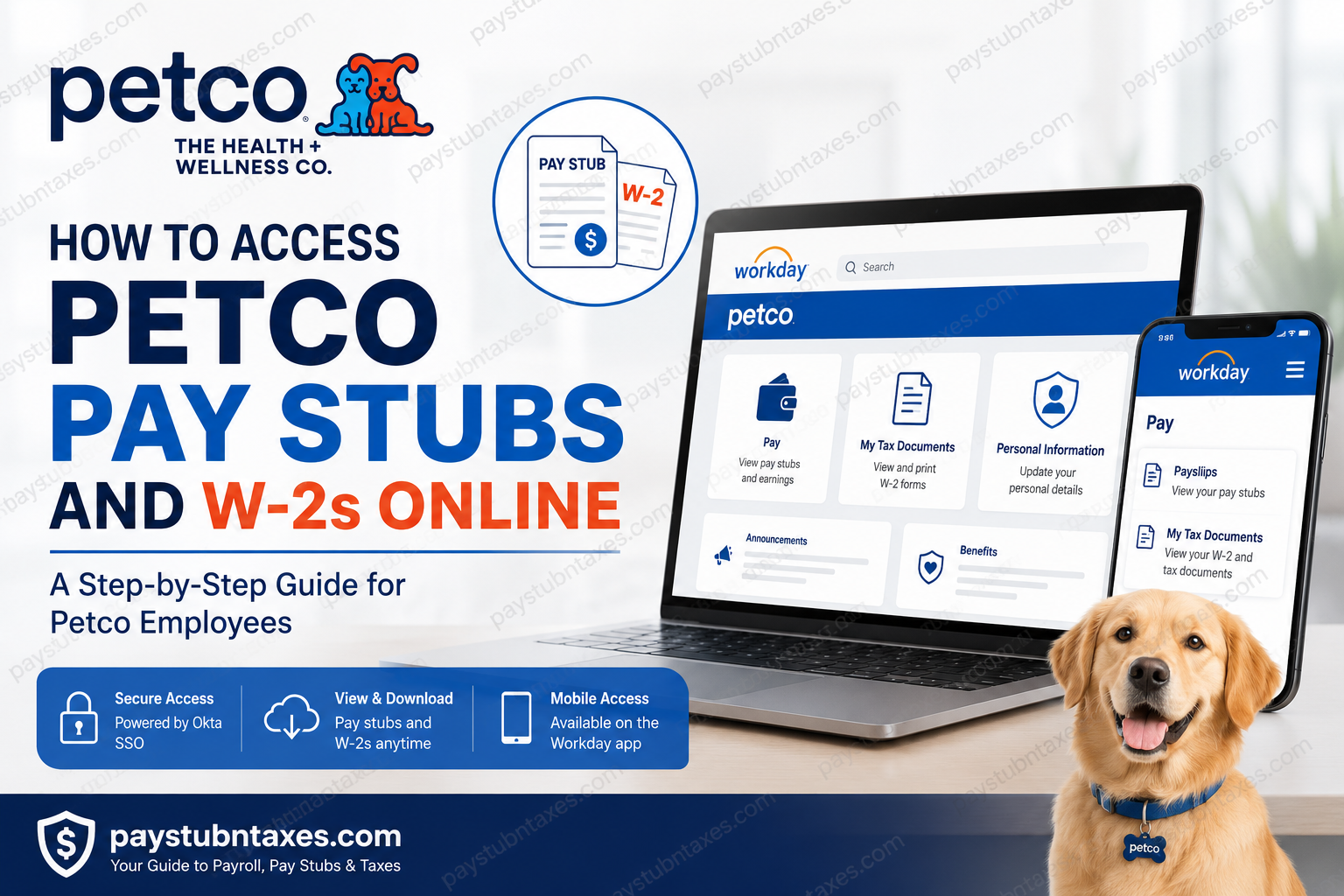
Petco has been a trusted name in pet care for more than six decades, operating over 1,500 stores and employing more than 29,000 partners across the United States, Mexico, and Puerto Rico. To streamline payroll and human resources processes, the company uses the Workday Human Capital Management (HCM) platform, allowing employees to conveniently access pay stubs, tax forms, benefits information, and career resources from virtually anywhere. If you’re a current or former Petco employee wondering how to retrieve your pay statements or download your annual W-2 tax form, this guide walks you through every step.
About Petco’s Employee Self-Service System
Petco utilizes Workday as its centralized Human Resources Information System (HRIS). The platform allows employees to:
- View and download pay stubs
- Access W-2 tax forms
- Update personal information
- Manage direct deposit
- Review benefits elections
- Apply for internal positions
- Access payroll and tax documents securely
The company’s Workday ecosystem is integrated into many of its HR and hiring functions, making it the primary digital portal for employee information.
How to Log Into Petco Workday
Step 1: Visit the Login Page
Go to: https://wd504.myworkday.com/petco/login.htmld
You will be redirected to the Petco Workday sign-in page powered by Okta.
Step 2: Enter Your Petco ID Number
The login page requests your:
- Employee ID Number, or
- Contractor ID Number.
Select Next.
Step 3: Complete Authentication
After entering your ID number:
- Enter your password.
- Complete any required multi-factor authentication.
- Access your Workday dashboard.
How to View Petco Pay Stubs Online
Once signed into Workday:
Method 1: Through Your Profile
- Sign in to Workday.
- Select your profile picture.
- Click Pay.
- Select Payslips.
- Choose the desired pay period.
- Open the PDF copy of your pay statement.
- Download or print your pay stub.
Workday stores electronic payslips that can be viewed and printed directly from the system.
Method 2: Using the Pay Application
- Open Workday.
- Select the Pay application.
- Under View, click Payslips.
- Select the paycheck date you need.
- Download or print the statement.
Information Available on Your Pay Stub
Your Petco payslip generally includes:
- Employee name and ID
- Pay period dates
- Gross earnings
- Federal and state tax deductions
- Social Security and Medicare withholdings
- Benefit deductions
- Direct deposit information
- Year-to-date earnings
- Vacation and PTO balances (where applicable)
How to Access Your Petco W-2 Online
Petco employees can obtain their annual tax forms directly through Workday.
Steps to Download Your W-2:
- Log into Workday.
- Navigate to the Pay dashboard.
- Click My Tax Documents.
- Select the appropriate tax year.
- Click View/Print.
- Download or print your W-2.
Alternative Method to Find W-2 Forms
Some Petco employees locate their tax forms by:
- Logging into Workday.
- Using the Search Bar.
- Selecting Tasks & Reports.
- Typing:
My Tax Documents
- Opening the W-2 form from the results.
How Former Petco Employees Can Obtain W-2 Forms
Former employees may lose access to Workday after separation from the company.
If you can no longer sign in:
Option 1: Contact Petco Human Resources and request access instructions.
Option 2: Some former employees may be directed to access tax documents through an alternative payroll platform, such as ADP, depending on their employment period and account status.
Option 3: Request a duplicate W-2 from the HR Help Desk.
How to Download and Print Your W-2
After opening your tax document:
- Click the Download icon to save the PDF.
- Click the Printer icon to print the document.
- Use the navigation arrows to move between pages if your form contains multiple pages.
Accessing Petco Workday Through the Mobile App
You can also use the Workday mobile application.
Setup Instructions:
- Download the Workday app from:
- Apple App Store
- Google Play Store
- Enter the organization code: petco
- Sign in using your Employee ID Number and password.
The app allows employees to:
- View pay stubs
- Download W-2 forms
- Update personal information
- Review benefits
- Access company resources
Troubleshooting Workday Login Issues
If you cannot sign in:
Verify:
- Employee ID Number
- Password
- Internet connection
- Multi-factor authentication
If Your Account Is Locked:
Use:Unlock Account on the login page. Or contact HR support.
Petco Payroll Contact Information
Petco HR Help Desk
Phone: 877-435-7670
Alternate Phone: 1-888-583-6044, Option 3
Email: Tasha.Tuch@petco.com
Final Thoughts
Petco has embraced digital payroll management through Workday, making it remarkably straightforward for employees to retrieve pay statements and tax documents without the inconvenience of paper records. Whether you are an active partner or a former employee seeking your W-2, the platform offers a secure and efficient self-service experience. Should you encounter any obstacles, Petco’s Human Resources team remains available to help you get back on track quickly and efficiently.
Frequently Asked Questions
1. What website do I use to access Petco pay stubs?
Use the Petco Workday portal at:https://wd504.myworkday.com/petco/login.htmld
2. What is the organization code for the Workday app?
The Workday organization code is petco.
3. What login credentials do I need?
You need your Employee ID Number or Contractor ID Number and your password.
4. How do I view my pay stubs in Workday?
Navigate to Pay → Payslips, then select the desired pay period.
5. How can I download my Petco pay stub?
Open the payslip and click the PDF download icon to save it.
6. Where can I find my W-2 form?
Go to Pay → My Tax Documents in Workday.
7. When does Petco release W-2 forms?
W-2 forms are typically available by January 31 each year.
8. Can I print my W-2 directly from Workday?
Yes. Open the document and click the Print icon.
9. Can former employees access their W-2 online?
Some former employees may still have access or may need to contact HR for alternative access instructions.
10. What should I do if I forgot my Workday password?
Use the Forgot Password or Unlock Account option on the login page.
11. Can I access Petco payroll documents from my phone?
Yes. Download the Workday mobile app and enter the organization code petco.
12. Why can’t I see my pay stub in Workday?
Your pay statement may not have been published yet, or your account access may need to be refreshed by HR.
13. How long are pay stubs available in Workday?
Current employees generally have ongoing access to electronic pay records while employed.
14. Who do I contact for payroll or tax document issues?
Contact the Petco HR Help Desk at 877-435-7670 or 1-888-583-6044, Option 3.
15. How do I get a replacement copy of my W-2?
You can download another copy from Workday or request assistance from the HR Help Desk if you no longer have access.
