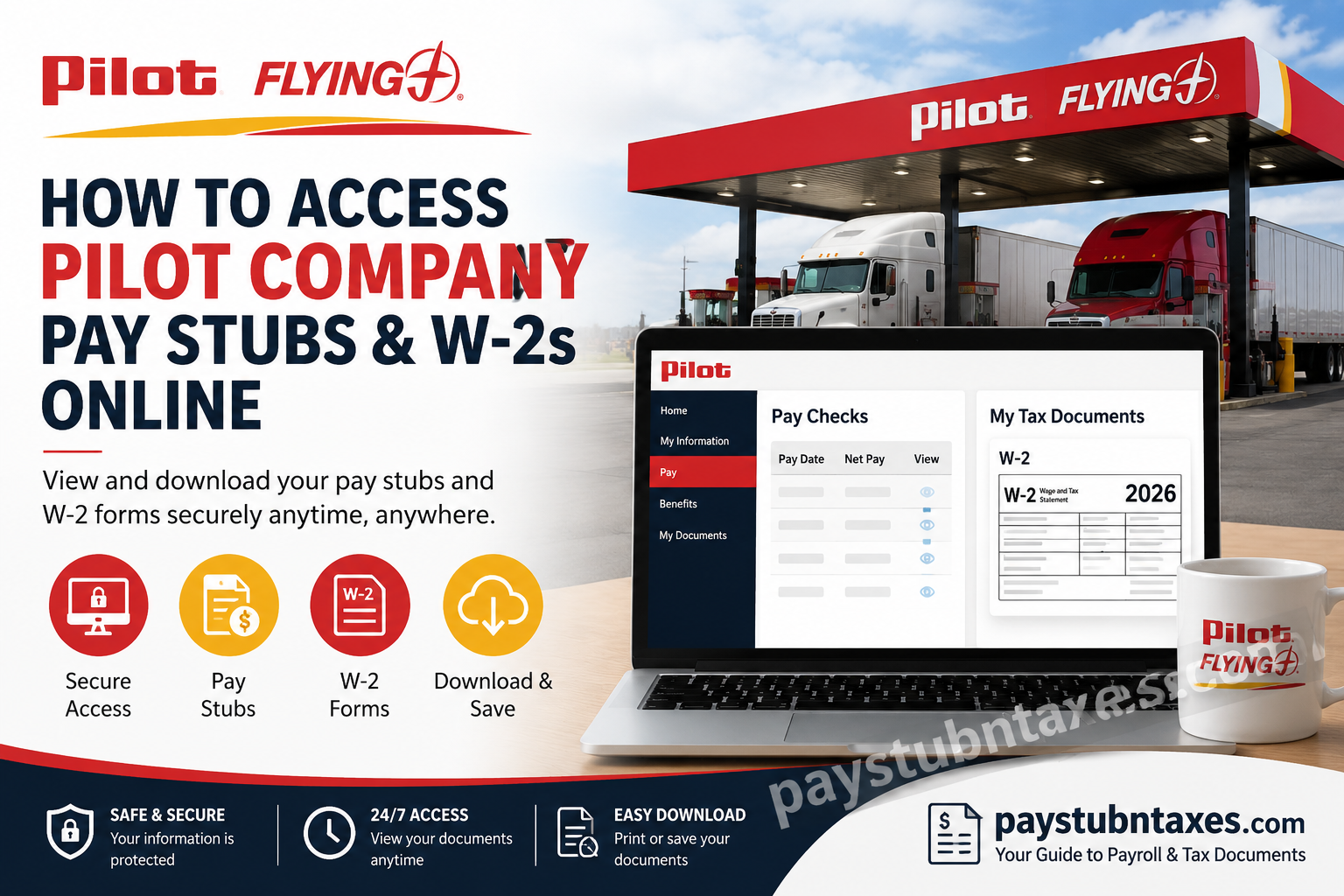
Pilot Company, widely recognized as Pilot Flying J, has grown from a single gas station in Virginia into the largest travel center operator in North America, serving more than a million guests every day across hundreds of locations in the United States and Canada. With more than 26,000 team members and a strong commitment to innovation, the company has also modernized its payroll and tax document systems by introducing digital self-service tools for employees. Today, current and former employees can conveniently access their pay stubs, W-2 forms, and other payroll documents online through the Infor Global HR (GHR) platform and MHC Software Document Self Service portal. This guide explains everything you need to know about accessing your payroll records quickly and securely.
Pilot Company Employee Portal Overview
Pilot Company utilizes two integrated systems for payroll administration:
- Infor Global HR (GHR): Used for employee information and payroll access.
- MHC Software Document Self Service: Used for electronic pay statements and tax documents, including W-2 forms.
The transition to digital payroll management has significantly simplified the process of obtaining employment and tax documents, eliminating the need to wait for paper copies or contact Human Resources for routine requests.
Pilot Company Pay Stub and W-2 Portal Login
Current employees may access their payroll information through either of the following portals:
- Pilot Infor Documents Self-Service Portal:
https://pilotco.pilotcompany.com/new/ - Infor Global HR Portal:
https://mingle-portal.inforcloudsuite.com/PILOT_PRD
How to Sign In to the Pilot Employee Portal
- Visit one of the login portals above.
- Enter your Pilot Company username.
- Enter your password.
- Click Sign On.
Important: Employees should sign in using only their Pilot Company credentials. Domain prefixes such as pilotcorp\pfjstores are no longer required.
How to Access Pilot Company Pay Stubs Online
After signing in:
Step 1: Open the Infor Global HR application.
Step 2: Ensure Employee is selected from the landing page.
Step 3: Navigate to: Home → Pay → Pay Checks
Step 4: Select the desired pay period.
Step 5: Download, save, or print your pay statement.
The portal provides access to current and historical pay statements, enabling employees to review:
- Gross earnings
- Net pay
- Federal and state tax withholdings
- Benefit deductions
- Retirement contributions
- Direct deposit information
How to Receive Pay Stub Notifications by Email
Pilot employees may elect to receive email notifications whenever a new pay statement becomes available.
To enable notifications:
- Open the Pay tile.
- Select Additional Pay Resources.
- Click WebChecks.
- Under My Delivery Settings, choose WebChecks.
- Select Yes for Web Delivery.
- Enter one or two email addresses.
- Click Submit.
Employees may also choose to receive password-protected copies of their pay stubs directly via email.
How to Access Your Pilot Company W-2 Online
To view your W-2:
Step 1: Log in to the Infor GHR portal.
Step 2: Open Infor Global HR.
Step 3: Navigate to: Employee Space → My Tax Documents
Step 4: The system will automatically redirect you to the MHC Software Document Self Service portal.
Step 5: Under View My Documents, select:
- W-2
- 1095-C
Step 6: Choose the desired tax year.
Step 7: Click View Selected to open your document in PDF format.
How to Authorize Electronic W-2 Delivery
Employees who prefer electronic delivery instead of receiving a paper copy through the mail must provide authorization.
Follow these steps:
- Click the blue ElecW2 link under My Delivery Settings.
- Select Click HERE to get authorized.
- Click Print Test.
- Open the sample PDF.
- Click Yes when asked if the document printed successfully.
- Read the authorization agreement.
- Click I Agree.
- Enter your email address.
- Click Submit.
A green check mark beside ElecW2 indicates that electronic delivery has been successfully activated.
When Will Pilot Company W-2 Forms Be Available?
For the 2026 tax year:
- Electronic W-2 forms for current and former U.S. employees will be available no later than January 31, 2027.
- Employees who opted out of electronic delivery will receive their paper W-2 forms by mail no later than January 31, 2027.
Can Former Employees Access Their W-2 Online?
Yes. Former employees who previously enrolled in electronic delivery can continue accessing their W-2 forms through the MHC Software Document Self Service portal.
If your portal credentials are inactive or you no longer have access, contact Payroll or the Technology Solution Center for assistance.
Benefits of Electronic W-2 and Pay Stub Access
Using the online portal offers several advantages:
✔ Immediate access to payroll records
✔ Download and print documents anytime
✔ Reduced risk of lost mail
✔ Secure password-protected access
✔ Faster tax filing preparation
✔ Environmentally friendly paperless delivery
Troubleshooting Pilot Company Login Issues
If you cannot access your account:
Verify Your Credentials
Ensure you are using your current Pilot username and password.
Reset Your Password
Use the Trouble Logging In? option on the login page.
Clear Browser Cache
Delete cookies and temporary files before attempting another login.
Try Another Browser
Google Chrome and Microsoft Edge generally provide the best experience.
Disable Browser Extensions
Certain extensions may interfere with portal functionality.
Pilot Company Payroll Support Contact Information
Technology Solution Center
📞 Phone: 865-474-HELP
📧 Email: Payroll.Help@pilotcompany.com
The support team can assist with:
- Login issues
- Password resets
- Missing pay stubs
- W-2 access problems
- Electronic delivery enrollment
- Payroll discrepancies
Final Thoughts
Pilot Company has streamlined payroll administration by providing employees with secure, self-service access to pay stubs and tax documents through the Infor Global HR and MHC Software platforms. Whether you need a recent paycheck, an old W-2, or simply want to switch to paperless delivery, the online portal makes the process straightforward, secure, and available around the clock. By enrolling in electronic delivery and keeping your contact information current, you can ensure that your payroll and tax documents are always just a few clicks away.
Frequently Asked Questions
1. How do I access my Pilot Company pay stubs online?
Log into the Pilot Employee Portal, open Infor Global HR, and navigate to Home → Pay → Pay Checks.
2. Where can I download my Pilot Flying J W-2?
After signing in, select My Tax Documents and choose your W-2 from the MHC Software Document Self Service portal.
3. What website do Pilot employees use for payroll information?
Employees use:
- https://pilotco.pilotcompany.com/new/
- https://mingle-portal.inforcloudsuite.com/PILOT_PRD
4. When will my 2026 Pilot Company W-2 be available?
Electronic W-2s will be available by January 31, 2027.
5. Does Pilot Company mail paper W-2 forms?
Yes. Employees who opt out of electronic delivery receive paper W-2 forms by mail.
6. Can former Pilot employees access their W-2 online?
Yes, if they still have active credentials or electronic delivery access.
7. How do I enroll in electronic W-2 delivery?
Go to ElecW2, complete the authorization process, and submit your consent.
8. Can I print my Pilot pay stubs?
Yes. Pay stubs can be downloaded and printed from the employee portal.
9. How far back can I view my pay statements?
Available pay history depends on your account access and document retention settings.
10. What should I do if I forgot my Pilot login password?
Use the Trouble Logging In? link on the sign-in page or contact support.
11. Can I receive pay stub notifications by email?
Yes. Enable WebChecks and enter your preferred email address.
12. Is the Pilot employee portal available on mobile devices?
Yes. You can access the portal from any smartphone or tablet browser.
13. What documents are available in MHC Software Document Self Service?
The portal stores:
- Pay stubs
- W-2 forms
- 1095-C forms
- Other employee documents
14. Who do I contact for payroll assistance?
Contact the Technology Solution Center:
- Phone: 865-474-HELP
- Email: Payroll.Help@pilotcompany.com
15. Is electronic W-2 delivery secure?
Yes. The system uses secure authentication and password-protected PDF documents to protect employee information.
