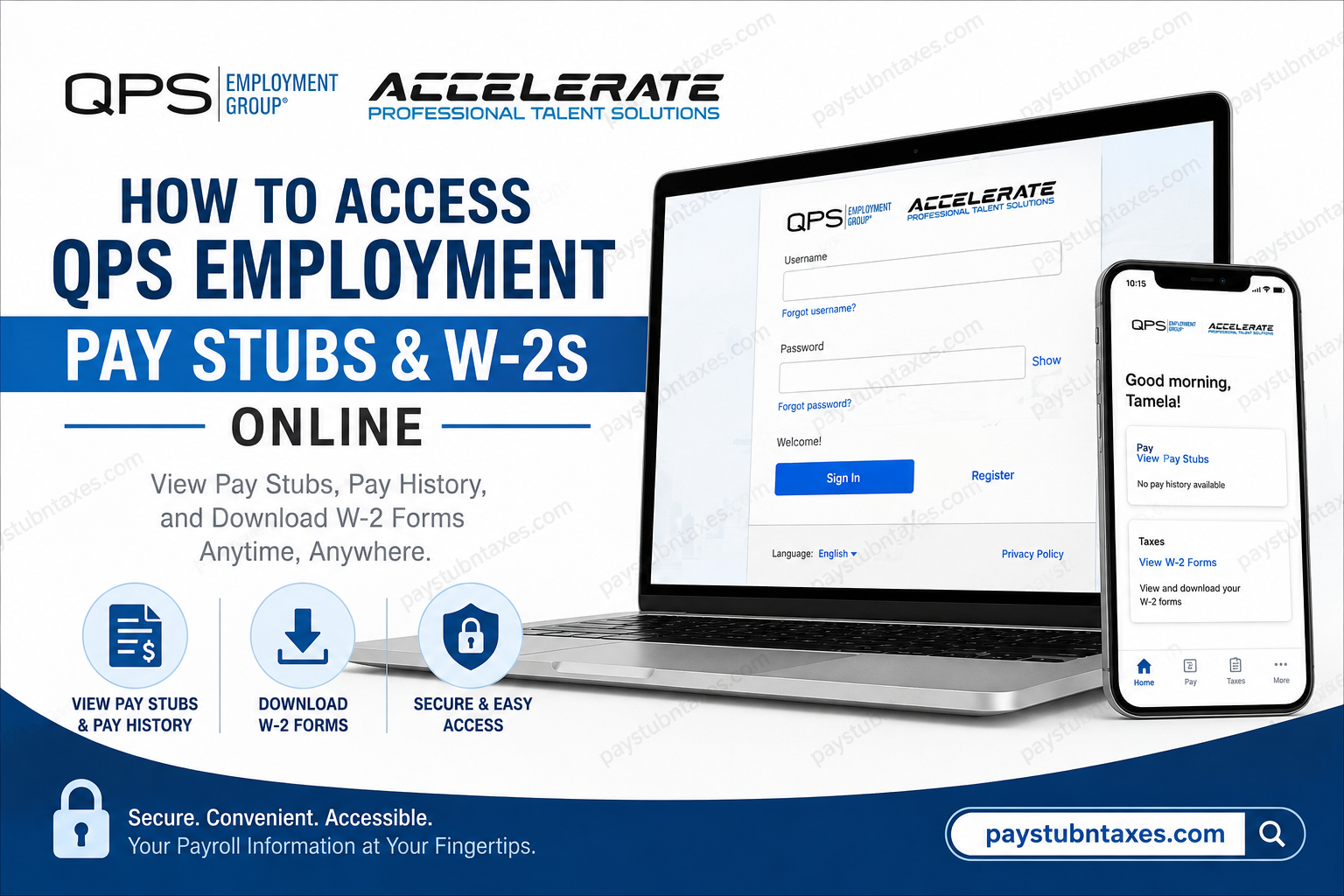
Managing payroll records efficiently is no longer a luxury in today’s fast-paced professional landscape—it is an essential component of financial organization and tax compliance. Fortunately, employees of QPS Employment Group and its specialized division, Accelerate Talent Group, can conveniently access pay stubs, tax forms, and HR documents online through the PrismHR Employee Portal. Whether you need to verify earnings, download a previous pay statement, or retrieve your W-2 during tax season, this comprehensive guide will walk you through the entire process with clarity and precision.
About QPS Employment Group
Founded in 1985, QPS Employment Group has evolved from a modest two-person operation into one of the Midwest’s premier staffing firms, boasting more than 54 office locations and over 300 internal employees. Each week, the company employs over 6,000 associate workers while serving more than 1,500 businesses across diverse industries.
Its specialized division, Accelerate Talent Group, focuses on recruiting professionals in IT, accounting, finance, and human resources—particularly within the manufacturing sector—while maintaining QPS’s hallmark people-first philosophy.
Can QPS Employees Access Pay Stubs and W-2s Online?
Yes. Current and many former QPS employees can access payroll and tax documents electronically through the PrismHR Employee Portal.
The portal allows employees to:
- View and download pay stubs
- Access pay history
- Enroll in electronic W-2 delivery
- Download W-2 tax forms
- Review safety documents
- Update personal information
- Access benefits information
QPS Employment Group Employee Portal Login
Employees may access the PrismHR portal directly using the following link:
PrismHR Employee Portal:
https://qeg-ep.prismhr.com/uex/#/auth/login
Alternatively, employees can access the portal through the QPS onboarding platform:
Onboarding Portal:
https://app.ableteams.com/profile/#/qpsemploymentgroup/branch/login
After signing in to the onboarding portal:
- Select Employee Resources from the left-hand menu.
- Choose PrismHR (English) or PrismHR (Spanish).
- Log in using your PrismHR credentials.
New User Registration
If you have never accessed PrismHR before, registration is required.
Steps to Register:
- Visit the PrismHR login page.
- Click Register at the bottom of the login screen.
- Complete the New User Registration process.
- Provide the requested identifying information, such as:
- Last name
- Social Security Number (or other identifier)
- Personal email address
- Create a username and password.
- Log in to your newly created account.
Once registration has been completed, future access requires only your username and password.
How to Access QPS Pay Stubs Online
Accessing pay statements through PrismHR is remarkably straightforward.
Desktop Instructions
- Sign in to the PrismHR Employee Portal.
- The dashboard displays your three most recent pay stubs.
- Click View More or select Pay from the left-side menu.
- Locate the pay period you wish to review.
- Click View Paystub.
- Select View Check.
- A PDF version of your pay stub will download automatically.
- Open the file to:
- View
- Save
Pro Tip: If the PDF does not appear immediately, check your Downloads folder and ensure that pop-up blockers are disabled in your browser.
Access Pay Stubs on Mobile Devices
QPS employees can also retrieve payroll records from smartphones or tablets using the PrismHR Employee Portal mobile app. The app offers functionality nearly identical to the desktop experience, including access to pay history, W-2s, benefits, and personal information. The mobile setup requires a one-time access code or QR code obtained from the Account Settings page.
Mobile Steps:
- Log in to the QPS onboarding portal.
- Tap the three dots in the lower-right corner.
- Select Employee Resources.
- Choose PrismHR (English) or PrismHR (Spanish).
- Sign in to your PrismHR account.
- Your pay information appears directly on the home screen. The mobile instructions also indicate that new users may register directly from the login page if they have not previously created an account.
How to Access QPS W-2 Forms Online
Electronic W-2 access simplifies tax preparation and eliminates the risk of misplaced paper forms.
Step-by-Step W-2 Access
- Log in to the PrismHR Employee Portal.
- Select Taxes from the left-side navigation menu.
- Click W-2.
- If you have not yet enrolled in electronic delivery:
- Check the enrollment box.
- Click Enroll.
- Under Download W-2, select the desired tax year.
- Click the Download icon.
- Your W-2 PDF will begin downloading automatically.
The W-2 navigation path—Taxes → W-2 → Download—is illustrated in the employee instructions, which show employees selecting the desired tax year before downloading the form.
How to Set Up the PrismHR Mobile App
The PrismHR mobile application is available for both:
- Apple App Store
- Google Play Store
To activate the app:
- Log into the Employee Portal on a browser.
- Click your profile image.
- Open Account Settings.
- Select the Mobile App tab.
- Copy the access code or scan the QR code.
- Open the PrismHR app.
- Enter the access code or scan the QR code.
- Log in using your existing credentials.
The app provides convenient access to pay stubs, benefits summaries, W-2 forms, and personal information directly from a mobile device.
Troubleshooting Login Issues
If you experience difficulties accessing your account:
Forgot Username
Click Forgot Username? on the login screen.
Forgot Password
Select Forgot Password? and follow the reset instructions.
Browser Problems
- Enable pop-ups.
- Clear browser cache and cookies.
- Try another browser or device.
Contact QPS for W-2 Assistance
If you have questions regarding your W-2 form or payroll records:
QPS Employment Group Support
📞 414-831-1923
You may also contact your local QPS office for additional assistance.
Why Electronic Pay Stubs and W-2s Matter
Electronic payroll systems offer numerous advantages:
- Faster access to earnings information
- Reduced paper clutter
- Secure document storage
- Convenient tax preparation
- Easy access from any device
- Environmentally friendly recordkeeping
In an era increasingly defined by digital transformation, maintaining immediate access to payroll documents is not merely convenient—it is indispensable.
Final Thoughts
QPS Employment Group has embraced digital workforce solutions by providing employees with secure, self-service access to payroll and tax documents through PrismHR. Whether you need to download a recent pay stub, enroll in electronic W-2 delivery, or retrieve prior tax records, the process is intuitive and accessible from both desktop and mobile devices. By leveraging these online tools, employees can manage their financial records efficiently, remain tax-ready year-round, and enjoy greater control over their employment information.
Frequently Asked Questions
1. How do I access my QPS pay stubs online?
Log in to the QPS PrismHR Employee Portal, navigate to the Pay section, and select View Paystub to download or print your statement.
2. What website do QPS employees use to access payroll information?
QPS employees use the PrismHR Employee Portal at:
https://qeg-ep.prismhr.com/uex/#/auth/login
3. Can former QPS employees access W-2 forms online?
Yes. Former employees who still have active PrismHR access may log in and retrieve W-2 forms electronically.
4. How do I register for the QPS PrismHR portal?
Click Register on the PrismHR login page and complete the New User Registration process using your identifying information.
5. Where can I find my W-2 in PrismHR?
After logging in, go to Taxes > W-2, select the desired tax year, and download the form.
6. How do I enroll in electronic W-2 delivery?
Navigate to the W-2 section, check the electronic consent box, and click Enroll.
7. Can I access QPS pay stubs on my phone?
Yes. Employees can use the PrismHR Employee Portal mobile app on iOS and Android devices.
8. What should I do if I forgot my PrismHR password?
Click Forgot Password? on the login screen and follow the instructions to reset your password.
9. How many recent pay stubs are displayed on the dashboard?
The PrismHR dashboard typically displays the three most recent pay statements.
10. Can I print my QPS pay stub?
Yes. After opening the PDF pay stub, you can save or print it for your records.
11. Why won’t my pay stub download?
Ensure pop-ups are enabled and check your browser’s download folder if the PDF does not appear automatically.
12. Is the PrismHR Employee Portal secure?
Yes. PrismHR uses secure authentication and encryption to protect employee payroll and personal information.
13. Can I access W-2 forms for previous years?
Yes. Employees can select earlier tax years from the W-2 dropdown menu if available.
14. Who do I contact if I have questions about my W-2?
Contact your local QPS office or call 414-831-1923 for assistance.
15. Does the PrismHR app provide access to benefits and HR documents?
Yes. The app provides access to pay stubs, W-2s, benefits summaries, and personal information.
