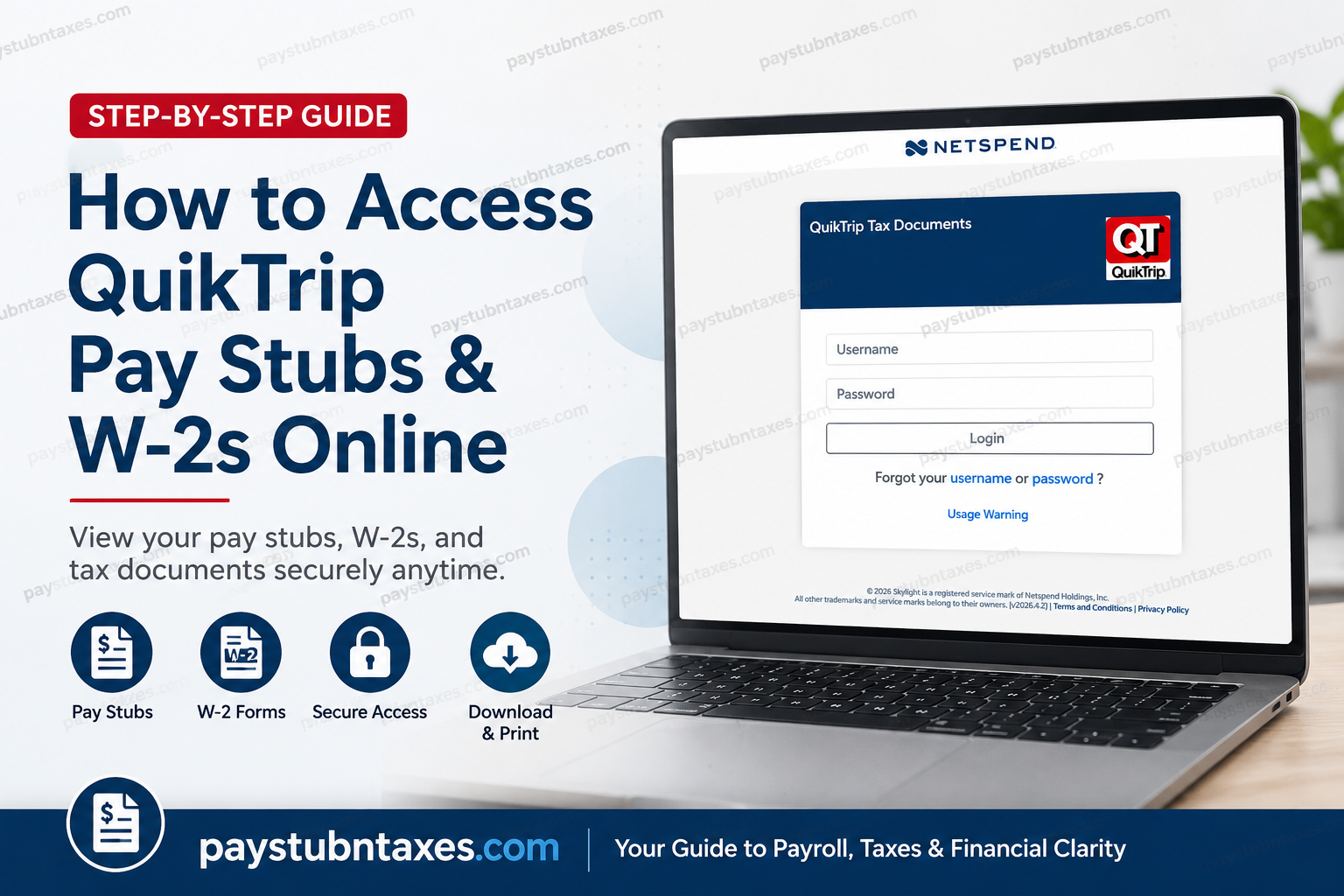
Employees and former employees of QuikTrip can conveniently access their pay stubs, W-2 tax forms, and electronic payroll documents online through the Online Wage Statements portal. Whether you need your most recent paycheck information, historical wage statements, or year-end tax documents for filing purposes, the process is straightforward once your account has been properly configured. As one of America’s most respected convenience store chains, QuikTrip has consistently invested in employee-focused technology that simplifies payroll access while maintaining high standards of security and privacy. This comprehensive guide explains exactly how to log in, activate your account, retrieve your W-2 forms, reset your password, and troubleshoot common access issues.
About QuikTrip Corporation
QuikTrip Corporation is a privately held American convenience store and gasoline retailer headquartered in Tulsa, Oklahoma. Founded in 1958, the company has grown into one of the largest privately owned corporations in the United States, operating more than 800 stores across multiple states while employing tens of thousands of workers.
QuikTrip is widely recognized for its exceptional workplace culture, customer service standards, and employee development opportunities. The company’s commitment to operational excellence extends to its payroll and employee self-service systems, allowing workers to securely manage wage statements and tax documentation online.
QuikTrip Pay Stub and W2 Portal
Employees can access their payroll information through the official QuikTrip Online Wage Statements portal:
Official Payroll Portal
QuikTrip Online Wage Statements Portal
This secure platform allows employees to:
- View current pay stubs
- Access previous wage statements
- Download and print W-2 forms
- Elect electronic W-2 delivery
- Update profile information
- Reset passwords securely
- Manage account authentication settings
Important First-Time Login Requirement
Before beginning the registration process, employees should understand one critical requirement:
Your initial login and email verification must be completed using the same device.
For example:
- If you sign in using a computer, you must verify your email from that same computer.
- If you sign in using your smartphone, you must complete the email verification on that same phone.
Attempting to log in on one device while verifying your account on another device may cause the authentication process to fail.
Once your account has been fully activated, you may access your pay stubs and W-2 forms from either a phone or a computer.
How to Access QuikTrip Pay Stubs Online
Follow these detailed steps to access your electronic pay statements.
Step 1: Visit the QuikTrip Payroll Website
Open your web browser and navigate to:
QuikTrip Employee Payroll Login
You will arrive at the employee login page.
Step 2: Enter Your Default Username
Your default username is:
- Your Social Security Number (SSN)
Enter the number exactly as requested on the login screen.
Step 3: Enter Your Default Password
Your default password consists of:
- The first five characters of your last name
- All letters must be lowercase
- Special characters are removed
Examples
| Last Name | Default Password |
| Vu | vu |
| Tucker | tucke |
| O’Brien | obrie |
| Johnson | john |
If your last name contains fewer than five letters, simply use the entire surname in lowercase.
Step 4: Complete Secondary Authentication
After your initial login, the system will request additional identity verification.
You must enter:
- Your birth date in MMDDYYYY format
Example:
- January 15, 1990 → 01151990
This extra security layer helps protect sensitive payroll and tax information from unauthorized access.
Step 5: Create a New Password
For security purposes, you will immediately be prompted to change your password.
A strong password should:
- Include uppercase and lowercase letters
- Contain at least one number
- Be memorable but difficult to guess
- Avoid personal information
Choose a password you can easily remember for future logins.
Step 6: Enter and Verify Your Email Address
After changing your password, the system will prompt you to:
- Add your email address
- Accept or decline electronic W-2 delivery
- Verify your email account
Electronic W-2 delivery is highly recommended because it:
- Prevents lost mail
- Provides faster tax document access
- Enhances document security
- Reduces paper clutter
Once your email address is entered:
- Select “Send Verification Email”
- Open your inbox
- Click the verification link
- Return to the portal
Remember that the verification process must occur on the same device used during registration.
Step 7: Create a Permanent Username
For security reasons, QuikTrip does not allow employees to continue using their Social Security Number as a permanent username.
You must create:
- A unique username for future access
After updating your credentials, your account setup will be complete.
How to View Current Pay Stubs
Once logged in successfully, accessing your paycheck information is simple.
To View Your Current Pay Stub
- Log in to the payroll portal
- Select “Current Pay Period”
- Open the available wage statement
- Review earnings, deductions, taxes, and net pay
Employees may also print or save copies for personal records.
How to Access Previous Pay Stubs
The payroll system stores historical wage statements for convenient access.
Steps to View Older Pay Statements
- Log into the portal
- Click “Statement History”
- Select the pay periods you wish to view
- Click “View Selected Wage Statements”
This feature is particularly useful when:
- Applying for loans
- Verifying employment income
- Preparing financial documentation
- Reviewing payroll deductions
How to Access QuikTrip W-2 Forms Online
Employees can also retrieve year-end W-2 tax forms electronically.
Steps to Access W-2 Forms
- Sign into the payroll portal
- Navigate to “W2 History”
- Select the appropriate tax year
- Download or print your W-2
Please note:
- The “W2 History” section only appears once a W-2 has been issued and posted.
Electronic W-2 access significantly reduces delays commonly associated with traditional mail delivery.
Password Reset and Account Recovery
If you forget your password, the portal includes built-in recovery options.
Password Assistance Process
If you enter an incorrect password three times:
- Your account may become temporarily locked.
To reset your password:
- Click “Forgot Password”
- Enter your username
- Answer one of your secret security questions
- Follow the reset instructions
After successful verification, your password may be reset to your Social Security Number temporarily, requiring you to create a new password upon login.
If you fail multiple security-question attempts, you may need to contact customer support or your HR department for assistance.
Benefits of Electronic Pay Stubs and W-2s
QuikTrip’s digital payroll system offers several important advantages.
Faster Access
Employees can retrieve payroll information anytime without waiting for paper delivery.
Enhanced Security
Electronic payroll documents reduce the risk of:
- Mail theft
- Lost documents
- Unauthorized access
Convenient Recordkeeping
Workers can:
- Download PDFs
- Print copies instantly
- Maintain digital financial records
Access from Anywhere
Employees may securely log in from:
- Home computers
- Smartphones
- Tablets
- Workplace devices
Common Login Problems and Solutions
Incorrect Password
Ensure:
- Your password is lowercase
- Special characters are removed
- The first five letters of your last name are used correctly
Email Verification Issues
Always complete the initial setup and email verification using the same device.
Locked Account
If your account becomes locked after multiple failed attempts:
- Use the password recovery option
- Contact HR or payroll support if necessary
Payroll Portal Security Tips
To keep your account secure:
- Never share your login credentials
- Use a strong password
- Update your password periodically
- Avoid logging in on public computers
- Log out after every session
Since payroll records contain highly sensitive information, maintaining proper security habits is essential.
Final Thoughts
QuikTrip’s online payroll system offers employees a secure, efficient, and user-friendly way to access pay stubs and W-2 tax forms from virtually anywhere. By following the setup instructions carefully—especially the same-device verification requirement—employees can activate their accounts quickly and enjoy uninterrupted access to their payroll records throughout the year. Whether you are reviewing your latest paycheck, downloading historical wage statements, or preparing your annual tax filing, the QuikTrip Online Wage Statements portal streamlines the entire process while maintaining exceptional standards of data security and convenience.
Frequently Asked Questions
1. How do I access my QuikTrip pay stubs online?
Visit the QuikTrip Online Wage Statements portal, log in with your credentials, and select “Current Pay Period” or “Statement History” to view your pay stubs.
2. What is the QuikTrip payroll website?
Employees can access payroll documents at: onlinewagestatements.com/quiktrip
3. What is the default username for first-time login?
Your default username is your Social Security Number (SSN).
4. What is the default password for QuikTrip payroll login?
The default password is the first five letters of your last name in lowercase without special characters.
Example:
- Johnson → johns
- O’Brien → obrie
5. How do I access my QuikTrip W-2 online?
Log in to the payroll portal and click “W2 History” to download or print your available tax forms.
6. Can former QuikTrip employees access W-2 forms online?
Yes, former employees may still access the portal if their account remains active.
7. Why is my QuikTrip account locked?
Your account may be locked after multiple incorrect password attempts for security reasons.
8. How can I reset my QuikTrip payroll password?
Use the “Forgot Password” option and answer your security questions to reset your password.
9. Why must email verification be completed on the same device?
The QuikTrip payroll system requires initial login and email verification on the same device to ensure secure authentication.
10. Can I print my QuikTrip pay stubs?
Yes, employees can download and print pay statements directly from the payroll portal.
11. How far back can I access previous pay stubs?
Employees can typically access multiple years of payroll history through the “Statement History” section.
12. What should I do if I forget my username?
If you forget your permanent username, contact QuikTrip HR or payroll support for assistance.
13. Is QuikTrip electronic W-2 enrollment optional?
Yes, employees may choose to accept or decline electronic W-2 delivery during account setup.
14. Can I access QuikTrip payroll information from my phone?
Yes, after completing initial registration, you may log in using either a smartphone or a computer.
15. Is the QuikTrip payroll portal secure?
Yes, the portal uses authentication measures, password protection, and identity verification to secure employee payroll information.
