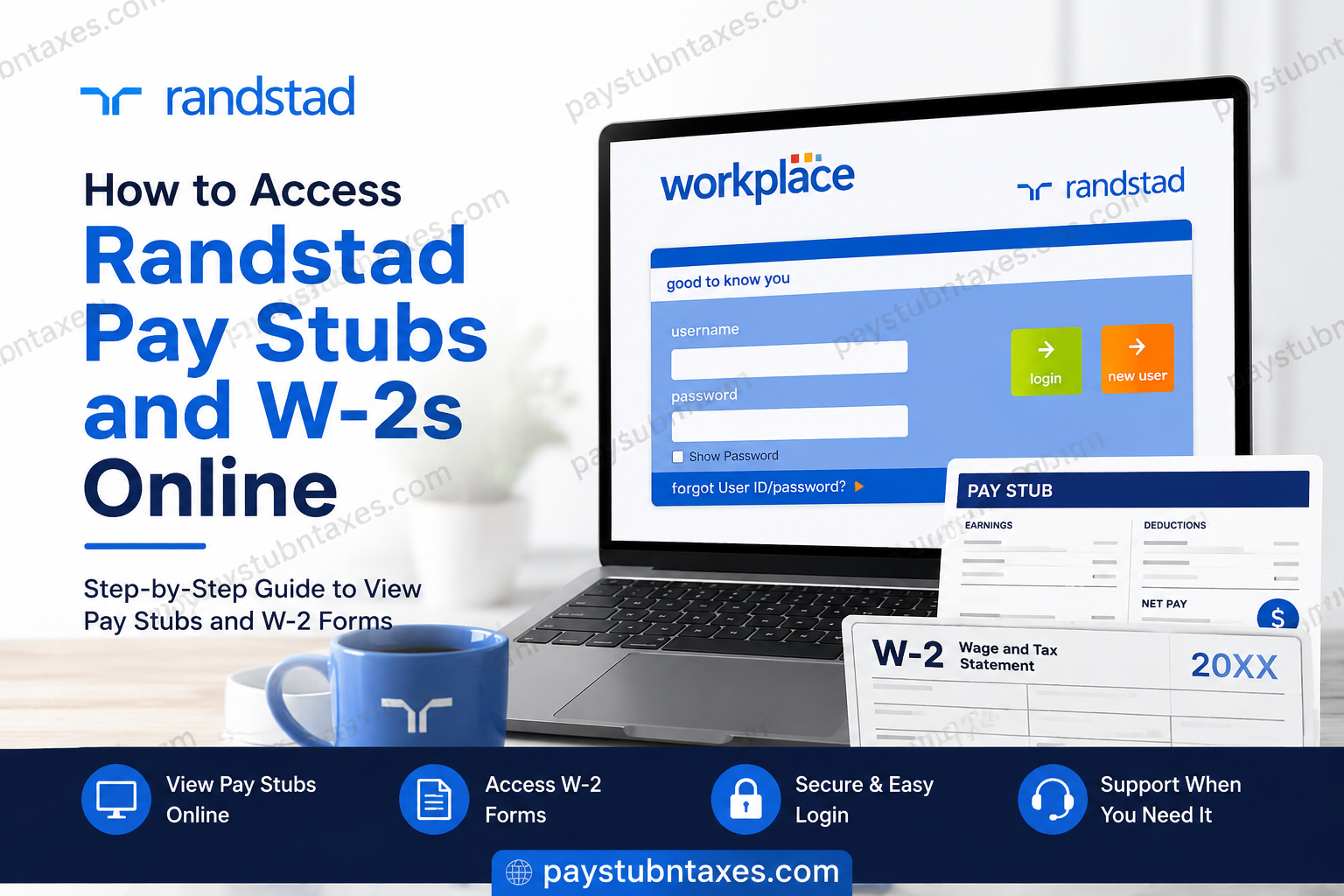
In today’s increasingly digitized employment landscape, convenient access to payroll records and tax documents has become an essential expectation for employees and contractors alike. Randstad, the world’s leading talent company, offers a streamlined self-service platform that enables workers to securely access pay stubs, W-2 forms, direct deposit information, and other employment-related records online. Whether you are a current employee, a temporary associate, or a former worker seeking tax documentation during filing season, this comprehensive guide explains exactly how to access your Randstad pay stubs and W-2 forms online with ease.
About Randstad
Randstad is globally recognized as one of the most influential workforce solutions and HR services organizations in the world. Headquartered in the Netherlands and operating across 39 international markets, the company supports millions of workers and thousands of businesses through staffing, recruitment, consulting, outsourcing, and workforce management services.
With a strong commitment to equity, innovation, and workforce transformation, Randstad connects talented individuals with meaningful employment opportunities across industries including healthcare, engineering, finance, manufacturing, logistics, technology, administration, and professional services.
In North America alone, Randstad deploys tens of thousands of workers annually and continues to provide advanced workforce solutions designed to simplify the employee experience.
How to Access Randstad Pay Stubs Online
Randstad employees and associates can conveniently retrieve electronic pay statements through the Randstad Workplace Self-Service Portal. The platform allows users to review earnings, deductions, taxes, and payment history from virtually any internet-connected device.
Step-by-Step Instructions to View Pay Stubs
- Open your browser and visit the Randstad Workplace portal:
https://www.workplace.randstad.com
- Enter your username and password on the login page.
- Once logged in, access your employee dashboard.
- Under the “Self-Service” section, select the option for:
- Pay Statements
- Payroll Documents
- Earnings Records
- Choose the desired pay period to:
- View your pay stub
- Download a PDF copy
- Print payroll records for personal use
The self-service dashboard provides a centralized location for managing payroll-related information quickly and securely.
How to Access Randstad W-2 Forms Online
Randstad also enables employees and former workers to obtain electronic W-2 tax forms through the same Workplace portal. Electronic access is significantly faster than waiting for mailed copies and provides immediate retrieval during tax season.
Steps to Retrieve Your W-2 Online
- Visit the Randstad Workplace login page:
https://www.workplace.randstad.com
- Sign into your account using your registered credentials.
- Navigate to the “Self-Service” section.
- Click the “W-2” or “Tax Documents” option.
- Select the applicable tax year.
- Download or print your W-2 form for tax filing purposes.
Employees who previously registered for self-service access should ensure their account details and security settings remain current to avoid login interruptions.
Important Security Setup for W-2 Access
To strengthen account protection and ensure uninterrupted access to payroll records, Randstad requires users to configure password recovery and security verification settings.
How to Update Security Questions
After signing into the Workplace portal:
- Go to “My System Profile”
- Select “Change or Set Up Forgotten Password Help”
- Add your security questions and answers
- Verify that your personal information is accurate and up to date
Maintaining updated security credentials significantly reduces delays when accessing sensitive tax documentation.
What to Do If You Forgot Your Password
If you cannot access your Randstad account, the password recovery process is relatively straightforward.
Reset Your Password Online
- Click the “Forgot Password” link on the login page
- Verify your identity using:
- Date of birth
- Last name
- Last four digits of your Social Security number
- Complete two-factor authentication
- Create a new password
- Log back into the portal
Randstad Password Requirements
For security purposes, your password must generally include:
- Minimum 10 characters
- At least one uppercase letter
- At least one lowercase letter
- At least one number
- At least one special character
- Must not match your User ID
Passwords are case-sensitive and should be updated periodically to maintain account security.
How to Request a W-2 by Phone
If you cannot access the online portal or prefer alternative methods, Randstad provides an automated phone system for W-2 requests.
Randstad Automated W-2 Phone System
Call: 1-877-601-7453
Then follow these prompts:
- Select the W-2 option
- Enter your Social Security number and date of birth
- Choose:
- Email delivery
- U.S. mail delivery
Delivery Timeframes
- Email delivery: within approximately 24 business hours
- Mailed copy: typically within 5–7 business days
This automated service is especially helpful during peak tax season when customer support wait times may be longer than usual.
How Former Employees Can Obtain Their W-2
Former Randstad employees can still access their W-2 forms through the Workplace self-service portal if their account remains active.
If online access is unavailable, former workers may:
- Use the automated phone system
- Request a mailed reprint
- Contact Randstad Support Center directly
Keeping your email address and mailing address updated with Randstad greatly improves delivery reliability during tax season.
Common Randstad Login Issues and Solutions
Website Not Loading
If the Workplace portal fails to load properly:
- Clear your browser cache and cookies
- Try another browser
- Use a different device
- Disable browser extensions temporarily
Trouble Logging In
If you continue experiencing access problems:
- Reset your password
- Verify your username
- Confirm your account registration status
- Contact the support center for technical assistance
Support Center Contact Information
Randstad Support Center:
Phone: 1-877-601-7453
Hours: Monday–Friday, 8:00 AM – 8:00 PM ET
Is There a Randstad Mobile App?
Currently, Randstad’s Workplace self-service system is primarily web-based. However, the portal is mobile-responsive, allowing employees to access payroll information through smartphones and tablets using a standard web browser.
This means you can securely review pay statements, tax forms, and account information while on the go without requiring a dedicated mobile application.
Benefits of Using the Randstad Self-Service Portal
The Randstad Workplace platform offers several advantages for employees and contractors:
- 24/7 access to payroll documents
- Faster W-2 retrieval during tax season
- Secure password-protected access
- Reduced dependence on paper records
- Convenient document downloads and printing
- Efficient direct deposit management
- Centralized employment information
For workers managing multiple assignments or transitioning between contracts, the self-service portal provides a highly efficient way to maintain payroll visibility year-round.
Final Thoughts
Accessing Randstad pay stubs and W-2 forms online is designed to be both secure and user-friendly. Through the Workplace self-service portal, employees and former associates can quickly retrieve essential payroll and tax records without unnecessary delays. Whether you need a recent pay statement, a previous year’s W-2 form, or assistance resetting your login credentials, Randstad offers several accessible solutions to ensure you can obtain your employment records efficiently. By keeping your account details updated, setting up security questions, and familiarizing yourself with the available self-service features, you can simplify payroll management and avoid common tax-season frustrations.
Frequently Asked Questions (FAQs)
1. How do I access my Randstad pay stubs online?
Log into the Randstad Workplace portal and navigate to the “Self-Service” section to view and download your pay statements.
2. Where can I find my Randstad W-2 form?
Your W-2 can be accessed through the Workplace self-service dashboard under “Tax Documents” or “W-2.”
3. What is the Randstad Workplace login website?
The official employee self-service portal is: https://www.workplace.randstad.com/
4. What should I do if I forgot my Randstad password?
Use the “Forgot Password” option on the login page and complete identity verification to reset your credentials.
5. Can former employees still access Randstad W-2 forms?
Yes. Former employees may still access W-2 documents online or request reprints through the automated phone system.
6. How do I request a mailed copy of my W-2?
Call 1-877-601-7453 and follow the automated prompts to request mail delivery.
7. How long does it take to receive a W-2 by email?
Electronic delivery generally occurs within 24 business hours.
8. Does Randstad have a mobile payroll app?
There is no dedicated mobile app currently, but the Workplace portal is mobile-friendly and accessible through web browsers.
9. Who do I contact for payroll assistance?
You may contact the Randstad Support Center at 1-877-601-7453 during business hours.
10. Can I print my Randstad pay stubs?
Yes. Pay statements can be downloaded and printed directly from the self-service portal.
