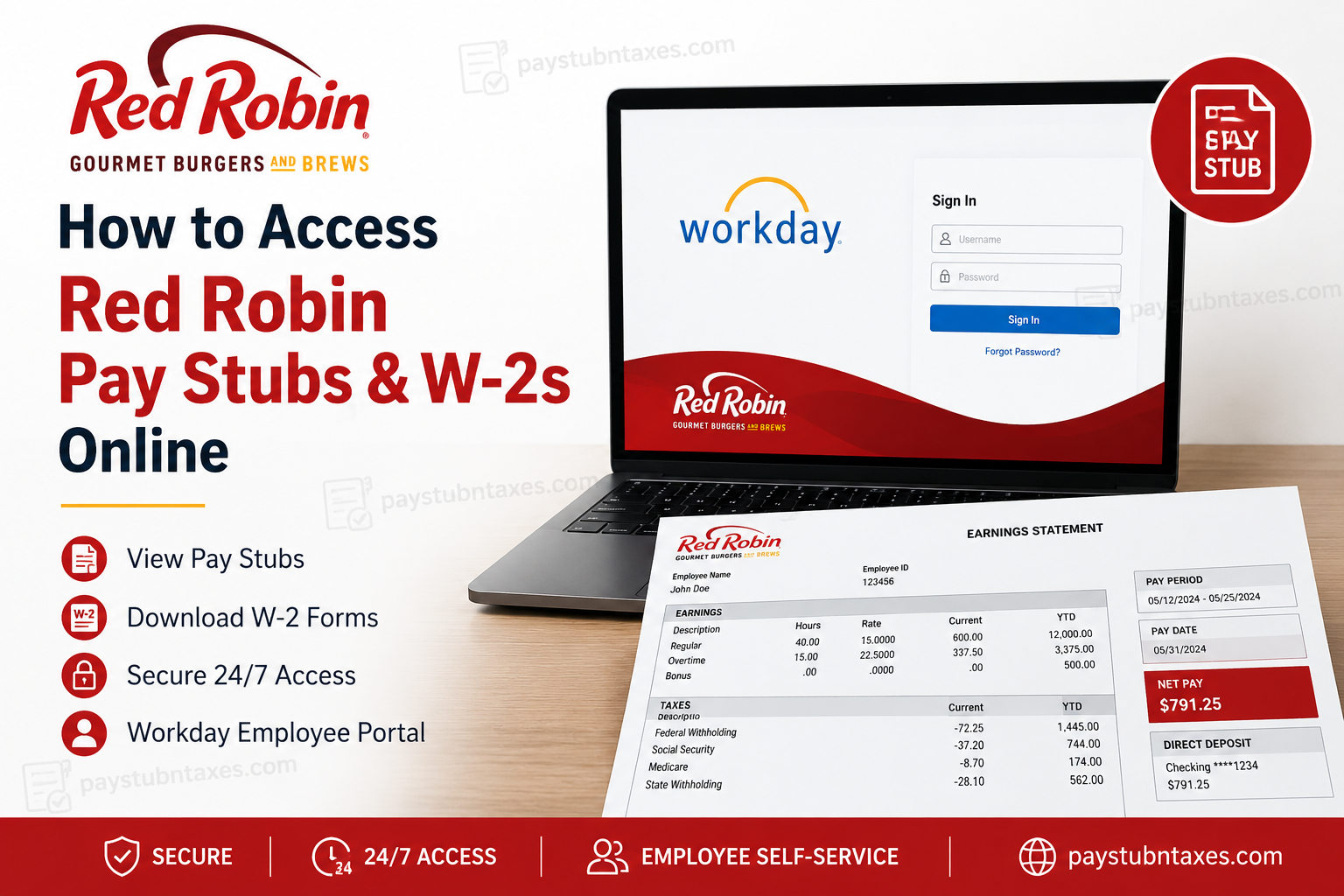
Founded in Seattle in 1940 and transformed into the beloved burger chain we know today in 1969, Red Robin has become synonymous with gourmet burgers, endless fries, and a vibrant dining experience. Headquartered in Greenwood Village, Colorado, Red Robin operates nearly 500 restaurants across the United States and Canada, employing thousands of team members who contribute to its enduring success. To simplify payroll management and provide employees with round-the-clock access to important employment records, Red Robin uses the Workday Employee Portal. Through this secure platform, current employees can conveniently access pay stubs, tax documents, direct deposit information, and personal employment records anytime and anywhere. Whether you need to review your earnings, download a payslip for proof of income, or retrieve your W-2 for tax filing purposes, this comprehensive guide walks you through every step of the process.
What Is the Red Robin Workday Portal?
The Red Robin Workday portal is a cloud-based human resources and payroll management system that allows employees to securely manage their employment information online. Through Workday, team members can:
- View and download pay stubs
- Access W-2 tax forms
- Update personal information
- Manage direct deposit accounts
- Review tax withholding elections
- Access employment documents
Because Workday operates online, employees enjoy 24/7 access to payroll information without needing to contact Human Resources for routine requests.
Red Robin Workday Login Information
Workday Login URL:
https://wd1.myworkday.com/redrobin
Username
Your username is typically your Team Member ID.
New Employees
If you are a newly hired team member, your initial password is generally sent to your email address one day prior to your start date. If you do not receive the email, remember to check your:
- Spam folder
- Junk folder
- Clutter folder
How to Access Red Robin Pay Stubs Online
Retrieving your payslips through Workday is remarkably straightforward.
Step 1: Log into Workday
Visit the Red Robin Workday portal: https://wd1.myworkday.com/redrobin/
Enter your Team Member ID and password, then select Sign In.
Step 2: Navigate to Payroll
After signing in: Pay → Payslips
Select the pay date or check number corresponding to the paycheck you wish to review.
Step 3: View or Download Your Pay Stub
Once the payslip opens, you can:
- View earnings and deductions
- Review taxes withheld
- Verify direct deposit information
- Download or print a PDF copy for your records
Your pay stub typically contains:
- Gross pay
- Net pay
- Federal, state, and local tax withholdings
- Hours worked
- Benefit deductions
- Retirement contributions
- Direct deposit details
How to Access Red Robin W-2 Forms Online
Employees can conveniently obtain their W-2 forms through Workday.
Step 1: Log into Workday
Access the employee portal: https://wd1.myworkday.com/redrobin/
Step 2: Open Tax Documents
Navigate to: Pay → My Tax Documents
Step 3: Select the Tax Year
Choose the desired tax year to:
- View your W-2
- Download a PDF copy
- Print the form for tax filing purposes
When Are Red Robin W-2 Forms Available?
Electronic W-2 forms are generally made available in Workday by the end of January each year.
If you opted for paper delivery instead of electronic access, Red Robin mails W-2 forms on or before January 31, in accordance with federal tax regulations.
Therefore, employees who elected paper statements should monitor their mailing address to ensure timely delivery.
How to Reset Your Workday Password
Forgot your password? Fortunately, Workday offers a streamlined recovery process.
- Click “Forgot Password?” on the login page.
- Enter your:
- Username (Team Member ID)
- Email address on file
- A temporary password reset link will be sent to your email.
If you do not receive the email, check your:
- Spam folder
- Junk folder
- Clutter folder
Using Workday Mobile to View Pay Stubs
Red Robin employees can also access payroll information using the Workday mobile application.
Steps to View Payslips on Mobile:
- Open the Workday app.
- Tap Pay from the home screen.
- Select the desired entry under Pay History.
- Open the payslip details.
- Tap Get PDF to generate a downloadable copy.
- Save the document to your mobile device.
The mobile app offers unparalleled convenience, allowing employees to access payroll documents while on the move—an increasingly valuable feature in today’s fast-paced work environment.
Common Workday Login Issues and Solutions
Incorrect Username or Password
Ensure you are using your Team Member ID and the correct password.
Password Reset Email Not Received
Check:
- Spam folder
- Junk folder
- Clutter folder
Account Locked
Wait for the lockout period to expire or contact support.
Browser Problems
Try:
- Clearing cache and cookies
- Using another browser
- Disabling pop-up blockers
Workday Maintenance
Occasionally, Workday undergoes scheduled maintenance, during which the portal may be temporarily unavailable.
Red Robin Payroll Support Contact Information
If you encounter issues accessing your account or payroll records, assistance is readily available.
Employee Support Number:
1-800-700-8002
Alternatively, employees may request assistance through their manager, who can submit a ServiceNow ticket on their behalf.
Why Access Pay Stubs and W-2s Online?
Digital payroll systems confer numerous advantages, including:
- Immediate access to records
- Enhanced security
- Reduced paperwork
- Faster tax preparation
- Convenient document storage
- Greater transparency regarding earnings and deductions
In an era where efficiency is paramount, online payroll access ensures that employees remain informed and empowered with just a few clicks.
Final Thoughts
Red Robin’s Workday portal exemplifies how modern technology can streamline payroll management while enhancing the employee experience. By providing secure, around-the-clock access to pay stubs and W-2 forms, the company enables team members to manage their financial records with ease and confidence. Whether you’re verifying income, preparing taxes, or reviewing paycheck deductions, Workday places essential employment information right at your fingertips—making payroll administration less of a chore and more of a seamless digital experience.
Frequently Asked Questions
1. What payroll system does Red Robin use?
Red Robin uses the Workday Employee Portal for payroll, tax documents, and employee self-service functions.
2. How do I log in to Red Robin Workday?
Visit https://wd1.myworkday.com/redrobin/ and sign in using your Team Member ID and password.
3. Where can I find my Red Robin pay stubs?
After logging into Workday, navigate to Pay → Payslips or Pay History to view and download your pay stubs.
4. How can I download my pay stub from Workday?
Open the desired payslip and select the option to download or print the PDF version for your records.
5. Where are Red Robin W-2 forms located in Workday?
Go to Pay → My Tax Documents, then select the tax year to view or download your W-2.
6. When does Red Robin release W-2 forms?
Electronic W-2s are generally available by the end of January. Paper W-2s are mailed on or before January 31.
7. Can former employees access Red Robin W-2 forms online?
Former employees may retain limited access to Workday. If access has expired, they should contact Red Robin payroll support.
8. What should I do if I forgot my Workday password?
Click “Forgot Password?” on the login page and follow the instructions to reset your password via email.
9. What is my Workday username at Red Robin?
Your username is typically your Team Member ID.
10. I am a new employee. How do I get my initial password?
New team members usually receive their initial password via email one day before their start date.
11. Why didn’t I receive my password reset email?
Check your Spam, Junk, or Clutter folders. If you still cannot find it, contact support.
12. Can I access pay stubs using the Workday mobile app?
Yes. Download the Workday app, open the Pay application, and access your Pay History to view or download payslips.
13. What information appears on a Red Robin pay stub?
A pay stub generally includes:
- Gross pay
- Net pay
- Hours worked
- Taxes withheld
- Benefits deductions
- Direct deposit information
14. Who should I contact for payroll assistance?
Call 1-800-700-8002 or ask your manager to submit a ServiceNow ticket for assistance.
15. Is the Red Robin Workday portal available 24/7?
Yes. Employees can generally access Workday 24 hours a day, except during scheduled maintenance periods.
