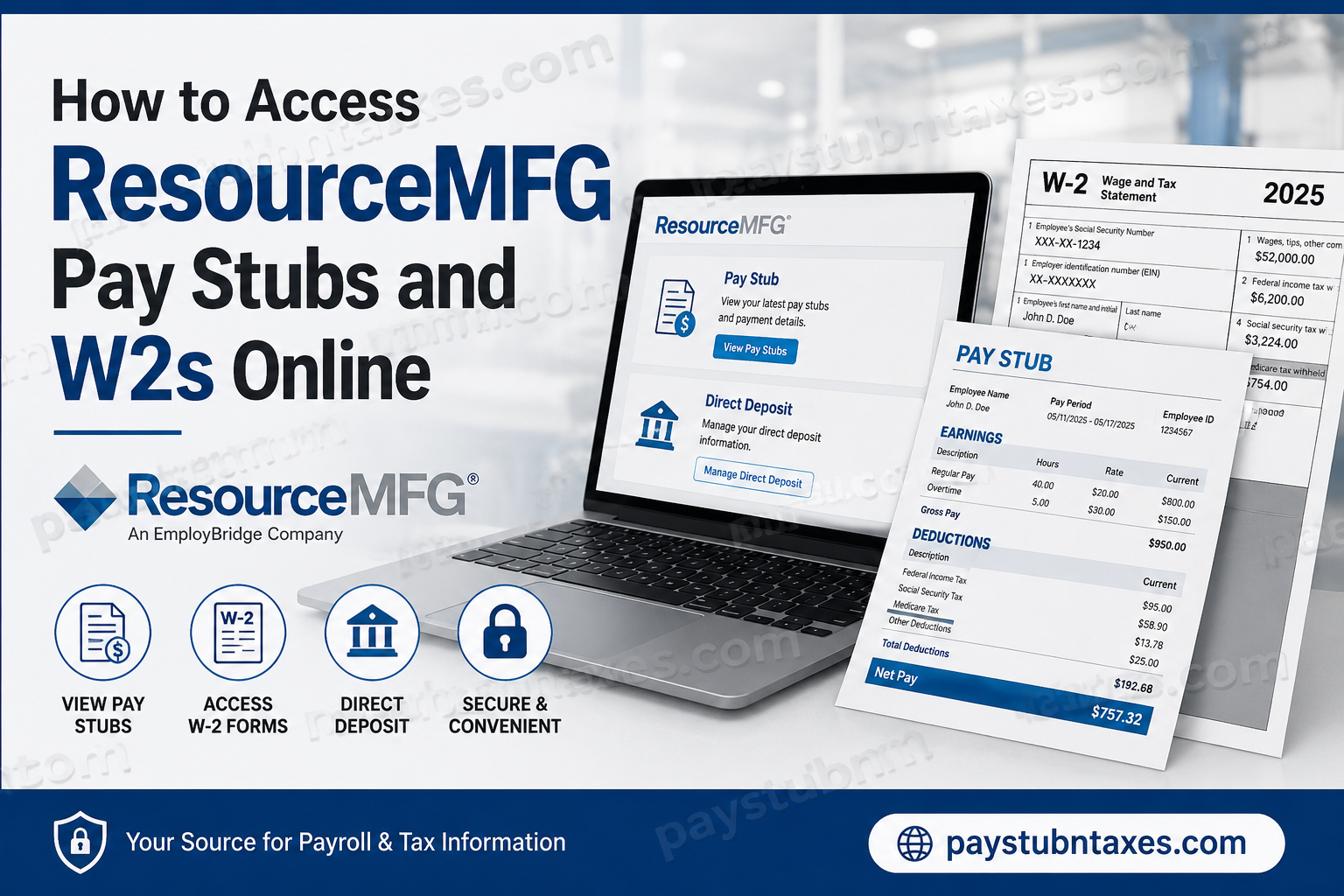
ResourceMFG is America’s largest manufacturing specialty staffing company, connecting thousands of skilled workers with leading employers across the United States. With more than 145 locations nationwide and over 24,000 associates placed weekly, ResourceMFG has built a reputation for delivering workforce solutions tailored specifically to the manufacturing sector. To simplify payroll management and improve employee convenience, ResourceMFG offers secure online access to pay stubs, payroll cards, and year-end tax statements. Employees can retrieve their earnings records, monitor direct deposits, and download W-2 forms from virtually anywhere at any time. This comprehensive guide explains how to access your ResourceMFG pay stubs and W-2 forms online, how to register for electronic tax delivery, and what to do if you encounter login or account issues.
ResourceMFG Payroll System Overview
ResourceMFG primarily pays associates through the Comdata Pay Card system. The payroll card functions like a debit card and can be used at ATMs, retail stores, and banks throughout the United States. Employees may also transfer their wages to a personal bank account using direct deposit features.
In addition to payroll distribution, ResourceMFG provides online self-service tools that allow employees to:
- View weekly pay stubs
- Monitor payroll transactions
- Access direct deposit options
- Retrieve W-2 tax forms
- Receive electronic tax notifications
- Manage payroll preferences securely
ResourceMFG Pay Stub Login Portal
Employees can access their online pay statements through the Comdata Cardholder Services portal.
Official Pay Stub Login
The portal allows employees to review payroll details, account balances, transaction history, and direct deposit information.
How to Access ResourceMFG Pay Stubs Online
Follow these detailed steps to retrieve your ResourceMFG pay stubs online.
Step 1: Visit the Comdata Cardholder Website
Open the official Comdata login page using the secure payroll portal link above.
Step 2: Log Into Your Account
Enter your:
- Username
- Password
Then click the Log In button.
First-time users must complete the registration process before accessing payroll records.
Step 3: Register as a New User
If you have never logged in before:
- Click “Register Here”
- Enter your Comdata card number
- Provide your activation code
- Create login credentials
- Set up your security preferences
Your activation code may consist of:
- Birth date
- Employee number
- Phone number
depending on your payroll setup.
Step 4: Access the Banking Menu
After logging in:
- Hover over the “Banking” menu
- Click “Paystub”
This redirects you to the USVerify paystub application in a new browser window.
Step 5: View Your Pay Stub
Once validation is complete, the Employee Details screen appears.
Click:
- “View”
to open detailed earnings statements.
Your pay stub typically includes:
- Gross earnings
- Net pay
- Hours worked
- Taxes withheld
- Deductions
- Direct deposit information
- Pay period dates
Important Pay Stub Access Notes
While accessing pay stubs online, employees should keep several technical considerations in mind.
Enable Pop-Ups
Because the paystub system opens in a separate browser window, pop-up blockers may prevent access. Ensure that your browser allows pop-ups for the Comdata website.
Log Out From Both Windows
The Comdata system and USVerify paystub window operate independently. For security reasons, employees should log out from both browser windows separately after completing their session.
Weekly Payroll Schedule
ResourceMFG employees are generally paid weekly for the previous workweek.
How to Set Up Direct Deposit Through Comdata
Employees who prefer traditional banking access may transfer payroll funds directly into a personal bank account.
Direct Deposit Setup Instructions
- Visit the Comdata Cardholder website
- Log into your account
- Hover over “Banking”
- Select “Direct Deposit”
- Follow the instructions to link your bank account
Employees may also establish direct deposit through the Interactive Voice Response (IVR) system.
ResourceMFG W-2 Online Access
ResourceMFG provides electronic W-2 access through the Paperless Employee portal powered by Experian Employer Services.
Official W-2 Portal
This secure platform allows employees to:
- Download W-2 forms
- Register for paperless delivery
- Reprint tax documents
- Manage tax statement preferences
- Update notification settings
How to Access Your ResourceMFG W-2 Online
Step 1: Visit the Paperless Employee Website
Open the official W-2 portal.
Step 2: Log Into Your Existing Account
Enter your:
- User ID
- Password
Then select Login.
Step 3: Create an Account (First-Time Users)
If you are a new user:
- Click “Create Account”
- Enter your:
- Associate ID
- Social Security Number (without dashes)
- First three letters of your last name in capital letters
- Complete identity verification
- Create a User ID and password
- Set up security questions
- Verify your email or mobile number
- Choose electronic delivery preferences
Once registration is complete, you can immediately access available tax documents.
When Will ResourceMFG W-2 Forms Be Available?
Employees who enroll in electronic delivery before December 31 may receive W-2 forms as early as January 23.
Employees who do not register for online delivery will receive paper copies mailed through USPS no later than January 31.
To avoid delays:
- Confirm your mailing address is correct
- Update personal information before December 31
- Verify your latest pay stub information carefully
It is important to remember that W-2 forms are mailed to your mailing address, not your home address.
How to Request a W-2 Reprint
If you lose your W-2 form, ResourceMFG allows employees to request reprints.
Reprint Policy
- W-2 reprint requests begin on February 16
- Requests must be submitted in writing at a local branch office
- Additional copies may require a $10 processing fee
Employees who elected electronic delivery through Paperless Employee may access free copies through October 15, 2027.
ResourceMFG W-2 Hotline Support
For additional assistance regarding W-2 forms or tax statement access, employees may contact the dedicated support hotline.
W-2 Support Number
866-692-6695
Live agents are generally available beginning January 22 each year, while automated support instructions remain accessible year-round.
Common ResourceMFG Pay Stub and W-2 Problems
Forgot Username or Password
Both the Comdata and Paperless Employee portals provide password recovery tools.
Employees can:
- Reset passwords online
- Recover forgotten usernames
- Verify identity through email, text, or security questions
Multiple W-2 Forms
Some associates may receive multiple W-2 forms if they:
- Worked under different EmployBridge brands
- Worked at multiple locations
- Had employment tied to separate FEIN numbers
Unable to Access Pay Stubs
If the paystub page fails to load:
- Disable pop-up blockers
- Clear browser cache
- Try another browser
- Confirm your Comdata account is activated
ResourceMFG Employee Benefits
In addition to payroll services, ResourceMFG offers several employee benefit options, including:
- Medical insurance
- Dental coverage
- Vision plans
- Life insurance
- Short-term disability coverage
- Retirement savings plans
- Referral bonus opportunities
Eligible associates may also enroll in IRA retirement savings plans through American Funds.
Final Thoughts
ResourceMFG has streamlined payroll administration by offering secure online systems for pay stub and W-2 access. Through the Comdata Cardholder Services portal and the Paperless Employee platform, associates can conveniently manage payroll records, direct deposits, and tax documents without visiting a branch office. Employees who proactively register for electronic delivery, maintain updated personal information, and regularly monitor their payroll accounts can enjoy faster access to tax documents and a significantly more efficient payroll experience. For payroll assistance, employees should contact their local ResourceMFG branch or the ResourceMFG Help Center at 1-877-404-8449.
Frequently Asked Questions (FAQs)
1. How do I access my ResourceMFG pay stubs online?
You can access your pay stubs through the Comdata Cardholder Services portal by logging into your payroll account and selecting the “Paystub” option under the Banking menu.
2. What website does ResourceMFG use for pay stubs?
ResourceMFG uses the Comdata Cardholder Services portal for payroll access.
3. How do I get my ResourceMFG W-2 online?
Employees can retrieve W-2 forms through the Paperless Employee website.
4. When are ResourceMFG W-2 forms available?
Electronic W-2 forms may become available as early as January 23 for employees enrolled in paperless delivery.
5. What information do I need to create a Paperless Employee account?
You typically need your Associate ID, Social Security Number, and the first three letters of your last name in uppercase letters.
6. Can I receive my W-2 electronically?
Yes. Employees may enroll in electronic delivery through the Paperless Employee portal.
7. Does ResourceMFG mail paper W-2 forms?
Yes. Employees who do not register for online delivery receive paper copies by USPS mail.
8. What if I forgot my Comdata login credentials?
You can use the password recovery tools on the login page or contact customer support for assistance.
9. Can I transfer my payroll funds to a personal bank account?
Yes. Employees may set up direct deposit transfers through the Comdata portal.
10. What should I do if my pay stub window does not open?
Disable your browser’s pop-up blocker because the paystub system opens in a separate window.
11. How often does ResourceMFG pay employees?
Most associates are paid weekly for the previous workweek.
12. What is the ResourceMFG W-2 support number?
The W-2 hotline support number is 866-692-6695.
13. Why did I receive multiple W-2 forms?
You may receive multiple forms if you worked under different EmployBridge brands or multiple FEIN entities.
14. Can local branches print my W-2?
No. For security and privacy reasons, branches cannot print or email W-2 forms.
15. Is there a fee for W-2 reprints?
Additional reprint requests may require a $10 fee depending on prior requests and delivery preferences.
