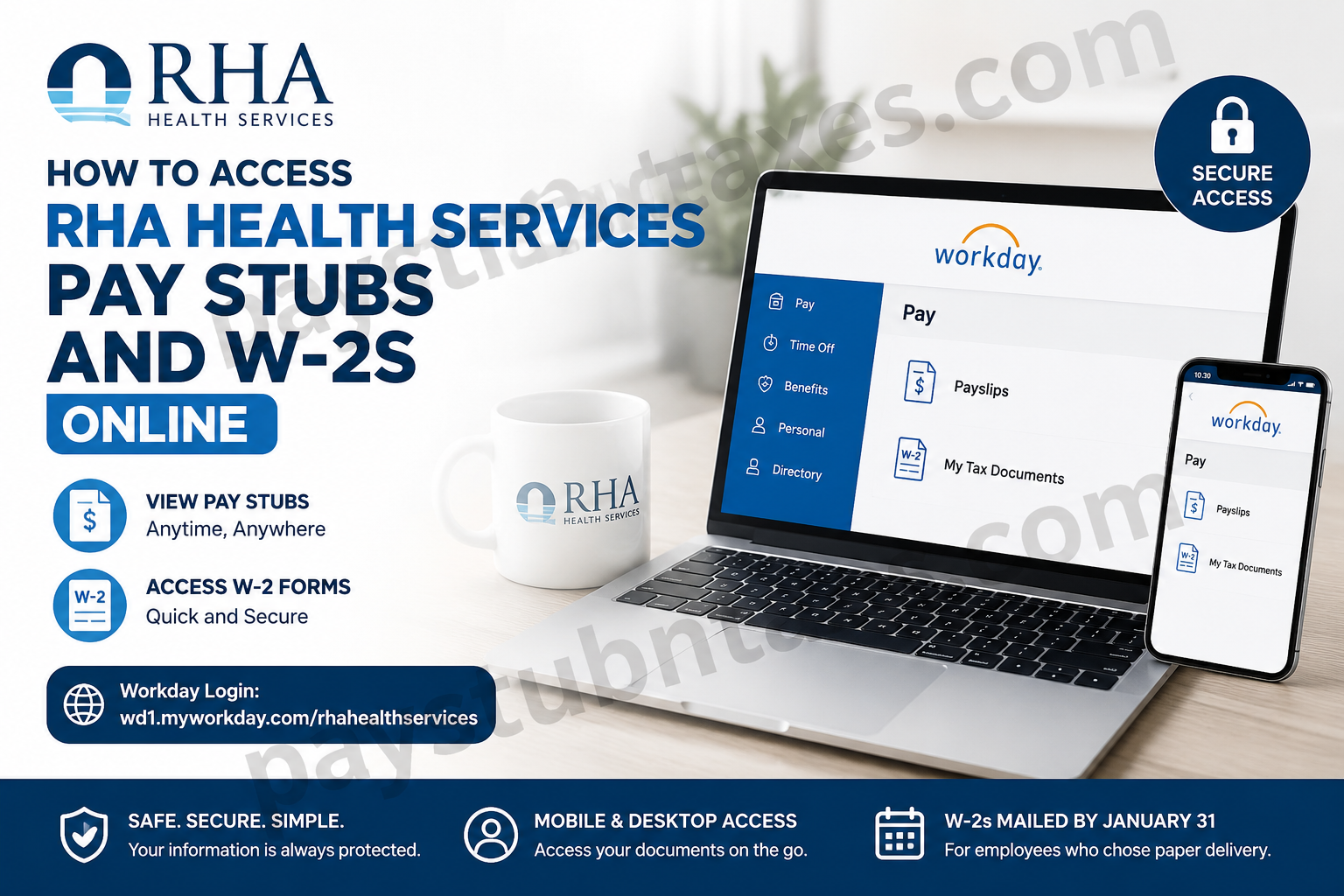
Employees of RHA Health Services can conveniently access their pay stubs, tax forms, and other employment-related documents through the Workday self-service portal and mobile application. Whether you are a current employee seeking recent payslips or a former employee searching for your W-2, Workday offers secure, round-the-clock access to essential payroll information. This comprehensive guide explains how to access your RHA Health Services pay stubs and W-2 forms online, reset your password, configure the Workday mobile app, and obtain assistance when needed.
About RHA Health Services
Founded in 1989, RHA Health Services began as a small provider of support services for individuals with intellectual and developmental disabilities in North Carolina. Over the decades, the organization has evolved into a leading multi-state provider of disability, behavioral health, and Deaf and Hard of Hearing services.
Today, RHA serves communities across Georgia, New Jersey, North Carolina, Pennsylvania, and Tennessee, remaining steadfast in its mission to help individuals live their best lives by fostering independence, meaningful relationships, and improved health outcomes.
RHA Health Services Payroll System
RHA Health Services uses Workday, a cloud-based Human Capital Management (HCM) platform, enabling employees to:
- View and download pay stubs
- Access W-2 and W-2C tax forms
- Update personal information
- Manage benefits enrollment
- Request time off
- Review compensation information
- Access employment records
RHA Workday Login Portal
Workday Login URL:
https://wd1.myworkday.com/rhahealthservices
Workday Mobile App Organization ID
When logging into the Workday mobile application, enter the following Organization ID:
Organization ID: rhahealthservices
How to Access RHA Health Services Pay Stubs Online
Accessing your pay stubs through Workday is straightforward and can be completed within minutes.
Step-by-Step Instructions
Method 1: Using Desktop or Web Browser
- Visit the RHA Workday portal:
https://wd1.myworkday.com/rhahealthservices/ - Sign in using your Workday username and password.
- From the homepage, select Pay.
- Click Payslips.
- A list of available pay periods will appear.
- Select the desired check date or check number.
- Open, download, or print your pay stub as needed.
Employees can view detailed earnings statements, deductions, taxes withheld, and direct deposit information directly from the payslip.
Access Pay Stubs Through the Workday Mobile App
The Workday mobile application is available for both Android and iOS devices, allowing employees to access payroll information on the go.
Download the Workday App
- Apple App Store: iPhone and iPad
- Google Play Store: Android devices
Configure the App
- Download and install the Workday app.
- Open the app.
- Enter the Organization ID:
rhahealthservices
- Sign in with your Workday credentials.
- Complete multi-factor authentication if prompted.
- Set up a mobile PIN for faster future access.
- Navigate to Pay → Payslips to view your pay statements.
The Workday mobile app also allows employees to request time off, view schedules, manage personal information, and access notifications—all from the palm of their hand.
How to Access RHA Health Services W-2 Forms Online
RHA employees can retrieve their W-2 tax documents directly from Workday.
Step-by-Step Instructions
- Log into Workday.
- Click Pay.
- Select More to expand additional options.
- Click My Tax Documents.
- Choose the tax year you wish to view.
- Click View/Print to open, download, or print your W-2.
If available, employees may also see W-2C forms, which are corrected versions of previously issued W-2s. If a W-2C exists, print all available forms for complete tax records.
When Are Paper W-2 Forms Mailed?
Employees who elected paper delivery instead of electronic delivery will receive their W-2 forms by mail.
RHA Health Services mails paper W-2s on or before January 31 each year, in accordance with federal tax regulations.
To avoid delays, ensure your mailing address in Workday remains current and accurate.
How to Reset Your Workday Password
Forgot your password? Follow these steps to regain access:
- Visit the Workday login page.
- Click Forgot Password.
- Enter your Workday username.
- Provide your primary email address:
- Use your work email if you have an RHA company email.
- Otherwise, use your personal email on file.
- Submit the information.
- Check your email inbox for a password reset message.
- Follow the instructions to create a new password.
If the information entered matches Workday records, a reset link will be sent immediately.
Benefits Enrollment and HR Assistance
For benefits enrollment support or HR-related questions, contact HR4U Support.
HR4U Contact Information
Email: HR4U@rhanet.org
Hours: Monday–Friday, 8:00 AM–5:00 PM EST
Have the Following Information Ready
- Last four digits of your Social Security Number
- Date of Birth
- Home ZIP Code
Providing these details expedites the verification process and helps resolve inquiries more efficiently.
Workday Technical Support
If you encounter login issues or technical difficulties within Workday, contact:
Email: solutions@rhanet.org
Subject Line: Workday
Be sure to include relevant information about the issue you are experiencing to facilitate faster troubleshooting.
Additional Features Available in Workday
Beyond payroll access, Workday enables employees to:
- View benefit elections and dependents
- Update addresses and contact information
- Manage emergency contacts
- Request leaves of absence
- Access employee reviews and feedback
- View worker history and employment records
- Track time off balances
- Manage tax elections
As the saying goes, time is money, and Workday’s centralized platform ensures that employees can manage both with remarkable efficiency.
Security Tips for Accessing Payroll Information
When accessing sensitive payroll documents:
- Always log out after use.
- Avoid using public Wi-Fi networks.
- Enable device security such as Face ID or fingerprint authentication.
- Keep your Workday password confidential.
- Regularly review your personal information for accuracy.
Protecting your payroll data is not merely advisable—it is indispensable in an increasingly digital world.
Final Thoughts
RHA Health Services has streamlined payroll and tax document access through Workday, empowering employees to manage their employment information with convenience and confidence. Whether accessing payslips, downloading W-2 forms, updating personal details, or managing benefits, Workday serves as a secure, user-friendly hub that places critical information at employees’ fingertips. By familiarizing yourself with these tools and procedures, you can navigate payroll tasks with ease and ensure that important tax documents are always within reach.
Frequently Asked Questions
1. How do I access my RHA Health Services pay stubs online?
Log in to the RHA Workday portal, select Pay, then click Payslips to view, download, or print your pay statements.
2. What is the RHA Health Services Workday login URL?
The official Workday login URL is:
https://wd1.myworkday.com/rhahealthservices/
3. What is the Workday Organization ID for RHA Health Services?
The Workday mobile app Organization ID is:
rhahealthservices
4. How can I download my pay stub from Workday?
After opening a payslip, select the download or print option to save the pay stub as a PDF file.
5. How do I access my RHA Health Services W-2 form?
Log in to Workday and navigate to Pay > More > My Tax Documents. Select the tax year and click View/Print.
6. When will RHA Health Services mail paper W-2 forms?
Paper W-2 forms are mailed on or before January 31 each year to employees who opted for paper delivery.
7. Can former employees access their W-2 forms online?
Former employees may retain temporary access to Workday. If access has expired, contact HR for assistance.
8. What should I do if I forget my Workday password?
Click Forgot Password on the login page and follow the prompts using your registered email address.
9. Which email should I use for password recovery?
Use your RHA company email if available; otherwise, use the personal email address stored in Workday.
10. How do I contact RHA Health Services HR for benefits assistance?
Contact HR4U Support at HR4U@rhanet.org during business hours: Monday–Friday, 8:00 AM–5:00 PM EST.
11. What information do I need when contacting HR4U?
Be prepared to provide:
- Last four digits of your Social Security Number
- Date of Birth
- Home ZIP Code
12. Is the Workday mobile app available for Android and iPhone?
Yes. The Workday app is available on both the Apple App Store and Google Play Store.
13. Can I view my pay stubs on the Workday mobile app?
Yes. After signing in, navigate to Pay > Payslips to access your earnings statements.
14. Who do I contact for Workday technical issues?
Email solutions@rhanet.org with the subject line “Workday” for technical support.
15. Can I access W-2C forms through Workday?
Yes. If a corrected tax form (W-2C) has been issued, it will appear under My Tax Documents alongside your original W-2.
