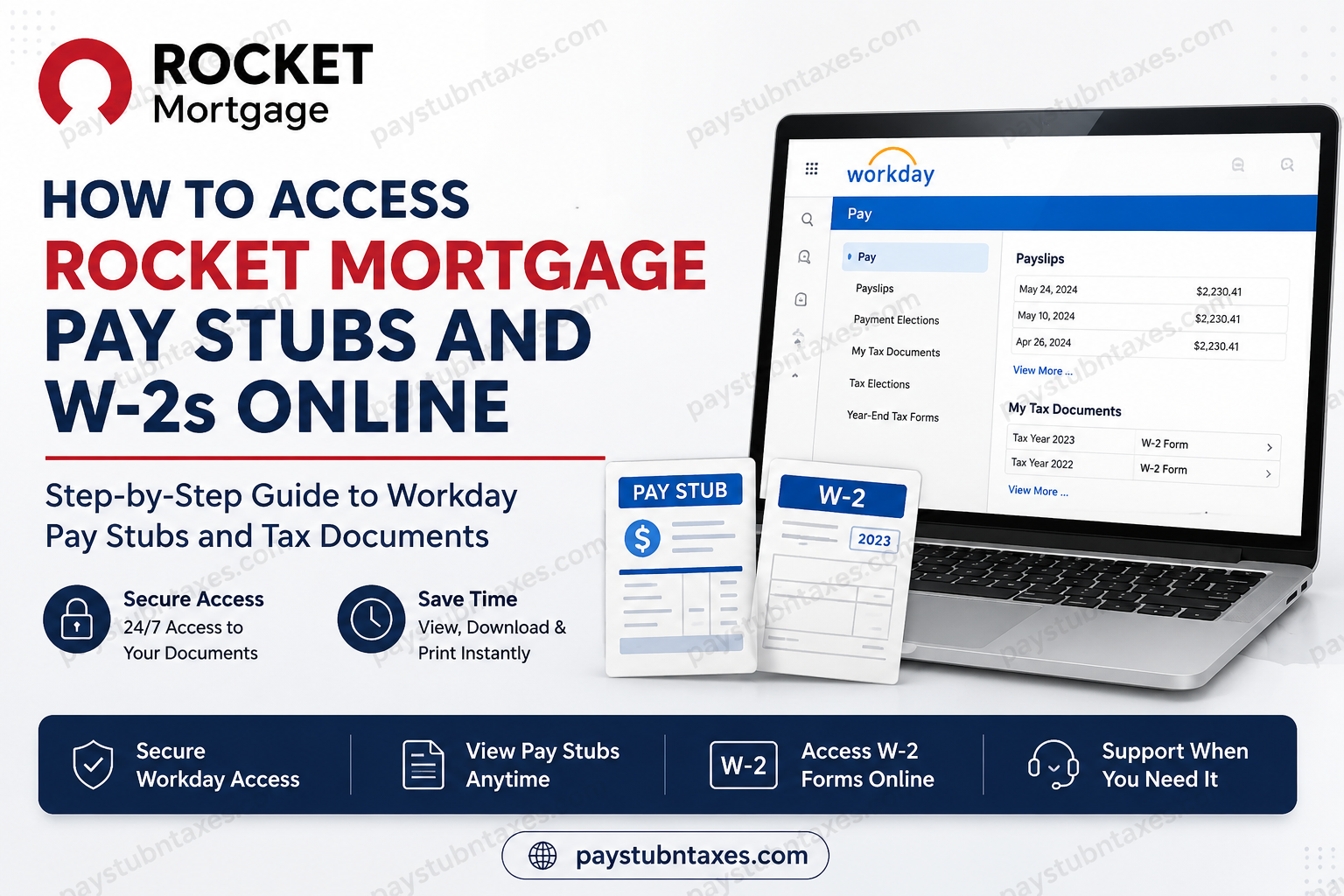
Rocket Mortgage, LLC, formerly known as Quicken Loans, is one of America’s most recognized mortgage lenders and a flagship company within the Rocket ecosystem. Headquartered in Detroit, Michigan, the organization has transformed the mortgage industry through innovative digital solutions, helping millions of Americans navigate the path to homeownership with greater speed and convenience. As part of its commitment to operational excellence and employee self-service, Rocket Mortgage provides team members with secure online access to payroll and tax records through the Workday platform. Whether you need to review a recent paycheck, download a historical pay statement, or obtain your annual Form W-2 for tax filing purposes, Workday serves as the central hub for managing employment-related financial information. This guide explains everything Rocket Mortgage employees need to know about accessing pay stubs and W-2 forms online.
Quick Answer
Rocket Mortgage employees can access their pay stubs and W-2 forms through the Workday Self-Service Portal or the Workday Mobile App. After signing in with their company credentials, employees can navigate to the Pay section to view payslips, tax documents, payment elections, and other payroll-related records. Employees who elected paper delivery of their W-2 forms will receive their tax documents by mail on or before January 31 each year.
About Rocket Mortgage
Founded in 1985 as Rock Financial and later known as Quicken Loans, Rocket Mortgage has grown into one of the largest mortgage lenders in the United States. The company pioneered digital mortgage applications and continues to lead the industry through technology-driven solutions designed to simplify complex financial transactions.
As part of Rocket Companies, Rocket Mortgage is committed to fostering innovation, professional growth, and exceptional customer experiences while empowering employees through modern workplace technologies and streamlined self-service tools.
How to Access Rocket Mortgage Pay Stubs Online
Employees can view and download current and historical pay statements directly from Workday at any time, eliminating the need to contact Payroll for routine pay information.
Step 1: Visit the Workday Login Portal
Open your browser and navigate to:
https://wd5.myworkday.com/quickenloans/login.flex
You may also be redirected through Rocket’s Single Sign-On (SSO) authentication page.
Step 2: Sign In
Enter your company-issued email address and Workday credentials.
Most employees receive their Workday access credentials shortly after onboarding. If you are a new team member and have not yet received login information, contact your manager or Human Resources representative.
Step 3: Open the Pay Dashboard
After successfully logging in:
- Select Pay from your Workday homepage.
- Click Payslips.
- A list of available pay periods will appear.
Step 4: View or Download Your Payslip
Choose the pay date or paycheck you wish to review.
You can:
- View earnings and deductions
- Review tax withholdings
- Verify direct deposit information
- Download a PDF copy
- Print a paper copy for your records
Maintaining copies of your pay statements can be particularly helpful when applying for loans, renting property, or verifying income for financial purposes.
How to Access Rocket Mortgage W-2 Forms Online
Workday also stores annual tax documents, allowing employees to retrieve their W-2 forms whenever needed.
Step 1: Log Into Workday
Access the Workday portal using your employee credentials.
Step 2: Navigate to Tax Documents
From the homepage: Pay → My Tax Documents
This section contains available year-end tax forms.
Step 3: Select the Appropriate Tax Year
Locate the tax year you wish to view.
Click the available W-2 document to:
- View online
- Download a PDF copy
- Print for tax filing purposes
Step 4: Save a Personal Copy
Although Workday maintains access to your records, downloading and storing a personal copy of your W-2 is considered a best practice for future reference.
Receiving Your W-2 by Mail
Rocket Mortgage provides employees with the option to receive tax documents electronically or by mail.
If you elected paper delivery rather than electronic delivery, your W-2 will generally be mailed to your address of record on or before January 31.
To avoid delays:
- Keep your mailing address updated in Workday.
- Review your personal information before year-end.
- Verify any recent address changes with Human Resources.
Accessing Workday Through the Mobile App
Employees who prefer managing payroll information from their smartphones can use the Workday Mobile App.
Using the mobile application, team members can:
- View payslips
- Access W-2 forms
- Update personal information
- Review direct deposit details
- Manage payroll preferences
- Access tax withholding information
The mobile platform provides a convenient alternative for employees who are frequently on the move.
Common Reasons Employees Access Pay Stubs
Rocket Mortgage employees often need pay statements for:
- Mortgage applications
- Apartment rentals
- Auto financing
- Income verification
- Government assistance programs
- Tax preparation
- Personal financial planning
Because Workday provides around-the-clock access, employees can obtain these documents whenever necessary without waiting for business hours.
Troubleshooting Workday Login Issues
If you encounter difficulties accessing Workday:
Verify Your Credentials
Ensure that:
- Your username is entered correctly.
- Your password has not expired.
- Multi-factor authentication requirements have been completed.
Reset Your Password
If you have forgotten your password, use the password recovery option available through the login portal.
Clear Browser Cache
Sometimes outdated browser data can interfere with authentication. Clearing your cache and cookies may resolve login issues.
Try Another Browser
Workday generally performs best using updated versions of:
- Google Chrome
- Microsoft Edge
- Mozilla Firefox
- Safari
Payroll and W-2 Support
For questions related to pay statements, tax forms, payroll records, or employment verification, Rocket Mortgage provides a dedicated Team Member Inquiry portal.
Support requests can be submitted through:
https://www.rocketcompanies.com/team-member-inquiries
Employees may use this resource for assistance with:
- Missing W-2 forms
- Payroll discrepancies
- Access issues
- Address updates
- Employment records
- Tax document inquiries
Benefits of Using Workday
Workday offers several advantages for Rocket Mortgage employees:
24/7 Accessibility
Access payroll and tax records whenever needed.
Enhanced Security
Sensitive financial information remains protected through secure authentication protocols.
Paperless Convenience
Electronic access reduces paperwork and simplifies recordkeeping.
Faster Tax Preparation
Employees can quickly retrieve W-2 forms without waiting for mailed copies.
Centralized Employee Information
Workday consolidates payroll, tax, personal information, and direct deposit settings within a single platform.
Final Thoughts
Rocket Mortgage has embraced digital innovation not only for its customers but also for its workforce. Through the Workday Self-Service Portal and Workday Mobile App, employees can securely access pay stubs, W-2 forms, and other essential payroll records from virtually anywhere. Whether you need a recent payslip for income verification or your annual W-2 for tax filing, Workday provides a streamlined and secure solution that puts important financial information at your fingertips. By keeping your account credentials secure and maintaining accurate personal information, you can ensure uninterrupted access to the documents you need throughout the year.
Frequently Asked Questions
1. How do I access my Rocket Mortgage pay stubs online?
Log in to the Workday portal using your company credentials and navigate to Pay > Payslips to view, download, or print your pay statements.
2. Where can I find my Rocket Mortgage W-2 form?
Your W-2 is available in Workday under Pay > My Tax Documents. Select the desired tax year to access the form.
3. What is the Rocket Mortgage Workday login URL?
Employees can access Workday at:
https://wd5.myworkday.com/quickenloans/login.flex
4. Can I access my pay stubs through the Workday Mobile App?
Yes. The Workday Mobile App allows employees to view pay stubs, W-2 forms, direct deposit information, and other payroll-related records.
5. When are Rocket Mortgage W-2 forms available?
W-2 forms are generally available by the end of January each year for the previous tax year.
6. Will Rocket Mortgage mail my W-2 form?
Yes. If you elected paper delivery, your W-2 will be mailed to your address of record on or before January 31.
7. Can I download and print my W-2 form?
Yes. Workday allows employees to download a PDF version of their W-2 and print it for tax filing purposes.
8. How do I view previous pay stubs?
After logging into Workday, go to Pay > Payslips to access historical pay statements that are available in your account.
9. What should I do if I forgot my Workday password?
Use the password recovery option on the Workday login page or contact your company’s IT support team for assistance.
10. Can former Rocket Mortgage employees access their W-2 forms online?
Former employees may retain limited access depending on company policy. If access is unavailable, contact Rocket Mortgage support through the Team Member Inquiry portal.
11. How do I update my mailing address for W-2 delivery?
You can update your address in Workday under your personal information profile before year-end to ensure timely delivery.
12. Why can’t I see my W-2 in Workday?
The form may not have been released yet, or your account access may need updating. Contact payroll support if the document remains unavailable after January 31.
13. What information is included on a Rocket Mortgage pay stub?
Pay stubs typically include gross earnings, net pay, tax withholdings, benefit deductions, direct deposit details, and year-to-date totals.
14. How can I contact Rocket Mortgage about payroll or tax document issues?
Employees can submit a request through the Rocket Companies Team Member Inquiry portal for assistance with payroll, pay statements, or W-2 forms.
15. Is Workday secure for accessing payroll records?
Yes. Workday uses secure authentication protocols and encryption to help protect employee payroll and tax information from unauthorized access.
