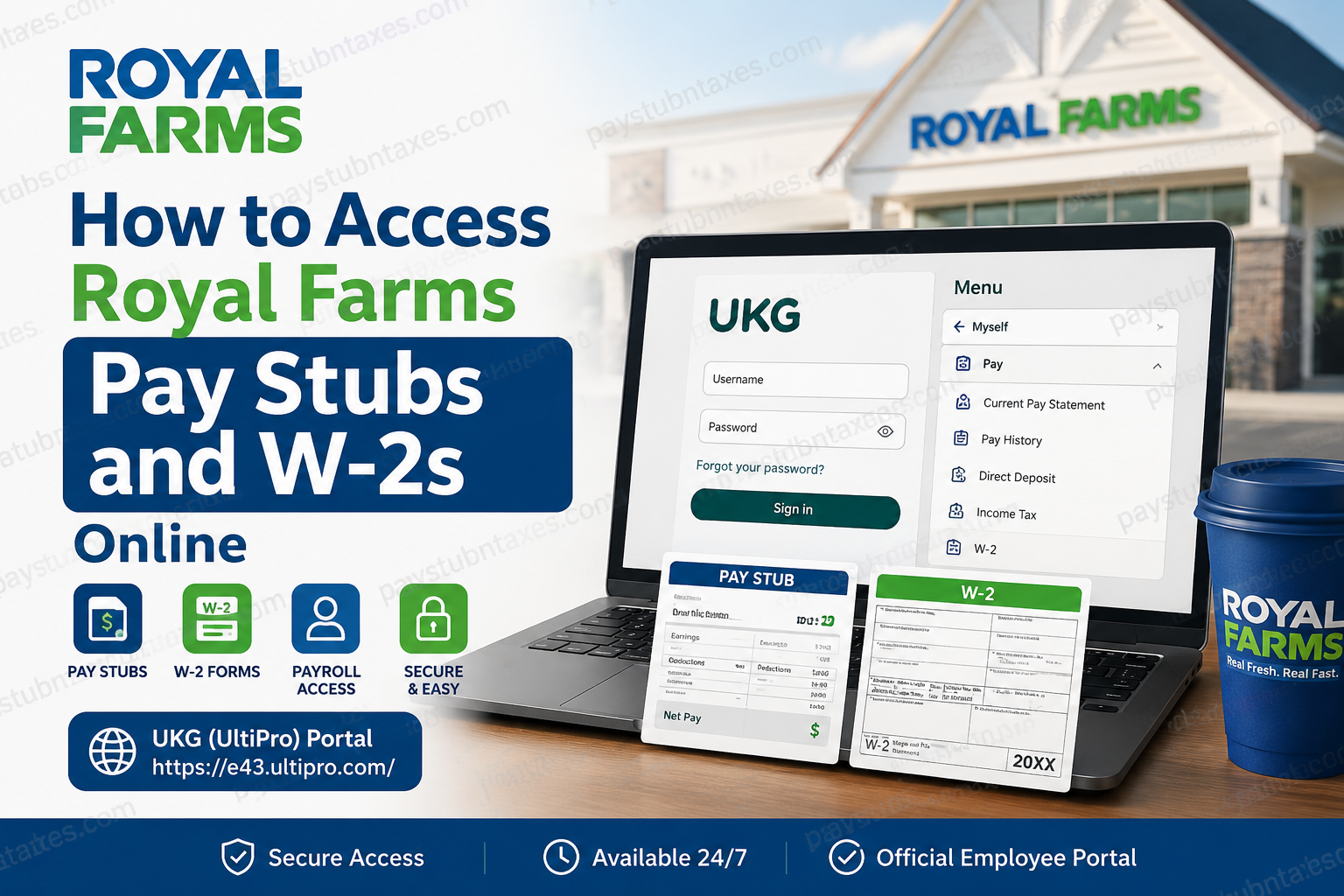
Royal Farms employees rely on digital payroll tools to manage their earnings, tax documents, and employment records with ease. Whether you are a current team member or preparing for tax season, understanding how to access your pay stubs and W-2 forms online can save both time and frustration. This comprehensive guide explains everything you need to know about accessing Royal Farms payroll information through the UKG/UltiPro platform.
About Royal Farms
Founded in 1959 and headquartered in Baltimore, Maryland, Royal Farms has evolved from a small dairy store into one of the Mid-Atlantic region’s most recognizable convenience store chains. Today, the company operates more than 315 locations across Maryland, Delaware, Pennsylvania, New Jersey, Virginia, West Virginia, and North Carolina. Beyond fuel services and convenience retail, Royal Farms is renowned for its fresh food offerings, including its world-famous fried chicken, hand-cut Western Fries, made-to-order sandwiches, and freshly brewed Colombian coffee.
The company’s rich legacy traces back to Cloverland Dairy’s original “White Jug” stores, which later transformed into the Royal Farms brand known today. Over the decades, Royal Farms has built a reputation for delivering fresh food served fast while maintaining a steadfast commitment to customer satisfaction and employee support.
How Royal Farms Employees Access Pay Stubs and W-2 Forms
Royal Farms employees can conveniently access payroll documents online through the UKG (formerly UltiPro) employee self-service portal and mobile application. The platform allows employees to view current and historical pay statements, update direct deposit information, manage tax settings, and retrieve W-2 tax forms electronically.
Employees who opted for paper delivery of tax forms should expect their W-2 forms to be mailed on or before January 31 each year, in accordance with federal regulations.
Royal Farms Payroll Portal Login
To access your payroll information:
Portal URL: https://e43.ultipro.com/
The portal provides secure access to payroll, tax documents, direct deposit settings, and personal employee records.
First-Time Login Instructions
If you are a first-time user:
- Visit the Royal Farms UKG/UltiPro login portal.
- Enter your assigned username.
- Use your default password:
- Password Format: Your birthdate in MMDDYYYY format.
- Example: If your birthday is July 15, 1990, your password would be 07151990.
- Click Sign In.
Upon initial login, the system will require you to:
- Create a new password.
- Select and answer three security questions.
Password Requirements
Your new password must contain:
- At least one uppercase letter
- At least one lowercase letter
- At least one number
- At least one special character
- Between 8 and 18 characters
It is prudent to verify that your password satisfies all requirements before proceeding, as the system may not explicitly reject an invalid password during creation.
How to View Royal Farms Pay Stubs Online
Once logged into the UKG or UltiPro portal:
- Open the Menu in the upper-left corner.
- Select Myself.
- Navigate to Pay.
- Click Current Pay Statement to view your latest paycheck.
- To view older paychecks, select Pay History.
- Use filters to choose specific date ranges.
- Download or print pay statements as needed.
The payroll portal maintains a historical archive of processed pay stubs, allowing employees to retrieve earnings information whenever necessary.
How to Access Royal Farms W-2 Forms
To view your W-2 online:
- Log in to the UKG/UltiPro employee portal.
- Navigate to Menu > Myself > Pay > W-2.
- Select the desired tax year.
- Open, download, or print your W-2 form.
Electronic access to W-2 forms often expedites tax filing and minimizes the risk of misplaced paperwork.
Managing Direct Deposit Information
Royal Farms employees can also manage direct deposit settings directly within the portal.
Steps to Update Direct Deposit
- Navigate to Menu > Myself > Pay > Direct Deposit.
- Review existing banking information.
- Click Add or Edit to update accounts.
- Save changes to ensure future paychecks are deposited correctly.
Keeping banking details current helps avoid delays in receiving wages.
Updating Tax Withholdings
Employees may update federal and state tax elections through the payroll system:
- Go to Menu > Myself > Pay > Income Tax.
- Select Add/Change Withholding Form (W-4).
- Review and update withholding preferences.
- Submit changes for processing.
Regularly reviewing tax settings can help prevent unexpected liabilities during tax season.
What If You Forget Your Password?
If you cannot access your account:
- Click Forgot your password? on the login page.
- Enter your username.
- Answer the security questions established during account setup.
- Reset your password.
If your account becomes locked due to multiple unsuccessful login attempts, contact your supervisor or Human Resources for assistance.
Benefits of the Royal Farms Employee Self-Service Portal
The UKG/UltiPro platform empowers employees to:
- Access pay stubs anytime, anywhere
- Retrieve W-2 tax documents instantly
- Update direct deposit information
- Manage tax elections
- Review personal and emergency contact information
- Access payroll records securely
By centralizing HR and payroll services into a single platform, Royal Farms ensures employees can manage essential employment information with efficiency and confidence.
Final Thoughts
In today’s increasingly digital workplace, seamless access to payroll records is no longer a luxury—it is an expectation. Royal Farms meets this demand through the UKG/UltiPro employee self-service platform, enabling employees to retrieve pay stubs, W-2 forms, and personal employment information with remarkable ease. Whether you are reviewing your latest paycheck, preparing your tax return, or updating direct deposit details, the portal places critical information at your fingertips, ensuring that administrative tasks remain straightforward and stress-free. By familiarizing yourself with these tools and maintaining accurate account information, you can navigate payroll management with greater convenience and peace of mind.
FAQ: Royal Farms Pay Stubs and W-2s Online
1. How do I access my Royal Farms pay stubs online?
Log in to the UKG/UltiPro portal and navigate to Menu > Myself > Pay > Current Pay Statement to view your latest pay stub.
2. Where can Royal Farms employees log in to view payroll information?
Employees can access payroll information through the UKG/UltiPro portal at https://e43.ultipro.com/.
3. Can I view old pay stubs from Royal Farms?
Yes. Select Pay History under the Pay menu to view and download previous pay statements.
4. How do I access my Royal Farms W-2 form online?
Log in to the employee portal and go to Menu > Myself > Pay > W-2, then select the tax year you need.
5. When are Royal Farms W-2 forms mailed?
Employees who elected paper delivery typically receive their W-2 forms on or before January 31.
6. What is the default password for first-time Royal Farms employees?
The default password is generally your birthdate in MMDDYYYY format unless otherwise instructed by HR.
7. What should I do if I forget my UKG password?
Click “Forgot your password?” on the login page and answer your security questions to reset your password.
8. How do I change my direct deposit information at Royal Farms?
Navigate to Menu > Myself > Pay > Direct Deposit to add or update bank account details.
9. Can former Royal Farms employees access W-2 forms online?
Former employees may retain limited access depending on company policy. If access is unavailable, contact HR for assistance.
10. How do I update my tax withholding information?
Go to Menu > Myself > Pay > Income Tax and select Add/Change Withholding Form (W-4).
11. Is there a mobile app for accessing Royal Farms pay stubs?
Yes. Employees can use the UKG Pro mobile app to access payroll and tax information.
12. Why is my account locked?
Accounts may become locked after multiple unsuccessful login attempts. Contact Human Resources for account recovery.
13. Can I print my pay stubs from UKG?
Yes. Pay statements can be downloaded or printed directly from the portal.
14. What information is available in the Royal Farms employee portal?
Employees can access pay stubs, W-2 forms, direct deposit settings, tax elections, and personal information.
15. Who should I contact if I cannot access my payroll records?
Contact your supervisor or the Royal Farms Human Resources department for payroll assistance.
