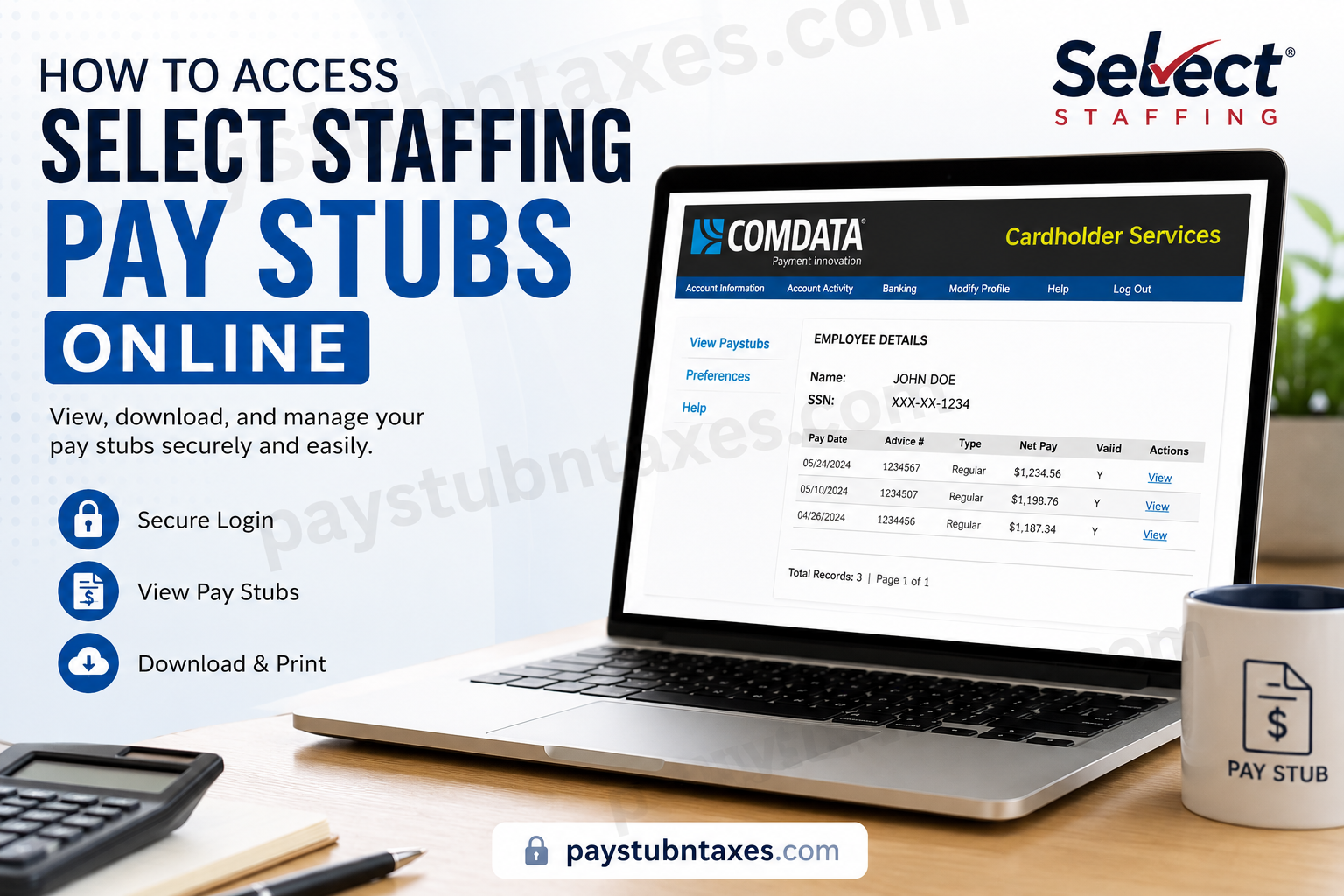
Select Staffing is one of the most recognized workforce solutions providers in the United States, connecting thousands of employees with leading employers across multiple industries every week. Because timely and accurate payroll access is essential for every employee, Select Staffing offers convenient online tools that allow associates to securely view and manage their pay stubs electronically. Whether you receive your wages through direct deposit or a pay card, Select Staffing provides a streamlined digital payroll experience that enables employees to review earnings, deductions, and payment history anytime and from virtually anywhere.
Select Staffing Pay Stub Portal
Employees can access their electronic pay stubs through the Comdata Cardholder Services portal.
Official Login Link
Select Staffing Pay Stub Portal
Associates who are enrolled in direct deposit or pay card services may log in to the system and review detailed payroll records online.
Benefits of Accessing Pay Stubs Online
Using the Select Staffing online payroll system offers several advantages, including:
- 24/7 secure access to payroll information
- Faster access to weekly pay statements
- Ability to download or print pay stubs
- Easy monitoring of earnings and deductions
- Mobile-friendly access options
- Email and text message pay stub notifications
- Convenient account management without visiting a branch office
The online system is particularly beneficial for employees who need income verification for loans, apartment applications, tax preparation, or personal financial management.
Who Can Access Electronic Pay Stubs?
Electronic pay stub access is available to Select Staffing associates who receive wages through:
- Direct Deposit
- Comdata Pay Cards
Employees who are not yet enrolled in one of these payroll delivery methods should contact their local Select Staffing office for assistance with enrollment.
How to Register for the Select Staffing Pay Stub Portal
First-time users must create an online account before accessing payroll information.
Step 1: Visit the Cardholder Website
Go to the official Comdata Cardholder Services website: https://w6.iconnectdata.com/chth/Controller?XFunction=LoginPage
Click the “Cardholders Register Here” option.
Step 2: Activate Your Account
You will be asked to enter:
- Your Comdata Card Number
- Your Social Security Number or activation information
- Your date of birth or employee verification details
After verification, click Next to proceed.
Step 3: Create Your Login Credentials
Set up the following account information:
- Username
- Password
- Email address
- Security question and answer
For security purposes, passwords are case-sensitive and should contain both letters and numbers.
Once registration is complete, your online payroll account will be activated.
How to View Your Select Staffing Pay Stubs
After successfully logging in, accessing your pay statement is straightforward.
Follow These Steps
- Log in to the Comdata Cardholder portal.
- Navigate to the Banking menu.
- Select Paystub.
- A new payroll window will open.
- Choose View Paystubs or click View beside the desired pay date.
- Your detailed pay stub will appear on-screen.
Employees can review:
- Gross pay
- Net pay
- Hours worked
- Taxes withheld
- Deductions
- Year-to-date earnings
The system also allows users to print or save copies for personal records.
Important Browser Note
The pay stub system opens in a separate browser window. If nothing appears after selecting the Paystub option, your browser’s pop-up blocker may be preventing the page from loading.
To resolve this issue:
- Allow pop-ups for the website
- Refresh the browser
- Try using Google Chrome or Microsoft Edge
Always remember to log out from both browser windows after finishing your session.
Mobile Access to Pay Stubs
Employees who prefer mobile access may use the Comdata mobile application to monitor payroll activity and pay stub information directly from their smartphones.
The mobile platform allows users to:
- Check balances
- Review transactions
- Access pay stubs
- Receive payroll alerts
- Manage account settings
This option is especially useful for employees who do not regularly use desktop computers.
How to Receive Pay Stub Notifications
Employees may enable automatic notifications when new pay stubs become available.
Notification options include:
- Email alerts
- SMS text message notifications
These settings can be managed within the portal’s Preferences section.
Forgot Your Password or PIN?
If you cannot access your account:
- Select the Forgot Username or Password option on the login page.
- Follow the account recovery prompts.
- Verify your identity using your registered information.
If additional assistance is needed, contact customer support directly.
Select Staffing Payroll Support Contact Information
For payroll assistance, technical support, or pay stub access issues, employees may contact Select Staffing support.
Customer Support Number
1-844-864-0634
Support representatives can assist with:
- Account registration
- Password resets
- Direct deposit questions
- Pay card support
- Pay stub troubleshooting
- W-2 access inquiries
When Will W-2 Forms Be Available?
W-2 forms are generally mailed and made available online by January 31 each year, in accordance with federal payroll regulations.
Employees should ensure that their mailing address and payroll details remain current to avoid delays.
Security Tips for Protecting Your Payroll Account
Because payroll portals contain sensitive financial information, employees should follow these security best practices:
- Use strong passwords
- Never share login credentials
- Avoid public Wi-Fi when accessing payroll data
- Log out after each session
- Enable account alerts whenever possible
- Update recovery information regularly
Maintaining secure access helps protect your personal and financial information from unauthorized activity.
Final Thoughts
Select Staffing has simplified payroll management by providing employees with convenient digital access to pay stubs, payroll records, and account services. Through the Comdata Cardholder Services platform, associates can securely review earnings information, monitor payroll transactions, and manage account preferences without needing to visit a staffing office. With online and mobile access available around the clock, employees can stay informed about their compensation while enjoying a faster, more efficient payroll experience.
Frequently Asked Questions (FAQ)
1. How do I access my Select Staffing pay stubs online?
You can access your pay stubs by logging into the Comdata Cardholder Services portal. After signing in, go to the Banking section and click Paystub to view your payroll records.
2. What is the official Select Staffing pay stub website?
The official portal for accessing Select Staffing pay stubs is:
Comdata Cardholder Services Portal
3. Who can access electronic pay stubs?
Employees who receive wages through direct deposit or Comdata pay cards are eligible to access electronic pay stubs online.
4. How do first-time users register for the pay stub portal?
First-time users must select the “Cardholders Register Here” option on the login page and complete the registration process using their personal verification information.
5. What information is required to register?
You may need the following information during registration:
- Comdata card number
- Social Security Number
- Date of birth
- Employee verification details
6. Can I access Select Staffing pay stubs on my phone?
Yes. Employees can access pay stubs using mobile browsers or through the Comdata mobile application for convenient payroll management.
7. What should I do if the pay stub page does not open?
The system may be blocked by your browser’s popup settings. Enable popups for the site and refresh the page.
8. How can I reset my password?
Click the Forgot Username or Password link on the login page and follow the recovery instructions to reset your credentials securely.
9. Can I print my Select Staffing pay stubs?
Yes. The portal allows employees to download and print pay stubs for tax filing, loan applications, or personal records.
10. What payroll details appear on the pay stub?
Your pay stub may include:
- Gross earnings
- Net pay
- Taxes withheld
- Deductions
- Hours worked
- Year-to-date earnings
11. Does Select Staffing offer text or email payroll notifications?
Yes. Employees can enable email or SMS alerts to receive notifications whenever a new pay stub becomes available.
12. When are W-2 forms available?
W-2 forms are generally mailed and made available online by January 31 each year, as required by federal law.
13. What should I do if I cannot log into my account?
If you cannot access your account, verify your login information first. If the issue continues, contact payroll support for assistance.
14. How do I contact Select Staffing payroll support?
For payroll assistance or technical support, contact:
Customer Service: 1-844-864-0634
