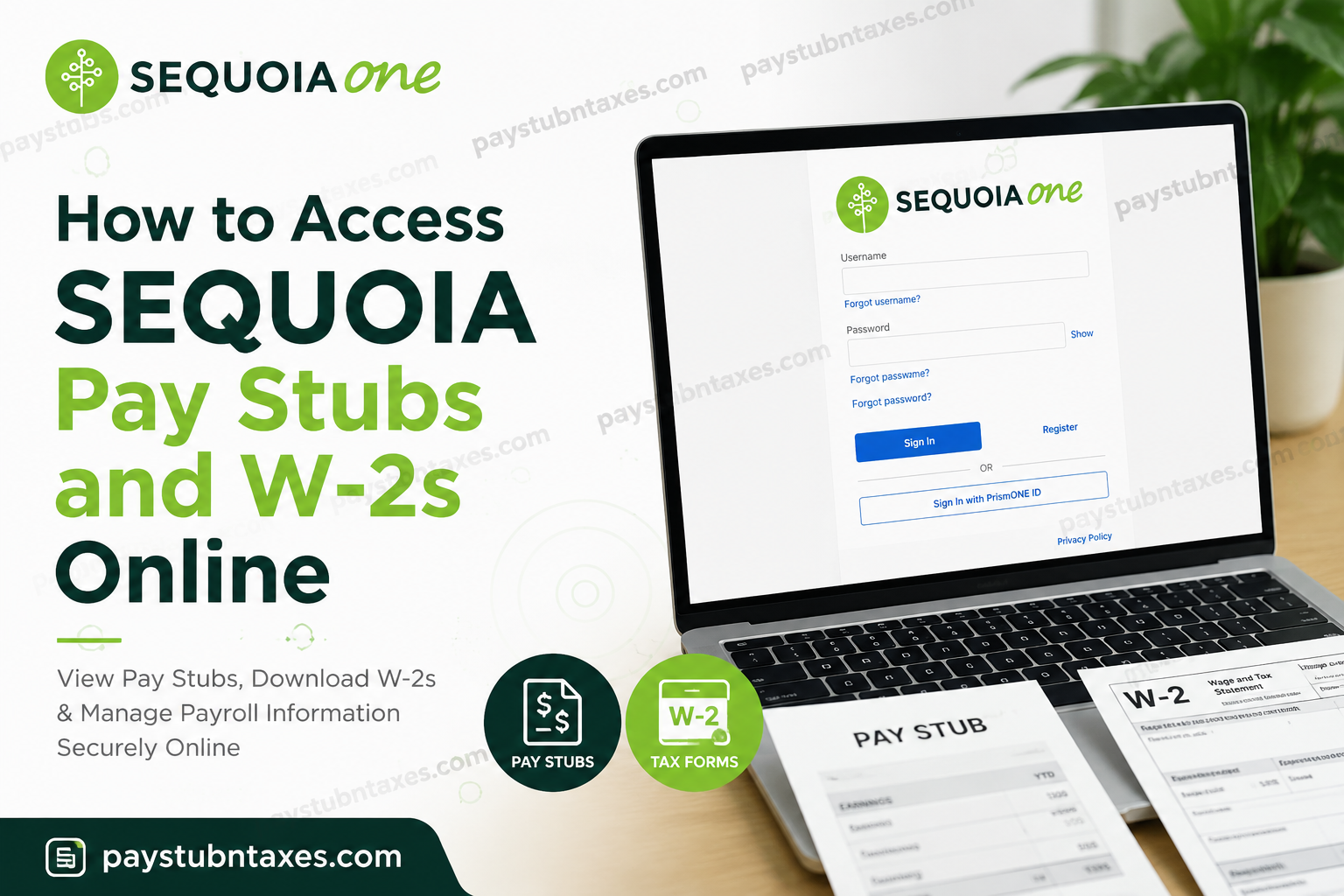
Managing payroll documents efficiently has become increasingly important for modern employees, particularly in fast-paced and technology-driven workplaces. Sequoia, a trusted strategic partner for investor-backed companies, offers employees a secure and convenient way to access payroll information online through the PrismHR platform. Through this system, employees can view pay stubs, download W-2 forms, and manage tax-related documents without waiting for paper copies to arrive by mail. Sequoia’s integrated payroll and HR technology ecosystem is designed to simplify workforce administration while enhancing the employee experience. Employees who opt for electronic tax forms can gain earlier access to their W-2s, improve document security, and streamline tax preparation.
What Is Sequoia?
Sequoia is widely recognized for helping growth-focused and investor-backed organizations optimize compensation, benefits, payroll, and people operations through a technology-enabled platform combined with strategic advisory services. The company specializes in supporting high-growth businesses with smarter workforce management solutions.
Through Sequoia One, businesses receive integrated HR, payroll, compliance, compensation, and benefits management services designed specifically for scaling organizations.
Sequoia Employee Payroll Portal
Sequoia employees can access their payroll and tax information online through the PrismHR employee self-service portal.
Official Payroll Login Portal
Portal: seq-ep.prismhr.com
The portal allows employees to:
- Access current and previous pay stubs
- Download W-2 tax forms
- Review payroll deductions and taxes withheld
- Update tax and payroll information
- Access payroll records securely from any location
How to Access Sequoia Pay Stubs Online
Employees can retrieve detailed paycheck information directly from the Prism dashboard.
Step-by-Step Instructions
Step 1: Log Into the PrismHR Portal
Visit the Sequoia Prism portal and enter your username and password.
If you are a first-time user, select Register to create your account.
Step 2: Open the Pay Section
After logging in, your employee dashboard will appear.
From the left-hand navigation menu:
- Click Pay
- Select Pay History
Step 3: View Your Paychecks
A complete list of your recent paychecks will appear on the screen, with the newest paycheck displayed first.
Select View Paystub beside the paycheck you wish to review.
Step 4: Review Payroll Details
Employees can examine several payroll categories, including:
- Earnings
- Taxes Withheld
- Deductions
- Net Pay
- Employer Contributions
Step 5: Download or Print the Official Pay Stub
To generate an official PDF version of your paycheck:
- Click View Check
- Wait briefly while the document generates
- Download or print the PDF copy for your records
How to Access Sequoia W-2 Forms Online
Sequoia employees may elect to receive electronic W-2 forms instead of paper copies mailed to their homes.
Electronic W-2 delivery offers several advantages:
- Earlier availability
- Improved security
- Faster tax filing
- Convenient digital storage
How to Download Your W-2
Step 1: Sign In to PrismHR
Access the Sequoia employee portal and log into your account.
Step 2: Open the Taxes Menu
From the left navigation panel:
- Click Taxes
- Select W-2
Step 3: Select the Tax Year
Choose the appropriate tax year from the available list.
Step 4: Download Your W-2
Click the download icon to save the PDF version of your W-2 form to your device.
Once selected, the W-2 file should begin downloading automatically.
How to Enroll in Electronic W-2 Delivery
Employees who prefer digital tax forms may enroll directly through PrismHR.
Enrollment Process
- Log into PrismHR
- Navigate to Taxes > W-2
- Locate the Early W-2 Election section
- Check the consent box authorizing electronic delivery
- Click Enroll
Once enrolled, your electronic W-2 preference generally remains active until revoked in writing.
Benefits of Electronic W-2 Access
Choosing electronic delivery provides several meaningful advantages:
Earlier Access
Electronic W-2 forms are commonly available before mailed paper copies, allowing employees to begin tax filing sooner.
Enhanced Security
Digital documents reduce the risk of mail theft, loss, or delivery delays.
Convenient Tax Filing
Most modern tax preparation software supports direct upload or import of electronic W-2 documents.
Remote Accessibility
Employees can securely retrieve payroll records from virtually anywhere with internet access.
Forgot Your PrismHR Username or Password?
If you cannot access your account:
- Use the Forgot Username or Forgot Password links on the login page
- Follow the verification instructions
- Reset your credentials securely online
Employees experiencing login difficulties may also contact payroll support for assistance.
Sequoia Payroll Support Contact
For additional payroll or W-2 support:
Phone: (602) 962-0129
Support representatives can assist with:
- Login recovery
- W-2 access issues
- Pay stub retrieval
- Account registration
- Technical troubleshooting
Common Issues When Accessing Pay Stubs or W-2s
PDF Will Not Open
Ensure your browser allows pop-ups and that you have a PDF reader installed.
Missing W-2 Form
Electronic W-2 forms typically become available by late January for enrolled employees.
Account Locked
Multiple unsuccessful login attempts may temporarily lock your account for security reasons.
Browser Compatibility Problems
Use an updated version of Chrome, Edge, Firefox, or Safari for optimal performance.
Why Sequoia Uses PrismHR
Sequoia leverages integrated payroll technology to streamline employee services while reducing administrative complexity for growing organizations. The platform centralizes payroll, HR, benefits, and tax documentation into one secure environment, improving operational efficiency and employee accessibility.
Final Thoughts
Sequoia’s PrismHR employee portal provides a secure, efficient, and user-friendly solution for accessing payroll records and tax documents online. Whether you need to review a recent paycheck, print an official pay stub, or download your W-2 for tax filing, the platform offers a streamlined digital experience that eliminates unnecessary paperwork and improves accessibility. By enrolling in electronic W-2 delivery, employees can benefit from faster access, stronger security, and greater convenience during tax season.
Frequently Asked Questions
1. How do I access my Sequoia pay stubs online?
You can access your pay stubs by logging into the PrismHR employee portal at seq-ep.prismhr.com and navigating to Pay > Pay History.
2. Where can I download my Sequoia W-2 form?
Your W-2 form can be downloaded from the Taxes > W-2 section inside the PrismHR dashboard.
3. What is the Sequoia payroll portal?
Sequoia uses the PrismHR employee self-service platform to provide secure access to payroll and tax documents.
4. Can former employees access Sequoia W-2s online?
Former employees may still have limited access to PrismHR depending on company policy. If access has expired, contact payroll support for assistance.
5. When are Sequoia W-2 forms available?
Electronic W-2 forms are generally available on or before January 24 each year for employees enrolled in electronic delivery.
6. How do I print my Sequoia pay stub?
Open the paycheck from Pay History and click View Check to generate and print the official PDF version.
7. What should I do if I forgot my PrismHR password?
Use the Forgot Password link on the login page to reset your password securely.
8. Can I receive my W-2 electronically instead of by mail?
Yes. Employees may enroll in electronic W-2 delivery through the PrismHR portal.
9. How do I enroll in electronic W-2 delivery?
Navigate to Taxes > W-2, locate the electronic consent section, check the consent box, and click Enroll.
10. Is the Sequoia payroll portal secure?
Yes. PrismHR uses password-protected and secure technology to protect employee payroll and tax information.
11. Why is my pay stub PDF not opening?
Your browser may be blocking pop-ups, or your device may not have a PDF reader installed.
12. What information appears on a Sequoia pay stub?
Pay stubs typically include gross pay, deductions, taxes withheld, benefits contributions, and net pay.
13. Can I access payroll documents from my mobile device?
Yes. The PrismHR portal is accessible from smartphones, tablets, and desktop computers.
14. Who do I contact for Sequoia payroll support?
Employees can contact payroll support at (602) 962-0129 for login or payroll assistance.
15. Why should I choose electronic W-2 delivery?
Electronic W-2s provide faster access, improved security, easier tax filing, and convenient digital storage.
