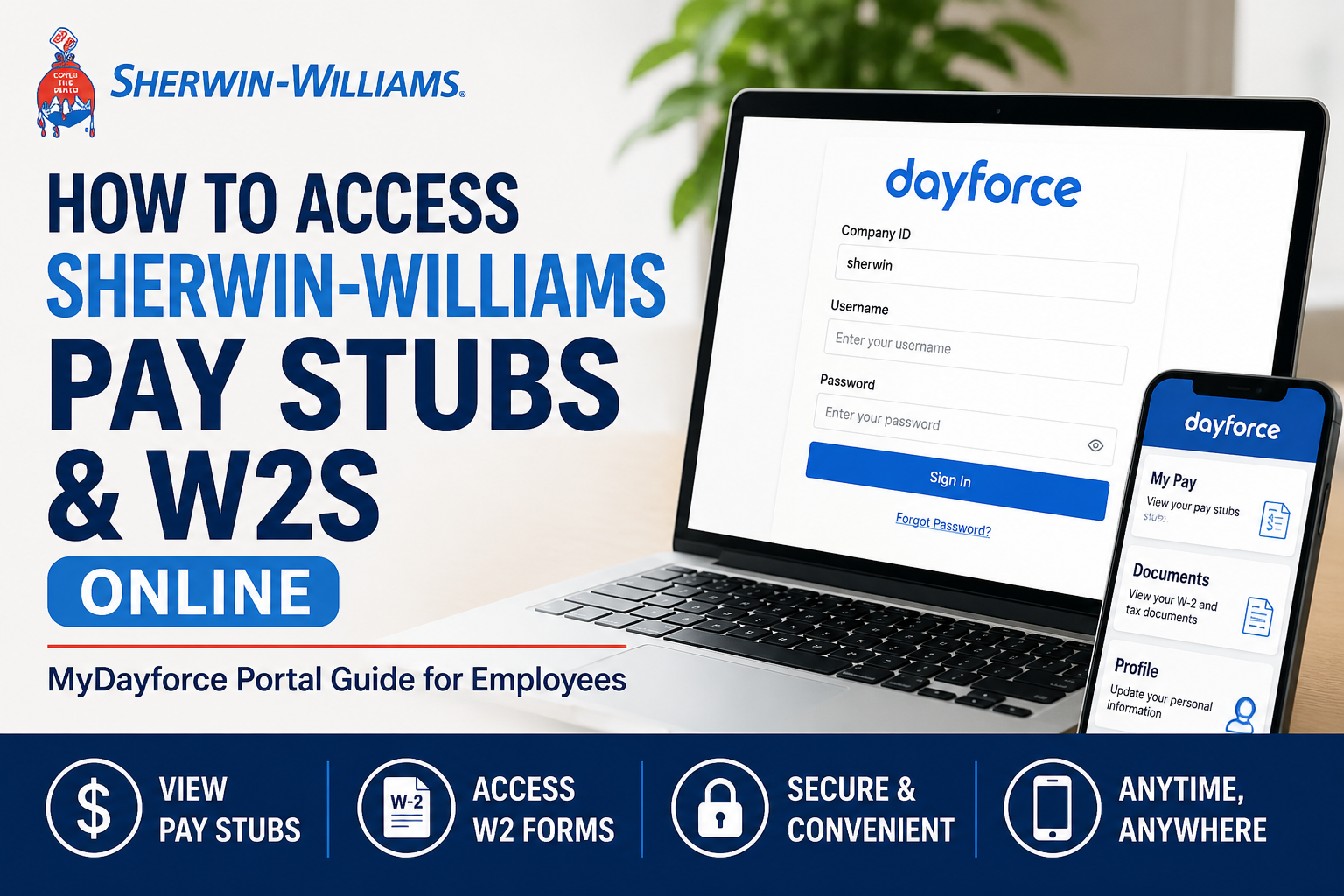
Sherwin-Williams employees can conveniently access payroll records, pay stubs, tax forms, and employment information online through the MyDayforce self-service portal. Whether you are a current employee or a former employee, the Dayforce platform allows secure access to your earnings statements and W-2 tax forms anytime, from any device. Sherwin-Williams is one of the world’s leading paint and coatings manufacturers, operating in more than 120 countries with over 64,000 employees globally. The company provides digital HR and payroll access to streamline employee services and improve convenience.
Sherwin-Williams Dayforce Portal Information
Employee Portal: MyDayforce
Portal Link: https://www.dayforcehcm.com/mydayforce/MyDayforce.aspx
Company ID: sherwin (all lowercase)
The Dayforce platform allows employees to:
- View and download pay stubs
- Access electronic W-2 tax forms
- Update payroll information
- Manage direct deposit
- Access employment records
- Retrieve previous tax documents
- Use mobile payroll services
According to the Dayforce employee guide, employees can securely access pay statements, tax forms, direct deposit information, and benefits through the platform.
How to Login to Sherwin-Williams Dayforce
Follow these steps to access your payroll account online:
Step 1: Open the Dayforce Portal
Visit the official MyDayforce login page:
https://www.dayforcehcm.com/mydayforce/MyDayforce.aspx
Step 2: Enter Company ID
Type the Company ID exactly as:
sherwin
Make sure it is entered in lowercase letters.
Step 3: Enter Your Username
Use your Sherwin-Williams employee username.
For former employees, your username is typically your Sherwin-Williams user ID.
Step 4: Enter Your Password
Input your Dayforce password.
If logging in for the first time, you may be prompted to change your password after initial sign-in.
Step 5: Access Payroll Information
Once logged in, navigate to:
- Earnings → Pay Stubs
- Tax Documents → W-2 Forms
- Profile Settings → Direct Deposit & Personal Information
How to View Sherwin-Williams Pay Stubs Online
Employees can quickly access digital earnings statements through Dayforce.
Steps to Access Pay Stubs
- Login to MyDayforce
- Open the main dashboard
- Click on Earnings
- Select the desired pay period
- View, print, or download your pay stub PDF
The Dayforce payroll system supports electronic access to payroll records and downloadable statements.
Pay stubs generally include:
- Gross earnings
- Net pay
- Federal and state tax deductions
- Overtime earnings
- Benefits deductions
- Retirement contributions
- PTO balances
- Direct deposit details
How to Access Sherwin-Williams W2 Forms Online
Sherwin-Williams employees can access electronic W-2 forms directly through Dayforce.
According to the Dayforce W-2 instructions, employees can access up to seven years of W-2 forms electronically.
Steps to Download W2 Forms
First-Time Registration
If you are using the W-2 portal for the first time:
- Open the Dayforce login page
- Click Sign Up Now
- Enter your work email address
- Request a security verification code
- Verify your identity using:
- Security code
- Last 4 digits of SSN
- Create a password
- Set security questions
- Accept the Terms of Use
The registration process requires identity verification and password setup for secure tax document access.
Steps to Download Your W2
After registration:
- Login to Dayforce
- Open My Documents
- Select Document Type
- Choose W-2
- Select the tax year
- Click Preview or Download
Employees can retrieve archived W-2 forms from previous years directly within the portal.
Sherwin-Williams Former Employee W2 Access
Former employees can still access W-2 forms online through Dayforce.
- Company Code:
sherwin - Username: Former employee Sherwin-Williams username
- Temporary password format:
- First name with first letter uppercase
- Followed by the last 3 digits of SSN/SIN
Example:John123
The system may require a mandatory password reset during first login.
If assistance is required, former employees may contact:
Email Support: globaldayforcesupport@sherwin.com
How to Access Dayforce on Mobile
Sherwin-Williams employees can also use the Dayforce mobile application.
Mobile App Features
Using the mobile app, employees can:
- View pay stubs
- Access W2 forms
- Check payroll history
- Update direct deposit
- Access HR information
- Receive payroll notifications
Download the App
- Apple App Store (iPhone/iPad)
- Google Play Store (Android)
After installation:
- Open the app
- Enter Company ID:
sherwin - Login using your employee credentials
Common Dayforce Login Problems and Solutions
Forgot Password
Click Forgot Password on the login page and follow verification instructions.
Account Locked
Too many failed login attempts may temporarily lock your account. Wait several minutes or contact HR support.
Incorrect Company ID
Ensure the Company ID is entered exactly as:
sherwin
Browser Issues
If the portal is not loading properly:
- Clear browser cache
- Use Chrome or Edge
- Disable pop-up blockers
- Try private/incognito mode
Benefits of Electronic Pay Stubs and W2s
Sherwin-Williams employees benefit from online payroll access because it offers:
- 24/7 availability
- Faster W-2 retrieval
- Secure encrypted access
- Mobile accessibility
- Reduced paper clutter
- Easy payroll history tracking
- Instant downloads for tax filing
The company emphasizes digital employee support and modern workforce tools across its operations.
Sherwin-Williams Employee Benefits Overview
Sherwin-Williams provides employees with comprehensive workplace benefits, including retirement plans, medical coverage, insurance, and employee wellness programs. The company’s benefits guide outlines healthcare, retirement savings, and payroll-connected employee services.
Employees may also access:
- 401(k) plans
- Health insurance
- Dental and vision coverage
- Employee assistance programs
- Flexible spending accounts
- Paid leave information
- Wellness programs
Final Thoughts
The Sherwin-Williams MyDayforce portal makes it simple for employees and former employees to access pay stubs and W-2 forms online securely. With both desktop and mobile access, employees can manage payroll records, download tax documents, and review earnings statements anytime without waiting for paper copies. By using the official Dayforce portal with the Company ID sherwin, employees can quickly retrieve payroll information, update account settings, and stay connected to essential HR services.
Frequently Asked Questions (FAQ)
1. How do I access my Sherwin-Williams pay stubs online?
You can access your pay stubs by logging into the MyDayforce portal using Company ID sherwin. After signing in, go to the Earnings section to view or download your pay statements.
2. What is the Sherwin-Williams Dayforce login link?
The official Dayforce login portal is:
https://www.dayforcehcm.com/mydayforce/MyDayforce.aspx
3. What is the Company ID for Sherwin-Williams Dayforce?
The Company ID is:
sherwin
Enter it in all lowercase letters.
4. Can former employees access Sherwin-Williams W2 forms?
Yes. Former employees can still access W-2 forms online through the Dayforce portal using their Sherwin-Williams username and password credentials.
5. How do I download my Sherwin-Williams W2 online?
After logging into Dayforce:
- Open My Documents
- Select Document Type
- Choose W-2
- Select the tax year
- Click Download or Preview
6. How many years of W2 forms are available in Dayforce?
Employees can typically access up to seven years of W-2 forms electronically through the Dayforce system.
7. What should I do if I forgot my Dayforce password?
Click the “Forgot Password” option on the Dayforce login page and follow the identity verification steps to reset your password.
8. Can I access Sherwin-Williams pay stubs on my phone?
Yes. Employees can use the Dayforce mobile app on Android and iPhone devices to view pay stubs, W2s, and payroll information.
9. Where can I download the Dayforce mobile app?
The app is available from:
- Apple App Store
- Google Play Store
Search for “Dayforce.”
10. Why is my Dayforce account locked?
Your account may become temporarily locked after multiple incorrect login attempts. Wait a few minutes and try again or contact payroll support.
11. What information appears on a Sherwin-Williams pay stub?
A pay stub usually includes:
- Gross pay
- Net pay
- Taxes withheld
- Overtime earnings
- Benefits deductions
- Retirement contributions
- Direct deposit information
12. Can I print my pay stubs from Dayforce?
Yes. After opening your earnings statement, you can download the PDF version and print it for personal or financial use.
13. Does Sherwin-Williams mail paper W2 forms?
Yes. W-2 forms are generally mailed to employees, but electronic copies are also available through Dayforce for faster access.
14. What should I do if my W2 is missing?
If your W2 is unavailable, contact Sherwin-Williams HR or Dayforce support for assistance with account access or tax form delivery.
15. Who do I contact for Sherwin-Williams Dayforce support?
Employees can contact Sherwin-Williams payroll or HR support for Dayforce login assistance. Former employees may also use the support email associated with the Dayforce account recovery.
