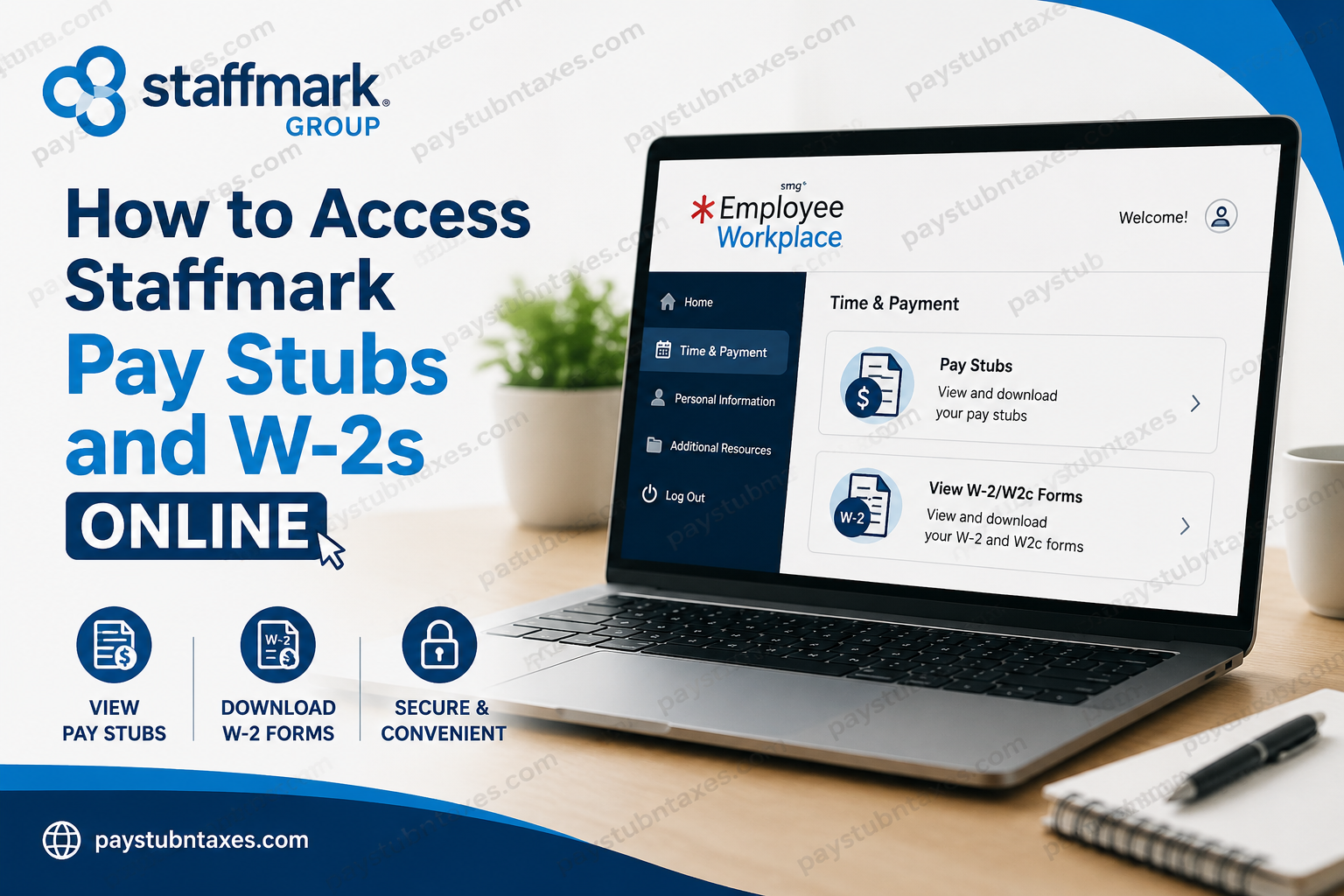
Staffmark Group (SMG) stands among the largest staffing and workforce solutions companies in the United States, operating through an extensive network of more than 400 branches and 250 onsite locations. As part of RGF Staffing and Recruit Group, Staffmark connects thousands of professionals with meaningful employment opportunities every year while delivering comprehensive workforce solutions across multiple industries. To simplify payroll management and employee self-service, Staffmark provides associates with access to the Employee Workplace portal, a centralized online platform where employees can securely retrieve pay stubs, W-2 forms, update tax information, manage direct deposits, and review employment-related documents.
What Is the Staffmark Employee Workplace Portal?
The Staffmark Employee Workplace portal is a secure self-service platform designed to help employees manage payroll and employment information efficiently. Through this portal, associates can:
- View and download pay stubs
- Access W-2 and W-2c tax forms
- Update mailing addresses
- Modify tax withholding information
- Manage direct deposit details
- Review important employment notices
- Access wage verification instructions
The platform is accessible online at:
Employee Workplace Portal: Employee Workplace
How to Log In to Staffmark Employee Workplace
To access your Staffmark payroll records online, follow these steps carefully:
Step 1: Visit the Employee Workplace Website
Open your web browser and go to: Staffmark Employee Workplace Login
Step 2: Enter Your Credentials
Provide the following login information:
- Registered email address
- Password
Step 3: Complete Security Verification
You may be required to complete CAPTCHA verification before proceeding.
Step 4: Click “Continue”
Once authenticated, you will gain access to your employee dashboard.
How to Access Staffmark Pay Stubs Online
After logging into Employee Workplace, you can retrieve your payroll statements in just a few steps.
Steps to View Pay Stubs
- Sign in to Employee Workplace
- Navigate to Time & Payment
- Select Pay Stubs
- Choose the desired pay period
- Download or print your paycheck statement
Your pay stub typically includes:
- Gross earnings
- Net pay
- Tax deductions
- Overtime pay
- Hours worked
- Direct deposit information
- Benefit deductions
Because the portal remains accessible online 24/7, employees can conveniently retrieve payroll records anytime from virtually anywhere.
How to Access Staffmark W-2 Forms Online
Staffmark also allows eligible employees to receive W-2 tax forms electronically through Employee Workplace.
Steps to Retrieve W-2 Forms
- Log into Employee Workplace
- Go to Time & Payment
- Click View W-2/W2c Forms
- Select the applicable tax year
- Download or print your W-2 form
Important Recommendations for Viewing W-2 Forms
Staffmark specifically recommends the following for the best experience:
- Use a desktop or laptop computer instead of a mobile device
- Access the portal through Google Chrome
- Disable pop-up blockers before downloading forms
These steps help ensure that PDF tax documents open correctly without technical interruptions.
What If You Did Not Opt for Electronic W-2 Delivery?
Employees who did not enroll in electronic W-2 delivery will receive paper copies by mail. Staffmark mails W-2 forms by the federal deadline of January 31 each year to the mailing address on file.
Therefore, it is essential to keep your address updated within Employee Workplace to avoid delays in receiving tax documents.
How to Reset Your Employee Workplace Password
If you cannot log into your account:
- Visit the Employee Workplace login page
- Click Forgot Password
- Follow the verification prompts
- Reset your password securely
If problems persist, contact the Staffmark support desk for additional assistance.
Staffmark Payroll and Login Support
For paycheck issues, login difficulties, or payroll inquiries, employees may contact the following support resources.
Payroll Support
Email: AskPayroll@Staffmarkgroup.com
Employee Workplace Help Desk
Phone: 1-855-801-8451
Support representatives can assist with:
- Login errors
- Password recovery
- Missing pay stubs
- W-2 access issues
- Account verification problems
How to Verify Employment With Staffmark
Staffmark employees and associates can complete wage and employment verification through Thomas & Company.
Employment Verification Portal
Thomas & Company Verification Portal at https://tncverify.com
Verification Code
Use employer code: SMTAL3
Thomas & Company Contact Information
- Email: verifications@thomas-and-company.com
- Phone: (615) 620-0569
- Toll Free: (800) 791-8943
- Online Chat: Monday–Friday, 7 AM–4 PM CT
- FAQ Chatbot: Available 24/7
This service is commonly used by lenders, landlords, financial institutions, and government agencies requiring proof of employment or income.
Benefits of Using Employee Workplace
The Employee Workplace portal offers numerous advantages for Staffmark associates, including:
1. 24/7 Payroll Access
Employees can retrieve payroll and tax documents anytime without waiting for paper copies.
2. Secure Document Storage
Sensitive payroll records are protected within a secure online environment.
3. Faster Tax Filing
Electronic W-2 access allows employees to begin tax preparation sooner.
4. Convenient Account Management
Workers can independently update direct deposit details, tax forms, and personal information.
5. Reduced Paperwork
Digital payroll records minimize administrative delays and improve accessibility.
Common Employee Workplace Login Problems and Solutions
| Problem | Solution |
| Forgot password | Use the “Forgot Password” option |
| W-2 not opening | Disable pop-up blockers and use Chrome |
| Incorrect address | Update address within the portal |
| Locked account | Contact the support desk |
| Missing pay stub | Reach out to payroll support |
Final Thoughts
Staffmark’s Employee Workplace portal provides employees with a streamlined and highly efficient way to manage payroll and tax documentation online. Whether you need to retrieve pay stubs, download W-2 forms, update banking information, or verify employment, the platform centralizes all essential payroll functions within a secure and user-friendly environment. By using Employee Workplace regularly and keeping your account information updated, you can ensure uninterrupted access to your payroll records throughout the year.
Frequently Asked Questions (FAQ)
1. How do I access my Staffmark pay stubs online?
To access your Staffmark pay stubs, log into the Employee Workplace portal and go to Time & Payment > Pay Stubs.
2. What website does Staffmark use for payroll access?
Staffmark employees use the Employee Workplace portal: https://www.employeeworkplace.com.
3. How can I download my Staffmark W-2 online?
After signing into Employee Workplace, select Time & Payment and click View W-2/W2c Forms to download your tax form.
4. When will Staffmark mail paper W-2 forms?
Staffmark mails paper W-2 forms by the federal deadline of January 31 each year to employees who did not enroll in electronic delivery.
5. Can former Staffmark employees access W-2 forms online?
Yes, former employees who still have valid Employee Workplace credentials may continue accessing W-2 forms online.
6. What should I do if I forgot my Employee Workplace password?
Use the Forgot Password option on the login page or contact the support desk at 1-855-801-8451.
7. Why is my Staffmark W-2 not opening?
Staffmark recommends using Google Chrome and disabling pop-up blockers when accessing W-2 forms online.
8. Can I view Staffmark pay stubs on my mobile phone?
Although mobile access may work, Staffmark recommends using a desktop or laptop computer for the best experience.
9. How do I update direct deposit information with Staffmark?
You can update direct deposit details directly within the Employee Workplace portal after logging in.
10. How do I change my address in Employee Workplace?
Sign into your account and update your personal profile information to ensure tax documents are mailed correctly.
11. Who do I contact for paycheck issues at Staffmark?
Employees should email: AskPayroll@Staffmarkgroup.com
for payroll-related concerns.
12. How do I verify employment with Staffmark?
Employment verification can be completed through: https://tncverify.com/
using employer code SMTAL3.
13. What information appears on a Staffmark pay stub?
A Staffmark pay stub typically includes gross pay, net pay, taxes withheld, deductions, hours worked, and direct deposit information.
14. Is Employee Workplace secure?
Yes, Employee Workplace is a secure self-service platform designed to protect employee payroll and tax information.
15. What phone number should I call for Employee Workplace login support?
For login assistance, contact the Employee Workplace help desk at: 1-855-801-8451
