Stanford University, one of the world’s foremost institutions of higher learning and innovation, has long stood at the intersection of academic excellence, pioneering research, and transformative global impact. Founded in 1885 and located in the heart of California’s Silicon Valley, Stanford continues to shape the future through world-class education, groundbreaking discoveries, and an enduring commitment to intellectual freedom. To support its faculty, staff, researchers, postdoctoral scholars, and student employees, Stanford University provides secure online payroll and tax document access through the Stanford Axess portal. Employees can conveniently view current and historical pay statements, manage direct deposit information, and download W-2 tax forms electronically from virtually anywhere. This guide explains how to access Stanford pay stubs and W-2 forms online, including important payroll schedules, electronic distribution options, and essential troubleshooting information.
What Is Stanford Axess?
Stanford Axess is the university’s centralized online self-service platform that allows employees, students, and affiliates to manage employment, payroll, financial, and academic information securely. Through Axess, employees can:
- View and download pay statements
- Access W-2 wage and tax forms
- Manage direct deposit information
- Review payroll deductions and earnings
- Update personal information
- Access employment-related financial services
The portal is protected using Stanford’s SUNet authentication system to ensure the privacy and security of employee data.
Stanford Axess Login Requirements
Before accessing payroll information online, employees must have:
- A valid Stanford SUNet ID
- A SUNet password
- Internet browser access
- Pop-up blockers disabled for PDF downloads
Stanford advises employees to keep login credentials confidential and regularly update passwords for enhanced security.
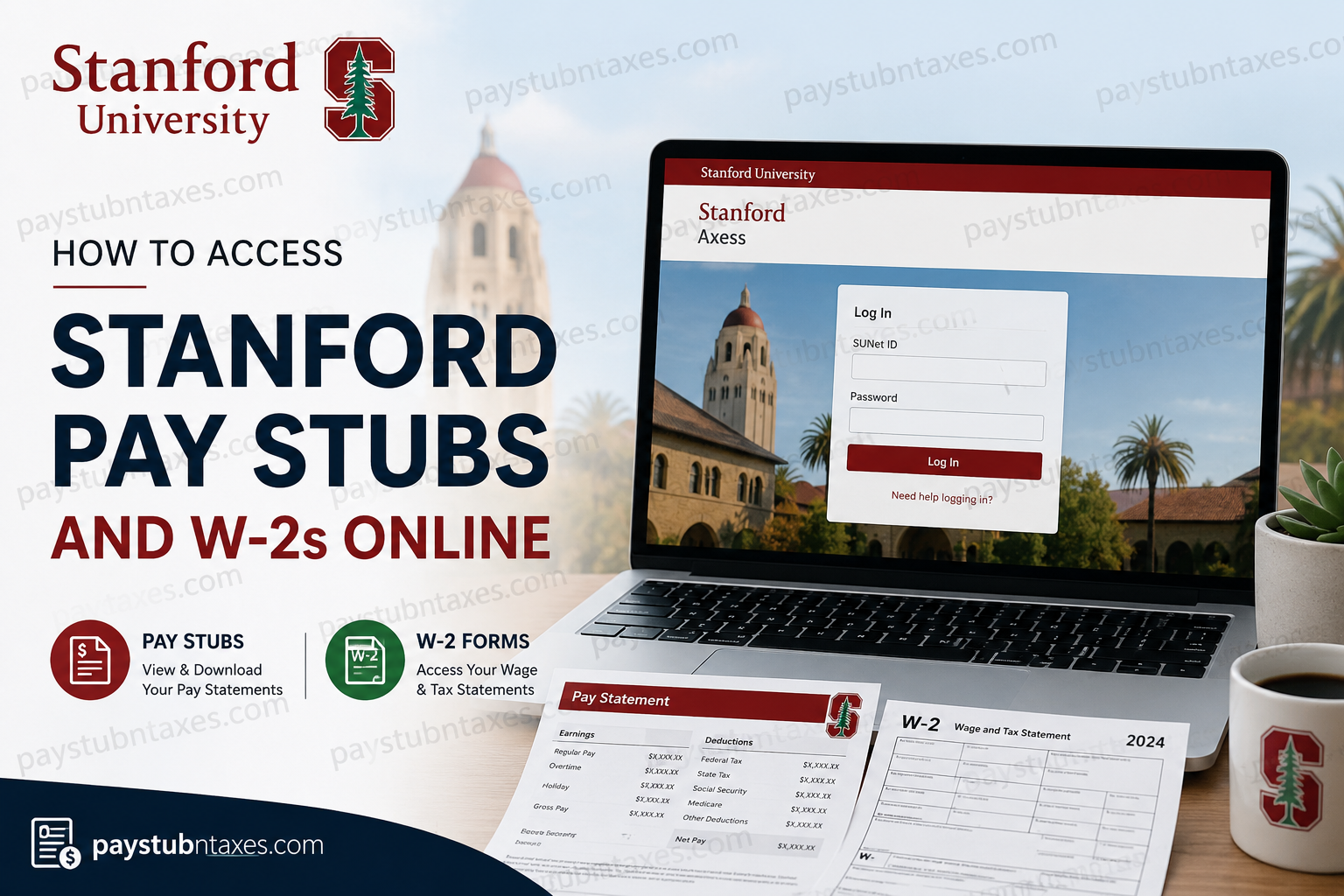
Stanford Axess Portal Login
Employees can access the payroll portal by visiting:
Axess Portal: https://axess.stanford.edu
Steps to Log In
- Open your web browser and visit the Axess website.
- Select Log In.
- Enter your Stanford SUNet ID and password.
- Complete any required authentication steps.
- Access the Employee Center dashboard.
The Axess login interface includes options for payroll access, enrollment services, and account recovery assistance.
How to View Stanford Pay Stubs Online
Stanford employees can securely access current and previous pay statements directly through Axess. The system allows employees to download PDF versions of payroll records for employment verification, financial documentation, or personal recordkeeping.
Steps to Access Pay Statements
- Log in to Stanford Axess.
- Navigate to the Employee Center.
- Locate the payroll section.
- Select View Pay Statements.
- Choose either:
- Single Pay Statement
- Multiple Pay Statements
- Open or download the PDF pay stub.
Online pay statements are generally available approximately two business days before payday.
Understanding Stanford Pay Dates
Stanford University follows a semi-monthly payroll schedule for employees.
Standard Pay Dates
- 7th of each month
- 22nd of each month
Pay periods are structured as follows:
- Work performed from the 1st through the 15th is typically paid on the 22nd
- Work performed from the 16th through the last day of the month is paid on the 7th of the following month
If a scheduled payday falls on a weekend or university holiday, payment is issued on the preceding business day.
Direct Deposit at Stanford University
Stanford strongly encourages employees to enroll in direct deposit through Axess.
Direct Deposit Features
Employees may:
- Deposit funds into one or multiple bank accounts
- Allocate pay by percentage, fixed amount, or balance
- Modify banking information at any time
- Cancel direct deposit electronically
Direct deposit eliminates delays associated with paper checks and provides faster access to payroll funds.
How to Access Stanford W-2 Forms Online
Stanford employees may receive W-2 forms electronically through Axess, allowing faster and more convenient access during tax season.
W-2 Availability Schedule
Stanford distributes W-2 forms according to the following timeline:
- January 15: Electronic W-2s become available in Axess
- January 31: Paper W-2s are mailed to employees who did not elect electronic delivery
- February 15: Duplicate paper W-2 reprints become available
Steps to View W-2 Forms in Axess
Current Employees
- Log in to Stanford Axess.
- Open the Employee Center.
- Scroll to the Taxes section.
- Select View All W-2 Forms.
- Download or print the desired tax year form.
Students and Postdoctoral Scholars
Current students and postdocs can access W-2s through the My Finances section in Axess.
Graduates and Former Students
Former students and graduates may also retrieve tax documents through the My Finances section if eligible access remains available.
Accessing W-2 Forms as a Former Employee
Former employees who no longer have access to Axess may request copies of prior W-2 forms from Stanford Payroll.
Important details include:
- Current-year W-2 forms are mailed to the address on file
- Duplicate W-2 copies incur a $10 fee per requested year
- Former employees should update mailing addresses through their department administrator or former supervisor when necessary
What Information Appears on Stanford Pay Statements?
Stanford pay statements contain detailed payroll and tax information, including:
- Pay group classification
- Pay period dates
- Gross earnings
- Federal and state tax withholdings
- Before-tax deductions
- After-tax deductions
- Vacation and sick leave balances
- Net pay distribution
- Year-to-date earnings and deductions
Employees are encouraged to verify that their legal name and Social Security information are accurate to ensure proper tax reporting and future Social Security benefit calculations.
Payroll Security and Privacy
Stanford secures employee payroll information in compliance with institutional privacy policies and electronic information security standards. Employees should:
- Never share SUNet login credentials
- Change passwords periodically
- Exercise caution when printing payroll records in public areas
- Log out after each session
Troubleshooting Stanford Payroll Access
If employees encounter issues accessing Axess, common solutions include:
- Resetting SUNet passwords
- Disabling browser pop-up blockers
- Clearing browser cache and cookies
- Using an updated browser version
- Contacting Stanford Payroll Support
Stanford also provides payroll support requests for employees needing printed copies or assistance with W-2 corrections.
Final Thoughts
Stanford University’s Axess platform provides employees with a secure and efficient method for managing payroll records and tax documentation online. Whether accessing current pay stubs, reviewing historical earnings, enrolling in direct deposit, or downloading W-2 tax forms, Axess centralizes essential payroll services into a streamlined digital experience. By opting for electronic document delivery and maintaining updated account information, Stanford employees can simplify payroll management while ensuring timely access to important financial records throughout the year.
Frequently Asked Questions
1. Where can Stanford employees view pay stubs online?
Stanford employees can access pay stubs through the Stanford Axess portal at https://axess.stanford.edu.
2. What login credentials are required for Stanford Axess?
Employees need a valid SUNet ID and password to log in to the Axess portal.
3. How do I download Stanford pay statements?
After logging into Axess, navigate to the Employee Center and select “View Pay Statements” to download PDF copies.
4. When are Stanford pay stubs available online?
Online pay statements are usually available two business days before payday.
5. What are Stanford University pay dates?
Stanford typically pays employees on the 7th and 22nd of each month.
6. Can former Stanford employees access W-2 forms online?
Former employees may request copies of W-2 forms from Stanford Payroll if Axess access is unavailable.
7. When are Stanford W-2 forms released?
Electronic W-2 forms are generally available by January 15 each year.
8. Does Stanford mail paper W-2 forms?
Yes. Paper W-2 forms are mailed by January 31 to employees who did not choose electronic delivery.
9. How do I enroll in electronic W-2 delivery at Stanford?
Employees can opt into online W-2 distribution through the Axess portal.
10. Can I access previous years’ W-2 forms in Axess?
Yes. Eligible employees can download duplicate W-2 forms for up to 10 previous years through Axess.
11. How do I reset my Stanford SUNet password?
Employees can reset or manage passwords through Stanford’s account management services.
12. What should I do if my W-2 information is incorrect?
Contact Stanford Payroll or your department’s HR administrator to request corrections.
13. Can Stanford employees use direct deposit?
Yes. Employees can enroll in or update direct deposit information through Axess.
14. What browser settings are needed to view pay stubs?
Employees should disable pop-up blockers to download and view PDF pay statements properly.
15. Is Stanford Axess secure for payroll access?
Yes. Stanford secures payroll information through protected SUNet authentication and university privacy policies.
