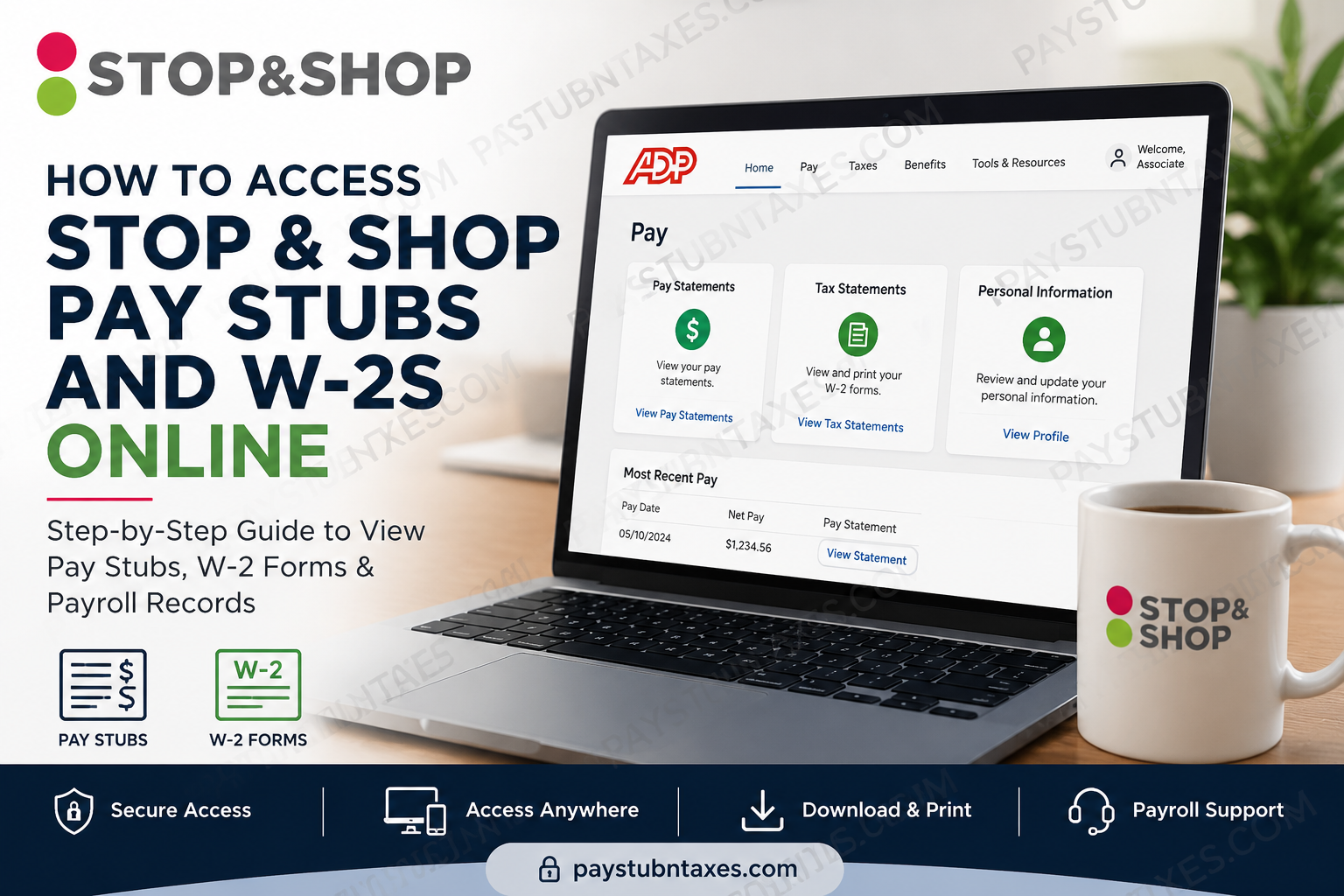
For thousands of employees across the Northeastern United States, Stop & Shop remains one of the most recognizable supermarket employers in the retail industry. Founded in 1914, the company has grown from a modest neighborhood grocery store into a regional retail powerhouse operating hundreds of locations across Massachusetts, Connecticut, Rhode Island, New York, and New Jersey. As workforce technology continues to evolve, Stop & Shop employees now have multiple digital pathways for accessing payroll records, tax documents, and employee self-service resources. Whether you need your latest paycheck details, previous earnings statements, or annual W-2 tax forms, understanding the correct platform is essential for avoiding login complications and unnecessary delays. This comprehensive guide explains exactly how current and former Stop & Shop employees can access pay stubs and W-2 forms securely and efficiently.
How Stop & Shop Employees Access Payroll Records
Stop & Shop employees can generally access payroll information through two systems:
- SuccessFactors Employee Self-Service Portal
- ADP Portal and Mobile App
Each platform serves a slightly different purpose.
| Platform | Main Purpose | Access Restrictions |
| SuccessFactors Employee Portal | Pay stubs, HR services, direct deposit, tax updates, scheduling, employee management | Mostly accessible through in-store systems with MFA |
| ADP (my.adp.com) | Pay stubs, payroll records, W-2 tax forms | Accessible anytime from personal devices |
In simple terms:
- Use ADP for payroll documents and W-2 forms.
- Use SuccessFactors for HR-related changes such as updating tax withholdings or modifying direct deposit information.
Best Way to Access Stop & Shop Pay Stubs
For most associates, the easiest and most reliable way to view payroll documents is through ADP.
ADP Login Portal
Through ADP, employees can:
- View current and previous pay stubs
- Download W-2 tax forms
- Access payroll history
- Print tax statements
- Manage payroll notifications
Unlike the internal employee portal, ADP can typically be accessed from home without restrictions.
How to Register for Stop & Shop ADP Account
If you have never used ADP before, you must create an account first.
Step-by-Step ADP Registration
Step 1: Visit ADP
Go to: ADP Registration Portal
Step 2: Select “Create Account”
On the login page, click Create Account.
Step 3: Choose “Find Me”
ADP will ask you to verify your identity using personal information associated with your employment records.
Step 4: Enter Your Information
You may need:
- First and last name
- Date of birth
- Last four digits of your SSN
- Employee identification details
Step 5: Complete Verification
ADP may verify your identity using:
- A text message code
- Email verification
- Security questions
Step 6: Create Login Credentials
Set up:
- User ID (system-assigned)
- Strong password
- Recovery email
- Mobile number
Once registration is complete, you can immediately access electronic pay statements and W-2 forms.
How to Access Stop & Shop Pay Stubs Online
Once registered:
- Sign in to ADP
- Open the payroll dashboard
- Navigate to:
- Myself
- Pay
- Pay Statements
- Select the desired paycheck
- Download or print your pay stub
Employees can access payroll records through:
- desktop browsers,
- tablets,
- or the ADP mobile application.
How to Access Stop & Shop W-2 Forms
ADP also stores annual W-2 tax documents electronically.
Steps to Retrieve Your W-2
- Sign in to your ADP account
- Navigate to:
- Myself
- Pay
- Tax Statements
- Select the applicable tax year
- Download the PDF copy
- Print for tax filing purposes if necessary
Employees frequently use ADP specifically for W-2 access because the payroll portal remains available remotely without requiring in-store authentication.
Accessing SuccessFactors Employee Portal
The SuccessFactors portal is mainly used for internal HR services.
Employees typically use it for:
- Updating tax withholding
- Changing direct deposit information
- Viewing pay stubs
- Accessing employee services
- Managing benefits
However, many of these features require access from an in-store computer.
Several associates have reported that payroll-related HR changes can only be completed while connected to company systems at work.
Multi-Factor Authentication (MFA) for SuccessFactors
Stop & Shop uses Microsoft Multi-Factor Authentication to secure employee accounts.
To access certain systems from home or a personal device, employees may need to configure Microsoft Authenticator.
How to Set Up MFA
Step 1: Download Microsoft Authenticator
Install the official Microsoft Authenticator app from:
- Apple App Store
- Google Play Store
Step 2: Open the Security Setup Page
Visit: Microsoft Security Info Setup
Step 3: Add a Sign-In Method
Choose:
- Authenticator App
- Work or School Account
Step 4: Scan the QR Code
Use the Microsoft Authenticator app to scan the QR code displayed during setup.
Step 5: Complete Verification
Once configured, you can authenticate future logins securely from your smartphone.
Understanding Your Stop & Shop Login ID
Many employees become confused because Stop & Shop uses internal employee credentials that differ from ADP credentials.
For internal systems, your username may resemble: PE_NUMBER@us.royalahold.net
Meanwhile, ADP requires a completely separate account registration and password setup.
Employees who attempt to use their internal credentials on ADP often encounter login errors because the systems are independent.
Can You Access Stop & Shop Payroll Information from Home?
Yes — But Only Through Certain Systems
Accessible From Home
- ADP pay stubs
- W-2 forms
- Payroll history
Usually Restricted to Store Computers
- Tax withholding changes
- Direct deposit updates
- Internal HR tools
- Some SuccessFactors functions
This security structure helps protect sensitive employee payroll and HR information.
Common Stop & Shop Payroll Login Problems
Employees frequently experience issues such as:
- Forgotten passwords
- MFA setup confusion
- Blank login screens
- Incorrect employee IDs
- Expired authentication tokens
In many cases, associates must activate Microsoft Authenticator before remote access works correctly.
Stop & Shop Payroll Support Number
If you experience persistent payroll access problems, contact the Stop & Shop support line directly:
Stop & Shop Associate Support: 866-789-4748
This number is often more effective for payroll-related issues than contacting ADP support directly.
Tips for Smooth Payroll Access
To avoid login interruptions:
- Register your ADP account early
- Keep your phone number updated
- Save recovery email information
- Enable Microsoft Authenticator properly
- Store your User ID securely
- Use a personal email you can always access
Final Thoughts
Navigating employee payroll systems can sometimes feel unnecessarily complicated, especially when multiple platforms and authentication layers are involved. Fortunately, Stop & Shop employees can simplify the process by understanding which platform serves which purpose. For day-to-day payroll access, ADP remains the most convenient and accessible option. Meanwhile, the internal SuccessFactors environment continues to handle more sensitive HR-related changes through secure company systems. Once your ADP account and MFA authentication are configured correctly, accessing pay stubs and W-2 forms becomes significantly easier, faster, and more secure.
Frequently Asked Questions (FAQs)
1. How do I access Stop & Shop pay stubs online?
Current employees can access pay stubs through ADP at my.adp.com or through the internal SuccessFactors portal.
2. Can former Stop & Shop employees access W-2 forms?
Yes. Former employees may still retrieve W-2 forms through ADP if their account remains active.
3. What is the ADP website for Stop & Shop employees?
The official portal is: my.adp.com
4. Why can’t I access the employee portal from home?
Some internal HR functions are restricted to company computers for security purposes.
5. What app do I need for MFA authentication?
You need the Microsoft Authenticator app.
6. Is the ADP password the same as my employee portal password?
No. ADP uses separate credentials.
7. Where can I update direct deposit information?
Direct deposit changes usually must be completed through the internal employee portal using a store computer.
8. What should I do if ADP says my information is incorrect?
You may need to create an account first or contact payroll support.
9. What is the Stop & Shop payroll support phone number?
Call 866-789-4748 for assistance.
10. Can I view my W-2 on the ADP mobile app?
Yes. The ADP app supports W-2 downloads and payroll access.
