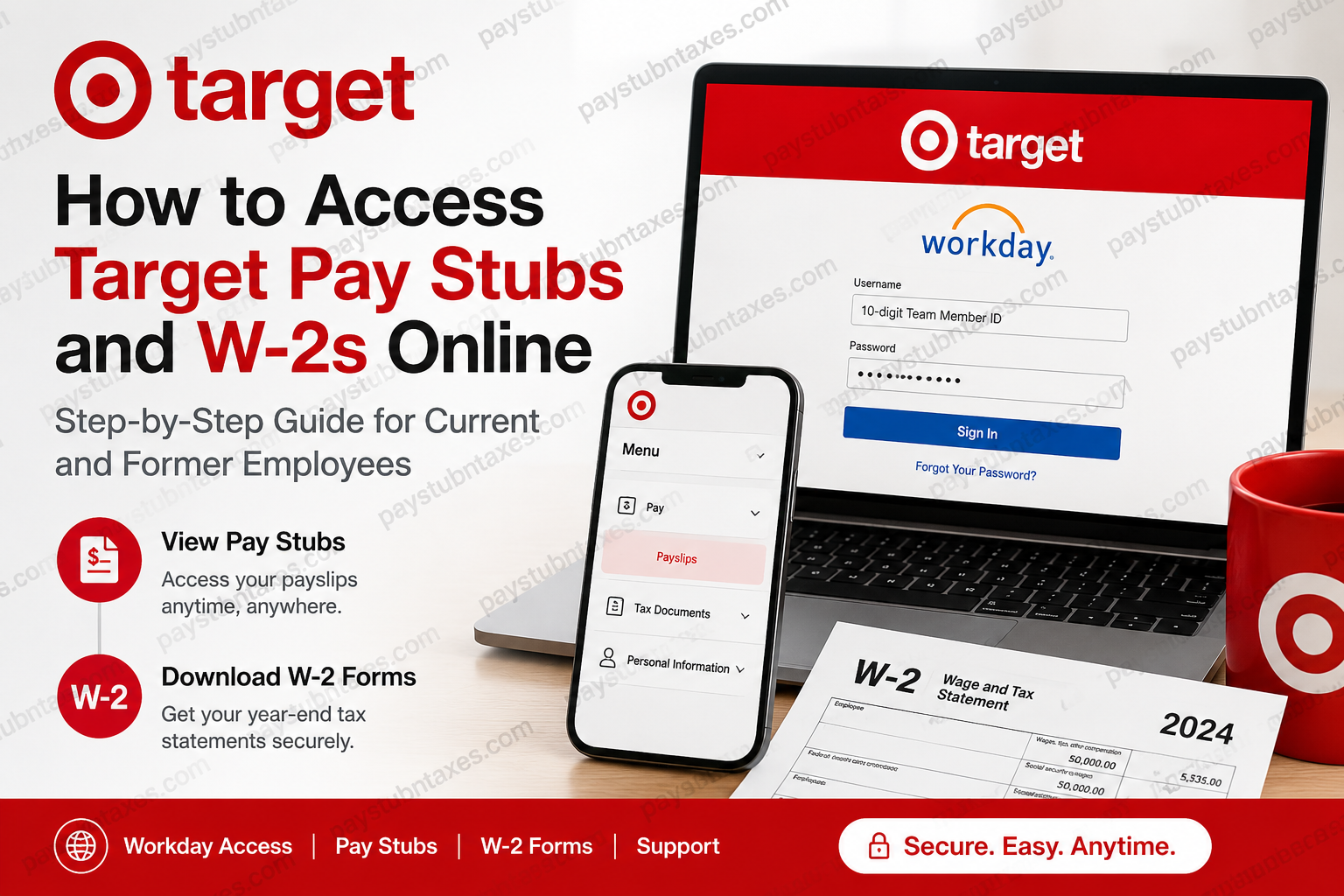
Target is one of America’s most recognized retail corporations, operating nearly 2,000 stores across the United States and employing hundreds of thousands of team members nationwide. The company provides employees with secure digital access to payroll and tax documents through the Workday Self-Service platform and Paperless Employee portal. Whether you are a current Target team member or a former employee, you can conveniently access your pay stubs, W-2 tax statements, payroll history, and other employment records online. This guide explains everything you need to know about logging in, downloading payslips, retrieving W-2 forms, and resolving common access issues.
Target Employee Payroll Portal
Current Target employees can access payroll and tax documents through the official Workday portal:
Workday Login: Target Workday Portal
Target uses Workday as its primary employee self-service system for:
- Viewing pay stubs
- Downloading W-2 forms
- Updating tax information
- Managing direct deposit
- Accessing HR resources
- Reviewing compensation history
The Team Member Services Hub also provides quick access to Workday and year-end tax statements.
How to Log In to Target Workday
To sign in successfully, you will need your Target Team Member credentials.
Username Requirements
Your username is your 10-digit Team Member ID.
First-Time Login Instructions
For your first login:
- Open the official Workday sign-in page.
- Enter your 10-digit Team Member ID.
- Use the temporary password sent to your personal email address.
- Create a new secure password.
Your new password must contain:
- At least 12 characters
- One uppercase letter
- One lowercase letter
- One number
- One special character such as ! @ # $ % ^ & *
Additionally:
- Your password cannot match your username
- Your previous four passwords cannot be reused
If you experience login problems, click “Forgot Your Password?” on the sign-in page.
Important: Your Workday login credentials are different from your Target Pay & Benefits account credentials.
How to Access Target Pay Stubs Online
Employees can quickly view and print their electronic payslips inside Workday.
Steps to View Your Payslips
- Log in to Workday.
- Open the Menu located in the upper-left corner.
- Select the Pay application.
- Click Payslips under the “View” section.
- Choose one of the following:
- View Payslip
- Print Payslip
What Information Appears on a Target Pay Stub?
Your Target payslip may include:
- Pay period dates
- Check date
- Gross earnings
- Net pay
- Federal and state tax deductions
- Pre-tax deductions
- Post-tax deductions
- Direct deposit details
- Year-to-date earnings
- Withholding information
- Employer-paid benefits
This information is essential for:
- Income verification
- Loan applications
- Apartment rentals
- Tax preparation
- Financial planning
How to Access Target W-2 Forms Online
Target provides electronic W-2 tax forms through both Workday and the Paperless Employee platform.
Electronic W-2 Access for Current Employees
Follow these steps:
- Log in to Workday.
- Go to Menu > Tax Forms (W-4, W-2).
- On the Paperless Employee website, select Year-End Tax Statements.
- Click Download (PDF) to save your W-2.
Important Deadline
Free electronic W-2 access remains available through October 15 of the filing year. Additional fees may apply after that date.
How Former Target Employees Can Access W-2 Forms
Former employees can still retrieve tax forms online through the Paperless Employee portal.
Steps for Former Employees
- Visit:
Target Paperless Employee Portal - Log in or create an account.
- Provide:
- 10-digit Team Member Number
- Date of birth
- Social Security Number
- Update your contact preferences.
- Select Year-End Tax Statements.
- Download your W-2 PDF.
Paper W-2 Delivery Information
Target also distributes paper W-2 forms depending on employment status.
Active Store & GSCL Team Members
Paper W-2 forms are distributed directly at the work location by HR.
Active HQ & RGD Employees
W-2 forms are mailed to the home address listed in Workday as of December 31.
Former Employees
Paper W-2s are mailed to the last address on file in Workday as of December 31.
If your address was incorrect and you do not receive your W-2, you may need to purchase a replacement copy.
How to Order a Replacement Target W-2
If you lost your W-2 or need an older copy:
- Access the Paperless Employee portal.
- Select Year-End Statements.
- Click Show All Years.
- Choose the W-2 form(s) you want.
- Select:
- Download PDF
- Mail delivery
- Submit payment if required.
Target Payroll Customer Support
If you cannot access your account or need payroll assistance, contact Target HR Operations.
Support Phone Number
1-800-394-1885
Former employees who left Target prior to 05/01/2026 are advised to contact this support line directly for assistance.
Common Problems and Solutions
Forgot Your Password
Use the “Forgot Your Password?” option on the Workday sign-in page.
Locked Out of Workday
Wait a few minutes and try again, or contact HR Operations.
Incorrect Mailing Address
Update your address immediately in Workday before year-end to ensure timely W-2 delivery.
Cannot Access Old W-2 Forms
Former employees should use the Paperless Employee portal instead of Workday.
Benefits of Electronic Pay Stubs and W-2s
Using digital payroll records offers several advantages:
- Faster access to tax forms
- Secure online storage
- Reduced paper clutter
- Easy downloading and printing
- 24/7 payroll access
- Faster tax filing preparation
Target’s digital payroll system helps employees manage their financial documents efficiently while improving convenience and security.
Final Thoughts
Target employees can easily access pay stubs and W-2 forms online through Workday and Paperless Employee. Whether you are an active team member or a former employee, the process is straightforward and secure. By keeping your login credentials and mailing address updated, you can ensure uninterrupted access to your payroll and tax records throughout the year.
For the fastest experience, electronic delivery remains the most reliable option for retrieving Target payroll documents and year-end tax statements.
Frequently Asked Questions (FAQ)
1. How do I access my Target pay stubs online?
You can access your Target pay stubs through the Workday Self-Service portal. Log in to Workday, select Menu, open the Pay application, and click Payslips.
2. What is the official Target Workday login link?
The official Target Workday portal is: https://wd5.myworkday.com/target
3. What username do I use for Target Workday?
Your username is your 10-digit Target Team Member ID.
4. How can I get my Target W-2 online?
Current employees can download W-2 forms from Workday under Tax Forms (W-4, W-2). Former employees can access W-2s through the Paperless Employee portal.
5. Where can former Target employees get W-2 forms?
Former employees can retrieve W-2 forms at: https://www.paperlessemployee.com/target
6. What information is included on a Target pay stub?
A Target payslip may include gross pay, net pay, taxes, deductions, direct deposit information, pay period dates, and year-to-date earnings.
7. How do I reset my Target Workday password?
Click the “Forgot Your Password?” link on the Workday sign-in page and follow the password recovery instructions.
8. Can I print my Target pay stubs?
Yes. Inside Workday, open the Payslips section and click Print next to the desired pay statement.
9. Does Target mail paper W-2 forms?
Yes. Paper W-2 forms are either mailed to your home address or distributed by HR, depending on your employment type and location.
10. When are Target W-2 forms available online?
Electronic W-2 forms are generally available by mid-January each year.
11. How long is free electronic access to Target W-2s available?
Free online access is available through October 15 of the filing year. Additional fees may apply afterward.
12. What should I do if I never received my Target W-2?
Verify your mailing address in Workday and contact Target HR Operations if your W-2 is missing or delayed.
13. Can former employees still access Target Workday?
Some former employees may retain limited access for a certain period. Others must use the Paperless Employee website to obtain payroll documents.
14. Who do I contact for Target payroll support?
You can contact Target HR Operations at 1-800-394-1885 for assistance with Workday, pay stubs, or W-2 forms.
15. Can I access Target pay stubs on my phone?
Yes. Workday is mobile-friendly and allows employees to view payslips and payroll information from smartphones and tablets.
