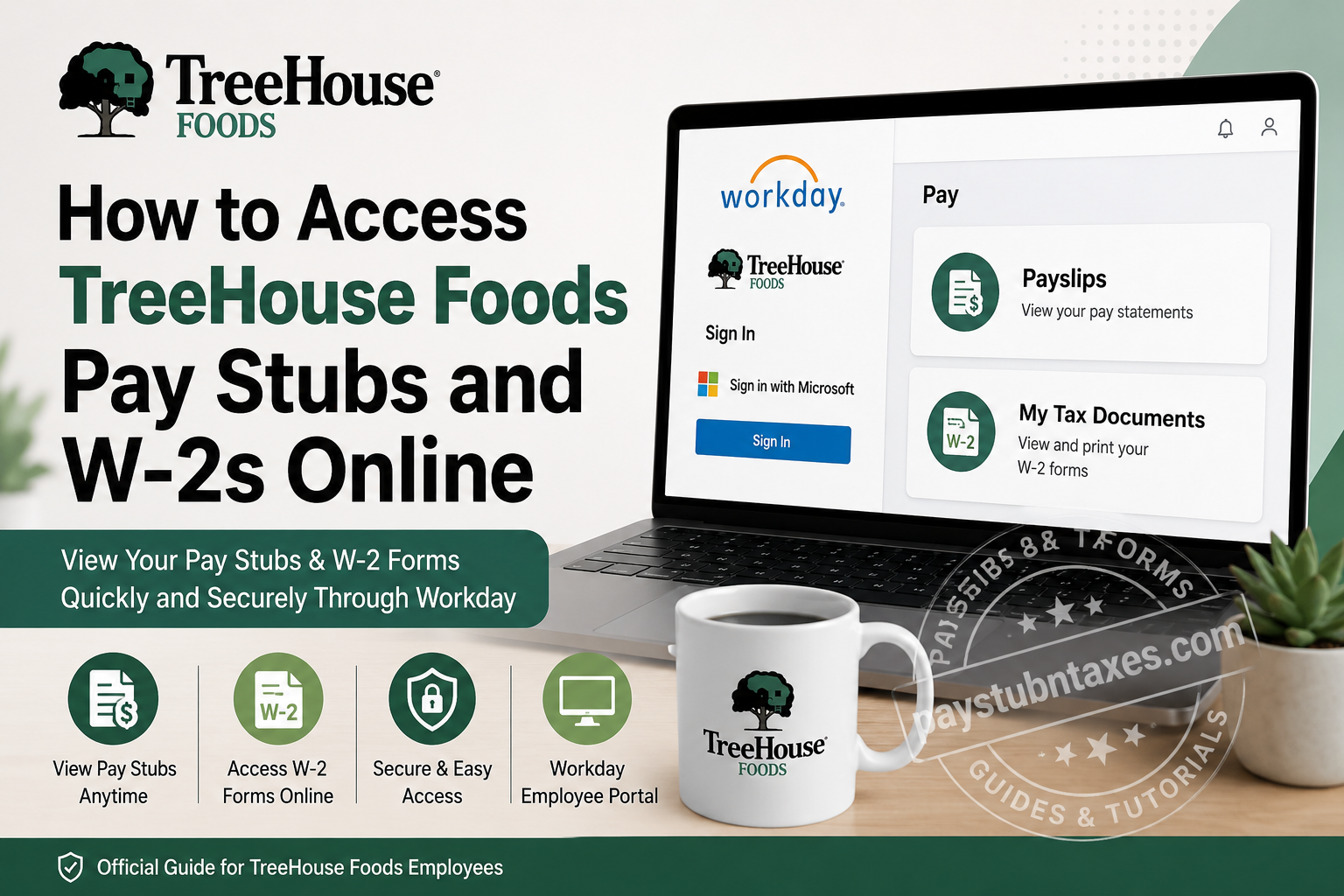
TreeHouse Foods, one of North America’s leading private-label food and beverage manufacturers, employs more than 10,000 people across the United States and Canada and operates an extensive network of production facilities and distribution centers. The company provides employees with convenient digital access to payroll and tax documents through its Workday platform, enabling team members to retrieve pay statements and annual tax forms whenever they need them. If you are a current TreeHouse Foods employee, this guide explains exactly how to access your pay stubs and W-2 forms online, troubleshoot common login issues, and manage your tax document preferences.
TreeHouse Foods Workday Login Portal
Employee Login URL: https://wd1.myworkday.com/treehouse/
Current employees can sign in using their Microsoft Single Sign-On (SSO) credentials.
The Workday portal allows employees to:
- View and download pay stubs
- Access annual W-2 tax forms
- Update direct deposit information
- Manage tax withholding elections
- Review personal and employment information
- Access benefits and payroll records
How to View Your TreeHouse Foods Pay Stubs Online
Accessing your pay statements through Workday takes only a few minutes.
Step 1: Visit the Workday Portal
Go to: https://wd1.myworkday.com/treehouse/
Step 2: Sign In
Enter your Microsoft SSO credentials and complete any required multi-factor authentication.
Step 3: Open the Pay Application
After signing in, locate and select the Pay application from your Workday dashboard.
Step 4: Select “Payslips”
Within the Pay section, click Payslips to view your payroll history.
Step 5: Choose the Desired Pay Period
A list of available pay periods will appear.
Select the specific paycheck you wish to view.
Step 6: Download or Print Your Pay Stub
Open the PDF version of the pay statement and:
- Download it to your device.
- Print a copy for your records.
- Save it for loan applications, income verification, or tax purposes.
Workday stores payroll information electronically, making it possible to retrieve pay statements quickly without waiting for paper copies.
How to Access Your TreeHouse Foods W-2 Online
Each year, TreeHouse Foods employees can retrieve their W-2 forms directly through Workday.
Step 1: Log in to Workday
Visit: https://wd1.myworkday.com/treehouse/ and sign in using your Microsoft SSO credentials.
Step 2: Open the Pay Dashboard
From the homepage, click Pay.
Step 3: Select “My Tax Documents”
Within the Pay dashboard, choose: My Tax Documents
This section contains your available tax forms.
Step 4: Locate Your W-2
Find the applicable tax year and click: View/Print
Step 5: Download or Print
You can:
- Download a PDF copy.
- Print a paper copy.
- Save an electronic version for your records.
Workday also allows employees to access electronic copies of W-2 forms directly from the portal, simplifying tax filing and recordkeeping.
Enable Paperless W-2 Delivery
TreeHouse Foods recommends that employees opt for electronic tax documents to avoid waiting for mailed forms.
To enable paperless delivery:
- Sign in to Workday.
- Open Settings.
- Navigate to Tax Documents Preferences.
- Select Paperless Delivery.
- Save your changes.
By choosing electronic delivery, you can typically access your W-2 as soon as it becomes available online.
What If You Cannot Access Workday?
If you’re experiencing login problems, try the following:
Verify Your Microsoft Credentials
Ensure that:
- Your username is correct.
- Your password has not expired.
- Caps Lock is turned off.
Use the Password Reset Option
Click:
“Can’t access your account?”
on the login screen to reset your credentials.
Try Another Browser
Clear your browser’s cache and cookies or try accessing Workday using:
- Google Chrome
- Microsoft Edge
- Mozilla Firefox
Contact Human Resources
If the issue persists, contact TreeHouse Foods for assistance.
Former Employees: How to Obtain Pay Stubs or W-2s
Former employees may no longer have access to Workday after separation from the company.
If you cannot log in:
- Contact Human Resources or Payroll.
- Request copies of your pay statements or W-2 forms.
- Verify your identity before records are released.
Keeping your mailing address updated with TreeHouse Foods is important to ensure timely delivery of tax documents.
Why Employees Use Workday
The Workday platform offers several advantages:
✔ Secure online access
✔ Paperless payroll records
✔ Immediate access to tax documents
✔ Downloadable PDF copies
✔ Mobile-friendly interface
✔ Centralized employee information management
Digital payroll systems eliminate much of the administrative burden associated with paper documents and provide employees with round-the-clock access to their records.
About TreeHouse Foods
TreeHouse Foods is a leading manufacturer of private-label food and beverage products serving retail grocery, foodservice, industrial, and export customers across North America. The company operates numerous manufacturing facilities and distribution centers throughout the United States and Canada and maintains a strong focus on quality, food safety, and operational excellence. The company also emphasizes employee engagement, professional development, and comprehensive benefits programs designed to support the physical, financial, and emotional well-being of its workforce.
TreeHouse Foods Contact Information
TreeHouse Foods, Inc.
2021 Spring Road, Suite 600
Oak Brook, Illinois 60523
Phone: (708) 483-1300
Email: info@treehousefoods.com
Workday Portal:
https://wd1.myworkday.com/treehouse/
FAQs
1. How do I access my TreeHouse Foods pay stubs online?
Log in to the TreeHouse Foods Workday portal and go to Pay → Payslips.
2. What is the TreeHouse Foods Workday login website?
The official employee portal is https://wd1.myworkday.com/treehouse/.
3. What credentials do I need to log in?
Current employees must use their Microsoft Single Sign-On (SSO) username and password.
4. Where can I find my W-2 form in Workday?
Your W-2 is located under Pay → My Tax Documents.
5. Can I download my pay stubs as PDF files?
Yes. Workday allows employees to download and print pay statements in PDF format.
6. How do I print my TreeHouse Foods W-2?
Open your W-2 in Workday and click the Print icon.
7. Can I receive my W-2 electronically?
Yes. You can enable paperless W-2 delivery in your Workday settings.
8. What should I do if I forgot my password?
Click “Can’t access your account?” on the Workday sign-in page to reset your credentials.
9. Can former employees access their W-2 forms online?
Former employees may lose Workday access after separation and should contact Human Resources for assistance.
10. When are W-2 forms available?
W-2 forms are generally available by the end of January each year.
11. Can I access Workday from my mobile phone?
Yes. Workday can be accessed using supported mobile browsers and, if enabled, the Workday mobile app.
12. What if my pay stub is missing?
Contact your Payroll or Human Resources department for assistance.
13. Is the TreeHouse Foods Workday portal secure?
Yes. Workday uses secure authentication and encrypted connections to protect employee information.
14. How do I update my mailing address for tax forms?
You can update your personal information directly in Workday under your employee profile.
15. Who do I contact for payroll support?
You can contact TreeHouse Foods at (708) 483-1300 or email info@treehousefoods.com for assistance.
