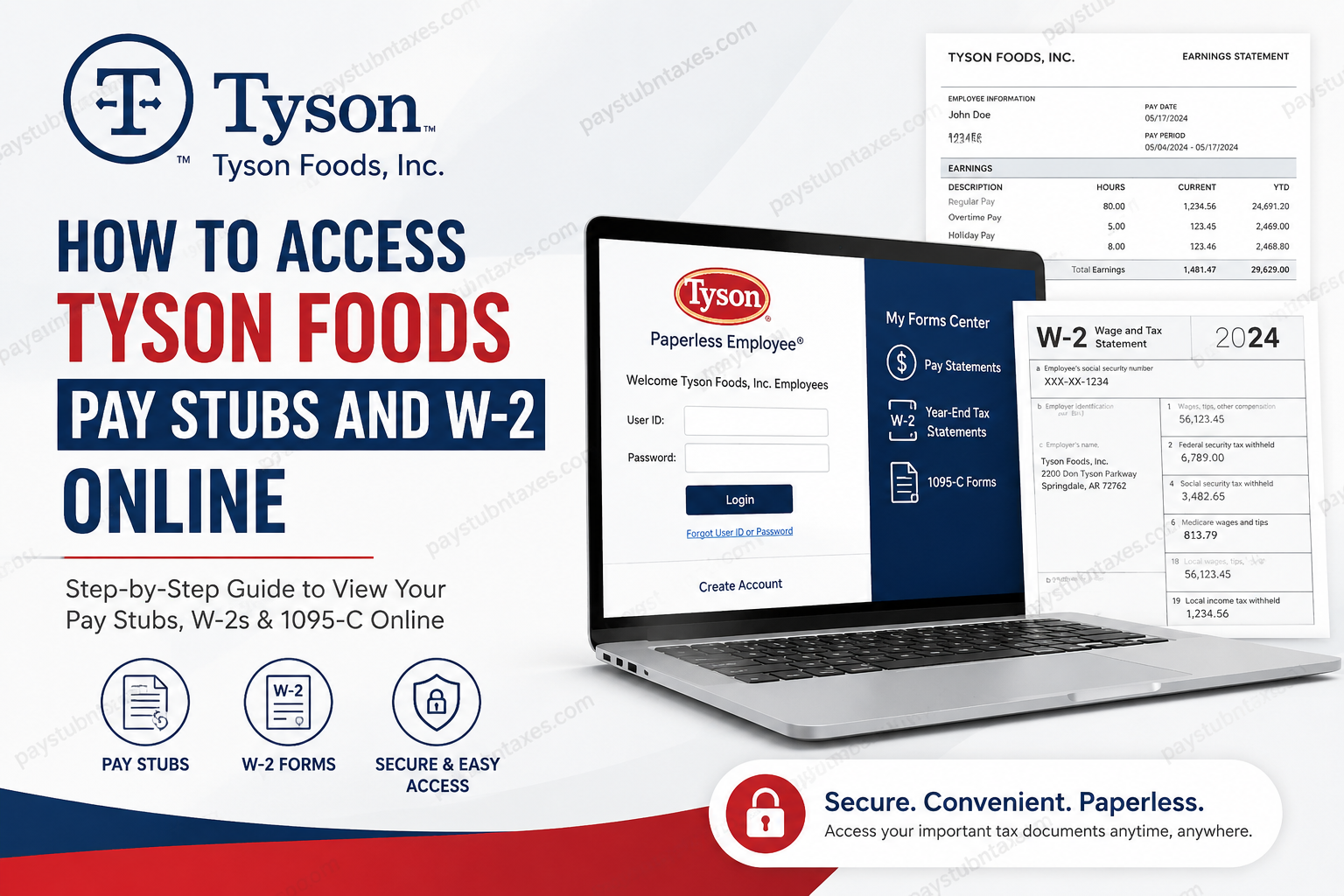
Tyson Foods is one of the largest food production companies in the world and the largest meat producer in the United States. The company employs thousands of team members across its poultry, beef, pork, prepared foods, and corporate divisions. Tyson Foods offers employees a secure digital payroll and tax document system that allows convenient access to pay stubs, W-2 forms, and 1095-C tax statements online. For Tyson Foods employees, electronic access to payroll documents eliminates delays, reduces paperwork, and ensures year-round availability of essential tax and earnings records. Through the Paperless Employee portal, team members can securely retrieve current and historical payroll information from virtually anywhere.
Tyson Foods Pay Stub and W-2 Portal
Tyson Foods uses the Paperless Employee self-service platform for electronic payroll and tax document access.
Official Portal
Tyson Foods Paperless Employee Portal
The portal allows eligible Tyson Foods team members to access:
- Pay statements
- W-2 tax forms
- 1095-C tax documents
- Electronic tax delivery preferences
- Account management features
How to Access Tyson Foods Pay Stubs Online
Accessing your Tyson Foods pay stubs online is a straightforward process. Follow these steps carefully:
Step 1: Visit the Tyson Paperless Employee Portal
Open the official Tyson Foods Paperless Employee website: https://www.paperlessemployee.com/Tyson
The login page supports multiple languages, including English, French, and Spanish.
Step 2: Create an Account
First-time users must register before accessing payroll information.
On the login page:
- Click Create Account
- Enter the required employee identification details
- Create a secure User ID and password
- Add a valid email address for security notifications
- Complete identity verification
Tyson Foods strongly recommends using a valid personal email address because the system sends login security alerts whenever your account is accessed.
Step 3: Log In Securely
After registration:
- Enter your User ID
- Enter your password
- Click Login
If you forget your credentials, use the:
- Forgot User ID
- Forgot Password
options available on the login screen.
Step 4: Access Your Pay Statements
Once logged in:
- Navigate to Pay Statements
- Select the desired pay period
- Open or download the pay stub PDF
- Print or save a copy for your records
The employee portal also allows workers to view payroll summaries before downloading the full statement. The downloadable PDF format makes it easy to retain records for loans, taxes, visa applications, or income verification.
How to Access Tyson Foods W-2 Forms Online
Tyson Foods employees may also retrieve W-2 tax forms electronically through the same portal.
Step 1: Register for Electronic Tax Statements
To receive W-2s online:
- Log in to the Paperless Employee portal
- Navigate to Year-End Tax Statements
- Select Manage Electronic Tax Statements
- Consent to electronic delivery
- Save your notification preferences
Electronic delivery settings generally remain active for future tax years unless changed manually.
Step 2: Access Your W-2
After tax forms become available:
- Go to Year-End Tax Statements
- Choose the appropriate tax year
- Download the W-2 PDF
- Save or print the document
Tyson Foods also provides access to 1095-C tax forms through the same platform.
Important Eligibility Information
Electronic W-2 access is available to currently employed Tyson Foods team members who successfully complete the electronic consent process.
However, certain acquired business units may be excluded from the Paperless Employee platform, including:
- AdvancePierre acquisition employees
- Original Philly acquisition employees
Tyson Foods W-2 Hotline and Support
Employees experiencing issues with tax document access may contact Tyson Foods directly.
W-2 Hotline
Phone: 1-877-824-0707
For W-2 reprints, Tyson Foods may also require employees to contact their local Human Resources department and verify their mailing address.
Benefits of Electronic Pay Stub and W-2 Access
Using Tyson Foods’ online payroll system offers several advantages:
1. Instant Access
Employees can retrieve payroll and tax records anytime without waiting for mailed copies.
2. Enhanced Security
Electronic delivery reduces the risk of lost or stolen documents.
3. Faster Tax Filing
Online W-2 availability allows quicker tax preparation and filing.
4. Environmentally Friendly
Paperless systems reduce printing and mailing waste.
5. Historical Record Access
Employees can review previous payroll periods and tax years conveniently.
Common Tyson Foods Payroll Access Issues
Incorrect Login Credentials
Use the password recovery tools available on the login page.
Locked Account
Multiple failed login attempts may temporarily lock your account for security purposes.
Missing W-2
Ensure you previously consented to electronic delivery. If not, your form may have been mailed physically.
Invalid Email Notifications
Update your profile with a valid personal email to receive security alerts and account notices.
Tips for Keeping Your Payroll Account Secure
Because payroll systems contain sensitive personal and financial information, Tyson Foods encourages employees to maintain strong account security practices.
Recommended Security Practices
- Use a strong, unique password
- Avoid public Wi-Fi when accessing payroll records
- Update your email address regularly
- Log out after every session
- Never share login credentials
Final Thoughts
Tyson Foods provides employees with a streamlined and secure digital solution for accessing pay stubs, W-2 forms, and tax statements online. Through the Paperless Employee portal, team members can manage payroll records efficiently without relying on paper delivery. Whether you need recent pay statements, year-end tax forms, or historical payroll data, the Tyson Foods self-service platform offers a reliable and convenient experience designed for modern workforce accessibility. Employees who experience login difficulties or missing tax forms should promptly contact Tyson Foods HR support or the dedicated W-2 hotline for assistance.
Frequently Asked Questions (FAQ)
1. How do I access Tyson Foods pay stubs online?
Visit the Tyson Foods Paperless Employee portal, log in with your User ID and password, and select “Pay Statements” to access your payroll records.
2. What is the Tyson Foods pay stub portal link?
The official Tyson Foods payroll portal is:
Tyson Paperless Employee Login
3. Can Tyson Foods employees view W-2 forms online?
Yes. Eligible Tyson Foods team members can electronically access W-2 tax forms through the Paperless Employee self-service portal.
4. How do I register for the Tyson Foods Paperless Employee?
Click “Create Account” on the login page, enter your employee information, create login credentials, and verify your identity.
5. What documents are available in the Tyson payroll portal?
Employees may access:
- Pay stubs
- W-2 forms
- 1095-C tax documents
- Payroll history
- Electronic tax statement settings
6. What should I do if I forgot my Tyson Foods payroll password?
Use the “Forgot Password” option on the login page to reset your password securely.
7. Is the Tyson Foods payroll portal secure?
Yes. Tyson Foods uses security notifications and account verification procedures to help protect employee payroll information.
8. Can former Tyson Foods employees access W-2 forms online?
Some former employees may still have access depending on eligibility and prior electronic consent enrollment.
9. How do I download Tyson Foods pay stubs?
After logging into the portal, select the pay period and download the pay statement PDF directly to your device.
10. Does Tyson Foods offer paperless W-2 delivery?
Yes. Employees can opt into electronic tax statement delivery through the “Manage Electronic Tax Statements” section.
11. What is the Tyson Foods W-2 hotline number?
Employees needing assistance with tax forms can call:
Tyson Foods W-2 Hotline: 1-877-824-0707
12. Why am I not receiving Tyson payroll login notifications?
You may have registered with a generic or outdated email address. Update your profile with a valid email account.
13. Are Tyson Foods pay stubs available on mobile devices?
Yes. Employees can securely access the Paperless Employee portal using smartphones, tablets, or desktop computers.
14. What should I do if my Tyson Foods account is locked?
Wait briefly and retry, or use the password recovery options. You may also contact Tyson HR support if the issue continues.
15. How long are Tyson Foods’ pay stubs and W-2s available online?
Availability varies, but employees generally have access to both current and historical payroll and tax records through the portal.
