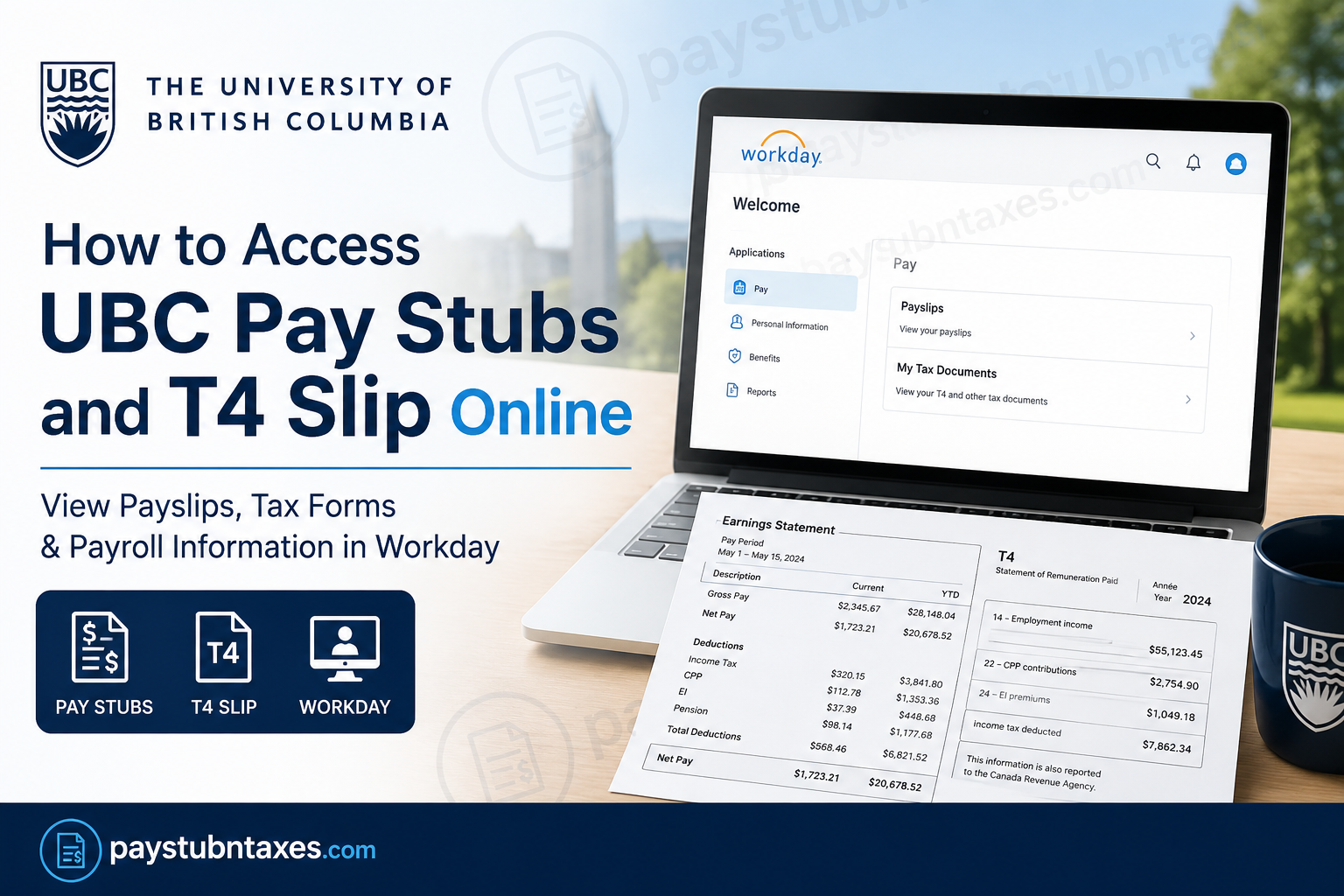
The University of British Columbia is a globally recognized institution renowned for excellence in teaching, research, and innovation. Established in 1915, UBC consistently ranks among the top public universities in the world and serves thousands of faculty, staff, and student employees across its Vancouver and Okanagan campuses. To streamline payroll, finance, HR, and student services, UBC uses the Workday platform for employee self-service functions, including pay slips, tax forms, benefits, and payroll management. If you are a current or former UBC employee, this guide explains how to access your UBC pay stubs and T4 slips online through Workday.
What Is UBC Workday?
Workday is UBC’s centralized human resources, payroll, finance, and student information system. All faculty members, staff, and student employees use Workday for payroll and employment-related tasks, including:
- Viewing pay stubs
- Accessing tax slips
- Updating direct deposit information
- Managing vacation requests
- Reviewing benefits and deductions
- Viewing year-to-date earnings
Workday is cloud-based and accessible from any web browser, allowing employees to securely access payroll information anytime and anywhere.
UBC Workday Login Portal
Employees can access Workday through the official UBC Workday portal:
Official Login Link
You must sign in using your UBC CWL (Campus-Wide Login) username and password.
How to Access UBC Pay Stubs Online
UBC employees can quickly view and print earnings statements directly from Workday.
Step-by-Step Instructions
Step 1: Log in to Workday
Visit the official Workday portal:
UBC Workday Portal: https://myworkday.ubc.ca
Enter your CWL login credentials.
Step 2: Open the Pay Application
After signing in:
- From the Workday homepage
- Select Pay from the list of applications
Step 3: View Your Payslips
Inside the Pay section:
- Select Payslips
- Choose the desired pay period
You may either:
- Open a detailed payslip view
- Print your payslip as a PDF copy
Information Included on UBC Pay Stubs
UBC pay slips contain comprehensive payroll details, including:
- Gross earnings
- Net pay
- Statutory deductions
- Pension contributions
- Income tax deductions
- Benefits information
- Year-to-date earnings
- Direct deposit information
Pay slips are essential for:
- Income verification
- Loan applications
- Tax filing
- Immigration documentation
- Rental applications
- Employment records
How to Access UBC T4 Slips Online
UBC employees can retrieve T4 or T4A tax slips electronically through Workday.
Steps to Download Your T4 Slip
Step 1: Log Into Workday
Access the system using your CWL credentials.
Step 2: Navigate to Tax Documents
Go to: Pay → My Tax Documents
Step 3: Select the Tax Year
Choose the applicable tax year.
Step 4: Download or Print Your T4
Open the PDF copy of your T4 or T4A slip and save or print it for tax filing purposes.
Access for Former UBC Employees
Former employees can continue accessing Workday for up to 18 months after leaving UBC using their existing CWL credentials.
This allows former staff and faculty members to:
- Download previous pay stubs
- Access T4 and T4A slips
- Review payroll history
- Obtain employment verification information
After the 18-month access period expires, former employees can obtain tax information through the Canada Revenue Agency (CRA) online portal.
UBC Payroll Schedule
UBC employees are generally paid:
- On the 15th of each month
- On the last day of each month
If a payday falls on a weekend or holiday, payment is issued on the preceding business day.
Hourly employees are paid according to hours worked within designated payroll periods.
Direct Deposit at UBC
UBC strongly encourages employees to use direct deposit for payroll processing. Employees can update banking information directly in Workday.
Important details include:
- Institution number
- Transit number
- Account number
- Account type
UBC only allows payroll deposits into one Canadian bank account.
Workday Support for UBC Employees
If you experience login or payroll access issues, support is available through the Integrated Service Centre (ISC).
ISC Support Options
Phone Support
- Vancouver Campus: 604-822-8200
- Okanagan Campus: 250-807-8163
Email Support
Workday Support Portal
Benefits of Using UBC Workday
UBC’s Workday platform offers several advantages for employees:
- Secure cloud-based access
- Mobile-friendly interface
- Real-time payroll updates
- Centralized HR and payroll services
- Convenient access to tax forms
- Easy payslip printing and downloads
- Self-service payroll management
Workday also integrates HR, payroll, finance, and student systems into one modern platform.
Frequently Asked Questions (FAQ)
1. How do I log into UBC Workday?
Visit the official Workday portal and sign in using your UBC CWL username and password.
2. Where can I find my UBC pay stubs?
After logging into Workday, go to: Pay → Payslips
3. How do I download my T4 slip from UBC?
Navigate to: Pay → My Tax Documents
Then choose the applicable tax year and download the PDF.
4. Can former UBC employees access Workday?
Yes. Former employees can access Workday for up to 18 months after leaving UBC using their CWL account.
5. What should I do if I forgot my CWL password?
You can reset your CWL password through UBC’s CWL recovery system.
6. Does UBC mail paper T4 slips?
UBC primarily provides electronic tax slips through Workday, although employees may still receive mailed copies depending on preferences and tax settings.
7. Can I print my payslip from Workday?
Yes. Employees can open and print PDF versions of payslips directly from Workday.
8. What information appears on a UBC pay stub?
Pay stubs typically include:
- Gross pay
- Net pay
- Deductions
- Pension contributions
- Income tax
- Year-to-date totals
- Direct deposit details
9. Is Workday available on mobile devices?
Yes. Workday is mobile-friendly and accessible from smartphones, tablets, and computers.
10. Who manages Workday at UBC?
The Integrated Service Centre (ISC) manages Workday operations, payroll support, and system updates at UBC.
