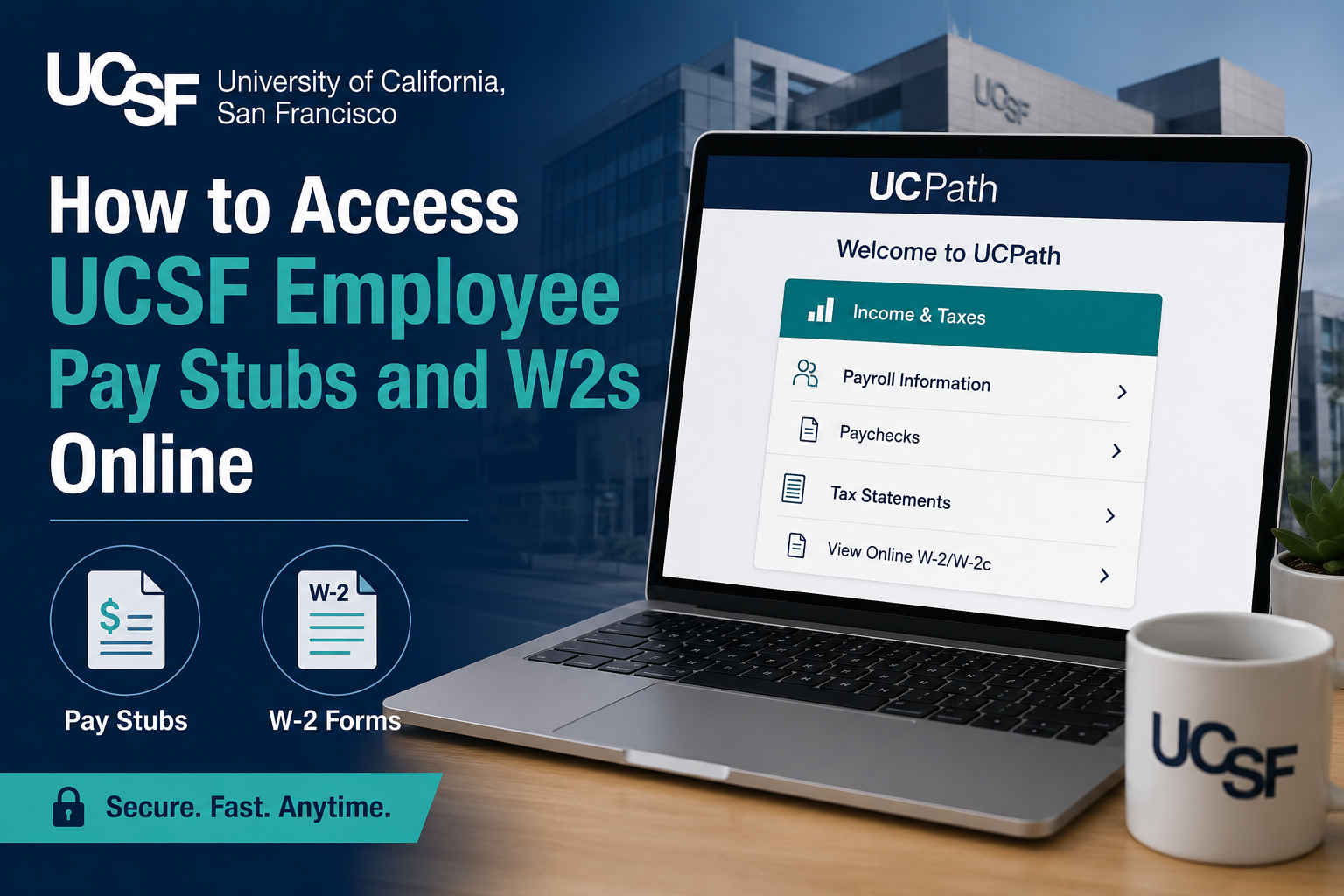
The University of California, San Francisco is one of the world’s leading health science universities, recognized for excellence in biomedical research, patient care, nursing, pharmacy, and medical education. UCSF operates as part of the University of California system and is consistently ranked among the top medical and research institutions in the United States. As a current UCSF employee, you can conveniently access your pay stubs, payroll history, and W-2 tax forms online through the UCPath self-service portal. The system allows employees to securely manage payroll and tax records anytime, from virtually anywhere.
UCSF Employee Payroll Portal
Current employees should use the official UCPath portal:
Portal Link:
UCPath Employee Login
After opening the portal:
- Select University of California, San Francisco
- Sign in using your UCSF credentials
- Complete multi-factor authentication if prompted
UCSF employees may also authenticate through the MyAccess sign-in page powered by Okta.
How to View UCSF Pay Stubs Online
Once logged into UCPath, follow these steps:
- Navigate to Menu
- Select Income & Taxes
- Choose Payroll Information
- Click Paychecks
The system allows employees to review payroll details, including:
- Gross earnings
- Net pay
- Tax deductions
- Retirement contributions
- Direct deposit information
- Leave balances (when applicable)
You can open individual paychecks and download PDF copies for your personal records.
According to the UCPath payroll navigation guidance, paycheck records can also be filtered by date range when searching for older payroll history.
How to Access UCSF W-2 Forms Online
To retrieve your annual W-2 tax form:
- Log in to UCPath
- Go to Menu
- Select Income & Taxes
- Choose Tax Statements
- Click View Online W-2/W-2c
- Select the appropriate tax year
- Download or print your W-2 form
Electronic W-2 forms are typically available before mailed copies arrive, allowing employees to prepare taxes more quickly.
UCPath also supports downloading electronic copies directly from the system.
Benefits of Using UCPath
The UCPath self-service system offers several advantages for UCSF employees:
- 24/7 secure access to payroll records
- Fast W-2 retrieval during tax season
- Paperless payroll management
- Downloadable PDF copies
- Historical paycheck access
- Secure authentication and employee privacy
The platform centralizes payroll services for University of California employees and simplifies tax document management.
Troubleshooting UCSF Payroll Login Issues
If you experience login problems, consider the following solutions:
Verify UCSF Credentials
Ensure your UCSF username and password are correct.
Reset Your Password
Use the password recovery tools available through UCSF MyAccess or UCPath.
Complete Multi-Factor Authentication
Some login sessions require Duo or Okta verification before access is granted.
Clear Browser Cache
Old browser data can sometimes interfere with secure login systems.
Try Another Browser
UCPath works best with updated browsers such as Chrome, Edge, Firefox, or Safari.
UCSF IT Service Desk Support
If you cannot access your payroll account, contact the UCSF IT Service Desk.
Contact Information
- Phone: 415-514-9000
- Support Hours: 24/7
- Online Assistance Available
Employees can also obtain help for:
- Password resets
- Duo multi-factor authentication
- UCSF credentials
- Payroll system access
- UCPath login troubleshooting
Important Payroll and Tax Tips
- Download copies of your pay stubs regularly for personal recordkeeping.
- Verify your mailing address and tax withholding information annually.
- Access W-2 forms early during tax season to avoid delays.
- Use secure personal devices whenever accessing payroll information remotely.
Frequently Asked Questions (FAQs)
Can UCSF employees access pay stubs from home?
Yes. Employees can securely log in to UCPath from any internet-connected device.
When are UCSF W-2 forms available online?
W-2 forms are generally posted by late January each year.
Can I print my UCSF pay stubs?
Yes. UCPath allows employees to download and print paycheck PDFs.
What if I forgot my UCSF login credentials?
You can reset your password through the UCSF MyAccess or UCPath recovery tools.
Does UCPath store older paychecks?
Yes. Employees can search historical payroll information using date filters.
Is UCPath secure?
Yes. The platform uses secure authentication and multi-factor verification to protect employee information.
Can I access corrected W-2 forms online?
Yes. W-2c corrected tax forms are available through the same Tax Statements section.
What browser works best with UCPath?
Updated versions of Chrome, Edge, Firefox, and Safari generally provide the best experience.
Who do I contact for payroll access problems?
Employees should contact the UCSF IT Service Desk or UCPath support.
Is there a mobile app for UCPath?
Most employees access UCPath through a secure web browser on desktop or mobile devices.
