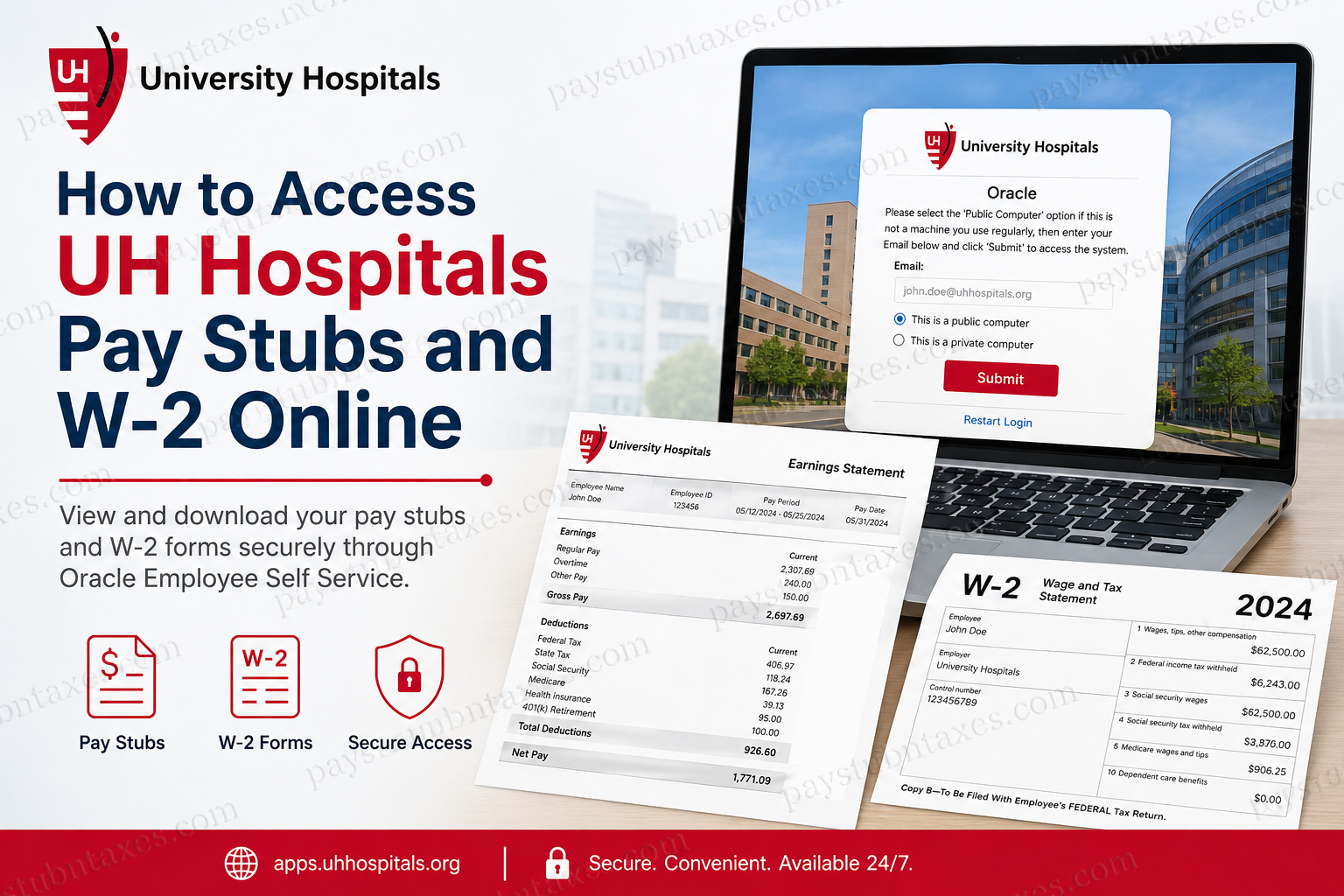
Founded in 1866, University Hospitals is one of the largest and most respected healthcare systems in the United States. With more than 30,000 employees, 23 hospitals, over 50 outpatient facilities, and hundreds of physician offices across Northern Ohio, University Hospitals (UH) provides employees with secure online access to payroll records, pay stubs, tax documents, and HR services through Oracle Employee Self Service and MyUHHR. Whether you are a current employee, remote worker, or former staff member needing tax documentation, UH offers convenient online tools that allow you to access your pay advice and W-2 forms anytime.
UH Hospitals Payroll and HR Portals
University Hospitals employees can access payroll and HR services through the following portals:
- Oracle Employee Self Service
- MyUHHR.org
- Employee Direct Access
- UHApps and VDI resources for remote employees
Official Access Links:
- Oracle Direct Access: http://apps.uhhospitals.org/
- MyUHHR Portal: https://secure.uhhospitals.org/myuhhr/
- Employee Resources Page: https://www.uhhospitals.org/for-employees
Employees can sign in using their UH network credentials and multi-factor authentication.
How to Access UH Hospitals’ Pay Stubs Online
UH employees can quickly retrieve their electronic pay statements through Employee Direct Access in Oracle Self Service.
Method 1: Access Pay Stubs Through MyUHHR.org
Step 1: Visit the MyUHHR Portal
Open the MyUHHR login page: https://secure.uhhospitals.org/myuhhr/
The portal allows employees to securely access HR and payroll tools online.
Step 2: Sign In
Enter your:
- UH email address
- UH network password
Select either:
- “This is a public computer.”
- “This is a private computer.”
Then click Submit.
Step 3: Locate Oracle HR
After logging in to MyUHHR, locate and click:
- Oracle HR
- or Employee Direct Access
Step 4: Open Payroll Information
Navigate to:
- Employee Self Service
- Payslip
- Pay Advice
Your current and historical pay statements will appear.
Step 5: Download or Print Pay Stubs
Select the desired pay period and open the PDF version of your payslip. Employees can:
- Download pay stubs
- Print payroll statements
- Review deductions and taxes
- Check year-to-date earnings
The Oracle payslip system allows employees to view detailed payroll breakdowns, including earnings, deductions, taxes, and accrual balances.
Method 2: Direct Oracle Access
Employees may also access Oracle directly without going through MyUHHR.
Step 1: Open Oracle Portal
Go to: https://secure.uhhospitals.org/myuhhr or the Oracle secure login page.
Step 2: Login Using UH Credentials
Enter:
- UH email address
- UH system password
The Oracle password is the same as your UH network login password.
Step 3: Open Employee Direct Access
After login:
- Open Employee Self Service
- Select Payslip
- Choose the pay period
- Open or export the PDF payslip
Employees can also review:
- Gross earnings
- Tax deductions
- Direct deposit distributions
- YTD payroll summaries
- Accrued balances
How to Access UH Hospitals’ W-2 Forms Online
University Hospitals employees can access electronic W-2 tax statements through Oracle Employee Self Service.
Step-by-Step Instructions
Step 1: Log in to Oracle Employee Self-Service
Visit: http://apps.uhhospitals.org/ or sign in through MyUHHR.
Step 2: Navigate to Tax Documents
Inside Oracle Self Service, locate:
- Employee W-2
- Tax Forms
- Online Tax Documents
Step 3: Select the Tax Year
Choose the desired tax year from the available list.
Step 4: Open the W-2 PDF
Click the PDF or Adobe icon to open your W-2 form.
Step 5: Download or Print Your W-2
Employees can:
- Save the PDF
- Print copies
- Use the form for tax filing purposes
W-2 forms are generally available online by January 31 each year, which is also the legal mailing deadline for employers.
What Information Appears on UH Pay Stubs?
UH Oracle payroll statements typically include:
- Employee identification details
- Payroll period dates
- Gross wages
- Federal and state tax withholding
- Retirement contributions
- Insurance deductions
- Net pay
- Direct deposit information
- Year-to-date totals
Oracle payroll PDFs also include tax withholding details and deduction summaries for comprehensive payroll tracking.
Accessing UH Payroll Information Remotely
University Hospitals supports remote employee access through:
- UHApps
- VPN access
- VDI resources
- Oracle Cloud Access
Employees working remotely may need:
- Multi-factor authentication (MFA)
- SecureAuth registration
- Global Protect VPN
UH recommends SecureAuth as the preferred authentication method for secure remote access.
Forgot Your UH Password?
If you forgot your UH password:
- Visit: https://uhhospitals.org/password
- Reset your password
- Reconnect to VPN if working remotely
- Sign back into Oracle or MyUHHR
Employees having login difficulties should contact the UH IT Service Desk at:
- Phone: 216-844-3327
Password reset and account troubleshooting resources are available through the UH employee portal.
Benefits of Electronic Pay Stubs and W-2s
Using Oracle Employee Self Service provides several advantages:
- 24/7 payroll access
- Faster W-2 retrieval
- Secure digital storage
- Reduced paperwork
- Convenient tax preparation
- Easy printing and downloads
- Remote accessibility
Employees can securely manage payroll and tax records from home, work, or mobile devices.
Troubleshooting UH Payroll Access Issues
Unable to Login?
Verify:
- Correct UH email address
- Active network password
- MFA enrollment status
VPN Not Connecting?
Remote employees should use:
- Global Protect VPN
- SecureAuth authentication
Pay Stub Not Loading?
Try:
- Clearing browser cache
- Using Chrome or Edge
- Allowing PDF popups
W-2 Missing?
W-2s are usually available online by January 31. If unavailable, contact Payroll or the UH Service Desk.
Frequently Asked Questions (FAQ)
1. How do I access my UH Hospitals pay stubs online?
You can access your pay stubs through Oracle Employee Self Service or MyUHHR using your UH network login credentials.
2. What is the UH Oracle payroll website?
The direct Oracle access link is: http://apps.uhhospitals.org/
3. Can former employees access W-2 forms?
Yes. Former employees may still access Oracle Self Service if their credentials remain active or may contact HR for assistance.
4. When are W-2 forms available?
UH typically makes W-2 forms available online by January 31 each year.
5. What login credentials are required?
Employees use their UH email address and UH network password.
6. Is multi-factor authentication required?
Yes. Many UH systems require MFA for secure access.
7. Can I print my pay stubs?
Yes. Oracle Self Service allows employees to download and print PDF payslips.
8. What if I forgot my password?
Use the UH password reset portal or contact the UH IT Service Desk.
9. Can I access payroll records from home?
Yes. Employees can access payroll information remotely using UHApps, VPN, or Oracle online access.
10. What information appears on UH pay stubs?
Pay stubs include earnings, deductions, taxes, direct deposits, and YTD totals.
11. Does UH provide electronic W-2 consent?
Yes. Employees can access W-2 forms electronically through Oracle Self Service.
12. What browser works best for Oracle payroll access?
Google Chrome and Microsoft Edge typically provide the best compatibility.
13. Is the payroll portal mobile-friendly?
Some payroll features work on mobile browsers, though desktop access is generally recommended.
14. How do I contact UH IT support?
Call the UH IT Service Desk at 216-844-3327.
15. Can I download previous years’ pay stubs?
Yes. Oracle Employee Self Service typically stores historical payroll records for employee access.
