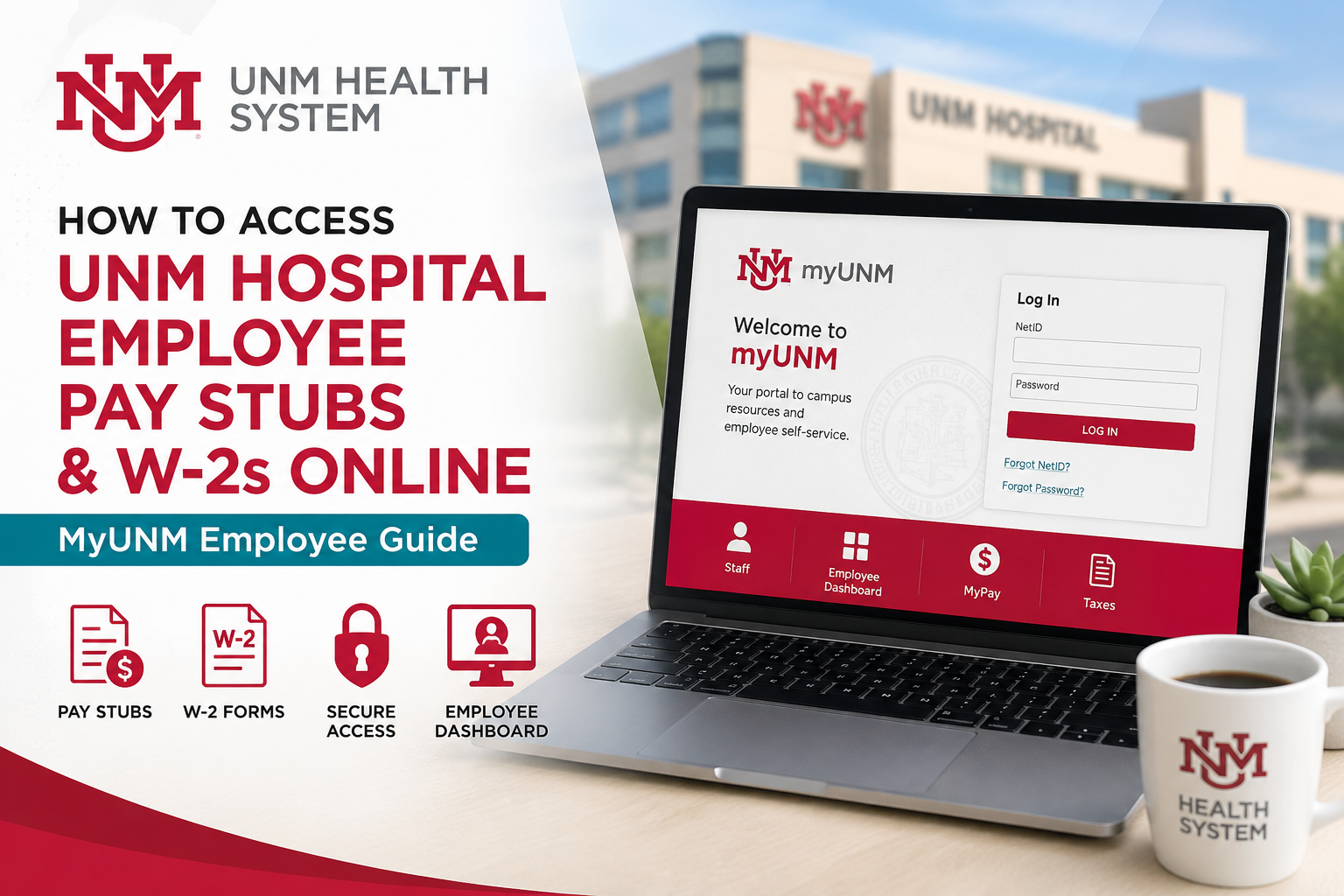
Employees of the UNM Health System — including the University of New Mexico, UNM Hospital, HSC Health, UNM Medical Group, and UNM SRMC — can conveniently access payroll information, pay stubs, tax documents, and employee self-service tools through the MyUNM portal. The MyUNM Employee Dashboard provides secure access to pay statements, W-2 wage and tax forms, direct deposit management, payroll services, and tax-related resources in one centralized platform.
UNM Employee Payroll Portal
UNM employees can access payroll services through the official MyUNM self-service portal:
Portal Link:MyUNM Employee Portal
The portal provides access to:
- Pay stubs
- W-2 forms
- Direct deposit
- Employee Dashboard
- Payroll schedules
- Tax forms
- Benefits and employee services
Employees can navigate to the Employee Dashboard directly from the Staff section inside MyUNM.
How to Access UNM Pay Stubs Online
UNM employees can securely view their pay statements online before payday using the Employee Dashboard. According to the Payroll Office, pay stubs become available online one day before payday.
Step-by-Step Instructions to View Pay Stubs
- Visit the MyUNM portal
- Sign in using your UNM NetID and password
- Click the Staff tab
- Select the MyPay tile
- Click Employee Dashboard
- Navigate to your payroll information
- Open or download your current or previous pay stub
UNM employees can also access direct deposit settings and payroll schedules through the same dashboard.
How to Access UNM W-2 Forms Online
UNM offers electronic W-2 access for active employees and eligible retirees who consent to receive tax forms electronically. Electronic W-2 forms are generally posted in late January each year.
Steps to Access Your UNM W-2 Online
- Go to the MyUNM portal
- Click the Staff link
- Select Banner 9 Links
- Open Employee Dashboard
- Expand the Taxes menu
- Click W-2 Wage and Tax Statement
- Choose the applicable tax year
- Click Display to view your W-2
- Download or print the document as needed
Employees may also generate a printable PDF copy directly from the dashboard.
How to Consent to Electronic W-2 Delivery
Employees who want to receive W-2 forms electronically can enable electronic consent within the Employee Dashboard.
Steps to Enable Electronic W-2 Consent
- Log into MyUNM
- Open the Staff section
- Click Banner 9 Links
- Select Employee Dashboard
- Expand the Taxes menu
- Choose Electronic Regulatory Consent
- Check the consent box
- Click Submit
Once enrolled, employees will receive email notifications when W-2 forms become available online.
Multi-Factor Authentication (MFA) for W-2 Access
To improve account security and protect employee tax information, UNM uses Multi-Factor Authentication (MFA) for online W-2 access. Employees may be prompted to verify their identity using a mobile device or an authentication method during login.
MFA helps prevent unauthorized access even if someone knows your password.
Former Employee Pay Stub and W-2 Requests
Former employees who no longer have dashboard access may still request copies of payroll documents through the UNM Payroll Office.
Former Employee Pay Stub Requests
Payroll will print a maximum of two pay stubs for former employees. Requests must include:
- Full name
- Last four digits of Social Security Number
- Specific pay stub dates requested
Requests can be submitted via email to: pay@unm.edu
W-2 Reprint Requests
UNM Payroll can reprint up to three years of prior W-2 forms. Employees living outside Albuquerque, Bernalillo, Corrales, or Rio Rancho may request reprints by email.
Troubleshooting UNM Employee Dashboard Login Issues
Employees experiencing login or dashboard access issues should first try basic browser troubleshooting steps.
Recommended Troubleshooting Steps
- Clear browser cache and cookies
- Restart the browser
- Try another browser such as Chrome, Firefox, or Edge
- Ensure the browser is fully updated
Many Employee Dashboard issues are browser-related and can be resolved quickly by switching browsers.
HSC Employee Login Support
HSC employees who receive password-related login errors should:
- Click “Sign in with another account.”
- Re-enter HSC credentials
- Attempt login again
For additional assistance:
- HSC IT Help Desk: (505) 272-1694
- Main IT Help Desk: (505) 277-5757
- Payroll Office: (505) 277-2353
UNM Payroll Office Contact Information
Employees needing payroll assistance may contact the UNM Payroll Office directly.
Payroll Office Contact Details
- Phone: (505) 277-2353
- Email: pay@unm.edu
- Office Hours: Monday–Friday, 8:00 AM–4:30 PM
Physical Address:
John and June Perovich Business Center
1700 Lomas Blvd. NE, Suite 3500
Albuquerque, NM 87106
Why Employees Use the UNM Employee Dashboard
The UNM Employee Dashboard centralizes important payroll and employment services, allowing employees to:
- Access pay stubs anytime
- Download W-2 forms securely
- Manage direct deposit
- Review payroll schedules
- Access tax documents online
- Update payroll-related information
- Improve tax season preparation
The portal is designed to streamline employee self-service functions across the entire UNM Health System.
FAQ – UNM Hospital Employee Pay Stubs and W-2s
1. How do I access my UNM Hospital pay stubs online?
Log in to the MyUNM portal using your UNM credentials, click the Staff tab, open the MyPay tile, and select Employee Dashboard to view your pay stubs.
2. What is the official UNM employee payroll portal?
The official payroll portal is the MyUNM Employee Portal:
MyUNM Employee Portal at https://my.unm.edu/home
3. When are UNM pay stubs available online?
UNM pay stubs are generally available online one day before payday.
4. How can I download my UNM W-2 form?
After logging into MyUNM, go to Staff → Banner 9 Links → Employee Dashboard → Taxes → W-2 Wage and Tax Statement. Select the tax year and download the form.
5. When are electronic W-2 forms available at UNM?
Electronic W-2 forms are usually posted in late January each year for employees who consented to electronic delivery.
6. Can former UNM employees access W-2 forms online?
Former employees may need assistance from the Payroll Office if portal access is unavailable. Paper W-2 forms are mailed by January 31 each year.
7. How do I consent to electronic W-2 delivery at UNM?
Log in to MyUNM, open Employee Dashboard, expand the Taxes menu, select Electronic Regulatory Consent, and submit your consent electronically.
8. What should I do if I forgot my UNM login credentials?
Contact the Main IT Help Desk or HSC IT Help Desk, depending on your employee affiliation, to recover your account access.
9. Does UNM use Multi-Factor Authentication (MFA)?
Yes. UNM requires Multi-Factor Authentication for secure access to the Employee Dashboard and online W-2 forms.
10. Can I print my UNM pay stubs and W-2 forms?
Yes. Employees can print or save payroll documents as PDF files directly from the Employee Dashboard.
11. What should I do if my W-2 form does not arrive by mail?
If your paper W-2 does not arrive by February 15, contact the UNM Payroll Office for assistance.
12. How do former employees request old pay stubs?
Former employees may request up to two printed pay stubs by emailing pay@unm.edu with identifying information.
13. Can UNM reprint prior-year W-2 forms?
Yes. The Payroll Office can generally reprint up to three years of prior W-2 forms.
14. Why is the Employee Dashboard not loading properly?
Browser cache, outdated browsers, or cookie issues can cause dashboard problems. Clearing browser data or switching browsers often resolves the issue.
15. How do HSC employees fix Employee Dashboard login errors?
HSC employees should click “Sign in with another account” and log in again using their HSC credentials if they receive password-related errors.
