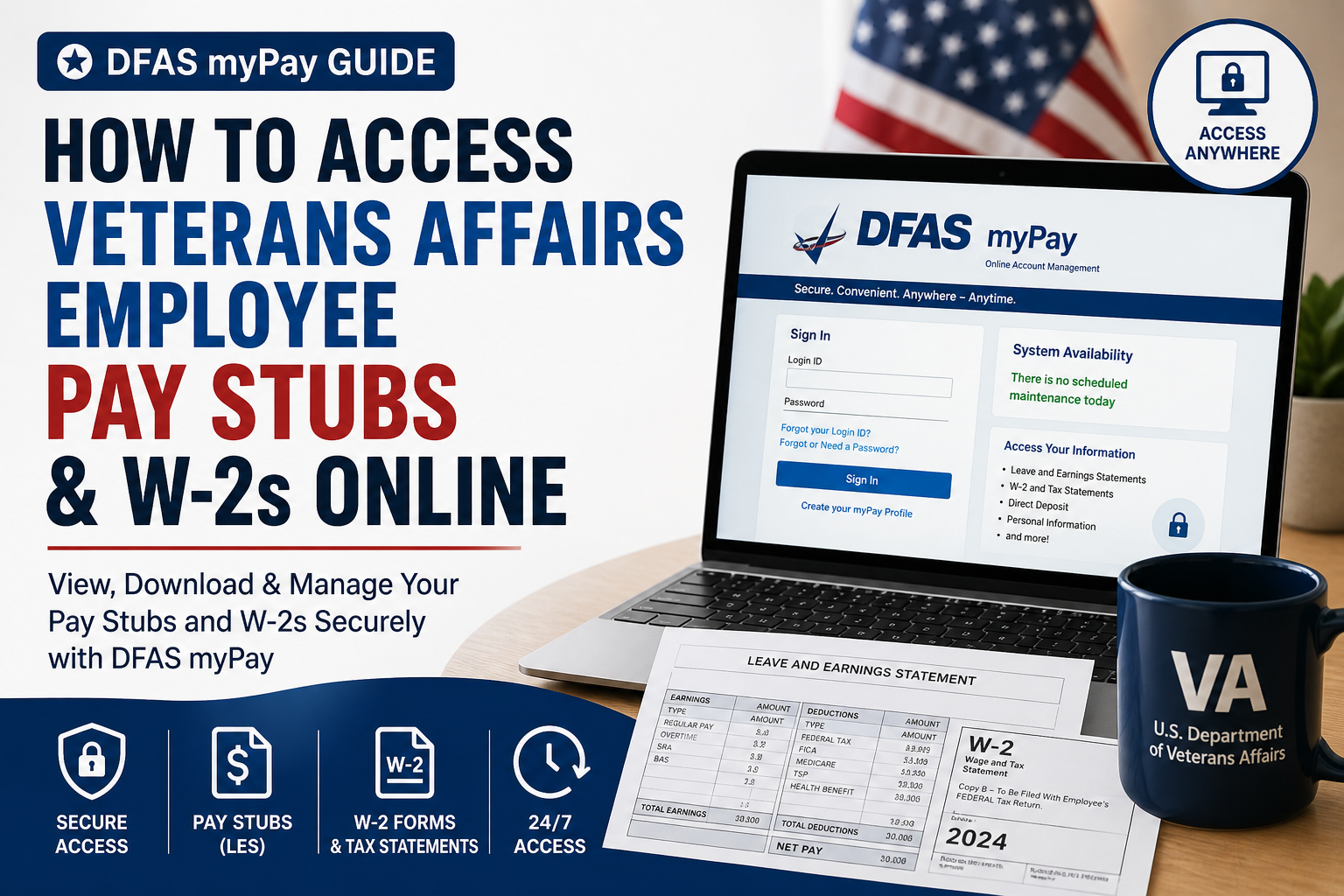
Veterans Affairs (VA) employees can conveniently access their payroll records—including pay stubs and W-2 tax forms—through the official DFAS myPay system, a secure online platform managed by the Defense Finance and Accounting Service (DFAS). Whether you need your latest earnings statement or year-end tax documents, myPay offers a fast, paperless, and highly reliable solution.
What Is DFAS myPay?
DFAS myPay is a secure, web-based payroll management system that allows employees to:
- View, print, and download pay stubs (Leave and Earnings Statements – LES)
- Access W-2 and other tax forms
- Update tax withholdings and direct deposit details
- Manage personal and payroll information
It is available to VA employees, along with other federal civilian personnel, and can be accessed nearly 24/7 from any internet-enabled device.
Who Can Use myPay?
The myPay platform supports a wide range of users, including:
- Department of Veterans Affairs (VA) employees
- Department of Defense (DoD) civilians
- Military personnel and retirees
- Other federal agency employees
This confirms that VA employees are fully eligible to access payroll data via myPay.
How to Access VA Pay Stubs Online (Step-by-Step)
Follow these simple steps to view your pay statements:
Step 1: Visit the Official Website
Go to the secure DFAS myPay portal:
👉 https://mypay.dfas.mil/
Step 2: Sign In or Create Your Profile
- Click “Sign In” if you already have an account
- New users must select “Create your myPay Profile”
- Enter your SSN and temporary password to set up your login credentials
New VA employees typically receive a temporary password via email or mail after their first paycheck
Step 3: Complete Two-Factor Authentication
- Enter the one-time PIN sent to your email or mobile device
- This adds an extra layer of security to your account
Step 4: Access Pay Statements
- Navigate to the “Leave and Earnings Statement (LES)” section
- Select the desired pay period
- Click “Printer Friendly” to download or print your pay stub
VA employees can typically access their last 26 pay statements online
How to Access W-2 Forms (Tax Statements)
Retrieving your W-2 form is equally straightforward:
- Log in to your myPay account
- Click on “Tax Statements (W-2)”
- Select the relevant tax year
- View, download, or print your W-2
DFAS allows employees to securely view, save, and print tax forms online, eliminating the need for paper copies
Key Features of DFAS myPay
1. 24/7 Accessibility
Access your payroll records anytime, from anywhere with internet access.
2. Paperless Convenience
Download or print documents instantly without waiting for mailed copies.
3. Secure Login System
Two-factor authentication ensures your financial data remains protected.
4. Real-Time Updates
Changes to tax, bank, or personal information are processed efficiently.
How New VA Employees Get Started
- myPay accounts are created automatically for VA employees
- A temporary password is sent via email or mail after your first payday
- Use this to activate your account and create a permanent login
If you do not receive your credentials, contact your HR office or payroll representative for assistance.
Troubleshooting Login Issues
If you face difficulties accessing your account:
- Ensure you are using the correct URL: https://mypay.dfas.mil/
- Disable browser pop-up blockers
- Check internet connectivity
- Use the “Forgot Login ID or Password” option
- Contact DFAS Customer Care if needed
Security Tips for VA Employees
- Never share your login credentials
- Always log out after accessing your account
- Use official DFAS website only (avoid fake apps)
- Keep your email and phone number updated for authentication
Benefits of Using myPay for VA Employees
Using DFAS myPay provides:
- Faster access to payroll information
- Reduced administrative workload
- Enhanced data accuracy
- Greater control over personal financial records
Conclusion
Accessing your VA employee pay stubs and W-2 forms online through DFAS myPay is simple, secure, and efficient. With its user-friendly interface and 24/7 availability, myPay eliminates the need for paperwork and ensures that your financial information is always within reach. For seamless payroll management, VA employees are strongly encouraged to register, activate, and regularly use their myPay accounts.
❓ Frequently Asked Questions (FAQs)
1. What is DFAS myPay?
DFAS myPay is a secure online payroll system that allows VA employees to access pay stubs, W-2s, and manage payroll information digitally.
2. Who can use myPay?
VA employees, along with other federal civilian workers and military personnel, can use myPay to access payroll records
3. How do I log in to myPay?
Visit https://mypay.dfas.mil/, enter your Login ID and password, and complete two-factor authentication using a one-time PIN.
4. How can I view my VA pay stubs?
After logging in, go to the Leave and Earnings Statement (LES) section to view, download, or print your pay stubs.
5. How do I access my W-2 form online?
Navigate to the Tax Statements (W-2) section in myPay and select the desired year to view or download your W-2.
6. When will my W-2 be available?
W-2 forms are typically available in myPay by the end of January each year, in compliance with federal regulations
7. How do new VA employees register for myPay?
New employees receive a temporary password via email or mail after their first paycheck. Use it to create your myPay profile
8. What should I do if I forget my login details?
Click on “Forgot Login ID” or “Forgot Password” on the myPay homepage and follow the instructions to recover access.
9. Is myPay available on mobile devices?
Yes, myPay can be accessed through any mobile browser, including smartphones and tablets
10. Is there a myPay mobile app?
No. DFAS does not offer an official mobile app. Always use the secure website to avoid fraudulent apps
11. How many pay stubs can I access?
VA employees can typically access up to 26 previous pay statements through myPay
12. Can I download or print my pay stubs and W-2s?
Yes, myPay allows you to view, save, and print documents in PDF format.
13. What if I don’t receive my temporary password?
Contact your HR department or use the “Forgot or Need a Password” option on the myPay website
14. Is myPay secure?
Yes. myPay uses two-factor authentication and secure login protocols to protect your personal and financial information
15. Can I update my payroll information in myPay?
Yes, you can update tax withholdings, direct deposit details, and personal information directly within the system.
