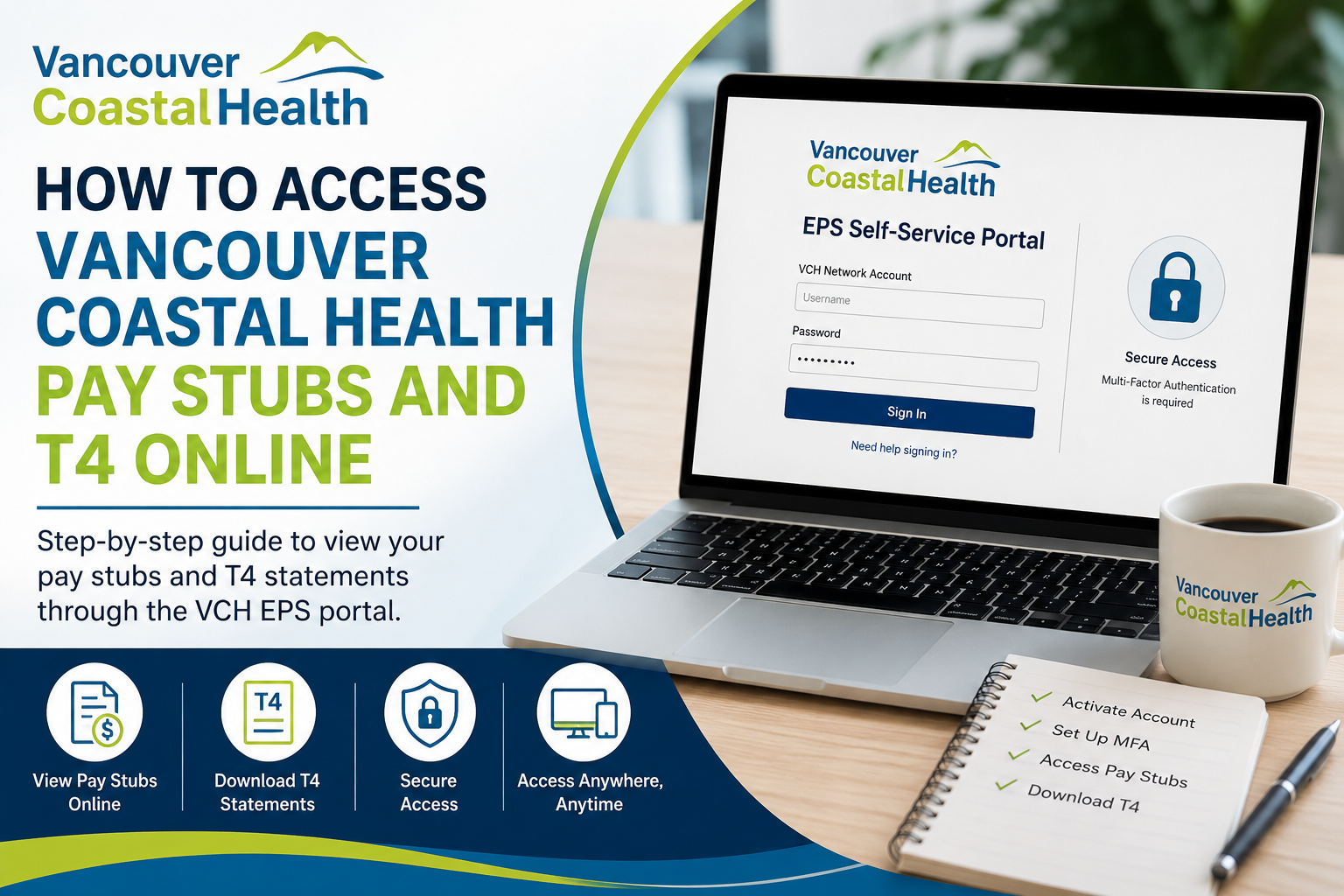
Employees of Vancouver Coastal Health can conveniently access their pay stubs and T4 tax slips online through the EPS self-service portal. The platform allows staff members to securely review payroll details, download earnings statements, and retrieve annual tax documents from virtually anywhere after completing the required account setup.
Vancouver Coastal Health EPS Portal
The official Vancouver Coastal Health employee payroll portal is:
Through this portal, employees can:
- Access current and previous pay stubs
- Download annual T4 tax statements
- Review payroll deductions and benefits
- Manage secure authentication settings
- Access payroll information remotely after setup
What You Need Before Accessing Your Pay Stubs
Before logging in to the VCH payroll portal, employees generally need:
- An active VCH network account
- Employee ID information
- A registered Microsoft Authenticator app
- Multi-Factor Authentication (MFA) enabled
- Access to a hospital or health organization computer for initial setup
Many employees receive their first one or two pay statements by mail before online access becomes fully active.
Step-by-Step Guide to Access Vancouver Coastal Health Pay Stubs Online
Step 1: Activate Your VCH Network Account
To begin, employees must activate their Vancouver Coastal Health account.
- Visit the VCH account activation page
- Use the account details provided in the email from the VCH onboarding team
- Create your network password
- Complete account verification
Employees usually receive activation instructions through their official onboarding email.
Step 2: Set Up Multi-Factor Authentication (MFA)
For security reasons, Vancouver Coastal Health requires MFA setup before remote payroll access is enabled.
MFA Setup Instructions
- Open a browser and go to:
Microsoft MFA Setup Portal - Sign in using your VCH network credentials
- Download the Microsoft Authenticator app on your mobile device
Microsoft Authenticator Apps
- iPhone users: Download from the Apple App Store
- Android users: Download from Google Play
- Open the Authenticator app
- Tap the “+” icon
- Select Work or School Account
- Choose Scan QR Code
- Scan the QR code displayed on your computer screen
- Approve the authentication request
After successful verification, your MFA setup will be complete.
Step 3: Configure Self-Service Password Reset (SSPR)
VCH also requires employees to configure password recovery security questions.
To Complete SSPR Setup
- Select Security Questions
- Choose five different questions
- Enter answers that are easy for you to remember
- Complete the registration process
The system accepts case-insensitive answers for recovery verification.
Step 4: Link Your Account with MyID
Employees may also need to link their VCH account with the MyID system.
- Visit:
HealthBC MyID Portal - Enter:
- Full name
- Employee ID
- Date of birth
- Submit the form to complete account linking
Once linked, employees can access payroll services remotely from home or any personal device.
How to View Vancouver Coastal Health Pay Stubs
Once setup is complete:
- Go to the VCH EPS portal
- Enter your VCH network username and password
- Approve the MFA request on your phone
- Access your payroll dashboard
- Open and download pay statements
The system allows employees to review historical payroll records and print copies when necessary.
How to Download Vancouver Coastal Health T4 Statements
Your annual T4 tax slip becomes available through the same EPS self-service portal.
To Access Your T4 Online
- Log in to the EPS portal
- Navigate to:
- Payroll
- Tax Forms
- T4 Statements
- Select the appropriate tax year
- Download or print your T4 PDF
Most Canadian employers issue T4 slips by the end of February each year.
Important Notes About Remote Access
Employees should know the following:
- Initial setup must typically be completed onsite at a hospital or health authority facility
- After setup, remote access from home is available
- Microsoft Authenticator approval is required during every secure login
- Some browsers may use Single Sign-On (SSO) to streamline access
Vancouver Coastal Health Payroll Login Troubleshooting
Forgot Your Password
Use the Self-Service Password Reset feature configured during MFA setup.
MFA Not Working
- Ensure Microsoft Authenticator notifications are enabled
- Verify your phone has internet access
- Update the Microsoft Authenticator app to the latest version
Unable to Access Portal
Try:
- Clearing browser cache
- Using Microsoft Edge or Google Chrome
- Connecting through the approved VPN if required
Vancouver Coastal Health IT Support
If you experience login or payroll access issues, contact the support desk:
VCH/PHC Service Desk
- Phone: (604) 875-4334
- Toll-Free: 1-888-875-4334
PHSA Service Desk
- Phone: (604) 675-4299
- Toll-Free: 1-888-675-4299
Support services are available 24 hours a day, 7 days a week.
Why Employees Prefer Online Pay Stub Access
Using the Vancouver Coastal Health EPS portal provides several advantages:
- Instant access to payroll information
- Secure digital document storage
- Easy T4 retrieval during tax season
- Reduced paperwork
- Convenient remote access
- Faster payroll verification for loans or employment documentation
About Vancouver Coastal Health
Vancouver Coastal Health is one of British Columbia’s publicly funded regional health authorities, serving approximately 1.25 million residents across Greater Vancouver and the Coast Garibaldi region. The organization delivers primary care, mental health services, home care, addiction services, tertiary care, and community health programs throughout British Columbia.
Final Thoughts
The Vancouver Coastal Health EPS self-service portal provides employees with a secure and convenient way to access pay stubs and T4 tax statements online. After completing the initial account activation, MFA registration, and MyID linking process, employees can manage payroll information remotely anytime from a computer or mobile device. Whether you need to download your latest earnings statement or retrieve your annual T4 during tax season, the VCH payroll portal simplifies payroll access while maintaining enterprise-grade security standards.
Frequently Asked Questions (FAQ)
1. How do I access my Vancouver Coastal Health pay stubs online?
You can access your pay stubs by logging into the VCH EPS self-service portal using your VCH network username and password. After logging in, complete the MFA verification through Microsoft Authenticator.
2. What is the official VCH payroll portal link?
The official Vancouver Coastal Health payroll portal is:
VCH EPS Self-Service Login at https://myinfo.vch.ca/Account/Login
3. Can I access my VCH T4 online?
Yes. Employees can download and print T4 tax slips directly from the VCH EPS portal during tax season.
4. Do I need Microsoft Authenticator for VCH payroll access?
Yes. Vancouver Coastal Health requires Multi-Factor Authentication (MFA) using the Microsoft Authenticator app for secure payroll access.
5. How do I set up MFA for Vancouver Coastal Health?
Visit the Microsoft MFA setup page, sign in with your VCH credentials, and scan the QR code using the Microsoft Authenticator app.
6. Can I access VCH pay stubs from home?
Yes. Once your account setup and MFA registration are complete, you can securely access your pay stubs remotely from home.
7. Why can’t I log into the VCH EPS portal?
Common reasons include:
- Incorrect password
- Expired credentials
- MFA approval issues
- Browser cache problems
- Network or VPN issues
8. What should I do if I forget my VCH password?
Use the Self-Service Password Reset (SSPR) option configured during MFA registration to reset your password securely.
9. When will my T4 be available online?
T4 tax slips are usually available by the end of February each year for Canadian tax filing purposes.
10. Can new employees immediately access online pay stubs?
Not always. The first one or two pay statements may initially arrive by mail before online access becomes active.
11. Do I need to be onsite for initial account setup?
Yes. Initial activation and MFA setup generally must be completed from a hospital or approved health authority network location.
12. What app is required for VCH Multi-Factor Authentication?
Employees must use the Microsoft Authenticator mobile application available on iPhone and Android devices.
13. How do I download my Vancouver Coastal Health T4?
After logging into the portal:
- Open Payroll or Tax Forms
- Select the tax year
- Download the T4 PDF file
14. Is the VCH payroll portal secure?
Yes. The portal uses enterprise-grade security, encrypted access, and Microsoft MFA authentication to protect employee payroll information.
15. Who do I contact for VCH payroll login support?
Employees can contact the VCH/PHC Service Desk at:
- (604) 875-4334
- Toll-Free: 1-888-875-4334
24/7 support is available for technical login issues.
