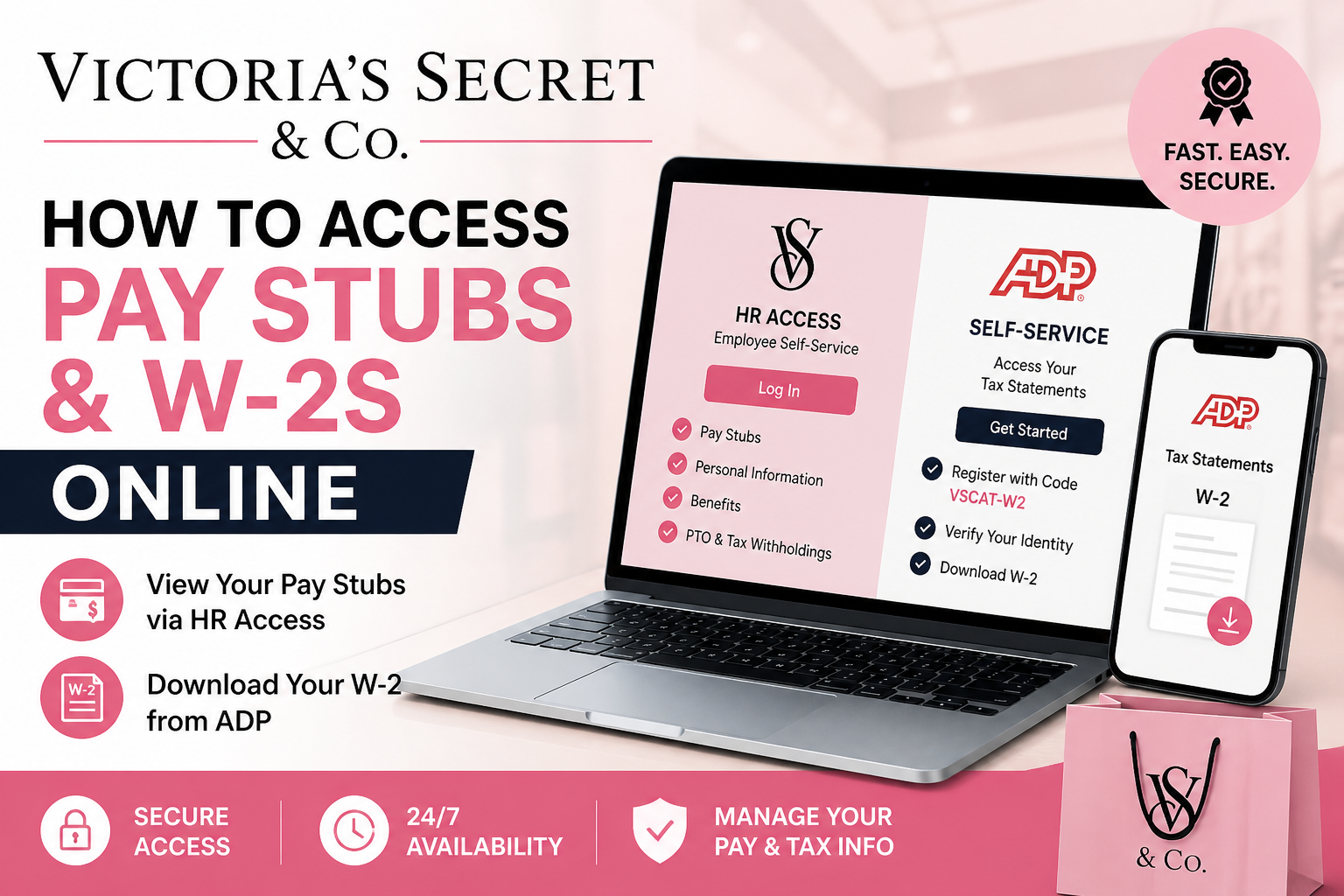
Victoria’s Secret & Co. (VS&Co) is a globally recognised fashion retailer, operating thousands of stores across nearly 70 countries and employing over 30,000 associates. To support its workforce, the company provides secure, digital access to payroll records, including pay stubs and W-2 tax forms, through dedicated employee portals. This comprehensive guide explains how to access Victoria’s Secret pay stubs and W-2s online, step by step, using official systems such as HR Access and ADP Self-Service.
Overview of Payroll Access Systems
Victoria’s Secret associates use two primary platforms:
- HR Access (Employee Self-Service)
→ For pay stubs, benefits, personal details, PTO, and tax settings - ADP Self-Service Portal
→ For W-2 tax forms and year-end statements
Additionally, HR Direct serves as a central support hub for payroll and benefits inquiries.
How to Access Victoria’s Secret Pay Stubs Online
Active employees can retrieve their pay statements through the HR Access portal.
Step-by-Step Instructions:
- Visit the official HR Access portal:
👉 https://hraccess.vscocorp.com/ - Log in using your employee credentials.
- Navigate to the Payroll or Pay Statements section.
- Select the desired pay period.
- View, download, or print your pay stub.
What You Can Do on HR Access
Through HR Access, associates can:
- View and download pay stubs
- Update tax withholdings
- Manage personal details (address, contact info)
- Track PTO (Paid Time Off)
- Enrol in or update your benefits
- Add or modify life insurance beneficiaries
According to internal company documentation, HR Access allows employees to “reference, update, and access all personal and benefits information, including PTO, tax withholding, and online W-2 access.”
How to Access Victoria’s Secret W-2 Forms Online
W-2 forms are issued through the ADP Self-Service Portal, which requires one-time registration.
Step-by-Step ADP Registration Process:
- Go to the ADP portal:
👉 https://my.adp.com - Click “Create Account”
- Select “I have a registration code.”
- Enter the registration code:
VSCAT-W2 - Complete identity verification:
- Enter Employee ID
- OR use last 4 digits of SSN + Date of Birth
- Verify your identity via phone/email
- Create your username and password
- Log in and access your W-2 under Tax Statements
The official W-2 instruction guide confirms:
- Employees must register as new users
- Use the code VSCAT-W2
- Verify identity via phone or email
- Then sign in to retrieve the W-2
Troubleshooting & Important Notes
- If you don’t have your Employee ID, you can use:
- Last 4 digits of SSN
- Date of Birth
- Former associates may need phone verification if email access is restricted
- Ensure your personal details are updated in HR Access to avoid access issues
HR Direct Support (For Payroll Assistance)
If you experience login issues or need help:
- US HR Direct: 888-877-4730
- Canada HR Direct: 877-210-3060
HR Direct is the company’s “single resource for benefits and payroll information.”
Key Benefits of Online Payroll Access
Victoria’s Secret’s digital payroll systems provide:
- 24/7 access to pay records
- Secure and paperless documentation
- Fast retrieval of tax forms
- Easy updates to personal and financial information
- Integration with benefits and HR services
Final Thoughts
Accessing your Victoria’s Secret pay stubs and W-2s online is straightforward when you use the correct platforms:
- Use HR Access for pay stubs and employee data
- Use ADP Self-Service for W-2 forms
By following the steps outlined above, you can efficiently manage your payroll information anytime, anywhere—ensuring accuracy, compliance, and convenience.
Frequently Asked Questions (FAQs)
1. How do I access my Victoria’s Secret pay stubs online?
You can access your pay stubs through the HR Access portal by logging in and selecting the Payroll or Pay Statements section.
2. What website do I use to view my VS&Co pay stubs?
Use the official HR Access portal: https://hraccess.vscocorp.com
3. Where can I find my Victoria’s Secret W-2 form?
Your W-2 form is available on the ADP Self-Service portal at https://my.adp.com
4. What is the ADP registration code for Victoria’s Secret employees?
The registration code is VSCAT-W2.
5. Do I need to create an account on ADP to access my W-2?
Yes, first-time users must create an account using the registration code and verify their identity.
6. Can former employees access their W-2 forms?
Yes, former employees can access W-2 forms through ADP after completing account registration and identity verification.
7. What information do I need to register on ADP?
You may need your Employee ID or the last four digits of your SSN, along with your date of birth.
8. What should I do if I forgot my HR Access login details?
Use the “Forgot Username/Password” option on the login page or contact HR Direct for assistance.
9. Can I download or print my pay stubs and W-2 forms?
Yes, both HR Access and ADP allow you to download and print your documents بسهولة.
10. What is HR Direct, and how can it help me?
HR Direct is the official support service for payroll and benefits. You can contact them for login issues or payroll inquiries.
11. What is the HR Direct contact number?
- US: 888-877-4730
- Canada: 877-210-3060
12. Can I update my tax information through HR Access?
Yes, you can update your tax withholdings and personal details within the HR Access portal.
13. Is it safe to access payroll information online?
Yes, both HR Access and ADP use secure systems to protect your personal and financial data.
14. When are pay stubs available on HR Access?
Pay stubs are typically available on or shortly after each payroll date.
15. Can I access payroll information from my mobile device?
Yes, both HR Access and ADP platforms are accessible via mobile browsers and apps for convenient access anytime.
