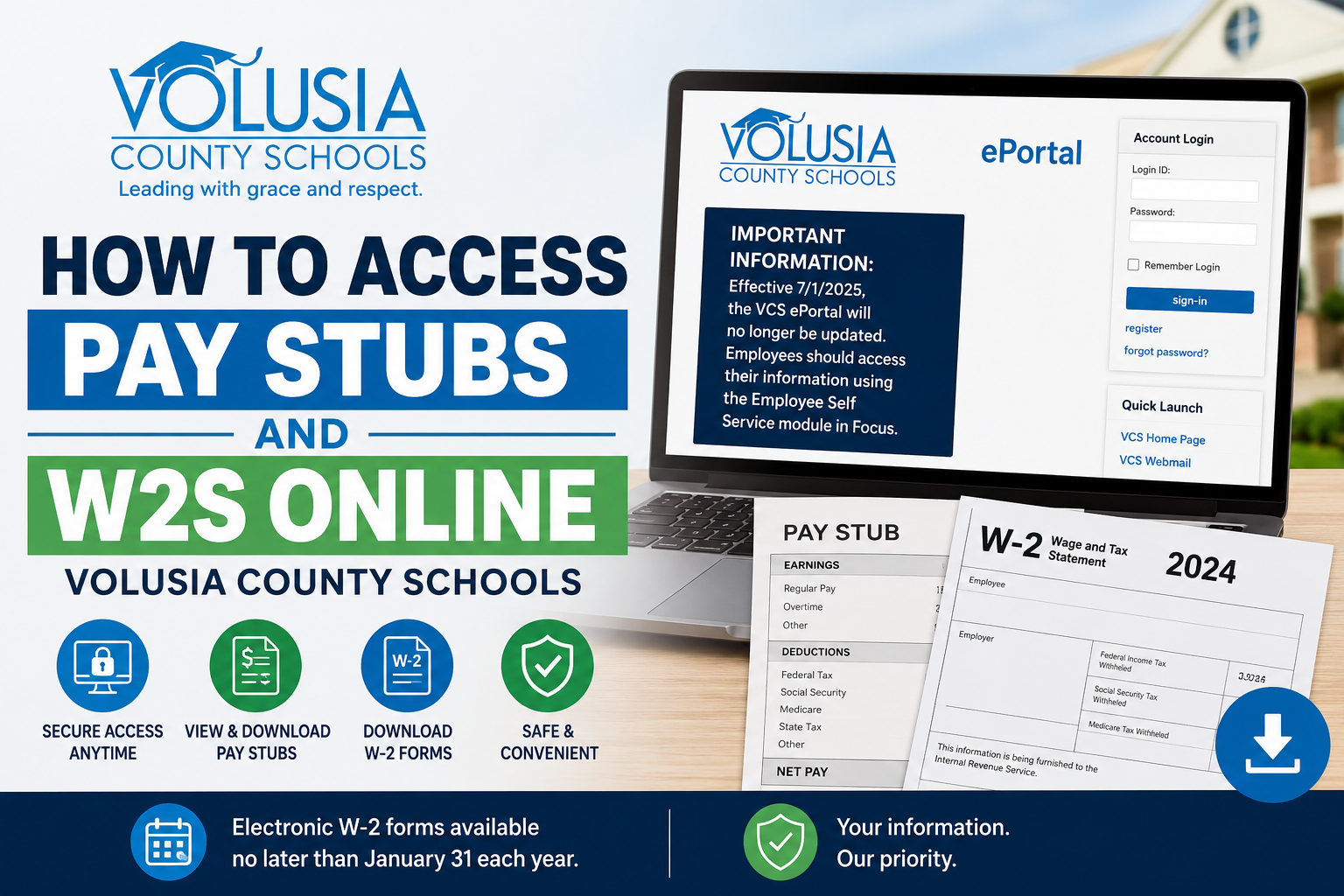
Managing payroll and tax documents online has become an essential convenience for employees, and Volusia County Schools (VCS) provides digital access to both pay stubs and W-2 forms through its employee self-service platforms. Whether you need to download your latest paycheck information, print tax documents, or review payroll history, the VCS online systems make the process simple and secure. Volusia County Schools is one of Florida’s largest public school districts, serving approximately 60,000 students with more than 8,000 employees across the county. Employees can securely manage payroll-related records through the VCS ePortal and the newer Focus Employee Self Service platform.
Volusia County Schools Payroll Portal
Employees can access payroll and tax records through the following systems:
- VCS ePortal:
https://ww2.volusia.k12.fl.us/eportal/DesktopDefault.aspx - VCS Employee Intranet Login:
https://www.vcsedu.org/employees/intranet-login
Important System Update
Effective July 1, 2025, the VCS ePortal will no longer receive updates. Employees are encouraged to use the Employee Self Service module within Focus for the latest payroll and employee information.
How to Access Volusia County Schools Pay Stubs Online
Follow these steps to view or download your pay stubs online.
Step 1: Visit the VCS ePortal
Open the official VCS ePortal login page using your browser.
Step 2: Sign In to Your Account
Enter your:
- Login ID
- Password
Then click Sign In.
If you are using the system for the first time, you must register for a new account before accessing employee records.
How to Register for a New VCS ePortal Account
New employees or first-time users can create an account by selecting the Register option on the login page.
You will need the following information:
- Last 4 digits of your Social Security Number
- Last Name
- Date of Birth
- VCS PIN Number
Account Creation Requirements
When creating your account:
- Login IDs must contain 6–10 characters
- Passwords must contain 8–12 characters
- Passwords must include at least one letter and one number
Forgot Your PIN?
If you lost your VCS PIN number, you can request it directly from the registration page. New employees usually receive their PIN during orientation.
How to View Pay Stubs in the Employee Self Service Portal
After logging in:
- Navigate to the Payroll or Employee Self Service section
- Select Pay Statements or Pay History
- Choose the desired pay period
- View, print, or download your pay stub
Employees can typically access:
- Current pay stubs
- Historical paycheck records
- Earnings summaries
- Deduction details
- Direct deposit information
How to Access Volusia County Schools W2 Forms Online
VCS employees can also retrieve electronic W-2 wage and tax statements online.
Steps to Access W-2 Forms
- Sign in to the VCS payroll portal
- Open the Payroll tab
- Navigate to the W-2 Section
- Select the applicable tax year
- Download or print your W-2 form
Electronic W-2 forms are generally made available no later than January 31 each year.
Consent for Electronic W-2 Delivery
Employees must consent to receive W-2 statements electronically.
- Existing users may need to renew consent annually
- New employees can opt in through the W-2 section of ePortal
Employees who do not use electronic delivery will receive paper W-2 forms mailed to their worksite or address on file.
What If You Forgot Your Password?
If you cannot access your account:
- Click Forgot Password
- Verify your identity
- Reset your password securely
If additional assistance is required, contact the Volusia County Schools Payroll Department.
Volusia County Schools Payroll Department Contact Information
Payroll Department
- Phone: 386-734-7190 ext. 20362
- Fax: 386-943-3407
The Payroll Department ensures employees are paid accurately according to approved salary schedules and maintains payroll compliance standards.
Common W-2 Questions Answered
Why Does My W-2 Wage Differ From My Salary?
Your annual contract salary represents gross pay before taxes and deductions, while W-2 wages reflect taxable income after eligible pre-tax deductions.
Why Are My Taxable Wages Lower Than Gross Pay?
Pre-tax deductions such as:
- Health insurance
- Flexible spending accounts
- Retirement contributions
- Tax-sheltered annuities
may reduce taxable wages shown on your W-2.
Can I Get a Duplicate W-2?
Yes. Employees who opted for electronic delivery can print additional copies anytime. Otherwise, duplicate W-2 requests may involve a processing fee through the Payroll Department.
Benefits of Accessing Pay Stubs and W2s Online
Using the VCS online payroll system offers several advantages:
- 24/7 secure access
- Faster W-2 delivery
- Easy paycheck tracking
- Reduced paperwork
- Convenient payroll history access
- Printable tax documents anytime
Final Thoughts
Volusia County Schools provides employees with secure and convenient access to payroll information through its online employee self-service systems. Whether you need to review paycheck details, download W-2 tax forms, or update payroll preferences, the VCS payroll portals simplify the entire process. Employees should also prepare for the transition from the legacy ePortal platform to the newer Focus Employee Self Service module beginning July 2025 to ensure uninterrupted access to payroll services.
Frequently Asked Questions (FAQ)
1. How do I access my Volusia County Schools pay stubs online?
You can access your pay stubs by logging into the VCS ePortal or Focus Employee Self Service portal and opening the Payroll or Pay Statements section.
2. What is the official VCS payroll portal link?
The official Volusia County Schools ePortal link is:
https://ww2.volusia.k12.fl.us/eportal/DesktopDefault.aspx
3. Can I download my Volusia County Schools W-2 online?
Yes. Employees can download and print W-2 tax statements directly from the employee payroll portal.
4. What information do I need to register for the VCS ePortal?
You need:
- Last 4 digits of your Social Security Number
- Last name
- Date of birth
- VCS PIN number
5. Where can I request my VCS PIN number?
Employees can request their PIN directly from the ePortal registration page if they no longer have it.
6. When are VCS W-2 forms available online?
Electronic W-2 forms are typically available no later than January 31 each year.
7. Does Volusia County Schools still use ePortal?
The VCS ePortal is being phased out. Effective July 1, 2025, employees should use the Employee Self Service module in Focus.
8. How do I reset my VCS payroll portal password?
Click the “Forgot Password” option on the login page and follow the verification steps to reset your password securely.
9. Can former employees access VCS W-2 forms online?
Former employees may still access tax documents depending on account availability and payroll policies. If access is unavailable, contact Payroll directly.
10. What should I do if my W-2 is missing?
Contact the Volusia County Schools Payroll Department to request assistance or a duplicate copy.
11. Why are my W-2 wages lower than my annual salary?
Your W-2 reflects taxable wages after eligible pre-tax deductions such as insurance premiums and retirement contributions.
12. Can I print duplicate W-2 forms online?
Yes. Employees who consented to electronic W-2 delivery can print additional copies anytime through the payroll portal.
13. What browser works best with the VCS ePortal?
Modern browsers such as Microsoft Edge, Firefox, or Opera generally work best with the VCS payroll system.
14. Who do I contact for payroll help at Volusia County Schools?
You can contact the Payroll Department at:
Phone: 386-734-7190 ext. 20362
15. What payroll information can employees access online?
Employees can usually access:
- Pay stubs
- W-2 forms
- Earnings history
- Payroll deductions
- Direct deposit information
- Tax withholding details
