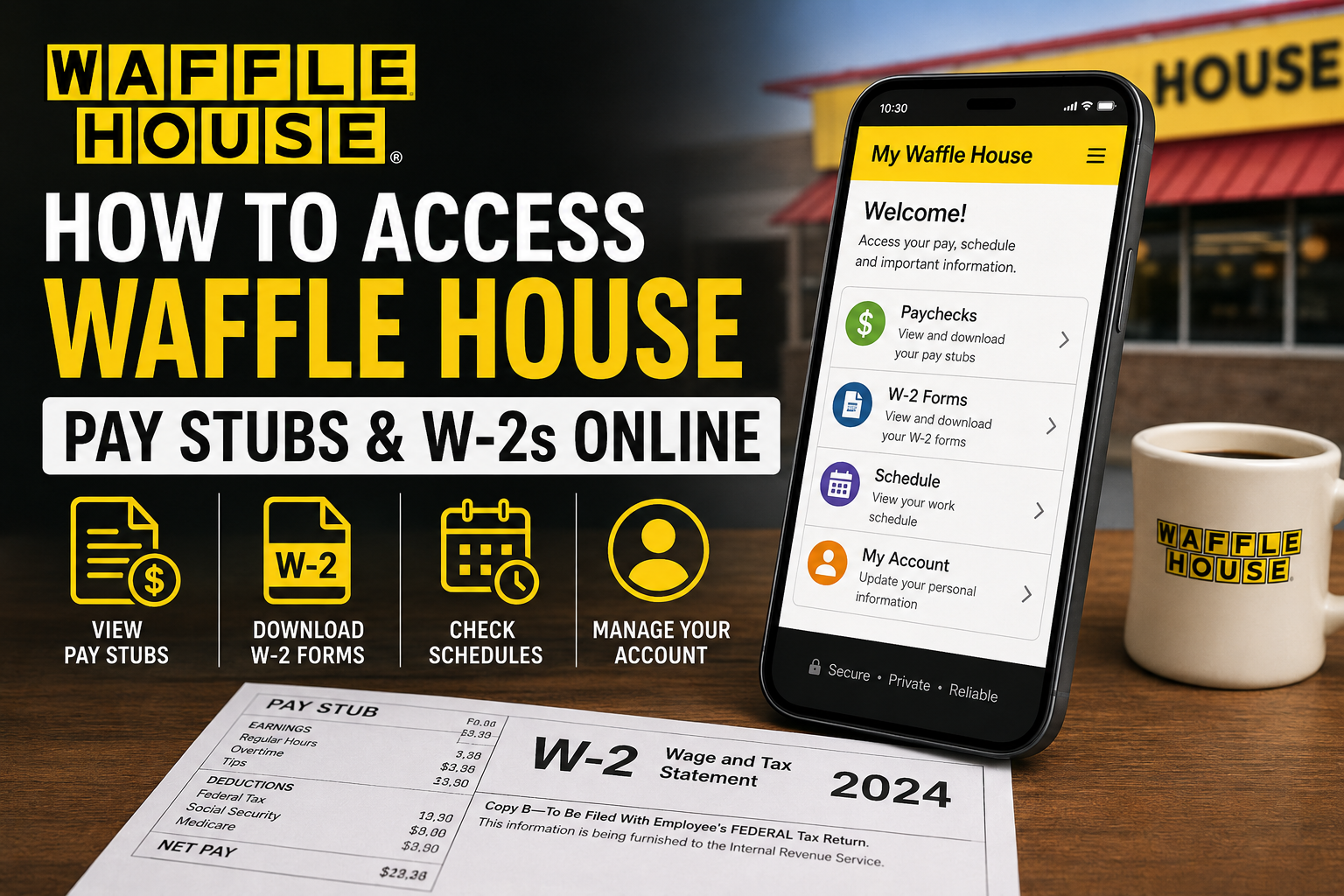
Waffle House employees can conveniently access payroll records, pay stubs, schedules, and W-2 tax forms through the My Waffle House employee portal and mobile application. The online self-service platform allows employees to securely review payment history, download tax documents, and manage payroll information anytime from a computer or smartphone. Employees who work for independently operated Waffle House franchise locations may use different payroll providers. In those situations, workers should follow the payroll instructions provided directly by their franchise owner or store management.
Official Waffle House Employee Portal
Employees can access payroll services through the official My Waffle House portal:
The portal allows employees to:
- View and download pay stubs
- Access W-2 tax forms
- Review payroll history
- Manage direct deposit information
- Check schedules
- Update employee information
- Enable paperless payroll delivery
How to Log In to the Waffle House Employee Portal
Follow these simple steps to access your Waffle House paychecks online:
- Open the official My Waffle House login page.
- Enter your registered username or email address.
- Type your password.
- Click the Log In button.
- Navigate to the Paychecks section.
- Select the pay period you want to review.
- Download or print your pay stub.
Employees can access their payroll information securely through the online dashboard using any internet-connected device.
How to Create a My Waffle House Account
New employees must complete account registration before accessing payroll records online.
Steps to Register
- Visit the My Waffle House portal.
- Click Create an Account.
- Enter your:
- First name
- Last name
- Social Security Number
- Date of birth
- Email address
- Create a secure password.
- Confirm your registration details.
- Complete the setup process.
Some employees may receive a registration passcode by email or text message during the setup process.
How to Access Waffle House W-2 Forms Online
Employees can retrieve electronic W-2 tax statements directly from the employee portal.
Steps to Download W-2 Forms
- Log in to your employee account.
- Open the payroll or tax documents section.
- Select W-2 Forms.
- Choose the correct tax year.
- Download or print the form for tax filing purposes.
Employees who selected paperless delivery may receive their W-2 forms online before mailed copies arrive.
How Former Employees Can Get W-2 Forms
Former Waffle House employees may still be able to access their W-2 forms online if their portal access remains active.
If online access is unavailable, former employees should:
- Contact Waffle House Payroll
- Reach out to corporate HR support
- Request a mailed replacement copy
- Verify mailing address information
Many former employees also receive physical W-2 forms by mail during tax season.
How to Reset Your Waffle House Password
If you forget your portal password, follow these steps:
- Visit the login page.
- Click Forgot Password.
- Enter your registered email address.
- Follow the password reset instructions sent by email.
- Create a new secure password.
Employees can usually recover account access within minutes.
Waffle House Mobile App Features
The My Waffle House mobile application gives employees fast access to payroll and scheduling information directly from their phones.
Using the app, employees can:
- View paychecks
- Download pay stubs
- Access W-2 forms
- Check work schedules
- Manage account settings
- Enable paperless tax delivery
The mobile platform offers convenient 24/7 access for employees who prefer managing payroll information on the go.
Troubleshooting Payroll Access Issues
If you cannot access your pay stubs or W-2 forms, try the following solutions:
Verify Your Login Information
Ensure your username and password are entered correctly.
Reset Your Password
Use the password recovery option if necessary.
Check Paperless Settings
Some tax forms may only appear after paperless delivery is enabled.
Contact Payroll or HR
If documents are missing or delayed, contact:
- Your store manager
- Payroll support
- Corporate HR department
Verify Your Employment Status
Former employees may experience limited portal access after separation from employment.
Benefits of the My Waffle House Portal
The employee self-service system offers several advantages:
- Secure online payroll access
- Convenient W-2 retrieval
- Faster paycheck review
- Mobile-friendly access
- Reduced paperwork
- Easy tax preparation
- 24/7 availability
Employees can quickly access important payroll information without waiting for paper copies.
Final Thoughts
The My Waffle House employee portal makes it simple for employees to manage payroll records, download pay stubs, retrieve W-2 tax forms, and monitor schedules online. Whether using the website or mobile app, employees can securely access essential payroll information anytime and from virtually anywhere. For the best experience, employees should maintain updated account credentials, enable paperless delivery, and regularly review payroll records through the employee self-service platform.
Frequently Asked Questions (FAQs)
Can I view my Waffle House pay stubs online?
Yes. Employees can access pay stubs through the My Waffle House portal and mobile app.
What is the official Waffle House employee login website?
The official employee portal is:
https://my.wafflehouse.com/Account/Login?ReturnUrl=%2F
How do I get my W-2 from Waffle House?
Log in to your employee account and open the W-2 or tax forms section.
Can former employees access W-2 forms online?
In many cases, yes. Former employees may still access payroll records through the portal or request copies from payroll support.
What is the password for Waffle House pay stub PDFs?
Pay stub PDF passwords are commonly set as the last four digits of the employee’s Social Security Number.
What should I do if I forgot my password?
Use the “Forgot Password” option on the login page.
Does Waffle House mail W-2 forms?
Yes. Employees may receive mailed W-2 forms if paperless delivery is not enabled.
Can I access payroll information from my phone?
Yes. Employees can use the My Waffle House mobile app.
Why can’t I see my W-2 online?
You may need to enable paperless delivery or contact payroll support for assistance.
Are franchise employees included in the My Waffle House payroll system?
Not always. Independent franchise operators may use separate payroll providers.
Can I print my pay stubs?
Yes. Employees can download and print pay stub PDFs.
Is the employee portal secure?
Yes. The system uses secure login authentication to protect employee information.
How often are pay stubs updated?
Pay stubs are typically updated every payroll cycle.
Can I download previous pay stubs?
Yes. Historical payroll records are generally available through the portal.
What should I do if my W-2 was mailed to the wrong address?
Contact payroll or HR immediately to request a corrected mailing.
