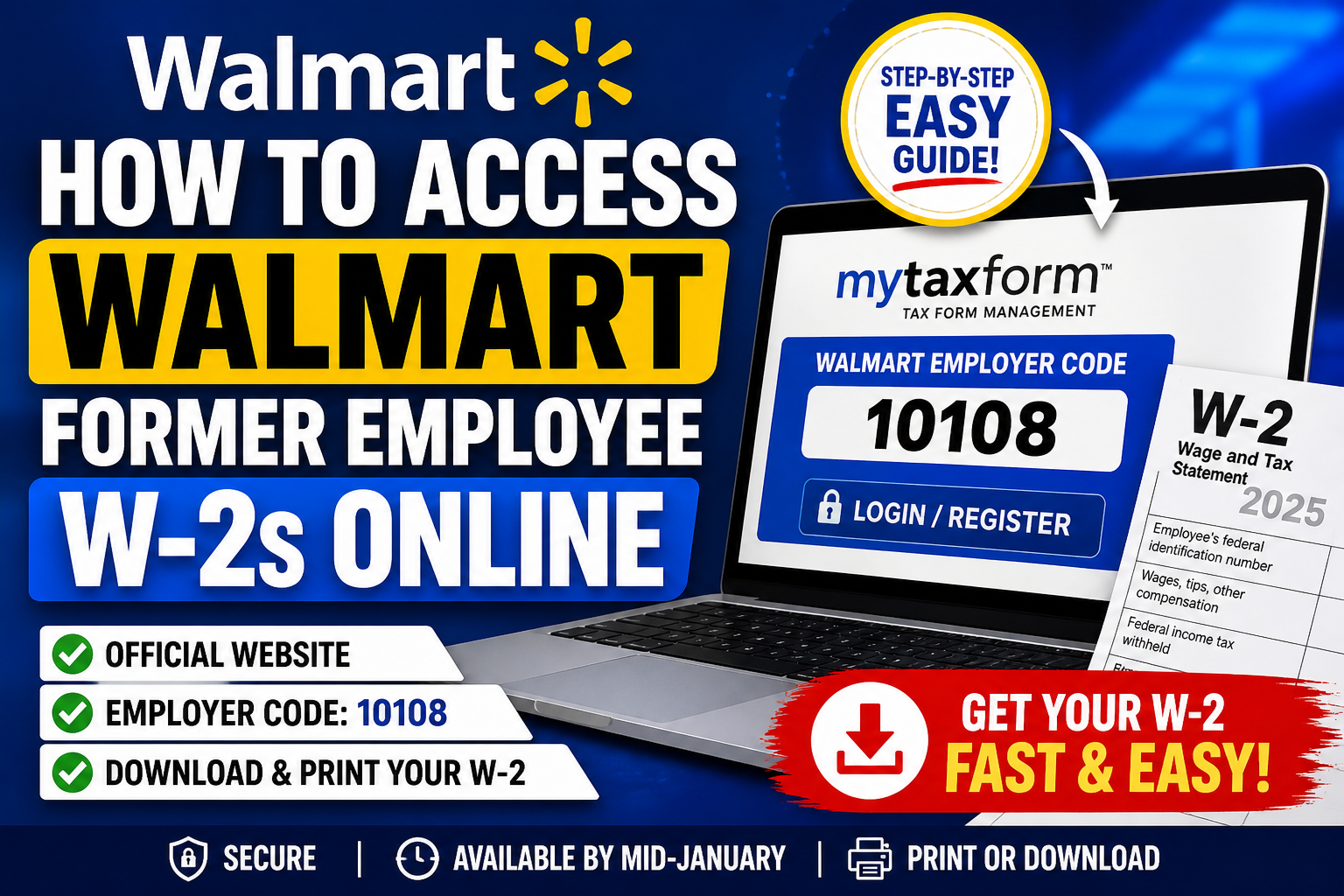
More than six decades after Sam Walton founded Walmart in 1962, the company has evolved into a global retail powerhouse employing over 2.1 million associates worldwide. Today, Walmart continues to support both current and former employees by providing secure digital access to essential tax documents such as W-2 forms. If you are a former Walmart employee, retrieving your W-2 online is straightforward through the official Tax Form Management portal.
🔗 Official Portal for Walmart W-2 Access
- Website: www.mytaxform.com
- Employer Code: 10108
This portal is powered by Equifax’s Tax Form Management system, designed to securely deliver electronic tax documents.
🧾 Step-by-Step: Access Walmart Former Employee W-2s
1. Visit the Tax Form Portal
Go to mytaxform.com and enter the Walmart employer code 10108 to proceed.
2. Login or Register
- Returning Users:
Enter your User ID and password. - First-Time Users:
Click “Register Now” and complete identity verification using personal details such as:- Name
- Date of birth
- Address
- Contact information
You may also receive a One-Time Passcode (OTP) via phone, email, or text for security verification.
3. Complete Account Verification
Follow on-screen prompts to:
- Verify identity
- Create a personalized User ID and password
- Confirm contact details
This ensures secure access to your tax records.
4. Consent to Online Delivery (Optional but Recommended)
To receive W-2 forms electronically:
- Go to Menu → My Account
- Select “Delivery Selections”
- Check the W-2 box
- Click “Receive forms online”
- Accept terms and confirm details
💡 According to the user guide, you must explicitly consent to receive electronic tax forms before accessing them digitally.
5. Access and Download Your W-2
Once logged in:
- Navigate to the dashboard/home page
- Your available W-2 forms will appear
- Click to view, download, print, or email
📅 When Are Walmart W-2s Available?
- Online Availability: Mid-January
- Paper Copies Mailed: By January 31
⚠️ If you opted for online delivery, you may access your W-2 earlier than paper delivery timelines.
🔐 Troubleshooting Login Issues
If you cannot access your account:
- Use “Forgot User ID/Password”
- Complete identity verification via OTP
- Ensure your personal details match Walmart records
If problems persist, contact Walmart payroll or Equifax support.
📌 Key Tips for Former Employees
- Use a personal device when accessing your W-2
- Keep your login credentials secure
- Download and save your W-2 for future tax filing
- Ensure your contact details are updated in the portal
🏁 Final Thoughts
Walmart’s Tax Form Management system provides a secure, efficient, and user-friendly way for former employees to access W-2 forms online. By following the steps above, you can quickly retrieve your tax documents without waiting for mailed copies. Whether you’ve recently left Walmart or need records from prior years, the mytaxform.com portal (Employer Code: 10108) remains your primary gateway to accessing your W-2 anytime, anywhere.
❓ Frequently Asked Questions (FAQs)
1. What website do former Walmart employees use to access W-2s?
Former employees should visit www.mytaxform.com and enter employer code 10108 to access their W-2 forms.
2. What is Walmart’s employer code for W-2 access?
Walmart’s employer code is 10108, which is required to log in to the Tax Form Management portal.
3. When are Walmart W-2 forms available online?
W-2 forms are typically available by mid-January, while paper copies are mailed by January 31.
4. Do former employees need to register to access their W-2?
Yes, first-time users must click “Register Now” and complete identity verification to create login credentials.
5. What information is required to register?
You will need personal details such as:
- Name
- Date of birth
- Address
- Contact information
These are used for identity verification.
6. Can I access my W-2 without consenting to online delivery?
Yes, but you may not see it online before February 1 unless you opt for electronic delivery.
7. How do I consent to receive my W-2 online?
Go to Menu → My Account → Delivery Selections, check the W-2 option, and confirm your details.
8. What should I do if I forget my login credentials?
Click “Forgot User ID/Password” and follow the prompts to reset your account using a One-Time Passcode (OTP).
9. How does identity verification work?
You may receive a One-Time Passcode (OTP) via phone, email, or text to confirm your identity before accessing your account.
10. Can I download and print my W-2?
Yes, once logged in, you can view, download, print, or email your W-2 form directly from the portal.
11. What if my W-2 is not showing on the dashboard?
Ensure you:
- Have completed registration
- Consented to online delivery
- Are checking after the release date (mid-January)
12. Can I access older W-2 forms from previous years?
Yes, the portal may provide access to prior-year W-2s, depending on availability and your account history.
13. Is the mytaxform.com portal secure?
Yes, it uses identity verification and OTP authentication to protect your personal and tax information.
14. What if I no longer have access to my old phone or email?
You may need to update your contact details or contact support to complete identity verification manually.
15. Who should I contact if I still can’t access my W-2?
If issues persist, contact Walmart payroll support or the Tax Form Management helpdesk for assistance.
