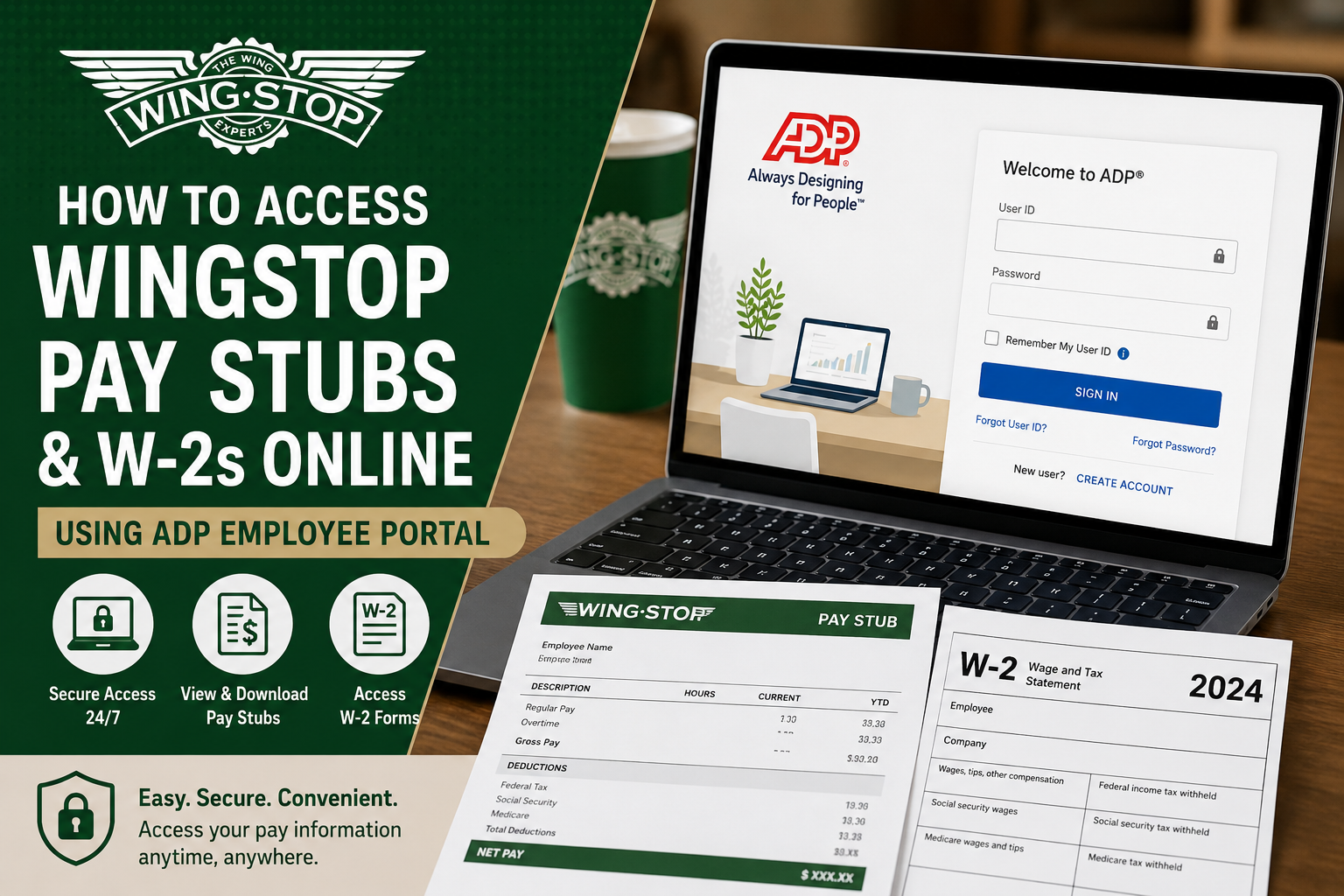
Wingstop is one of the fastest-growing chicken wing restaurant chains in the United States, operating thousands of franchise locations worldwide. Since most Wingstop restaurants are independently owned franchises, payroll systems can vary from one location to another. That means there is no single universal payroll portal for all Wingstop employees. However, many Wingstop franchises in Arkansas and Louisiana use the ADP payroll platform to manage employee payroll, direct deposit information, pay stubs, and W-2 tax forms. If your Wingstop franchise uses ADP, you can conveniently access your payroll documents online through the ADP self-service portal at: my.adp.com. This guide explains how to register, log in, and download your Wingstop pay stubs and W-2 forms online.
About Wingstop
Founded in 1994 in Garland, Texas, Wingstop has grown into a globally recognized restaurant brand specializing in flavored chicken wings, tenders, sandwiches, and fries. The company began franchising in 1997 and now operates thousands of locations internationally. Because many stores are franchise-owned, employees may use different payroll systems depending on their employer. ADP is one of the most commonly used payroll providers among Wingstop franchise operators.
How to Access Wingstop Pay Stubs Online
If your franchise uses ADP payroll services, follow these steps to view your pay statements online.
Step 1: Visit the ADP Portal
Go to:
You may also download the ADP Mobile Solutions app from the Apple App Store or Google Play Store.
Step 2: Create an ADP Account
New users must register before accessing payroll records.
- Click “Sign Up” or “Create Account.”
- Select “I Have a Registration Code.”
- Enter the registration code provided by your Wingstop franchise or payroll administrator.
- Click Continue.
Step 3: Verify Your Identity
You will be asked to enter identification details exactly as they appear in the payroll system, including:
- First name
- Last name
- Social Security Number or Employee ID
After entering your information, click Continue.
Step 4: Complete Security Verification
ADP may verify your identity through:
- Email verification
- Phone verification
- Security questions
You may receive a Personal Registration Code (PRC) by email to confirm your identity.
Step 5: Create Your Username and Password
Once verified:
- Create a secure password
- Choose security questions
- Save your login credentials securely
After setup is complete, your account will be ready to use.
How to View Wingstop Pay Stubs
After logging into ADP:
- Open the Pay or Pay Statements section
- Select the desired pay period
- View, print, or download your pay stub PDF
Your pay stub may include:
- Gross wages
- Net pay
- Hours worked
- Overtime
- Tax deductions
- Direct deposit information
How to Access Wingstop W-2 Forms Online
ADP also allows eligible employees to access electronic W-2 tax forms.
To download your W-2:
- Log into your ADP account
- Navigate to Tax Statements or W-2 Services
- Select the applicable tax year
- Download or print your W-2 form
Electronic W-2 access is typically available by January 31 each year.
Forgot Your ADP Password?
If you cannot log in:
- Visit the ADP login page
- Click “Forgot User ID/Password”
- Verify your identity
- Reset your password
If problems continue, contact your Wingstop franchise HR or payroll administrator.
Benefits of Using ADP for Payroll Access
Using ADP gives Wingstop employees several advantages:
- 24/7 online access
- Mobile-friendly payroll management
- Secure document storage
- Fast W-2 retrieval
- Direct deposit management
- Access to historical pay statements
Common Payroll Access Issues
Invalid Login Credentials
Double-check your username and password carefully.
Registration Code Not Working
Contact your Wingstop payroll or HR department for a valid registration code.
Missing W-2 Form
Some franchises may mail paper W-2s instead of electronic delivery.
Locked Account
Too many failed login attempts may temporarily lock your account.
Final Thoughts
Since Wingstop operates primarily through franchise ownership, payroll access methods vary by location. Many Wingstop restaurants in Arkansas and Louisiana use ADP for payroll processing, making it easy for employees to access pay stubs and W-2 forms online through the secure self-service portal. Once registered, employees can conveniently manage payroll records, tax forms, and personal payroll information anytime from a computer or mobile device. For payroll assistance, always contact your specific Wingstop franchise HR or payroll manager.
Frequently Asked Questions (FAQ)
1. How do I access my Wingstop pay stubs online?
You can access your Wingstop pay stubs by logging into the ADP employee portal at my.adp.com if your franchise uses ADP payroll services.
2. Does every Wingstop location use ADP?
No. Wingstop franchises operate independently, so payroll systems vary by location. Many franchises in Arkansas and Louisiana use ADP.
3. What website do Wingstop employees use for payroll?
Many Wingstop employees use the ADP self-service portal: my.adp.com
4. How do I register for an ADP account?
Click “Create Account” on the ADP login page, enter your registration code, verify your identity, and create a username and password.
5. Where can I find my Wingstop W-2 online?
After logging into ADP, go to the Tax Statements or W-2 section to download your tax forms.
6. When are Wingstop W-2 forms available?
Most W-2 forms become available electronically by January 31 each year.
7. What should I do if I forgot my ADP password?
Use the “Forgot User ID/Password” option on the ADP login page to reset your credentials securely.
8. Can former Wingstop employees access ADP?
Some former employees may retain limited access depending on franchise payroll policies.
9. Why is my ADP registration code not working?
Registration codes are franchise-specific. Contact your Wingstop HR or payroll manager for assistance.
10. Can I access Wingstop pay stubs on my phone?
Yes. You can use the ADP Mobile Solutions app on Android and iPhone devices.
11. What information appears on a Wingstop pay stub?
A pay stub typically includes gross pay, net pay, taxes withheld, deductions, overtime, and direct deposit details.
12. How do I print my Wingstop pay stubs?
Open your pay statement in ADP and select the download or print option to save a PDF copy.
13. Is ADP secure for payroll access?
Yes. ADP uses encrypted security systems and identity verification to protect employee payroll information.
14. Who should I contact for payroll problems?
You should contact your specific Wingstop franchise HR department or payroll administrator.
15. Can I update direct deposit information in ADP?
Many Wingstop franchises allow employees to update direct deposit and personal payroll details directly within ADP.
