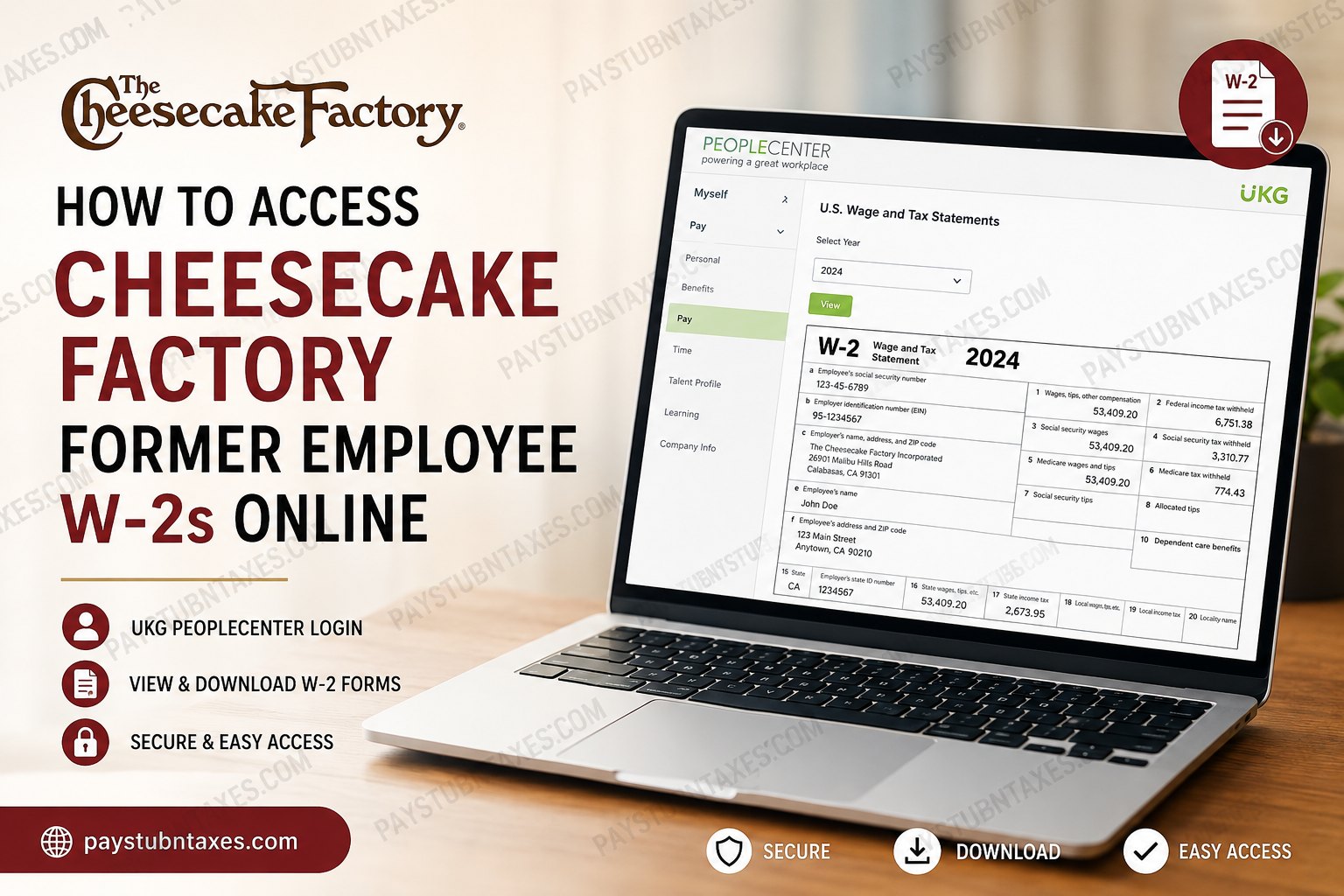
Former employees of The Cheesecake Factory can still retrieve their W-2 forms online through the company’s UKG-powered PeopleCenter self-service portal. Whether you worked at The Cheesecake Factory, North Italia, Grand Lux Cafe, or another affiliated restaurant concept, your year-end tax statements remain accessible electronically for convenient filing. The process is straightforward and typically takes only a few minutes if you still have your employee information available.
Cheesecake Factory Former Employee W-2 Portal
Former employees can access their W-2 forms through the official UKG/PeopleCenter login portal:
- Cheesecake Factory UKG Portal at cheesecake.ultipro.com
- PeopleCenter Access Portal
- Request a Paper W‑2 Copy
The portal allows eligible former employees to:
- Download W-2 tax forms
- View payroll history
- Access prior wage statements
- Update password recovery methods
- Print tax documents instantly
Quick Answer: How Former Employees Access Cheesecake Factory W-2s
If you previously worked for The Cheesecake Factory, follow these steps:
- Visit the UKG PeopleCenter portal at cheesecake.ultipro.com
- Enter your 9-digit employee ID as your username
- Use your password or your 8-digit birthdate (MMDDYYYY) for first-time login/reset
- Navigate to:
Myself → Pay → U.S. Wage and Tax Statements - Select the tax year you want
- Download or print your W-2 instantly
Employees who worked under multiple restaurant concepts may see separate W-2 forms for each employer entity.
Step-by-Step Guide to Access Cheesecake Factory Former Employee W-2s
Step 1: Go to the Cheesecake Factory UKG Login Page
Open your browser and visit:
Cheesecake Factory UltiPro Login
You can also use:
My PeopleCenter Portal
The login page uses the UKG Pro (formerly UltiPro) employee self-service system.
Step 2: Enter Your Login Credentials
Use the following information to sign in:
Username
Your username is your 9-digit employee ID, including leading zeros if necessary.
Example:
- Employee ID: 123456
- Username: 000123456
Password
For first-time access or password resets, your default password is your:
8-digit birthdate (MMDDYYYY)
Example:
- January 5, 1990 → 01051990
After signing in, you may be prompted to create a new password and set security questions.
Step 3: Navigate to Your W-2 Forms
After successfully logging in:
- Click Myself
- Select Pay
- Open U.S. Wage and Tax Statements
Your available W-2 forms will appear by tax year.
You can:
- View
- Download
- Save electronically
through the portal interface.
Accessing Cheesecake Factory W-2s on the UKG Pro Mobile App
Former employees can also retrieve W-2 forms through the UKG Pro mobile application.
Steps:
- Download the UKG Pro App
- Open the app
- Enter the Company Access Code:
peoplecenter - Sign in using your employee credentials
- Navigate to:
Menu → Pay → Taxes - Select the desired tax year
- Save or email your W-2 directly from your phone
This method is especially useful for former employees who no longer have access to company computers.
Forgot Your Cheesecake Factory PeopleCenter Password?
If you forgot your password:
- Click “Forgot your password?” on the login page
- Verify your identity
- Answer your security questions
- Create a new password
The system may ask you to select a password reset delivery method such as:
- Text message
Important Lockout Notice
If you enter the wrong password three times, your account may be locked until 9:00 AM PST the following day.
Password Requirements for UKG PeopleCenter
When updating your password, the system typically requires:
- 8–15 characters
- One uppercase letter
- One lowercase letter
- One number
- One special character
The system may also require periodic password changes for security purposes.
How to Request a Paper Copy of Your Cheesecake Factory W-2
If you prefer a physical copy of your tax document, you can request one here: http://www.thecheesecakefactory.com/w2
This option remains available even if you previously consented to electronic W-2 delivery.
What If You Worked for Multiple Cheesecake Factory Concepts?
Employees who worked for more than one affiliated restaurant brand may receive multiple W-2 forms.
Separate W-2s may appear for:
- The Cheesecake Factory
- North Italia
- Grand Lux Cafe
- Other affiliated restaurant concepts
The portal displays each W-2 individually for accurate tax reporting.
Common Cheesecake Factory W-2 Login Problems
Incorrect Employee ID
Ensure you enter all leading zeros in your 9-digit employee number.
Expired Password
The system may require password updates periodically.
Locked Account
After multiple failed attempts, wait until the next morning before trying again.
Missing W-2
Current-year W-2s are typically released by late January.
No Access to Old Email or Phone
You may need assistance resetting your password recovery method.
Benefits of Accessing Your W-2 Online
Using the PeopleCenter portal offers several advantages:
- Faster access to tax documents
- Secure electronic delivery
- Easy PDF downloads
- Mobile access through UKG Pro
- Immediate printing capability
- Reduced risk of lost mail
Final Thoughts
The Cheesecake Factory makes it relatively simple for former employees to retrieve W-2 tax forms online through the UKG PeopleCenter self-service system. With your employee ID and basic login credentials, you can quickly access wage and tax statements from virtually any device. If online access becomes unavailable, the company also provides a paper W-2 request option to ensure employees can still obtain necessary tax documentation before filing deadlines.
Frequently Asked Questions (FAQ)
1. How do former employees access Cheesecake Factory W-2 forms?
Former employees can log in to the UKG PeopleCenter portal at cheesecake.ultipro.com and retrieve W-2 forms under the Pay section.
2. What is the Cheesecake Factory W-2 login website?
The official login portal is: Cheesecake Factory UKG Login
3. What username do I use for PeopleCenter?
Your username is your 9-digit employee ID, including leading zeros.
4. What is the default password for first-time login?
The default password is usually your 8-digit birthdate in MMDDYYYY format.
Example: January 5, 1990 → 01051990
5. Can terminated employees still access PeopleCenter?
Yes. Former and terminated employees can still log in to retrieve W-2 tax statements online.
6. How do I reset my Cheesecake Factory UKG password?
Click “Forgot your password?” on the login page and follow the verification prompts to reset your password.
7. What happens if my account gets locked?
If you enter the wrong password three times, your account may remain locked until 9:00 AM PST the following day.
8. Can I access my Cheesecake Factory W-2 on my phone?
Yes. Download the UKG Pro mobile app and use the Company Access Code: peoplecenter
9. Where are W-2 forms located in the portal?
After logging in, go to: Myself → Pay → U.S. Wage and Tax Statements
10. Can I print my Cheesecake Factory W-2 online?
Yes. The portal allows you to download and print your W-2 instantly in PDF format.
11. What if I worked for multiple Cheesecake Factory restaurant concepts?
You may receive separate W-2 forms for each restaurant entity or concept you worked under.
12. Can I request a paper copy of my W-2?
Yes. Former employees can request a mailed paper copy through: http://www.thecheesecakefactory.com/w2
13. What is the Company Access Code for UKG Pro?
The Company Access Code is: peoplecenter
14. When are Cheesecake Factory W-2 forms available?
W-2 forms are generally available by the end of January each year for tax filing purposes.
15. What should I do if I no longer remember my employee ID?
Contact your former manager, HR department, or restaurant support team for assistance recovering your employee information.
