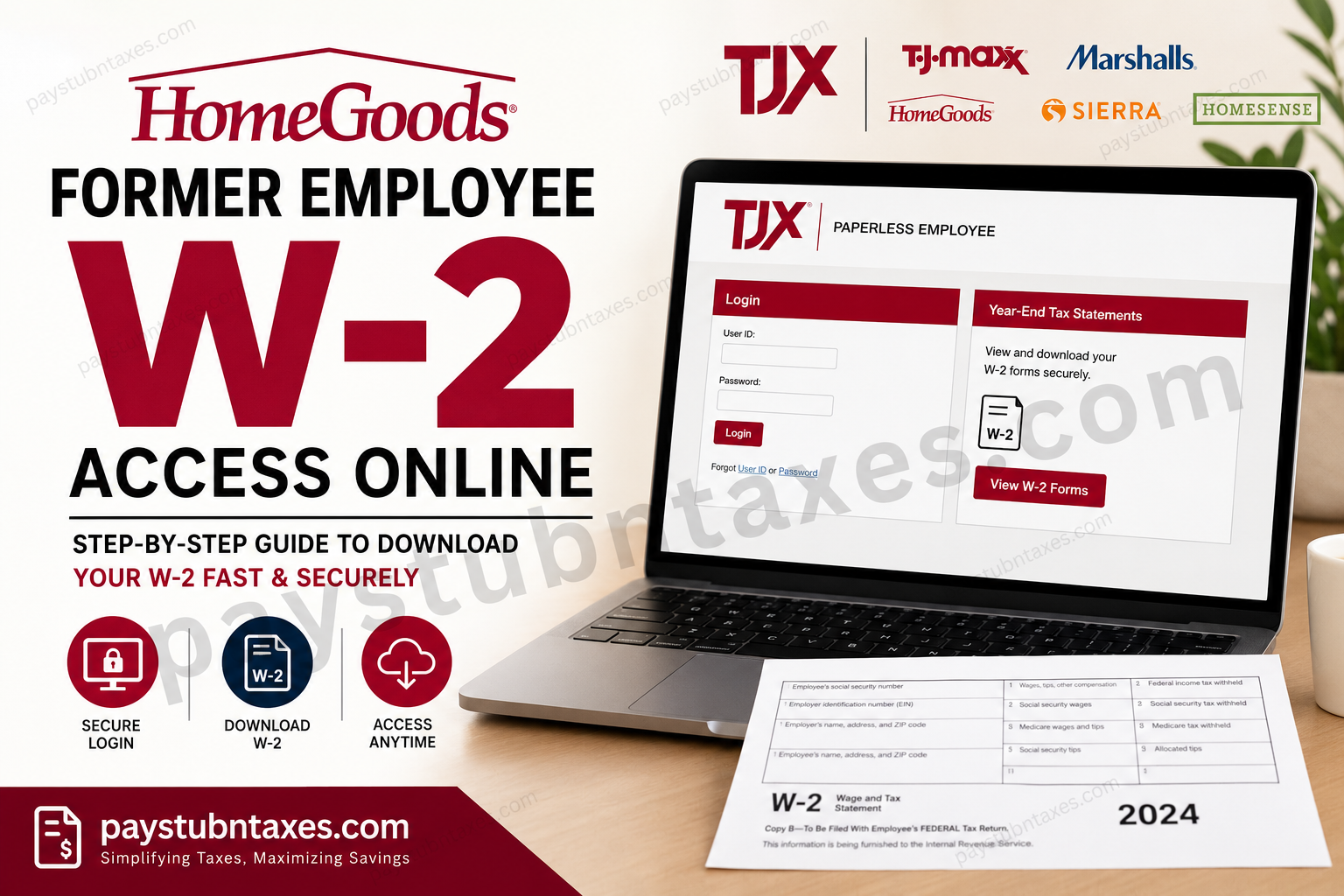
Former employees of HomeGoods can conveniently retrieve their year-end W-2 tax forms online through the Paperless Employee Portal. Whether you worked at HomeGoods recently or separated from the company months ago, the portal allows secure access to your electronic tax statements anytime, anywhere. HomeGoods, a leading home furnishing retailer owned by TJX Companies, uses the Paperless Employee self-service system to streamline employee payroll and tax document management. If you opted into electronic delivery, your W-2 will typically become available online before the mailing deadline in January.
HomeGoods is a major American home furnishing retailer headquartered in Framingham, Massachusetts. Founded in 1992, the company offers furniture, décor, kitchenware, bedding, lighting, and seasonal home products at discounted prices. It operates as part of the TJX family alongside TJ Maxx, Marshalls, Sierra, and HomeSense.
What Is the HomeGoods Former Employee W-2 Portal?
The HomeGoods W-2 portal is a secure online platform powered by Paperless Employee. It enables former associates to:
- Access year-end W-2 tax statements
- Download and print copies instantly
- Manage electronic tax delivery preferences
- Update account recovery details
- Retrieve previous tax forms securely
Portal Access: HomeGoods Former Employee W-2 Login
Requirements Before You Begin
Before accessing your HomeGoods W-2 online, make sure you have:
- Your Social Security Number (SSN)
- Date of Birth
- Registered email address or phone number
- Internet connection and a compatible browser
- Access to your verification method (text, email, or phone)
If you are a first-time user, you must create a Paperless Employee account before viewing your tax forms.
How to Access HomeGoods Former Employee W-2 Online
Step 1: Visit the Paperless Employee Portal
Go to: https://www.paperlessemployee.com/tjxcompanies
You will arrive at the official TJX Companies employee login page, which supports former employees of HomeGoods, Marshalls, TJ Maxx, Sierra, and HomeSense.
Step 2: Click “Create Account”
If this is your first time using the system:
- Select Create Account
- Enter:
- Social Security Number
- Date of Birth
- Complete the CAPTCHA verification
- Click Authenticate & Create Account
If the system cannot verify your identity, contact TJX HR to confirm your personal information is correct and up to date. Once updated, wait approximately 2–3 business days before attempting registration again.
Step 3: Create Your Login Credentials
You will then be prompted to create:
- A User ID
- A secure password
- Security questions for account recovery
Choose a strong password containing uppercase letters, lowercase letters, numbers, and symbols for enhanced security.
Step 4: Verify Your Identity
The system will send a one-time verification code through one of the following methods:
- Text message
- Automated phone call
Enter the verification code and click Submit to continue account activation.
Step 5: Choose Electronic Delivery
To receive your W-2 electronically:
- Select Yes for electronic tax statement delivery
- Save your preferences
Important: You must enroll in electronic delivery before December 31 to receive that year’s W-2 online electronically.
Step 6: Access and Download Your W-2
After logging in:
- Navigate to Year-End Tax Statements
- Select the applicable tax year
- Download your W-2 PDF
- Print or save a digital copy for your records
The document can be used for tax filing, loan applications, income verification, and other financial purposes.
What If You Did Not Consent to Electronic Delivery?
If you did not choose paperless delivery, your physical W-2 will be mailed to your address on file.
TJX typically posts paper W-2 forms on or before January 31 each year. Therefore, ensure your mailing address remains updated after leaving HomeGoods.
Forgot Your User ID or Password?
The login page provides recovery tools for:
- Forgotten User ID
- Password reset
- Multi-factor authentication recovery
Use the recovery links beneath the login box to regain access securely.
Common HomeGoods W-2 Access Problems and Solutions
Identity Verification Failed
This usually happens when your personal details do not match company records.
Solution:
- Contact TJX HR
- Verify your:
- Social Security Number
- Date of Birth
- Email address
- Phone number
Wait 2–3 business days after updates before retrying registration.
No Verification Code Received
Try the following:
- Check spam or junk folders
- Confirm your phone number is active
- Use an alternative verification option
- Retry after several minutes
Locked Account
Multiple failed login attempts may temporarily lock your account.
Wait several minutes before retrying or reset your password using the recovery option.
HomeGoods HR Contact Information
If you need assistance accessing your W-2:
TJX Human Resources Support
Phone: 1-888-627-6299
Support representatives can assist with:
- W-2 access problems
- Account verification
- Address changes
- Tax statement delivery issues
Why Former Employees Prefer Online W-2 Access
Using the Paperless Employee portal offers several advantages:
- Faster access to tax documents
- Secure encrypted login
- 24/7 availability
- Instant PDF downloads
- Reduced risk of lost mail
- Convenient access from mobile devices
Final Thoughts
Accessing your HomeGoods former employee’s W-2 online is a straightforward process through the secure Paperless Employee portal. By creating an account, verifying your identity, and opting into electronic delivery, you can retrieve your tax statements quickly without waiting for physical mail. Keeping your contact information updated and enrolling in electronic delivery before the end of the tax year will ensure seamless future access to your W-2 forms.
Frequently Asked Questions (FAQ)
1. How do I access my HomeGoods former employee’s W-2 online?
Visit the Paperless Employee Portal, log in with your credentials, and select “Year-End Tax Statements” to view and download your W-2.
2. What website does HomeGoods use for former employee W-2 access?
HomeGoods former employees use the official TJX Paperless Employee portal:
TJX Companies Paperless Employee Login
3. Can former HomeGoods employees still access Paperless Employee after termination?
Yes. Former employees can continue accessing their W-2 forms through the Paperless Employee self-service portal after leaving the company.
4. What information do I need to create a Paperless Employee account?
You typically need:
- Social Security Number
- Date of Birth
- Email address or phone number for verification
5. What should I do if I forgot my Paperless Employee password?
Click the “Forgot Password” link on the login page and follow the account recovery instructions.
6. When will my HomeGoods W-2 become available online?
Electronic W-2 forms are generally available before or around the end of January each year.
7. What happens if I did not enroll in electronic W-2 delivery?
If you did not consent to paperless delivery, your W-2 will be mailed to your address on file and postmarked by January 31.
8. How do I download my HomeGoods W-2?
After logging in:
- Open “Year-End Tax Statements”
- Select the appropriate tax year
- Download the PDF copy of your W-2
9. Can I access previous years’ W-2 forms online?
Yes. The portal may provide access to prior tax years, depending on your account history and document retention period.
10. Why am I getting an identity verification error?
This usually happens when your information does not match TJX records. Contact TJX HR to verify your:
- SSN
- Date of Birth
- Email address
- Phone number
11. How long should I wait after updating my information with HR?
After your information is updated, wait approximately 2–3 business days before attempting registration again.
12. Is the HomeGoods W-2 portal secure?
Yes. The Paperless Employee system uses secure authentication and verification methods to protect employee tax information.
13. Can I access my HomeGoods W-2 on my phone?
Yes. The Paperless Employee portal is mobile-friendly and accessible through most smartphones and tablets.
14. What should I do if I have never received my mailed W-2?
Contact TJX Human Resources at 1-888-627-6299 to request assistance or verify your mailing address.
15. Who owns HomeGoods?
HomeGoods is owned by TJX Companies and operates alongside TJ Maxx, Marshalls, Sierra, and HomeSense.
