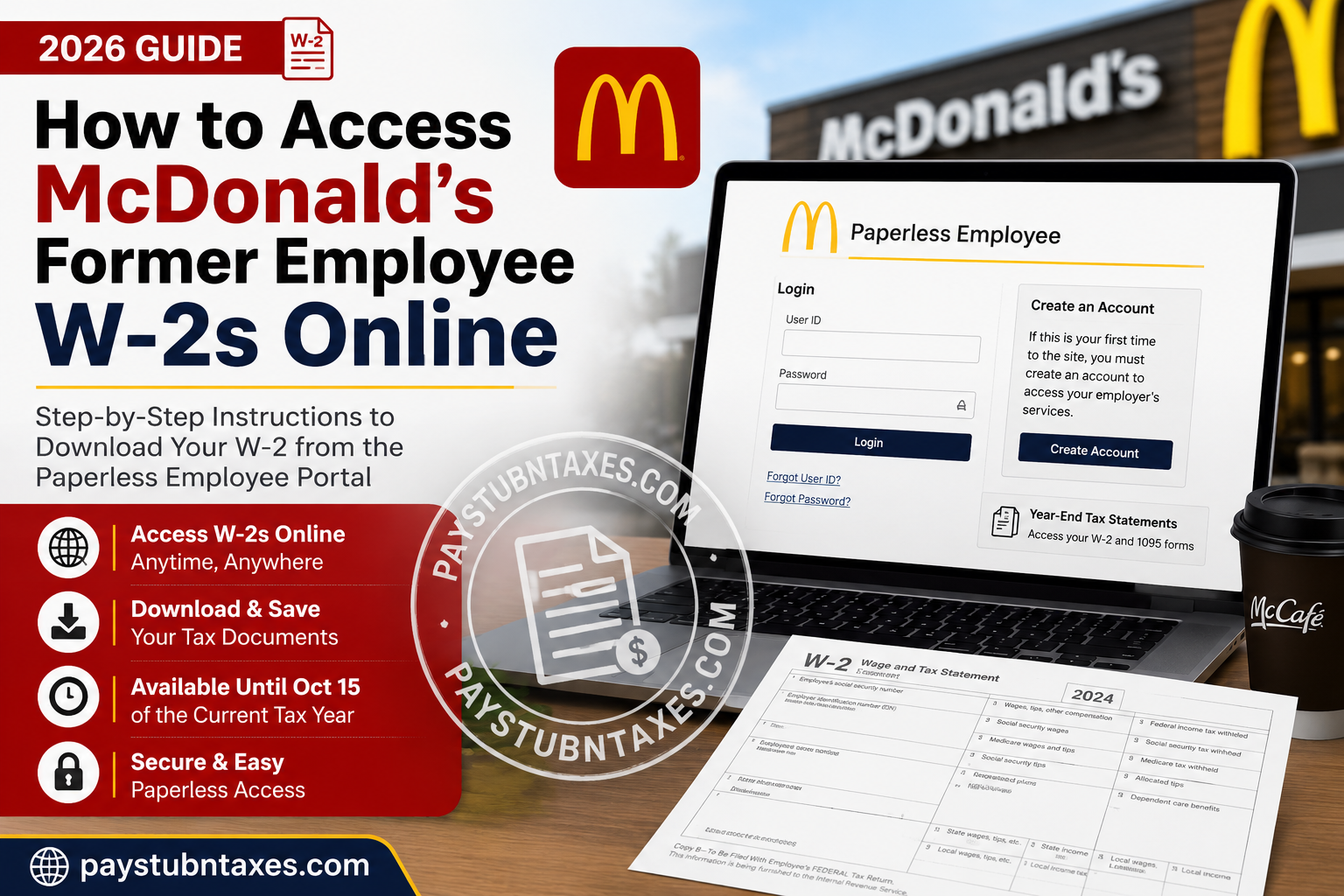
If you previously worked for McDonald’s Corporation in the United States and need a copy of your Form W-2, you may still be able to retrieve it online through the Paperless Employee portal. Unlike many employers that disable access after separation, McDonald’s keeps the portal available for eligible former employees who enrolled in electronic tax statement delivery, making it easier to download W-2 and certain other year-end tax documents even after leaving the company. Whether you need your W-2 for filing taxes, applying for a loan, verifying employment income, or maintaining personal financial records, this guide explains every step of the process—from creating an account to downloading your tax statement and resolving common login issues.
McDonald’s at a Glance
McDonald’s Corporation is one of the world’s largest quick-service restaurant companies, operating more than 40,000 restaurants globally. Founded by Richard and Maurice McDonald in 1940 and later expanded internationally under Ray Kroc, the company employs hundreds of thousands of people directly while supporting millions more through its franchise network.
Can Former McDonald’s Employees Access Their W-2 Online?
Yes. Former U.S. employees can continue using the Paperless Employee portal to access their electronic W-2 tax statements if they previously consented to electronic delivery.
The online portal remains available after employment ends, allowing eligible users to:
- Download current or previous W-2 forms
- Access available 1095 tax statements (when applicable)
- Print official PDF copies
- Save tax documents for future reference
If you did not enroll in electronic delivery, your W-2 is generally mailed to the address that McDonald’s had on file.
McDonald’s Former Employee W-2 Portal
Paperless Employee Portal
Portal URL: https://www.paperlessemployee.com/mcdus
The portal is designed specifically for McDonald’s U.S. employees and former employees who are eligible to receive electronic tax statements.
How to Access Your McDonald’s Former Employee W-2
Follow these steps carefully.
Step 1: Visit the Paperless Employee Website
Open your browser and navigate to:
https://www.paperlessemployee.com/mcdus
You’ll see the McDonald’s U.S. Employee login page.
Step 2: Sign In
Enter your:
- User ID
- Password
Then click Login.
If you have forgotten your credentials, use:
- Forgot User ID
- Forgot Password
to recover access.
First-Time Users: Create a Paperless Employee Account
If you have never logged into the portal before, you must create an account.
Click Create Account and complete the registration process.
You’ll be asked to provide:
- Social Security Number
- Date of Birth
- CAPTCHA verification
After identity verification, create:
- Your preferred User ID
- A secure password
The registration process also requires identity verification using a one-time code sent by email, text message, or automated phone call, followed by security questions and optional contact information for future account recovery.
How to Download Your W-2
After successfully logging in:
- Select Year-End Tax Statements from the left navigation menu.
- Alternatively, click Access Current Year-End Statements.
- Locate your available tax year.
- Click Download PDF.
- Open the document using any PDF reader.
- Print or save the file for your records.
The PDF opens in a new browser tab, allowing you to download or print as many copies as needed while it remains available online.
How Long Are W-2 Forms Available?
Electronic tax statements remain available for download until October 15 of the current tax year.
During this period, you may download the PDF as many times as necessary.
After October 15, online access to that year’s statement expires, and you’ll need to request a replacement copy through the appropriate McDonald’s support process.
Electronic Delivery Requirements
Electronic W-2 access depends on your enrollment preference.
To receive W-2 forms electronically, employees must choose electronic delivery before December 31 of the applicable tax year. Otherwise, paper tax forms are generally issued instead.
Unable to Create an Account?
If the portal cannot verify your identity during registration, the issue is usually related to employee records.
Verify that the following information is accurate in McDonald’s HR records:
- Social Security Number
- Date of Birth
- Email address
- Mobile phone number
Once your information has been updated, wait approximately 2–3 business days before attempting registration again.
Forgot Your Login Information?
The Paperless Employee login page includes recovery options for both:
- Forgotten User ID
- Forgotten Password
Simply follow the on-screen prompts to verify your identity and regain access to your account.
What If My W-2 Is No Longer Available Online?
If your W-2 has been removed from the portal after the online availability period:
- Contact your restaurant manager first.
- If additional assistance is needed, contact the McDonald’s Service Desk.
McDonald’s Service Desk
Phone: +1 (630) 623-5000
They can provide guidance on obtaining a reissued tax statement or updating your tax delivery preferences.
Troubleshooting Common Problems
My account cannot be verified.
Confirm that your personal information matches McDonald’s employment records exactly.
I never signed up for electronic delivery.
Your W-2 was likely mailed to your last address on file.
I forgot my password.
Use the Forgot Password option on the login page.
I no longer have access to my old email or phone.
Contact McDonald’s support so your account information can be updated before attempting to reset your credentials.
My W-2 isn’t listed.
If the filing deadline has passed and the document is no longer available online, contact your former restaurant or the McDonald’s Service Desk for a replacement copy.
Tips for Protecting Your Tax Information
When accessing your W-2 online:
- Use a trusted personal device whenever possible.
- Avoid logging in over public Wi-Fi.
- Create a strong, unique password.
- Save downloaded tax forms in an encrypted or password-protected location.
- Always sign out after using the portal.
Conclusion
McDonald’s has made it relatively straightforward for former U.S. employees to retrieve electronic W-2 forms through the Paperless Employee portal, provided they enrolled in electronic delivery while employed. The platform allows eligible users to register, securely verify their identity, and download official PDF tax statements whenever needed during the annual availability window. If you encounter login difficulties or require a replacement after online access has expired, your former restaurant management team or the McDonald’s Service Desk can help you obtain the documentation necessary for tax filing and income verification.
Frequently Asked Questions
1. How do former McDonald’s employees get their W-2 online?
Former employees who enrolled in electronic delivery can log in to the Paperless Employee portal at paperlessemployee.com/mcdus to download their W-2.
2. What is the McDonald’s former employee W-2 portal?
McDonald’s uses the Paperless Employee portal for employees and eligible former employees to access year-end tax documents online.
3. Can terminated McDonald’s employees still access the Paperless Employee portal?
Yes. Eligible former employees retain access to the portal for retrieving electronic W-2 forms and other available tax statements.
4. Do I need to create an account to access my McDonald’s W-2?
Yes. If you have never used the portal, you must create an account using your Social Security Number, Date of Birth, and identity verification.
5. What information is required to register?
You’ll need your Social Security Number, Date of Birth, and a valid email address or phone number to complete identity verification.
6. How do I download my McDonald’s W-2?
After logging in, select Year-End Tax Statements, choose the appropriate tax year, and click Download PDF.
7. How long are McDonald’s W-2 forms available online?
Electronic W-2 forms remain available for download until October 15 of the current tax year.
8. Can I print my W-2 from the portal?
Yes. The downloaded PDF can be viewed, saved, or printed as many times as needed while it remains available.
9. What if I forgot my User ID or password?
Use the Forgot User ID or Forgot Password links on the Paperless Employee login page to recover your account.
10. Why can’t the portal verify my identity?
This usually occurs when your personal information doesn’t match McDonald’s employment records. Contact your former employer to update your information and try again after 2–3 business days.
11. What if I didn’t choose electronic delivery?
If you did not consent to electronic delivery before the deadline, your W-2 was typically mailed to your last address on file.
12. Can I access previous years’ W-2 forms?
Yes, if they are still within the online availability period. Older forms may require requesting a replacement copy.
13. What should I do if my W-2 is no longer available online?
Contact your former restaurant manager or the McDonald’s Service Desk to request a reissued tax statement.
14. Who do I contact for W-2 assistance?
You should first speak with your former restaurant manager. If additional assistance is needed, contact the McDonald’s Service Desk at +1 (630) 623-5000.
15. Is the Paperless Employee portal secure?
Yes. The portal uses secure authentication, password protection, and identity verification to safeguard employee tax information.
