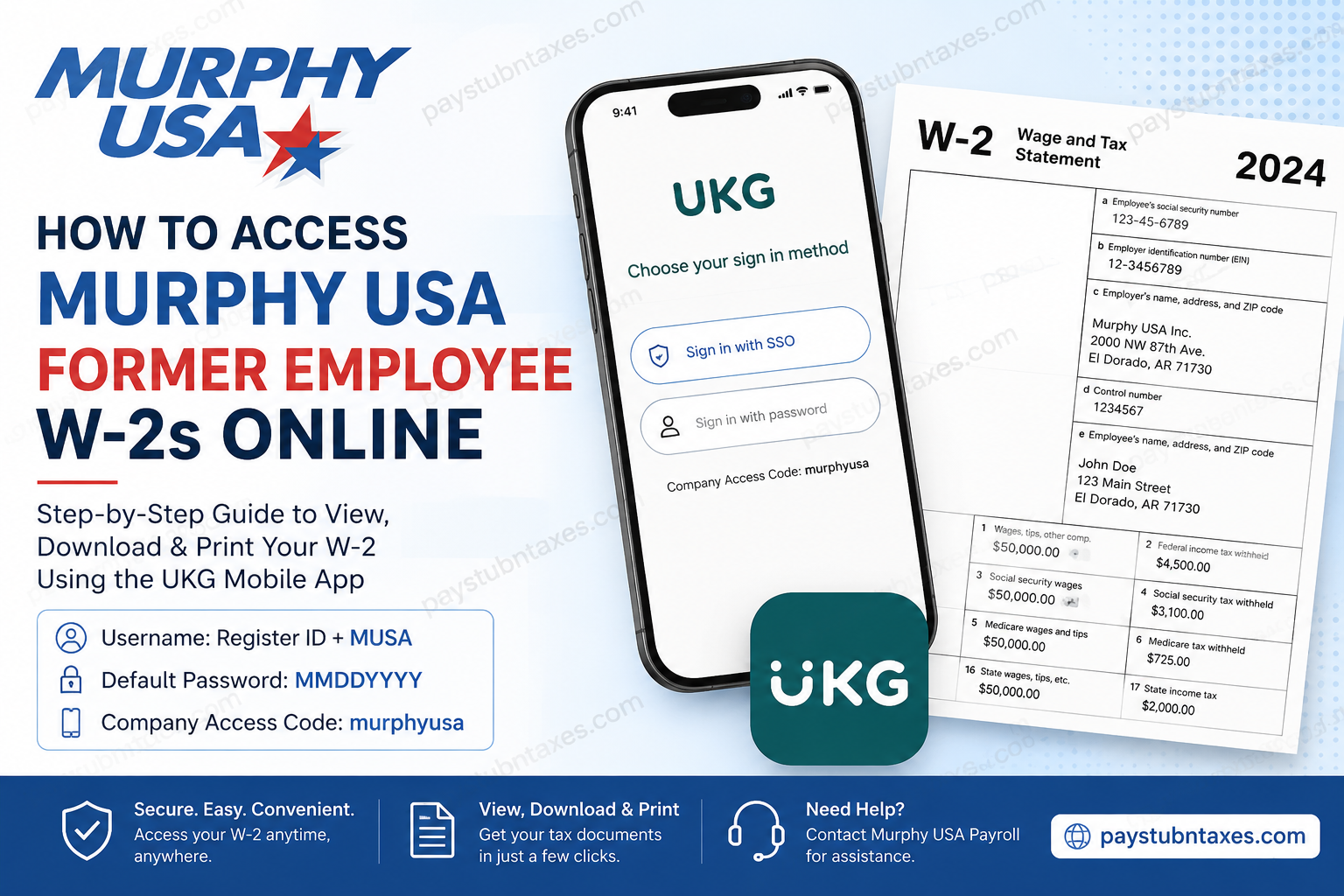
Former Murphy USA employees often need access to their W-2 forms when filing taxes, applying for loans, or verifying previous employment. Fortunately, Murphy USA provides several options for obtaining tax documents, whether you recently left the company or your employment ended months ago. If your Single Sign-On (SSO) access has been revoked after termination, you can still retrieve your W-2 by using the UKG mobile application with your former employee credentials or wait for the paper copy mailed to your registered home address. This guide explains every available method in detail.
Murphy USA at a Glance
Murphy USA (NYSE: MUSA) is one of America’s largest independent fuel and convenience retailers, operating more than 1,700 stores across 27 states under the Murphy USA, Murphy Express, and QuickChek brands. With a workforce exceeding 17,000 employees, the company serves approximately two million customers every day and consistently ranks among the Fortune 500 companies.
To simplify payroll administration, Murphy USA provides employees with secure online access to payroll records through the UKG (formerly UltiPro) platform, where eligible employees can view:
- Pay statements
- W-2 tax forms
- Direct deposit information
- Payroll history
- Personal payroll records
Can Former Employees Access Murphy USA W-2s Online?
Yes. Former employees can usually access their tax documents electronically using the UKG Mobile App, even after their Okta Single Sign-On access has been disabled.
However, there is one important distinction:
- Desktop or browser login generally redirects to the company’s Okta SSO page, which is no longer available once employment ends.
- The UKG Mobile App allows former employees to sign in using a username and password instead of SSO.
If online access is unavailable, Murphy USA also mails W-2 forms to former employees’ last recorded mailing address no later than January 31 each year.
Why Desktop Login Usually Doesn’t Work After Termination
Active employees authenticate through Murphy USA’s Okta Single Sign-On system.
Once employment ends:
- Okta access is typically revoked.
- Browser logins automatically redirect to the unavailable SSO page.
- Desktop access becomes inaccessible.
Fortunately, the UKG mobile application offers an alternative login method using a traditional username and password.
Murphy USA UKG Mobile Login Information
Download the UKG Pro Mobile App from:
- Google Play Store
- Apple App Store
During setup, enter the following company information:
Company Access Code (Workspace): murphyusa
The app provides access to pay information, pay statements, tax forms, and direct deposit details in a mobile-friendly interface.
Former Employee Username Format
Your username is typically: RegisterIDMUSA
Example: If your Register ID is: 5061298
Your username becomes: 5061298MUSA
Default Password Format
Unless you have previously changed it, your default password is usually your date of birth using the following format: MMDDYYYY
Example: Birthday: February 6, 1980
Password: 02061980
If the password has been changed previously and no longer works, contact Murphy USA Payroll or HR for assistance.
How to Access Murphy USA Former Employee W-2 Online
Once you’ve successfully signed into the UKG mobile app:
Step 1: Open the Menu.
Step 2: Select: Myself
Step 3: Choose: W-2
Step 4: Select the tax year you want.
Step 5: Your W-2 statement opens immediately.
Step 6: Choose Print if you’d like a paper copy.
Step 7: Select your preferred print format.
Step 8: Click Finish.
Your printable W-2 opens in a new window where it can be saved as a PDF or printed.
How to View Previous Pay Stubs
If your account still has access to payroll history:
- Log in to UKG.
- Open Myself.
- Select Pay.
- Choose Pay History.
- Select the desired pay date.
- Download or print the pay statement as needed. UKG also allows users to search by pay date and print historical pay statements.
Viewing Your Pay Information in the UKG Mobile App
The UKG mobile application allows eligible users to:
- View current pay statements
- Review payroll history
- Access direct deposit information
- Manage bank accounts for direct deposit
These features are available from the Pay Overview section within the app.
When Will Murphy USA Mail My W-2?
Murphy USA mails paper W-2 forms to former employees no later than January 31 each year.
The form is sent to the mailing address on file.
If you recently moved, contact Human Resources promptly to update your address before W-2s are issued.
Forgot Your Username or Password?
If you cannot sign in:
- Verify your Register ID.
- Confirm your date of birth format (MMDDYYYY).
- Ensure you entered the correct company access code: murphyusa.
- If your credentials no longer work, contact Murphy USA Payroll or Human Resources for assistance.
Murphy USA Payroll Contact Information
If you cannot retrieve your W-2 online, contact Murphy USA directly.
Customer Support
Phone:
1-800-843-4298
Email:
customercare@murphyusa.com
Have the following information available:
- Full legal name
- Employee ID or Register ID
- Last work location
- Date of birth
- Last four digits of your Social Security Number
- Current mailing address
Final Thoughts
Murphy USA has made it relatively straightforward for former employees to obtain payroll records and tax documents. Although your Okta Single Sign-On credentials are generally deactivated after separation, the UKG mobile application provides an effective alternative for accessing W-2 forms using a standard username and password. If electronic access is unavailable, the company also fulfills its tax reporting obligations by mailing W-2 forms to the address on file by the end of January each year. By following the steps outlined above and keeping your personal information up to date, you should be able to retrieve your Murphy USA W-2 quickly and without unnecessary delays.
Frequently Asked Questions
1. How do former employees access Murphy USA W-2 forms?
Former employees can access W-2 forms through the UKG Pro Mobile App using the company access code murphyusa and their former employee login credentials.
2. Can I access Murphy USA W-2s from a desktop browser after leaving the company?
Usually no. After termination, Okta Single Sign-On (SSO) is generally revoked, causing browser logins to redirect to the unavailable SSO page.
3. What is the Murphy USA UKG company access code?
The company access code is murphyusa.
4. What is the username format for former Murphy USA employees?
Your username is typically your Register ID followed by MUSA. For example, Register ID 5061298 becomes 5061298MUSA.
5. What is the default password for former employees?
The default password is generally your date of birth in MMDDYYYY format unless it has been changed.
6. Where can I view my Murphy USA W-2 after logging in?
Navigate to Myself → W-2, choose the desired tax year, and your tax statement will be displayed.
7. Can I print my Murphy USA W-2 online?
Yes. Open the W-2, click Print, select your preferred print format, and print or save it as a PDF.
8. Can former employees access previous pay stubs?
Yes. If payroll access remains available, you can view historical pay statements under Myself → Pay → Pay History.
9. When does Murphy USA mail W-2 forms?
Murphy USA typically mails W-2 forms to former employees no later than January 31 each year.
10. What should I do if I forgot my Murphy USA login credentials?
Contact Murphy USA Payroll or Human Resources to verify your identity and request assistance with your account.
11. Can I receive my W-2 electronically instead of by mail?
If your UKG account remains accessible, you can usually download your W-2 electronically through the mobile app.
12. What information should I have before contacting Murphy USA Payroll?
Have your full name, Register ID or employee ID, date of birth, last work location, and current mailing address available.
13. Why does my browser keep redirecting to the Okta login page?
Because former employees generally lose Okta SSO access after separation. Use the UKG Pro Mobile App instead.
14. Who can use the Murphy USA UKG portal?
The portal is intended for current employees, while eligible former employees can typically access tax documents using the UKG mobile application.
15. How do I contact Murphy USA for W-2 assistance?
You can call 1-800-843-4298 or email customercare@murphyusa.com for help with payroll, tax forms, or account access.
