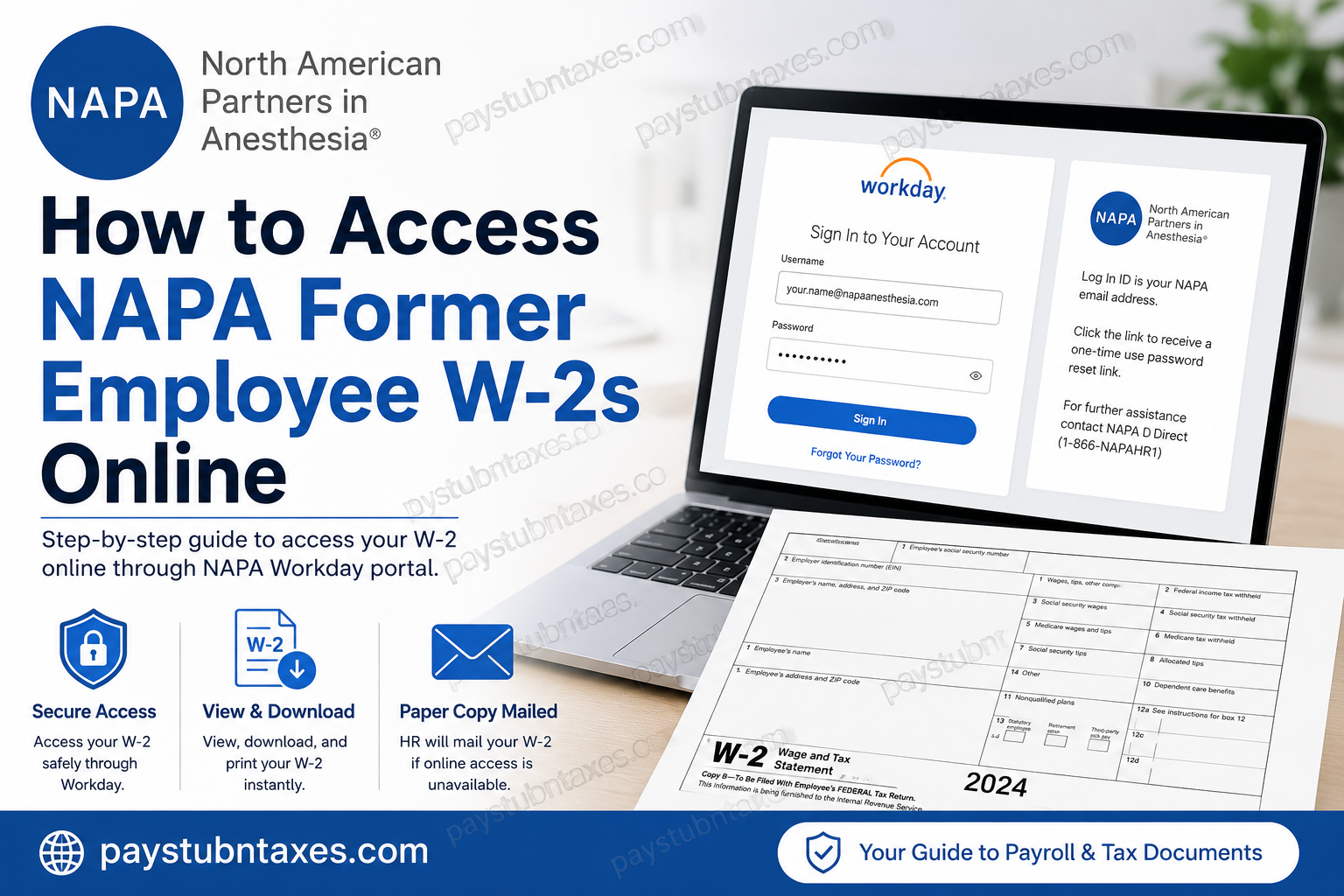
Filing your taxes after leaving an employer can be challenging, particularly if you no longer have access to the company’s employee portal. Fortunately, former employees of North American Partners in Anesthesia (NAPA) still have several options for obtaining their W-2 forms. Whether your Workday access remains active after separation or you need assistance from Human Resources, this guide explains every available method to retrieve your NAPA W-2 quickly and securely.
About North American Partners in Anesthesia (NAPA)
North American Partners in Anesthesia (NAPA) has spent more than three decades establishing itself as one of the nation’s premier anesthesia and perioperative services organizations. As a clinician-led, single-specialty healthcare provider, NAPA delivers anesthesia care, operational excellence, workforce solutions, and revenue cycle management to hospitals and healthcare facilities throughout the United States.
Its culture emphasizes leadership, transparency, patient safety, professional development, and employee well-being, creating an environment where clinical and corporate professionals are encouraged to grow while maintaining a healthy work-life balance. Nearly 5,000 clinicians and support staff contribute to NAPA’s mission of delivering exceptional patient and client experiences every day.
Can Former NAPA Employees Access Their W-2 Online?
Yes—under certain circumstances.
NAPA uses Workday as its Human Capital Management (HCM) platform for payroll, tax documents, and employee self-service.
After leaving the company:
- Your Workday account may remain active for a limited period.
- If your account is still available, you may continue accessing your electronic W-2.
- If your access has already expired, Human Resources will print and mail your W-2 to your home address.
- If you prefer an electronic copy after termination, you may contact HR to inquire whether temporary Workday access can be restored.
Because post-employment portal access is often temporary, former employees should download and securely save all payroll and tax documents immediately whenever access is available.
NAPA Former Employee W-2 Access Options
Option 1: Log into Workday (If Your Access Is Still Active)
If your Workday account remains available after your employment ends:
- Visit the NAPA Workday login page.
- Enter your NAPA email address as your Log In ID.
- Enter your password.
- Complete authentication.
- Open the Pay section.
- Select My Tax Documents.
- Choose the desired tax year.
- Open your W-2.
- Download or print the form for your records.
The standard Workday workflow stores W-2 forms within My Tax Documents, allowing users to view, download, and print electronic copies directly from the payroll dashboard.
Option 2: Reset Your Password
If you remember your company email but cannot sign in:
- Select Forgot Your Password on the Workday login page.
- A one-time password reset email will be sent to your registered NAPA email address.
- Create a new password.
- Sign in again and retrieve your tax documents.
Option 3: Contact Human Resources
If your Workday account has already been disabled:
Contact NAPA Direct
Phone: 1-866-NAPAHR1
Human Resources can:
- Confirm your employment status
- Verify whether Workday access can be temporarily restored
- Assist with tax document requests
- Verify your mailing address
- Answer payroll-related questions
Option 4: Wait for Your Mailed W-2
Former employees whose Workday access has expired generally receive a printed W-2 by mail.
To avoid delays:
- Verify your mailing address before leaving the company whenever possible.
- Notify HR immediately if your address changes after separation.
- Expect delivery during the annual W-2 distribution period, typically in late January.
How Active Employees Access Their W-2
Current NAPA employees have a more streamlined process:
- Sign in to Workday.
- Open the Pay dashboard.
- Select My Tax Documents.
- Choose the applicable tax year.
- Click View/Print.
- Download or print the W-2 PDF.
Employees generally receive a Workday notification once annual tax forms become available.
NAPA Workday Login Information
Workday Portal
https://wd1-identity.myworkday.com/wday/authgwy/napaanesthesia/upc/login?redirect=n
Log In ID
Your NAPA email address
Password Recovery
Use the Forgot Your Password option to receive a one-time password reset link.
What If You Cannot Access Your NAPA Email?
Many former employees lose access to their company email shortly after separation.
If this happens:
- Contact NAPA Direct.
- Verify your identity.
- Request assistance in obtaining your W-2.
- Confirm your mailing address.
- Ask whether an alternative method of receiving your tax document is available.
Tips for Former Employees
To avoid future payroll document issues:
- Download every W-2 before your Workday account expires.
- Save electronic copies in secure cloud storage.
- Keep your mailing address current.
- Retain several years of tax records.
- Contact HR promptly if your W-2 has not arrived by early February.
Troubleshooting Workday Login Issues
Incorrect Username
Your username is your NAPA email address, not a personal email account.
Forgotten Password
Use the password reset link on the login page.
Disabled Account
Your employment may have ended long enough ago that Workday access has been revoked.
Missing W-2
Contact Human Resources to verify whether:
- Your W-2 has been issued,
- Your mailing address is correct, or
- Electronic access can be restored temporarily.
Conclusion
Retrieving your NAPA W-2 after leaving the organization is generally a straightforward process. If your Workday account remains active, you can access, download, and print your tax documents online in just a few minutes. If your portal access has expired, NAPA Human Resources can assist by confirming your eligibility for electronic access or ensuring that your paper W-2 is mailed to your current address. To avoid future inconvenience, former employees should download all payroll and tax documents before their Workday access is deactivated and maintain updated contact information with the organization.
Frequently Asked Questions
1. How do former NAPA employees access their W-2 online?
If your Workday account is still active, log into the NAPA Workday portal using your NAPA email address, then navigate to Pay → My Tax Documents to view, download, or print your W-2.
2. What is the NAPA Workday login portal?
The official NAPA Workday portal is:
https://wd1-identity.myworkday.com/wday/authgwy/napaanesthesia/upc/login?redirect=n
3. What username should I use to sign in to Workday?
Use your NAPA email address as your Workday Log In ID.
4. I forgot my Workday password. What should I do?
Click Forgot Your Password on the Workday login page to receive a one-time password reset link sent to your registered NAPA email address.
5. Can I still access Workday after leaving NAPA?
Possibly. Some former employees retain Workday access for a limited period after termination. If your account has been deactivated, contact HR for assistance.
6. Where can I find my W-2 in Workday?
Your W-2 is located under Pay → My Tax Documents in the Workday Self-Service portal.
7. When are NAPA W-2 forms available?
W-2 forms are generally released in late January each year for the previous tax year.
8. Will NAPA mail my W-2 after I leave the company?
Yes. If you no longer have Workday access, Human Resources will print and mail your W-2 to your last recorded home address.
9. Can I request electronic access after termination?
Yes. You may contact Human Resources to ask whether your Workday access can be temporarily restored so you can download your W-2 electronically.
10. What should I do if I never received my W-2?
Contact NAPA Direct at 1-866-NAPAHR1 to verify your mailing address, confirm W-2 issuance, or request additional assistance.
11. Can I download and print my W-2 from Workday?
Yes. If you have active access, you can download a PDF copy or print your W-2 directly from Workday.
12. What if my mailing address has changed?
Notify NAPA Human Resources as soon as possible to ensure your W-2 is mailed to the correct address.
13. Can former employees access previous years’ W-2 forms?
If your Workday account remains active, previous tax-year W-2 forms may still be available under My Tax Documents. Otherwise, contact HR for assistance.
14. Who should I contact for Workday or payroll support?
For login, payroll, or W-2 assistance, contact NAPA Direct at 1-866-NAPAHR1.
15. What should I do before my Workday access expires?
Download and securely save copies of your pay stubs, W-2 forms, and other important HR documents before your Workday account is deactivated.
