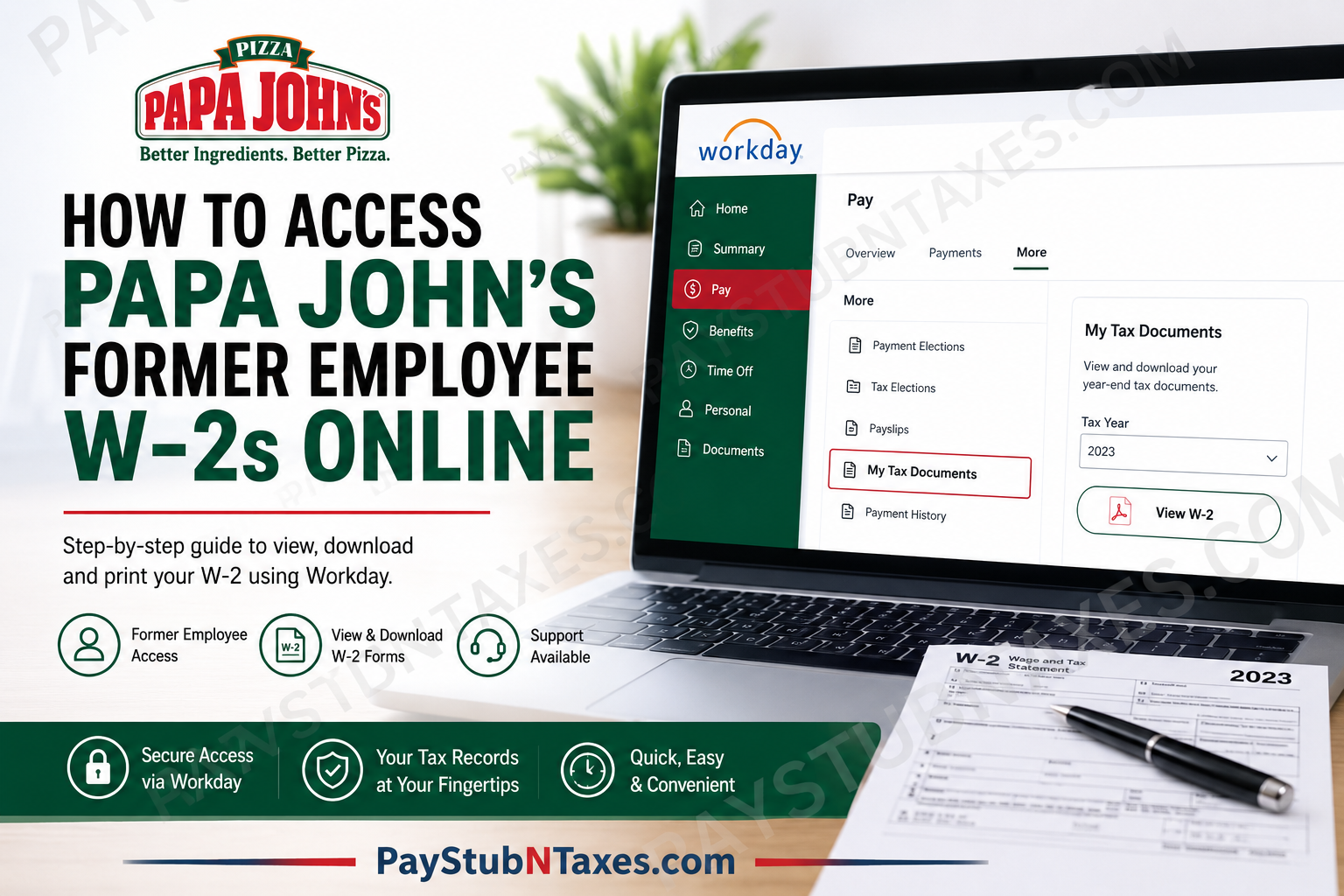
For former employees of Papa John’s, tax season need not become an exercise in frustration. Whether you recently left the company or separated years ago, obtaining your W-2 form is often a straightforward process—provided you know where to look. Since many corporate and participating franchise locations utilize Workday as their human resources platform, former team members can conveniently access tax documents online without waiting for postal delivery. This comprehensive guide explains how former Papa John’s employees can retrieve their W-2 forms online, troubleshoot login issues, and understand what to do if electronic access is unavailable.
About Papa John’s
Founded in 1984, Papa John’s has evolved from a single pizza shop in Indiana into one of the world’s largest pizza delivery brands, operating thousands of restaurants across dozens of countries. The company prides itself on promoting from within, rewarding performance, and cultivating an entrepreneurial spirit among its team members.
Today, many corporate-owned and participating franchise locations manage payroll and tax documentation through Workday, allowing both current and former employees to access important employment records digitally.
Can Former Papa John’s Employees Access W-2s Online?
Yes. Former employees of Papa John’s corporate locations—and certain franchise locations using Workday—may access their W-2 forms online through the Workday portal.
If you previously consented to electronic tax delivery, your W-2 should be available digitally once released. If you did not opt into electronic delivery, your W-2 will generally be mailed to your last address on file no later than January 31 following the tax year.
Papa John’s Former Employee Workday Login Portal
Former team members can access Workday using the following portal:
Workday Login:
https://www.myworkday.com/papajohns/login.htmld
Upon visiting the portal, former employees should select “Native Login”, which is specifically intended for:
- Former Team Members
- Non-Team Members
- Pre-Hires
The login interface distinguishes current employees using SSO from former employees using Native Login.
How to Access Your Papa John’s W-2 Online
Follow these steps to retrieve your tax documents:
Step 1: Open the Workday Portal
Navigate to the Papa John’s Workday login page.
Step 2: Select “Native Login”
Former employees should choose Native Login, not SSO.
Step 3: Sign In
Enter your username and password associated with your Workday account.
If you no longer remember your credentials, use available password recovery options or contact support.
Step 4: Open the Pay Section
After logging in: Pay → More → My Tax Documents
The Workday navigation menu allows employees to access payroll modules, including tax documents.
Step 5: Select the Desired Tax Year
Locate the W-2 corresponding to the required tax year.
Step 6: View, Download, or Print
Open the document and either:
- Download a PDF copy
- Print for tax filing purposes
- Save for future reference
Workday’s tax document workflow directs users from the Pay app to My Tax Documents, where W-2 forms are stored.
Detailed Workday Navigation for W-2 Retrieval
Once logged into Workday:
- Click the Menu icon.
- Open the Pay application.
- Under View, select My Tax Documents.
- Choose the appropriate tax year.
- Download or print your W-2.
The interface uses Workday’s global navigation system to access payroll records and year-end tax forms.
What If You Did Not Elect Electronic Delivery?
If you never consented to receive tax forms electronically, Papa John’s generally mails W-2 forms to your last recorded address by January 31 of the following year.
Therefore, if you have moved since leaving the company, it is prudent to ensure your address was updated before separation or contact support for assistance.
Forgot Your Login Credentials?
Former employees experiencing login difficulties may contact Papa John’s support directly.
Former Team Member Support:
📞 502-261-HELP
Support representatives can assist with account access, password resets, and general Workday inquiries.
The Workday login page specifically directs former team members requiring assistance to call this number.
Which Papa John’s Employees Use Workday?
Workday access is most commonly available to:
- Corporate employees
- Distribution center employees
- Restaurant team members at participating locations
- Certain franchise employees
Because franchise ownership structures vary, some independently operated restaurants may use different payroll systems. If your franchise does not utilize Workday, contact your former manager or payroll administrator directly.
How Long Can Former Employees Access Workday?
Access periods may vary depending on company policies and account status. Many former employees retain limited access to tax documents after separation; however, if your account has been deactivated, customer support may need to restore temporary access or provide alternative methods for obtaining your W-2.
Common W-2 Access Issues and Solutions
| Issue | Solution |
| Forgot password | Use password reset or contact support |
| Account locked | Call 502-261-HELP |
| W-2 not visible | Verify electronic consent and tax year |
| Address changed | Contact payroll support |
| Franchise employee | Confirm whether your location used Workday |
Final Thoughts
Accessing your Papa John’s W-2 online is generally a seamless process through Workday’s Native Login portal. By navigating to Pay → More → My Tax Documents, former employees can quickly retrieve prior-year tax forms without waiting for mail delivery. Should technical obstacles arise, Papa John’s support team remains available to assist former team members, ensuring that tax filing season proceeds with minimal inconvenience. After all, when payroll records are only a few clicks away, obtaining your W-2 becomes less a bureaucratic maze and more a matter of simple navigation.
FAQ
1. How do former employees access Papa John’s W-2 online?
Former employees can log into the Papa John’s Workday portal using Native Login and navigate to Pay → More → My Tax Documents.
2. What is the Papa John’s Workday login URL?
The Workday portal is available at:
https://www.myworkday.com/papajohns/login.htmld
3. What login option should former employees select?
Former team members should choose Native Login, not SSO.
4. Where can I find my W-2 in Workday?
Your W-2 is located under Pay → More → My Tax Documents.
5. When are Papa John’s W-2 forms issued?
W-2 forms are generally issued or mailed by January 31 following the tax year.
6. What if I did not enroll in electronic W-2 delivery?
Your W-2 will typically be mailed to your last address on file.
7. Can franchise employees access W-2s through Workday?
Only if their franchise location uses Workday for payroll and HR management.
8. I forgot my Workday password. What should I do?
Use the password reset option or contact Papa John’s support for assistance.
9. What is the support number for former employees?
Former team members needing login assistance can call 502-261-HELP.
10. Can I download and print my W-2 from Workday?
Yes. Workday allows users to download PDF copies and print their W-2 forms.
11. Why can’t I see my W-2 in Workday?
You may have selected the wrong tax year, lacked electronic consent, or your document may not yet be available.
12. How long do former employees retain Workday access?
Access periods vary depending on company policy and account status.
13. What if I moved after leaving Papa John’s?
If you did not opt for electronic delivery, ensure your mailing address was updated to receive your W-2.
14. Can I access older W-2 forms in Workday?
If available, prior-year W-2 forms may remain accessible under My Tax Documents.
15. What should I do if my account is locked?
Contact Papa John’s support at 502-261-HELP to regain access.
