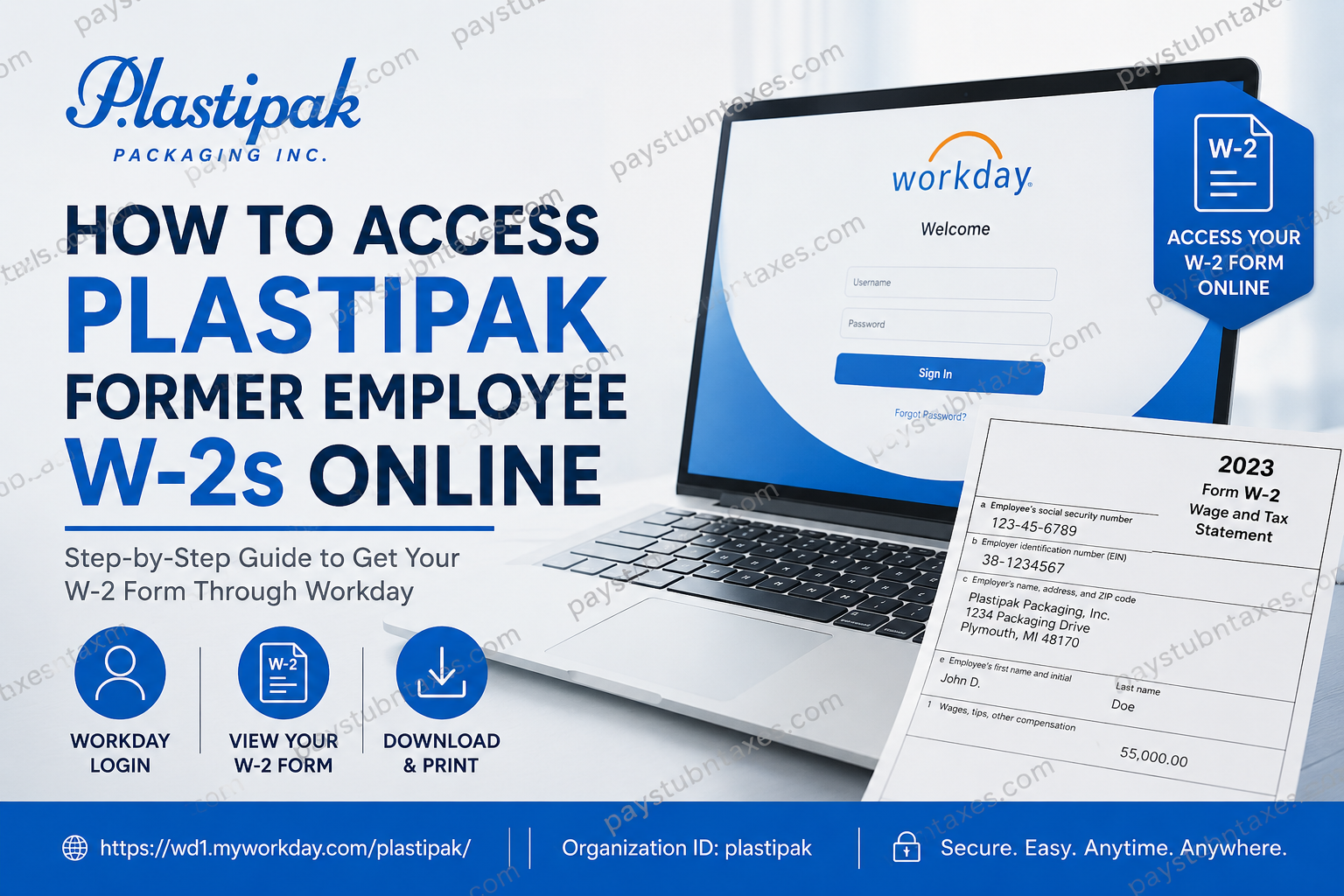
As a global leader in sustainable packaging and recycling solutions, Plastipak has built a reputation for innovation, operational excellence, and employee-focused practices. Founded in 1967 and headquartered in Plymouth, Michigan, the company operates more than 60 facilities worldwide and employs over 6,000 associates. Whether you worked in manufacturing, engineering, logistics, administration, or corporate operations, obtaining your year-end tax documents after leaving the organization is an essential part of managing your financial responsibilities. If you are a former Plastipak employee searching for your W-2 form, this guide explains everything you need to know about accessing your tax documents online through Workday, understanding your post-employment access rights, and obtaining assistance when necessary.
Can Former Employees Access Their Plastipak W-2 Online?
Yes—but only for a limited period.
Plastipak allows terminated employees to retain access to their Workday account for approximately eight weeks after separation from employment. If your W-2 becomes available during this access window, you can log in and download it electronically.
However, if your Workday access expires before W-2 distribution occurs, Plastipak will mail your Form W-2 to the home address on file in the Workday system. For this reason, it is critically important to ensure your mailing address and personal contact information are accurate before leaving the company.
Plastipak W-2 Online Access Requirements
To access your W-2 electronically, you will need:
- Your Workday username
- Your Workday password
- Internet access
- A computer, tablet, or smartphone
- Access to your registered email account for password recovery
Plastipak Workday Login Portal
Employee Self-Service Portal:
https://wd1.myworkday.com/plastipak
Workday Mobile App
- Download the Workday app from the Apple App Store or Google Play Store.
- Organization ID: plastipak
The mobile application provides functionality similar to the desktop version, allowing users to access payroll records, tax forms, and personal information conveniently from anywhere.
How to Access Your Plastipak W-2 Online
Follow these steps to locate and download your W-2 form through Workday:
Step 1: Log In to Workday
Visit the Plastipak Workday portal and enter your username and password.
Step 2: Open the Main Menu
After signing in, locate the Workday menu icon and open the global navigation menu.
Step 3: Access the Pay Section
From the available applications, select Pay.
Step 4: Open Tax Documents
Within the Pay module, navigate to:
Pay → My Tax Documents
Step 5: View or Print Your W-2
Locate the applicable tax year and select View/Print to:
- Download a PDF copy
- Print your W-2
- Save the document for tax filing purposes
What If You Cannot Access Workday?
Former employees frequently encounter login issues after separation. If you cannot access your account, consider the following solutions:
Reset Your Password
Select the Forgot Password? option on the Workday login page.
You will typically need to provide:
- Your username
- Your registered email address
A password reset link will then be sent to your email.
Contact Plastipak Support
If password recovery is unsuccessful or your account has been deactivated, contact:
- Your local Talent Management Representative
- Plastipak Corporate IT Helpdesk
- Local Talent Management Department
These teams can advise whether online access remains available or whether your W-2 has been mailed.
What Happens After Your Workday Access Expires?
Once the post-employment access period ends, former employees generally lose the ability to retrieve payroll records directly through Workday.
In such cases:
- Plastipak mails the W-2 to your address of record.
- Delivery typically occurs on or before the IRS deadline for tax form distribution.
- If you have moved, contact the Talent Management Department immediately to update your mailing information.
Failure to maintain a current address may delay receipt of your tax documents.
Important Reminder Before Leaving Plastipak
Employees preparing for retirement or resignation should update their personal contact information within Workday before their final day of employment.
This includes:
- Personal email address
- Home mailing address
- Telephone number
Maintaining accurate records helps ensure important documents—including your W-2—reach you without interruption.
Benefits of Electronic W-2 Access
Accessing your W-2 through Workday offers several advantages:
- Immediate availability
- Faster tax preparation
- Secure digital storage
- Reduced risk of lost mail
- Convenient access from desktop and mobile devices
For employees whose Workday access remains active during tax season, electronic delivery is typically the quickest and most efficient option.
Common Plastipak W-2 Issues and Solutions
| Issue | Solution |
| Forgot password | Use the Workday password reset tool |
| Account locked | Contact Corporate IT Helpdesk |
| Workday access expired | Wait for mailed W-2 or contact HR |
| Moved after leaving company | Contact Talent Management immediately |
| W-2 not received | Verify mailing address and request assistance |
| Cannot locate tax documents | Navigate to Pay → My Tax Documents |
Final Thoughts
Obtaining your Plastipak W-2 online is straightforward if your Workday access remains active following separation from employment. Former employees generally retain access for approximately eight weeks after termination, allowing sufficient time to retrieve tax documents electronically when available. Once that period expires, Plastipak mails W-2 forms to the address maintained in its records. To avoid unnecessary delays, ensure your personal information is updated before leaving the company, keep your login credentials secure, and contact the Talent Management Department promptly if you encounter any issues accessing your tax records. By taking these proactive steps, you can navigate tax season with confidence and obtain your Plastipak W-2 efficiently and securely.
Frequently Asked Questions
1. How can I access my Plastipak W-2 online?
Log in to the Plastipak Workday portal, go to Pay, select My Tax Documents, and choose the applicable tax year to view or print your W-2.
2. What is the Plastipak Workday login website?
The Plastipak Workday portal is: https://wd1.myworkday.com/plastipak/
3. How long do former employees have access to Workday?
Former employees generally retain Workday access for approximately eight weeks after termination.
4. What happens if my Workday access expires before W-2 distribution?
Your W-2 will be mailed to the home address recorded in the Workday system.
5. Can I access my W-2 from the Workday mobile app?
Yes. The Workday mobile app allows eligible users to view payroll and tax documents.
6. What is the Workday Organization ID for Plastipak?
The Organization ID is plastipak.
7. How do I reset my Plastipak Workday password?
Click Forgot Password? on the login page and follow the instructions to receive a password reset link.
8. Where can I find tax documents in Workday?
Navigate to Pay > My Tax Documents to access available W-2 forms.
9. When are Plastipak W-2 forms available?
W-2 forms are typically issued by the end of January in compliance with IRS requirements.
10. What should I do if I moved after leaving Plastipak?
Contact your local Talent Management Department immediately to update your mailing address.
11. Can former employees receive a paper copy of their W-2?
Yes. If online access is unavailable, Plastipak mails W-2 forms to the employee’s address on file.
12. Who should I contact if I cannot access Workday?
Contact your local Talent Management Representative or Plastipak Corporate IT Helpdesk.
13. Can I download and print my W-2 from Workday?
Yes. Workday provides options to view, download, save, and print W-2 forms in PDF format.
14. What information do I need to log in to Workday?
You need your Workday username and password. You may also need access to your registered email account for password recovery.
15. Why should I update my personal email before leaving Plastipak?
Keeping a personal email address on file helps ensure you continue receiving important communications and tax-related notifications after separation from employment.
