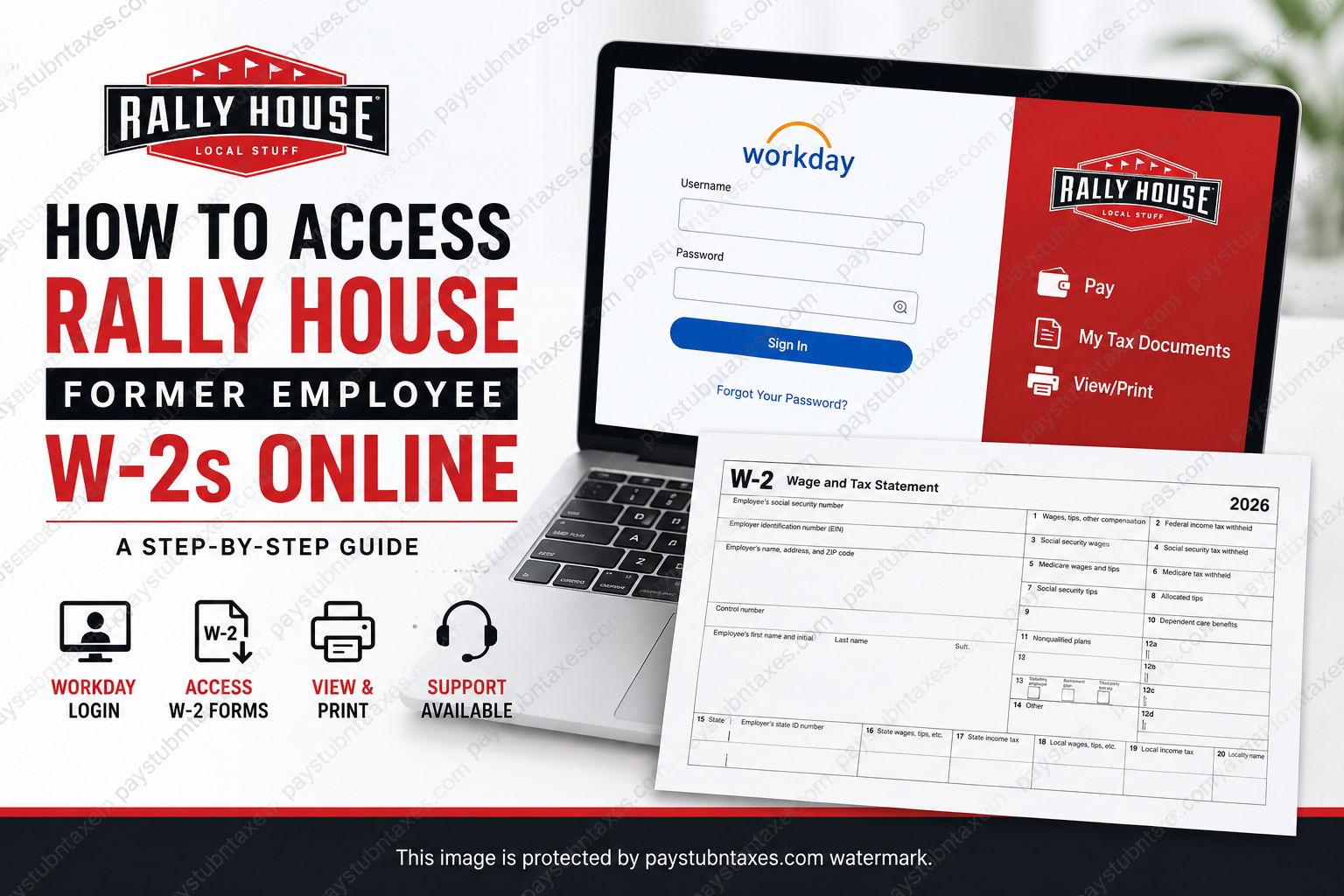
Former Rally House employees can conveniently retrieve their W-2 tax forms online through the company’s Workday self-service portal. Whether you need your W-2 for tax filing, income verification, or personal financial records, the process is straightforward once you have your Workday login credentials. Rally House, one of America’s fastest-growing specialty sports retailers, provides employees and former team members with digital access to payroll and tax documentation through Workday, allowing secure and efficient retrieval of year-end tax forms without requiring in-store assistance.
About Rally House
Rally House is a premier sports and lifestyle retailer specializing in apparel, gifts, collectibles, and home décor representing NCAA, NFL, NBA, MLB, NHL, and MLS teams. Founded from humble beginnings as Kansas Sampler, the company has expanded to more than 300 locations across 22 states while maintaining a strong commitment to localized shopping experiences and exceptional customer service.
The company is widely recognized for offering exclusive team merchandise, regional apparel, autograph events, and unique fan experiences tailored to individual communities. In addition to its retail success, Rally House is also known for creating a dynamic and supportive work environment for employees throughout its stores and corporate operations.
Can Former Employees Access Their Rally House W-2 Online?
Yes. Former Rally House employees can access their W-2 tax documents electronically through the Workday portal after separation from employment, provided they still have their Workday username and password issued during the offboarding process.
Electronic W-2 forms for the 2026 tax year are expected to become available no later than January 31, 2027. Employees who selected paper delivery will receive mailed copies at the address listed in Workday.
Rally House Workday Login Portal
Former employees can access their payroll and tax documents through the official Rally House Workday portal below:
Workday Login:
https://wd5.myworkday.com/rallyhouse/login.htmld?redirect=n
Before logging in, ensure that you have:
- Your Workday username
- Your Workday password
- Access to the email or phone number associated with your employee account
If you no longer remember your login credentials, use the “Forgot Your Password?” option available on the login screen or contact the Rally House support center for assistance.
How to Access Rally House Former Employee W-2s Online
Follow these detailed instructions to retrieve and print your W-2 tax form through Workday.
Step 1: Log Into Workday
Visit the Rally House Workday login portal and sign in using your assigned username and password.
After successful authentication, you will be redirected to your employee dashboard.
Step 2: Open the Workday Menu
Locate the navigation menu icon, typically displayed in the upper-left corner of the screen. Selecting this icon opens the global navigation panel containing all Workday applications and employee services.
Step 3: Select the Pay Application
Inside the menu panel, locate and click the Pay application. This section contains payroll records, compensation history, and tax documentation.
Step 4: Access My Tax Documents
Within the Pay section, navigate to the View category and select My Tax Documents.
This page stores all available year-end tax forms associated with your employment history.
Step 5: View or Print Your W-2
Locate the appropriate tax year and click View/Print beside the W-2 form.
You may then:
- Download the W-2 as a PDF
- Print a physical copy
- Save the document for future use
What If You Cannot Access Your Workday Account?
If you are unable to log into Workday, several common issues may be responsible:
Forgotten Password
Use the password recovery link available on the Workday login page.
Expired Employee Access
In some cases, inactive accounts may require reactivation assistance from HR or payroll support.
Incorrect Personal Information
If your email address or phone number has changed since leaving Rally House, account recovery verification may fail.
Browser or Device Issues
Clear browser cache and cookies or attempt access using a different browser or device.
Rally House Support Contact
If you experience difficulties accessing your W-2, resetting credentials, or locating tax documents, contact the Rally House support center directly:
Support Phone Number:
913-289-5457
Support representatives can assist with:
- Account recovery
- W-2 access issues
- Address updates
- Payroll-related concerns
- Electronic tax document questions
Important W-2 Availability Information
Former employees should keep the following timelines in mind:
- Electronic W-2s are generally available by January 31 each year
- Paper copies are mailed no later than January 31
- Mailing addresses are pulled directly from your Workday profile
- Incorrect addresses may delay tax form delivery
To avoid delays, ensure your personal information remains accurate before separation from employment whenever possible.
Benefits of Accessing Your W-2 Online
Using the Workday self-service portal offers several advantages over waiting for paper delivery:
- Faster access to tax documents
- Secure digital storage
- Ability to print multiple copies instantly
- Convenient access from mobile or desktop devices
- Reduced risk of lost mail
For many former employees, electronic delivery remains the quickest and most reliable method for obtaining year-end tax records.
Frequently Asked Questions
1. When will Rally House W-2 forms become available?
W-2 forms are generally available electronically by January 31 following the end of the tax year.
2. Can former employees still use Workday?
Yes. Former employees may retain limited Workday access for payroll and tax documentation purposes.
3. What should I do if I forgot my Workday password?
Use the “Forgot Your Password?” option on the login page or contact Rally House support.
4. Can I receive my W-2 by mail instead?
Yes. Employees who opted for paper delivery will receive mailed copies at the address listed in Workday.
5. Is the Workday portal accessible on mobile devices?
Yes. Workday can be accessed through mobile browsers and compatible applications.
6. What if my W-2 has incorrect information?
Contact Rally House payroll or HR support immediately to request corrections.
7. Can I print multiple copies of my W-2?
Yes. Once downloaded, you may print as many copies as necessary for personal or financial purposes.
Final Thoughts
Accessing your Rally House former employee W-2 online is a relatively simple process through the Workday self-service portal. By maintaining your login credentials and ensuring your personal information remains accurate, you can quickly retrieve your tax documents without unnecessary delays or administrative complications. Because tax filing deadlines arrive quickly each year, former employees are strongly encouraged to access and download their W-2 forms as soon as they become available electronically. Doing so not only streamlines the filing process but also provides immediate access to essential financial records whenever needed.
