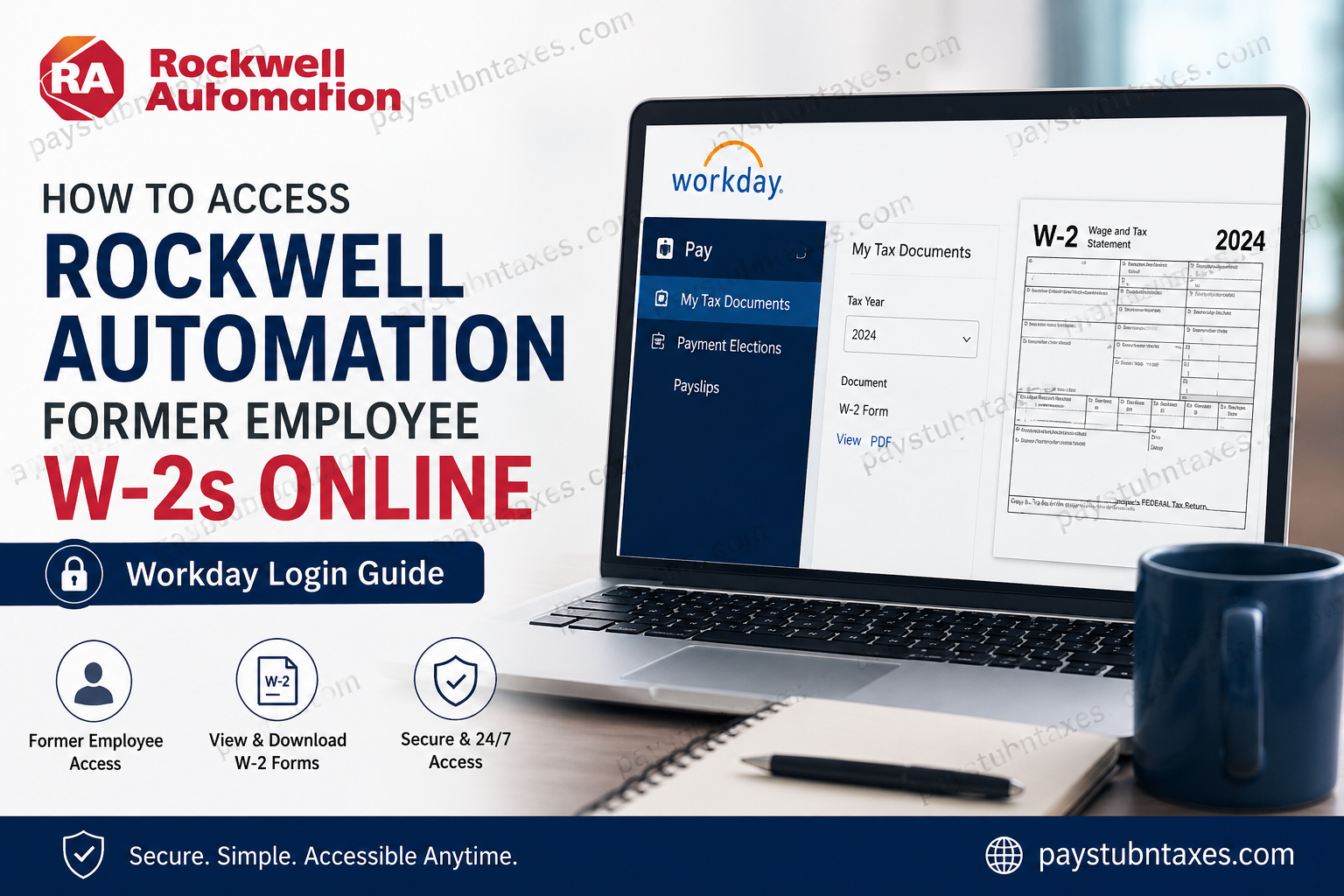
Tax season often brings with it a familiar challenge: locating important employment documents, especially after leaving an organization. Fortunately, former employees of Rockwell Automation and Sensia can still access their W-2 forms electronically through the company’s Workday self-service platform, ensuring a seamless and secure experience. Whether you need your W-2 to file taxes, verify income, or maintain personal records, this comprehensive guide walks you through the process step by step.
About Rockwell Automation
Rockwell Automation, Inc. (NYSE: ROK) stands among the world’s foremost leaders in industrial automation and digital transformation. Headquartered in Milwaukee, Wisconsin, the company serves customers in more than 100 countries and employs approximately 28,000 professionals dedicated to advancing smart manufacturing and sustainable industrial solutions.
Driven by its mission to expand human possibility through technology, Rockwell Automation continues to shape the future of manufacturing by connecting people, processes, and digital innovation.
Can Former Employees Access Their W-2 Online?
Yes. Former employees of both Rockwell Automation and Sensia can access their W-2 tax forms online through the Workday self-service portal.
Workday provides secure, around-the-clock access to:
- W-2 tax forms
- Pay statements
- Payroll history
- Personal information updates
- Tax documents
Former employees generally receive login credentials via their personal email address after separation from the company.
If you previously elected paper delivery instead of electronic delivery, your W-2 will be mailed to your address on file on or before January 31 of each tax year.
Rockwell Automation Former Employee Workday Login
To access your W-2 online, visit the official Workday portal:
Workday Login Portal:
https://wd1-identity.myworkday.com/wday/authgwy/rockwellautomation/upc/login?redirect=n
The portal supports access for both former Rockwell Automation and Sensia employees.
How to Access Your Rockwell Automation W-2 Online
Follow these simple steps to retrieve your tax document:
Step 1: Open the Workday Portal
Navigate to the official Rockwell Automation Workday login page.
Step 2: Sign In
Enter your username and password using the credentials sent to your personal email address.
If multi-factor authentication (MFA) is enabled, complete the verification process to proceed securely.
Step 3: Access the Payroll Section
Once logged in, navigate to: Pay → My Tax Documents
Step 4: Select the Tax Year
Choose the desired tax year from the available list.
Step 5: Download or Print Your W-2
Open your W-2 form, then download or print it for your records or tax filing purposes.
Forgot Your Workday Login Credentials?
If you’ve forgotten your username or password, use the available password recovery tools on the Workday sign-in page. Former employees should ensure that their personal email address on file remains current to receive recovery communications.
Should difficulties persist, contact the Rockwell Automation Service Center for assistance.
What If You Chose Paper Delivery?
Employees who opted for paper delivery rather than electronic W-2 access will receive their forms by mail.
Important reminders:
- W-2 forms are typically mailed on or before January 31.
- Ensure your mailing address remains up to date.
- If your W-2 does not arrive within a reasonable timeframe, contact HR support promptly.
As the saying goes, an ounce of prevention is worth a pound of cure—keeping your contact information current can spare unnecessary headaches during tax season.
Support for Former Employees
For questions regarding pay statements, payroll records, or W-2 forms, contact:
Rockwell Automation Service Center
- Phone: 1-877-687-7272
- Hours: Monday–Friday, 8:00 a.m.–4:00 p.m. Central Time
The support team can assist with:
- Workday login issues
- W-2 access problems
- Password resets
- Payroll inquiries
- Tax document questions
Why Use Workday for W-2 Access?
Workday offers several advantages for former employees:
24/7 Availability
Access your tax documents whenever needed, regardless of location.
Enhanced Security
Multi-factor authentication and encrypted access help safeguard sensitive payroll information.
Paperless Convenience
Digital access reduces reliance on mailed forms and simplifies recordkeeping.
Instant Downloads
Retrieve historical tax documents in minutes rather than waiting for postal delivery.
Frequently Asked Questions
Q. Can former Rockwell Automation employees still access Workday?
A. Yes. Former employees generally retain limited access to Workday specifically for payroll and tax documents.
Q. How do I find my W-2 in Workday?
A. Navigate to Pay → My Tax Documents and select the relevant tax year.
Q. When are Rockwell Automation W-2 forms available?
A. W-2 forms are usually issued by the end of January each year.
Q. What if I never received my login credentials?
A. Contact the Rockwell Automation Service Center at 1-877-687-7272 for assistance.
Q. Will my W-2 be mailed automatically?
A. Only if you previously elected paper delivery or are unable to access the electronic version.
Q. Can Sensia former employees use the same portal?
A. Yes. Former Sensia employees may also use the Workday portal for tax document access.
Final Thoughts
Navigating post-employment payroll systems need not be an uphill battle. Through Workday, Rockwell Automation and Sensia former employees enjoy secure, convenient access to W-2 forms and payroll records long after their tenure has ended. By maintaining updated contact information and familiarizing yourself with the Workday platform, you can ensure tax season proceeds without a hitch—because when it comes to financial documentation, it is always better to stay one step ahead than to scramble at the eleventh hour.
