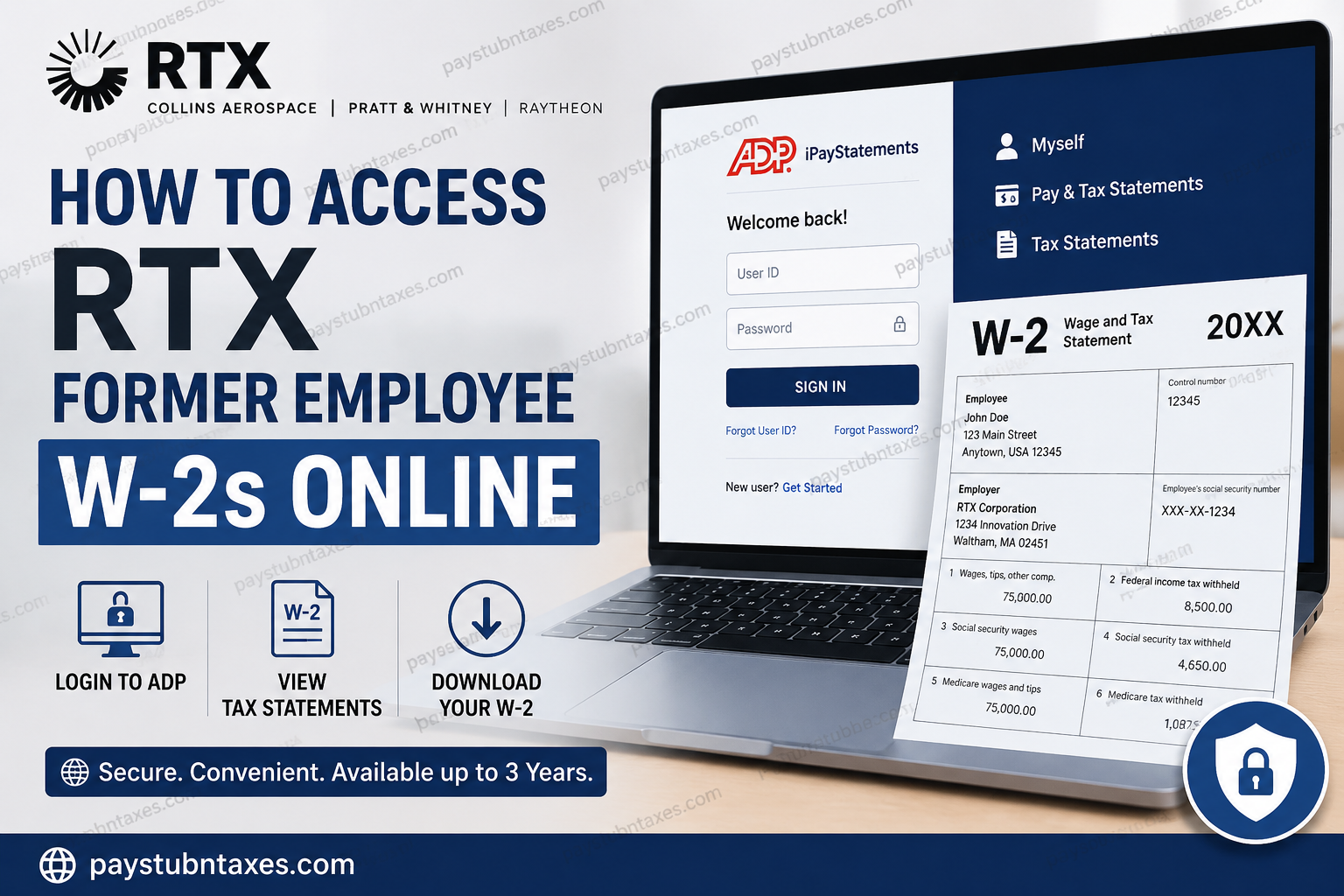
RTX, the parent company of Collins Aerospace, Pratt & Whitney, and Raytheon, stands at the forefront of aerospace and defense innovation. With more than 185,000 employees worldwide, RTX continues to shape the future through groundbreaking advancements in aviation, defense systems, cybersecurity, and space exploration. Even after employment ends, former employees often require access to critical tax documents such as W-2 forms for tax filing, loan applications, financial verification, and recordkeeping purposes. Fortunately, RTX provides eligible former employees with secure online access to their W-2 forms through ADP iPayStatements and the ADP Mobile Solutions application, allowing convenient retrieval of tax records from virtually anywhere.
Can Former RTX Employees Access Their W-2 Online?
Yes. RTX former employees can continue accessing their W-2 forms electronically through ADP iPayStatements after separation from the company. In most cases, tax documents and pay statements remain available online for up to three years following termination, enabling former workers to obtain copies whenever needed.
Electronic W-2 forms are typically released near the end of January, while paper copies are mailed to the employee’s address of record on or before January 31 each year.
RTX Former Employee W-2 Access Portal
ADP Employee Self-Service Portal
Website: https://my.adp.com
Registration Code: UTC1-ipay
Former employees who have already established an ADP account can simply sign in using their existing credentials. Those accessing the portal for the first time must complete a one-time registration process.
How to Register for ADP as a Former RTX Employee
If you have never accessed ADP before, follow these steps to create your account:
Step 1: Visit the ADP Portal
Navigate to: https://my.adp.com
Alternatively, download the ADP Mobile Solutions app from the Apple App Store or Google Play Store.
Step 2: Begin Registration
Select “Get Started” beneath the login section.
Step 3: Enter the Registration Code
Choose “I Have a Registration Code” and enter:
UTC1-ipay
Step 4: Verify Your Identity
Provide the requested personal information, including:
- First and last name
- Social Security Number (SSN)
- Additional verification details as requested
Ensure that all information matches the records maintained by RTX and ADP.
Step 5: Confirm Your Contact Information
ADP will send a verification code through email, text message, or phone call. Enter the code to validate your identity and proceed with registration.
Step 6: Create Login Credentials
Create:
- Username
- Secure password
- Security questions and answers
Once completed, your account setup is finished, and you can immediately access available payroll and tax records.
How to View and Download RTX W-2 Forms
After successfully logging into ADP:
- Select the Myself tab.
- Navigate to Pay & Tax Statements.
- Locate the Tax Statements section.
- Select the desired tax year.
- Click View Statement.
- Complete identity verification if prompted.
- Download or print your W-2 as a PDF.
ADP also allows employees to access other tax-related forms, including Form 1095-C, through the same section.
Accessing W-2s Through the ADP Mobile App
Former RTX employees who prefer mobile access can use the ADP Mobile Solutions app.
Steps:
- Download the ADP Mobile Solutions app.
- Sign in with your ADP credentials.
- Tap Pay.
- Select Tax Statements.
- Choose the applicable tax year.
- View, download, save, or print your W-2.
This method provides a seamless experience for individuals who need tax documents while traveling or away from a desktop computer.
How Many Years of W-2 Forms Are Available?
Former RTX employees can generally access:
- Up to three years of W-2 forms
- Up to three years of pay statements
- Electronic copies of tax documents and payroll records
If a required W-2 falls outside the online retention period, employees should contact RTX Payroll Customer Service for assistance.
Can Former Employees Update Their Address?
Yes. Former employees who still have access to ADP may update:
- Mailing address
- Email address
- Phone number
It is strongly recommended to update personal information before year-end to ensure tax documents are mailed to the correct address.
When Are RTX W-2 Forms Available?
RTX generally makes electronic W-2 forms available in late January following the tax year.
For example:
- Tax Year 2026 → Available by January 2027
- Paper copies mailed on or before January 31
Employees who elected electronic delivery can typically access their W-2 online before receiving a mailed copy.
Troubleshooting Common W-2 Access Issues
Forgot Username or Password
Use the Forgot User ID or Forgot Password links available on the ADP login page.
Registration Code Not Working
Verify that you entered:
UTC1-ipay
If problems persist, contact RTX Payroll Support.
W-2 Not Available
If your W-2 does not appear:
- Confirm the correct tax year is selected.
- Allow additional processing time near year-end.
- Contact Payroll Customer Service.
Personal Information Mismatch
Identity verification failures usually occur when information entered does not exactly match payroll records. Review all details carefully and try again.
RTX Payroll Customer Service Contact Information
For assistance with W-2 forms, payroll records, account access, or tax statement corrections, contact:
RTX Payroll Customer Service
Phone: (866) 295-4747
Email: payrollcustomerservice@rtx.com
Support representatives can help verify employment records, resolve login difficulties, and facilitate access to historical tax documents.
Final Thoughts
Obtaining a W-2 after leaving RTX is a straightforward process thanks to the company’s continued use of ADP iPayStatements. Whether you previously worked for Collins Aerospace, Pratt & Whitney, Raytheon, or another RTX business unit, you can securely access your tax documents online, download electronic copies, and maintain your records without unnecessary delays. By registering through ADP using the RTX registration code and following the steps outlined above, former employees can retrieve W-2 forms quickly and efficiently whenever tax season arrives.
Frequently Asked Questions
1. How can I access my RTX W-2 after leaving the company?
You can access your W-2 through ADP iPayStatements at my.adp.com using your ADP login credentials.
2. What registration code do former RTX employees use for ADP?
Former RTX employees should use the registration code UTC1-ipay when creating an ADP account.
3. When are RTX W-2 forms available online?
RTX typically releases electronic W-2 forms by the end of January each year.
4. Does RTX mail paper W-2 forms?
Yes. Paper W-2 forms are generally mailed to employees’ home addresses on or before January 31.
5. Can former employees still access ADP after termination?
Yes. Eligible former employees can usually access ADP pay statements and W-2 forms for up to three years after separation.
6. Where do I find my W-2 in ADP?
After logging in, go to Myself > Pay & Tax Statements > Tax Statements and select the desired year.
7. Can I download and print my RTX W-2?
Yes. ADP allows you to view, download, save, and print W-2 forms as PDF documents.
8. Can I access my W-2 through the ADP Mobile Solutions app?
Yes. The ADP Mobile Solutions app provides secure access to W-2 forms and pay statements.
9. What if I forgot my ADP username or password?
Use the Forgot User ID or Forgot Password options on the ADP login page to recover your account.
10. Can I view previous years’ W-2 forms?
Yes. ADP generally stores up to three years of W-2 and payroll records for former employees.
11. Can I access Form 1095-C through ADP?
Yes. Form 1095-C can usually be accessed in the same Tax Statements section where W-2 forms are located.
12. What should I do if my W-2 is missing from ADP?
Verify the correct tax year is selected and contact RTX Payroll Customer Service if the form is unavailable.
13. Can I update my mailing address after leaving RTX?
Yes. Former employees with ADP access can update their address, phone number, and email information.
14. Who should I contact for RTX payroll or W-2 assistance?
You can contact RTX Payroll Customer Service at (866) 295-4747 or email payrollcustomerservice@rtx.com.
15. Is ADP access secure for former RTX employees?
Yes. ADP uses identity verification, secure login protocols, and multi-factor authentication to protect employee information.
