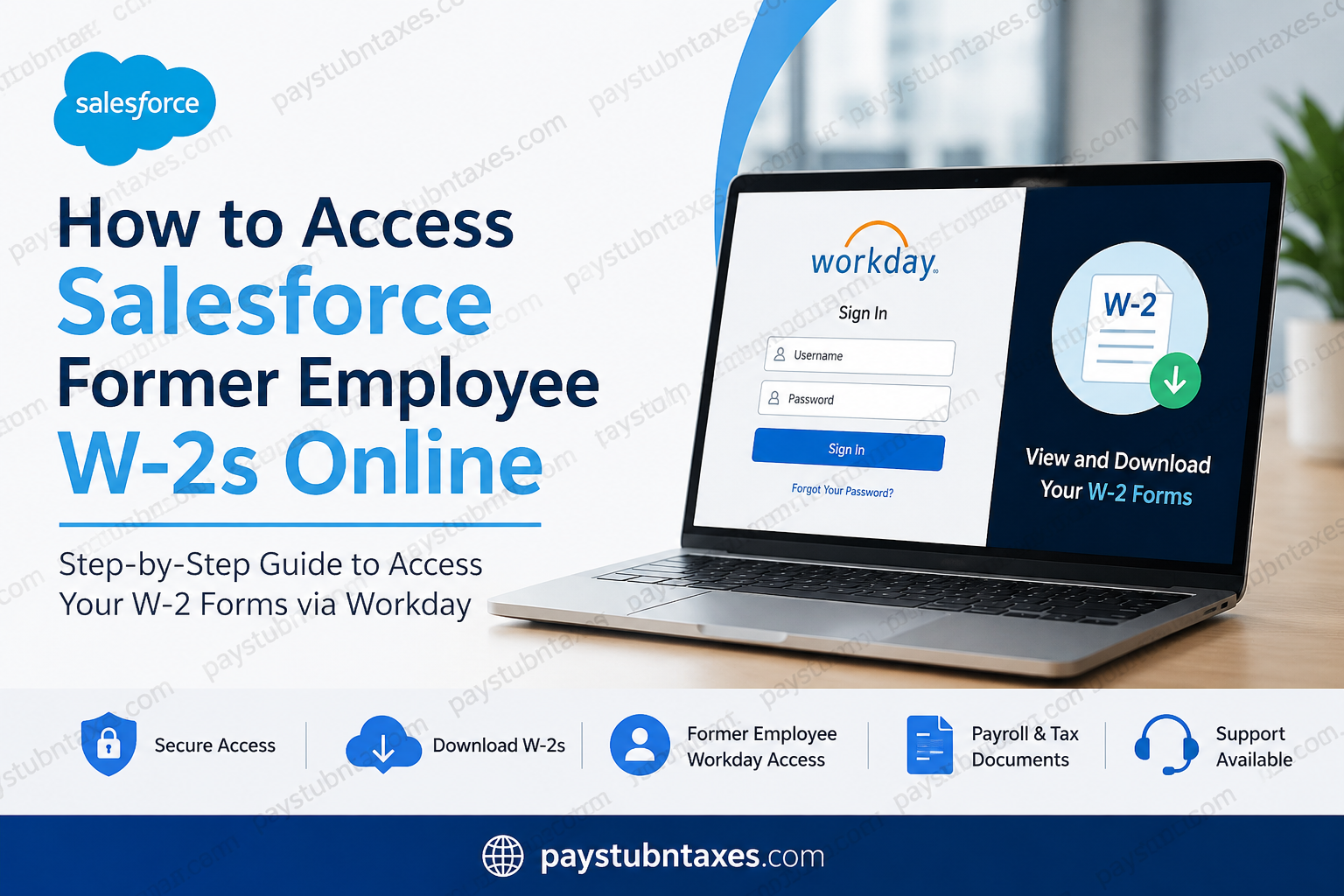
Former employees of Salesforce can conveniently access and download their W-2 tax forms online through the company’s external Workday self-service portal. Whether you recently left the organization or separated months ago, Salesforce provides secure offboarding access that allows former workers to retrieve important payroll and tax documents without contacting HR directly. Salesforce, one of the world’s leading cloud computing and CRM software companies, continues to support departing employees through its structured digital offboarding system. The company generated a record $41.5 billion in revenue for fiscal year 2026 and remains one of the largest enterprise software providers globally.
Salesforce Former Employee W-2 Portal
Former Salesforce employees can access their tax documents through the external Workday login page:
Workday Login Portal:
Salesforce Workday Login
The portal allows eligible former employees to:
- View and download W-2 tax forms
- Access historical payroll information
- Retrieve offboarding documents
- Access BaseCamp offboarding resources
- Reset passwords securely
- Update certain personal information
How Salesforce Offboarding Access Works
Salesforce uses a dedicated offboarding workflow for former employees. Once termination processing is completed in Workday, access is transitioned from internal Okta/SSO authentication to an external Workday login system.
Before Your Termination Date
After your separation is processed in Workday, you will receive an email titled:
“You can now access Offboarding BaseCamp”
This email grants access to Salesforce’s Offboarding Site through Okta/SSO authentication. Employees are encouraged to save important payroll and tax records before their final employment date.
After Your Termination Date
Approximately 24 hours after your official termination date, Salesforce sends:
- A URL for external Workday access
- A username email
- A temporary password email
These credentials are typically sent to your personal email address. Because automated messages occasionally land in junk folders, former employees should also check spam or promotions folders carefully.
Step-by-Step Guide to Access Salesforce W-2 Forms Online
Step 1: Open the Salesforce Workday Portal
Visit the official external Workday login page:
Salesforce Former Employee Workday Portal
You will see the Workday sign-in page containing:
- Username field
- Password field
- “Forgot Your Password?” option
Step 2: Enter Your Login Credentials
Use the username and temporary password sent to your personal email after termination.
Important reminders:
- Your username may be your employee ID
- Passwords are case-sensitive
- Avoid adding extra spaces before or after credentials
- Check spam folders if credentials are missing
After successful authentication, you will be redirected to the Workday homepage.
Step 3: Navigate to Payroll and Tax Documents
After logging in:
- Open the Pay application
- Select My Tax Documents
- Locate the desired W-2 form
- Click View/Print
Your W-2 will open in PDF format for printing or downloading.
Step 4: Download or Print Your W-2
Once the form loads:
- Use the printer icon to print
- Use the download icon to save a PDF copy
- Navigate through pages using the arrow controls
For accessibility support, Workday may also provide an accessible version of the form.
How to Reset Your Salesforce Workday Password
If you forgot your password:
- Click “Forgot Your Password?”
- Enter:
- Your username or employee ID
- Your email address
- Receive a verification code by email
- Enter the code on the login page
- Create a new password
Salesforce Password Requirements
Your new password typically must include:
- Minimum 16 characters
- Uppercase letters
- Lowercase letters
- Numbers
- Special characters
Additionally:
- Recent passwords cannot be reused
- Passwords expire periodically for security reasons
Common Salesforce Workday Login Issues
Credentials Not Received
If you did not receive login credentials:
- Check spam and junk folders
- Verify your personal email on file
- Wait at least 24 hours after termination
Invalid Username or Password
Double-check:
- Capitalization
- Spaces
- Employee ID accuracy
Workday Page Not Loading
Try the following:
- Clear browser cache and cookies
- Use a different browser
- Access the portal from a desktop computer rather than a mobile device.
Salesforce Employee Support Contacts
If you continue experiencing access problems, Salesforce Employee Success teams may assist based on your region.
Regional Support Emails
- Latin America & Canada: essupport@salesforce.com
- EMEA: essupportemea@salesforce.com
- Japan, Korea & Taiwan: askes_japan@salesforce.com
- APAC: essupportapac@salesforce.com
When contacting support, include:
- Full name
- Employee ID
- Screenshot of the issue
- Personal email address associated with employment
Benefits of Accessing Salesforce W-2s Online
Using the Workday self-service portal offers several advantages:
- Faster access to tax documents
- Immediate PDF download capability
- Secure cloud-based authentication
- Reduced dependency on HR teams
- Access from anywhere
- Environmentally friendly paperless delivery
When Are Salesforce W-2 Forms Available?
Most employers, including Salesforce, issue W-2 forms by January 31 each year. Employees who consented to electronic delivery generally receive online access earlier than mailed paper copies.
Former employees should monitor both their email inbox and Workday notifications during tax season.
Final Thoughts
Salesforce has streamlined the offboarding experience by enabling former employees to retrieve W-2 forms and payroll records through its secure external Workday environment. By maintaining temporary offboarding access and providing password recovery tools, the company ensures that tax documentation remains accessible even after employment ends. Former Salesforce workers who keep their login credentials and personal email information updated can usually download W-2 forms within minutes without needing additional HR intervention.
Frequently Asked Questions (FAQ)
1. How do former employees access Salesforce W-2 forms online?
Former Salesforce employees can log in to the external Workday portal using credentials emailed after termination and access W-2 forms under the “My Tax Documents” section.
2. What is the Salesforce former employee Workday login link?
The official Salesforce external Workday login portal is:
https://wd12.myworkday.com/wday/authgwy/salesforce/login.htmld?redirect=n
3. When will Salesforce send W-2 forms?
Salesforce generally makes W-2 forms available by January 31 each year in compliance with IRS regulations.
4. Can I access Salesforce W-2 forms after leaving the company?
Yes. Salesforce provides former employees with external Workday access for retrieving tax forms and offboarding documents.
5. How do I reset my Salesforce Workday password?
Click “Forgot Your Password?” on the Workday login page, verify your identity using your employee ID and email address, then follow the password reset instructions sent to your inbox.
6. What should I do if I have never received my Workday login credentials?
Check your spam or junk folder first. If you still cannot locate the emails, contact Salesforce Employee Success support for assistance.
7. Where are W-2 forms located inside Workday?
After logging in, navigate to:
Pay → My Tax Documents → View/Print W-2
8. Can I download and print my Salesforce W-2?
Yes. Workday allows former employees to both download PDF copies and print W-2 tax forms directly from the portal.
9. What information do I need to log in to Salesforce Workday?
You typically need:
- Username or employee ID
- Temporary or updated password
- Access to your personal email address
10. Why is my Salesforce Workday account not working?
Common causes include:
- Incorrect password
- Expired credentials
- Browser cache issues
- Typing errors
- Delayed offboarding activation
11. Can I access Salesforce payslips after termination?
Yes. Former employees may still access historical payroll records and payslips through Workday during the offboarding access period.
12. What browser works best for Salesforce Workday access?
Salesforce recommends using an updated desktop browser such as Google Chrome, Microsoft Edge, or Mozilla Firefox for smoother access.
13. Does Salesforce mail paper W-2 forms?
Yes. Employees who did not opt for electronic delivery may still receive paper W-2 forms by mail.
14. Who do I contact for Salesforce payroll or W-2 support?
Former employees can contact Salesforce Employee Success support teams through regional support email addresses for login or payroll assistance.
15. Is the Salesforce Workday portal secure?
Yes. Salesforce uses secure authentication and password protection through Workday to help safeguard employee payroll and tax information.
