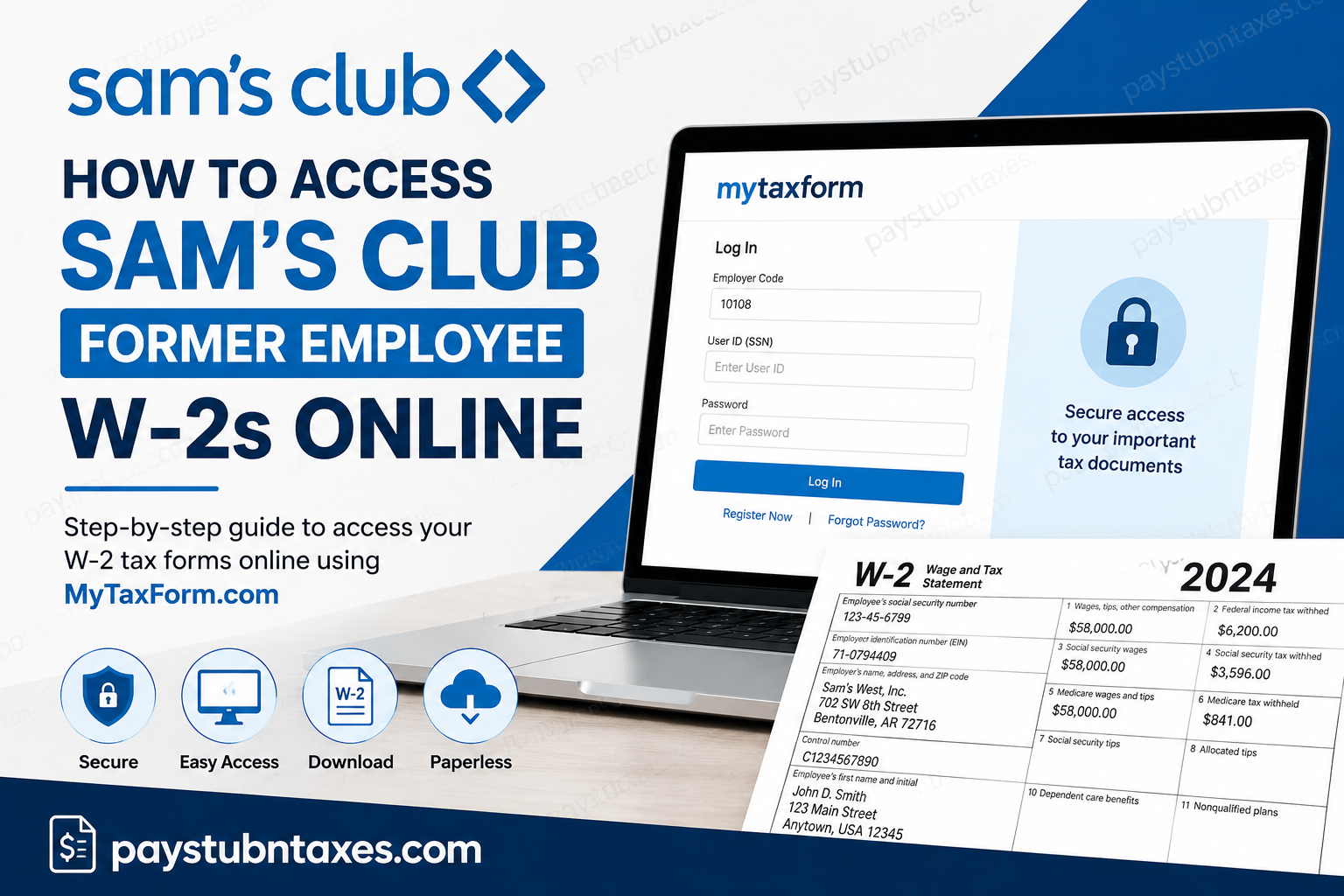
Former Sam’s Club associates can conveniently access their W-2 tax forms online through the Tax Form Management portal, even after their company’s Single Sign-On (SSO) access has been revoked. Sam’s Club, a division of Walmart Inc., continues to provide former employees with secure digital access to important year-end tax documents through MyTaxForm.com. Founded in 1983 by Sam Walton, Sam’s Club has grown into one of the largest membership warehouse retailers in the United States, operating nearly 600 locations across the U.S. and Puerto Rico. The company is widely recognized for its Member’s Mark private label products, innovative retail technologies, and employee-focused workplace culture. If you previously worked for Sam’s Club and need to retrieve your W-2 form for tax filing purposes, this complete guide explains everything you need to know.
Can Former Sam’s Club Employees Access W-2 Forms Online?
Yes. Former Sam’s Club associates can still access their W-2 forms online through the Tax Form Management portal after leaving the company.
Since former employees lose access to Walmart and Sam’s Club internal SSO systems, the company provides an alternative method using MyTaxForm.com.
Former Employee W-2 Portal
Website: MyTaxForm.com
Employer Code: 10108
When Will Your Sam’s Club W-2 Be Available?
Sam’s Club generally follows the standard IRS timeline for tax document distribution.
- Paper W-2 forms are usually postmarked by January 31.
- Online W-2 copies typically become available in mid-January.
- Employees enrolled in electronic delivery may receive access earlier than paper recipients.
If you opted for electronic delivery, your W-2 will usually appear in your online account as soon as it is released.
How to Access Sam’s Club Former Employee W-2 Online
Follow these step-by-step instructions to securely retrieve your tax forms online.
Step 1: Visit the Tax Form Management Portal
Go to: MyTaxForm Portal
Enter the Sam’s Club employer code: 10108
Then click Login.
Step 2: Register Your Account
If you are a first-time user:
- Select Register Now
- Enter your personal information
- Verify your identity
- Create a One-Time Passcode (OTP)
- Create your personalized User ID
- Set a secure password
- Confirm your contact information
The registration workflow includes identity verification and secure password creation.
Step 3: Verify Your Identity
The system may request:
- Full legal name
- Last four digits of your Social Security Number
- Date of birth
- Mailing address
- Phone number
- Email address
You may also receive a verification code via text message or phone call for additional security authentication.
Step 4: Create Login Credentials
After identity verification:
- Create a unique User ID
- Create a secure password
- Save your credentials securely
- Optionally select “Remember this device” for faster future access
The system requires a secure password and may ask you to verify username availability before continuing.
Step 5: Access Your W-2 Form
Once logged in:
- Navigate to the main dashboard
- Select your available tax year
- Open your W-2 form
- Download, print, or email the document
Former associates can retrieve their W-2 electronically without contacting Sam’s Club Human Resources in most cases.
How to Enroll in Electronic W-2 Delivery
Electronic delivery allows you to access your W-2 earlier and more securely.
To enable paperless delivery:
- Log in to MyTaxForm.com
- Select Menu
- Open My Account
- Locate Delivery Selections
- Choose Receive forms online
- Accept the disclosure agreement
- Confirm your email and mailing address
- Submit your preferences
The electronic delivery setup process is illustrated throughout the Tax Form Management guide.
Forgot Your Password?
If you cannot access your account:
- Go to the login page
- Select Forgot your Password?
- Complete identity verification
- Reset your password using OTP verification.
The portal supports password recovery through secure authentication methods.
Do You Need to Sign Up for Online Delivery?
Not necessarily.
- If you want early access before February 1, you must enroll in electronic delivery.
- If you do not enroll, your W-2 can still be accessed online after February 1.
- Paper copies will still be mailed to your address on file if electronic delivery is not selected.
Sam’s Club Federal Tax ID Number
Sam’s Club Federal Employer Identification Number (EIN): 71-0794409
You may need this number while preparing your federal tax return.
What If You Cannot Access Your W-2?
If you experience login issues:
- Verify that you entered the employer code 10108
- Confirm your SSN and date of birth
- Reset your password if necessary
- Ensure your phone number matches company records
- Try a different browser or clear the browser cache
If access problems continue, contact Walmart or Sam’s Club Payroll Support for assistance.
Benefits of Online W-2 Access
Accessing your W-2 electronically provides several advantages:
- Faster access to tax documents
- Secure digital storage
- Easy downloading and printing
- Reduced risk of lost mail
- Environmentally friendly paperless delivery
- Convenient year-round access
Final Thoughts
Sam’s Club makes it relatively simple for former associates to retrieve W-2 tax forms online through the MyTaxForm portal. Even after your company’s SSO credentials are disabled, you can still securely access your year-end tax statements using employer code 10108. By registering your account, enabling electronic delivery, and keeping your contact information updated, you can streamline the tax filing process and obtain your W-2 quickly each year. Whether you need your current W-2 or historical tax forms, the Tax Form Management system provides a secure and efficient solution for former Sam’s Club employees.
Frequently Asked Questions (FAQs)
1. What is the Sam’s Club W-2 website?
Former employees can access W-2 forms at MyTaxForm.com.
2. What is the Sam’s Club employer code for MyTaxForm?
The employer code is 10108.
3. Can former employees still access Sam’s Club W-2 forms?
Yes. Former associates can retrieve W-2 forms online after termination.
4. When are Sam’s Club W-2s available online?
Most online W-2 forms become available in mid-January.
5. When are paper W-2 forms mailed?
Paper copies are generally postmarked by January 31.
6. Do I need SSO access to get my W-2?
No. Former employees use MyTaxForm instead of Walmart SSO.
7. Can I download and print my W-2?
Yes. The portal allows downloading, printing, and emailing tax forms.
8. What if I forgot my MyTaxForm password?
Use the “Forgot Password” option on the login page.
9. Can I access older W-2 forms online?
In many cases, historical W-2 forms remain available within the portal.
10. Is electronic delivery required?
No, but electronic delivery provides earlier online access.
11. How do I enroll in paperless W-2 delivery?
Log in to MyTaxForm and enable online delivery under account settings.
12. What information do I need to register?
You typically need your SSN, date of birth, address, phone number, and email.
13. What is Sam’s Club’s Federal Tax ID number?
The Federal EIN is 71-0794409.
14. Can I access my W-2 on mobile devices?
Yes. MyTaxForm works on most smartphones and tablets.
15. What should I do if my W-2 is missing?
Verify your registration information and contact payroll support if necessary.
