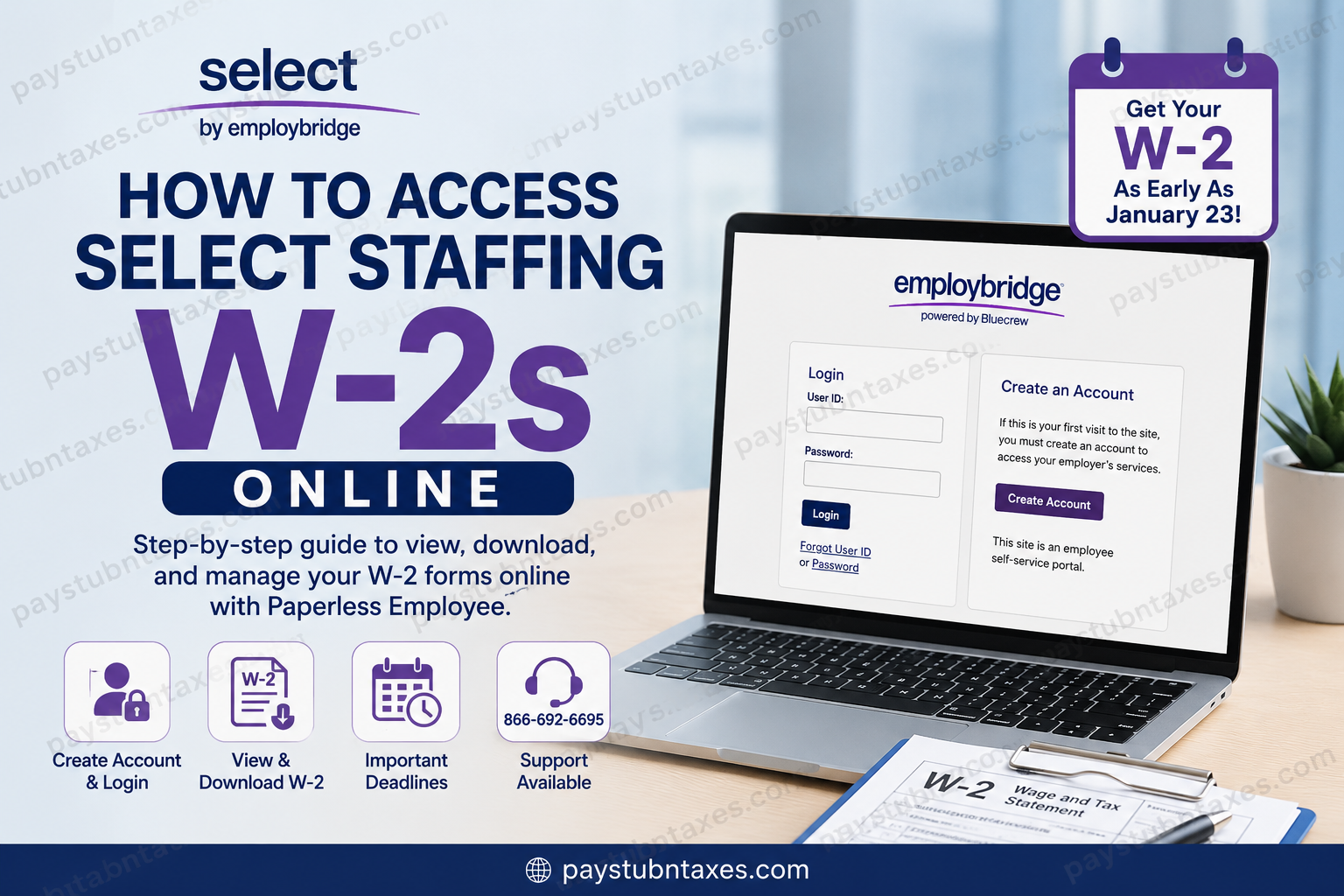
Managing your year-end tax documents should be straightforward, secure, and stress-free. Fortunately, Select Staffing provides employees with a digital solution that allows associates to retrieve their W-2 forms online through the Paperless Employee portal. Whether you are a current associate or a former employee, understanding how to access your W-2 electronically can save considerable time during tax season. As one of the leading staffing providers in the United States, Select Staffing places more than 100,000 associates weekly across thousands of client companies, delivering workforce solutions through professionalism, integrity, and service excellence. This comprehensive guide explains how to access your Select Staffing W-2 online, create a Paperless Employee account, recover login credentials, request reprints, and resolve common W-2 issues efficiently.
What Is the Select Staffing W-2 Portal?
Select Staffing uses the secure Paperless Employee platform to distribute electronic tax documents to associates. The portal allows employees to:
- View and download W-2 forms online
- Receive electronic tax statements earlier than mailed copies
- Update notification preferences
- Reprint previous W-2 forms
- Reset forgotten login credentials
- Manage electronic delivery options
The online system is available through the Paperless Employee Portal
According to Select Staffing’s W-2 resources, associates who enroll for online delivery by December 31 may access their W-2s as early as January 23.
Why You Should Choose Electronic W-2 Delivery
Electronic delivery offers several advantages over traditional paper mailing:
- Faster access to tax documents
- Reduced risk of mail delays
- Secure online storage
- Free W-2 copies through October 15
- Convenient access from any device
- Immediate PDF download capability
Associates who do not enroll in online delivery before the December 31 deadline will receive paper W-2s mailed via USPS no later than January 31.
How to Access Your Select Staffing W-2 Online
Step 1: Visit the Paperless Employee Website
Go to: Select Staffing W‑2 Login
You will see two options:
- Login
- Create an Account
Existing users can sign in immediately, while first-time users must complete the account registration process.
Step 2: Create Your Paperless Employee Account
If you are a first-time user:
- Click Create Account
- Enter the required identification information
- Complete identity verification
- Create your username and password
- Configure security settings
The platform may request:
- Associate ID
- Social Security Number
- Date of Birth
- First three letters of your last name
The account creation process also includes multi-factor verification through email, text message, or phone call for enhanced security.
Creating a Strong Login Credential
When creating your account:
- User IDs must generally contain 6–15 letters or numbers
- Passwords must meet security complexity requirements
- Security questions may be required for account recovery
The system also encourages users to save trusted contact information for future verification purposes.
How to Opt Into Electronic W-2 Delivery
During account setup, the portal allows associates to choose electronic delivery preferences.
To enable online W-2 access:
- Navigate to Electronic Statement Notification Options
- Select Yes for electronic delivery
- Choose notification preferences
- Save your settings
Once enrolled, future W-2 forms will remain available electronically until you change your preferences.
How to Download Your W-2
After your W-2 becomes available:
- Log into Paperless Employee
- Click Year-End Tax Statements
- Select Access Current Year-End Statements
- Download the PDF version of your W-2
The portal allows repeated downloads through October 15 without additional fees.
When Will Select Staffing W-2s Be Available?
Select Staffing typically follows this schedule:
| Event | Timeline |
| Online enrollment deadline | December 31 |
| Earliest online W-2 access | January 23 |
| USPS mailing deadline | January 31 |
| W-2 reprint requests begin | February 16 |
These timelines are confirmed in the company’s year-end tax guidance.
What If You Forgot Your Username or Password?
The Paperless Employee system includes self-service recovery tools.
Recover Forgotten User ID
You may need to verify:
- Social Security Number
- Date of Birth
- Security questions
After authentication, your User ID will be displayed.
Reset Forgotten Password
To reset your password:
- Click Forgot Password
- Enter your User ID
- Complete identity verification
- Create a new password
Verification methods may include:
- Security questions
- Email verification
- SMS verification
- Phone authentication
What If You Did Not Receive Your W-2?
If your W-2 has not arrived:
- Verify your mailing address on file
- Check Paperless Employee
- Contact your local Select Staffing branch
- Use the W-2 hotline for assistance
Select Staffing notes that tax documents are mailed to the mailing address—not the home address—on file as of December 31.
How to Request a W-2 Reprint
Printed W-2 reprints become available beginning February 16.
To request one:
- Visit your local branch
- Complete a W-2 Copy Request Form
- Submit the request in writing
Additional copies may require a fee after the complimentary copy allowance expires.
Important Address Update Rules
If you moved recently, updating your address promptly is critical.
Select Staffing specifically warns that:
- USPS does not forward tax documents
- Address updates should be completed before December 31
- Mailing addresses—not home addresses—determine delivery
Associates may update contact information through the mobile app or local branch support.
Why You May Receive Multiple W-2 Forms
Some associates receive more than one W-2 because:
- They worked under multiple Employbridge brands
- Different worksites used separate FEIN numbers
- Employment crossed multiple tax entities
This is normal and does not necessarily indicate an error.
W-2 Hotline Support
For additional support, Select Staffing provides a dedicated W-2 hotline.
W-2 Support Number
866-692-6695
Live agents are generally available during tax season, while automated self-service assistance remains accessible year-round.
Final Thoughts
Accessing your Select Staffing W-2 online is significantly faster and more convenient than waiting for mailed tax documents. By enrolling in Paperless Employee before the December 31 deadline, associates can receive early electronic access, avoid mailing delays, and download secure PDF copies whenever necessary.
To ensure a seamless tax season:
- Register early
- Verify your mailing address
- Enable electronic delivery
- Save your login credentials securely
- Download your W-2 promptly once available
Using the Paperless Employee portal not only streamlines tax preparation but also provides a safer and more efficient method of managing sensitive employment documents online.
Frequently Asked Questions (FAQ)
1. How do I access my Select Staffing W-2 online?
You can access your W-2 by logging into the Paperless Employee website using your login credentials.
2. What is the Select Staffing W-2 portal?
Select Staffing uses the secure Paperless Employee platform to provide electronic access to W-2 tax forms and other year-end statements.
3. When will my Select Staffing W-2 be available online?
Employees who enrolled in online delivery before December 31 may access their W-2 as early as January 23.
4. When are paper W-2 forms mailed?
Paper W-2 forms are generally mailed via USPS no later than January 31.
5. How do I create a Paperless Employee account?
Click “Create Account” on the login page and complete identity verification using your Associate ID, Social Security Number, and other personal details.
6. What information do I need to register?
You may need:
- Associate ID
- Social Security Number
- Date of Birth
- First three letters of your last name
7. What should I do if I forgot my password?
Click “Forgot Password” on the login screen and follow the verification steps to reset your password securely.
8. Can I recover my forgotten User ID?
Yes. The portal includes a “Forgot User ID” feature that helps you recover your username after identity verification.
9. Is Paperless Employee secure?
Yes. The platform uses identity verification, security questions, and multi-factor authentication to protect employee information.
10. Can former employees still access their W-2 online?
Yes. Former associates can usually log into Paperless Employee to retrieve tax statements if their account remains active.
11. Why did I receive multiple W-2 forms?
You may receive multiple W-2s if you worked for different Employbridge brands or multiple worksites with separate FEIN numbers.
12. What if my mailing address has changed?
You should update your mailing address before December 31 because USPS does not forward tax documents automatically.
13. How can I request a W-2 reprint?
Beginning February 16, you can request a printed W-2 copy by visiting your local branch and completing a W-2 Copy Request Form.
14. Is there a fee for additional W-2 copies?
Yes. Additional reprint requests may require a fee after the free copy period expires.
15. What is the Select Staffing W-2 support number?
For W-2 assistance, contact the W-2 Hotline at 866-692-6695 for automated or live support during tax season.
