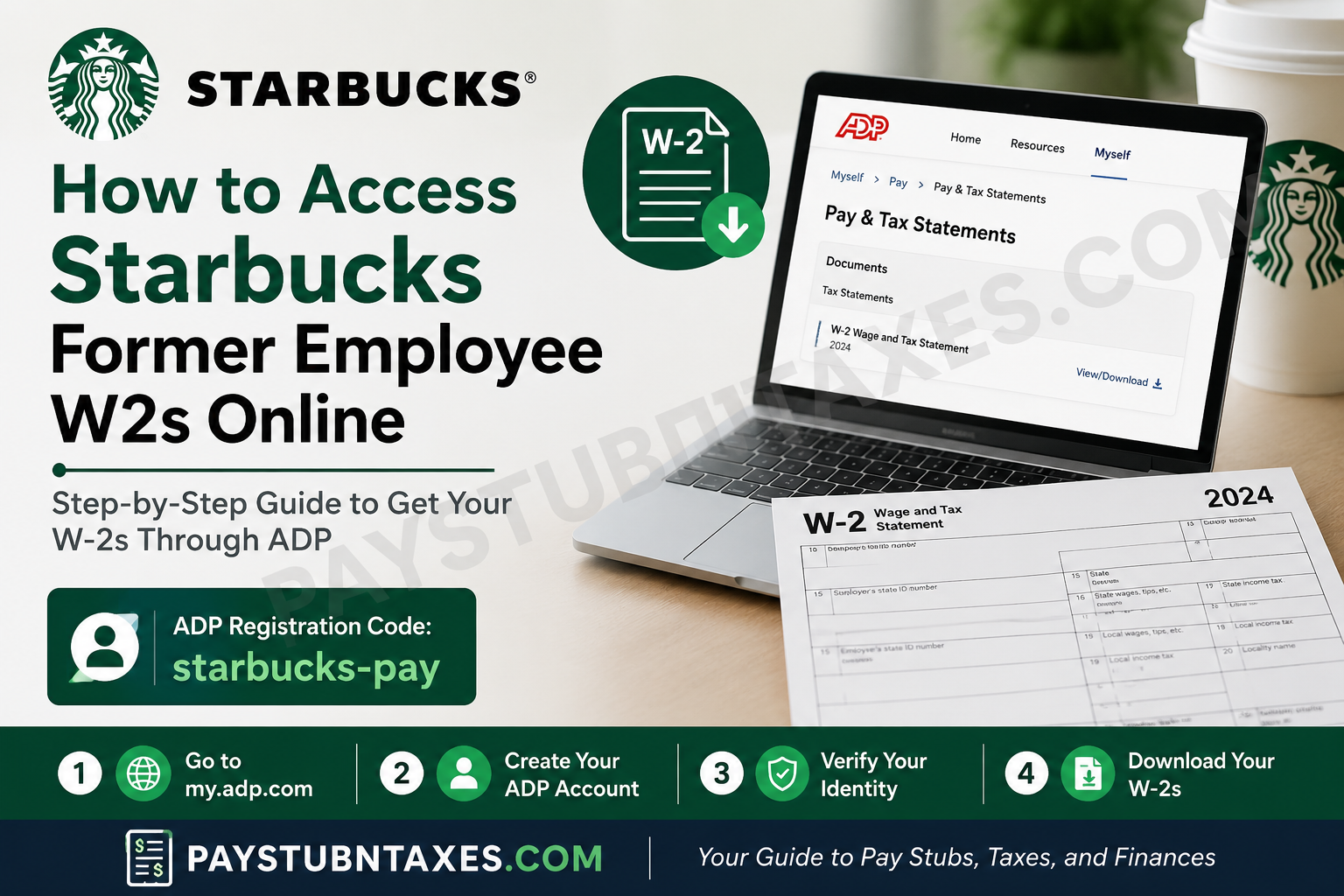
Starbucks has built its reputation on more than premium coffee. The company has long emphasized its commitment to people, referring to employees as “partners” and fostering a culture centered on growth, inclusion, and community. For former Starbucks partners, accessing important employment documents such as W-2 forms is now easier than ever through the ADP self-service portal. Whether you recently left Starbucks or worked there years ago, this step-by-step guide explains exactly how to access your former Starbucks W2 online quickly and securely.
Why You May Need Your Starbucks W-2
Your W-2 form is an essential tax document that reports your annual wages and the taxes withheld during your employment. Former Starbucks employees commonly need their W-2s for:
- Filing federal and state income taxes
- Applying for loans or mortgages
- Completing FAFSA or financial aid applications
- Verifying previous employment
- Maintaining accurate financial records
Fortunately, Starbucks allows former partners to retrieve their W-2 forms online through ADP, the company’s payroll and tax management provider.
Starbucks Former Employee W2 Access Portal
Former Starbucks employees can access their W-2 statements through the official ADP self-service portal:
👉 Website: https://my.adp.com
Once logged in, navigate to:
Myself > Pay > Pay & Tax Statements
This section contains your available W-2 forms and payroll documents.
First-Time User Registration for Starbucks Former Employees
If you have never used the ADP portal before, you must create an account first.
Starbucks ADP Registration Code
During registration, you will need the Starbucks ADP registration code:
starbucks-pay
Be sure to enter the code exactly as shown, using lowercase letters.
Step-by-Step Guide to Access Your Starbucks W-2 Online
Step 1: Visit the ADP Portal
Open your preferred browser and go to:
You may also download the ADP Mobile Solutions App from the Apple App Store or Google Play Store for mobile access.
Step 2: Select “Create Account”
On the login page:
- Click “New User? Get Started”
- Choose “I Have a Registration Code”
Enter the Starbucks registration code:
starbucks-pay
Then click Continue.
Step 3: Verify Your Identity
You will be asked to enter personal identification details, including:
- Full legal name
- Social Security Number (SSN)
- Other verification information
Ensure your information matches the records associated with your Starbucks payroll account exactly.
Step 4: Complete Security Verification
ADP may verify your identity through:
- Email verification
- Phone number confirmation
- Security questions
You may receive a Personal Registration Code (PRC) via email to complete the process.
Step 5: Create Your Login Credentials
After verification:
- Create a secure username
- Set a strong password
- Choose your security questions
Once completed, your ADP account will be fully activated.
How to Find Your Starbucks W-2 After Login
After successfully signing in to ADP:
- Click Myself
- Select Pay
- Choose Pay & Tax Statements
- Download or print your W-2 form
Your W-2 should appear once Starbucks releases tax documents for the applicable year.
Will Starbucks Mail My W-2?
Yes. Starbucks generally mails W-2 forms to the address on file by the end of January each year, even for former employees.
However, online access through ADP is often much faster and more convenient, especially if:
- You moved recently
- Your mailed copy was lost
- You need immediate access
- Your address on file is outdated
What to Do If You Cannot Access Your ADP Account
Some former Starbucks employees may encounter login or verification issues. Common problems include:
- Forgotten usernames or passwords
- Incorrect phone verification
- Locked accounts
- Outdated contact information
If this happens, you may need to contact Starbucks Partner Support or ADP customer service for assistance. Several former partners have reported that account resets resolved their login issues quickly.
Can You Access Older Starbucks W-2 Forms?
Yes. ADP often stores multiple years of tax documents, allowing former employees to retrieve older W-2 statements when available.
This can be especially useful for:
- Amended tax returns
- Employment verification
- Financial applications
- Recordkeeping purposes
Tips for a Smooth Starbucks W-2 Retrieval Process
To avoid delays or login issues, follow these best practices:
Use a Trusted Device
Access your ADP account only from secure devices and networks.
Keep Your Contact Information Updated
Ensure your phone number and email address are current for identity verification.
Save Digital Copies
Download and securely store PDF copies of your W-2 forms for future reference.
Register Early
Do not wait until tax deadlines approach to create your ADP account.
Final Thoughts
Accessing your Starbucks former employee’s W2 online is a straightforward process thanks to the ADP self-service portal. By registering with the code starbucks-pay, former partners can securely retrieve tax documents anytime without needing to visit a store or contact previous managers. Whether you left Starbucks recently or years ago, keeping digital access to your payroll records ensures a smoother tax season and faster access to important financial information.
Frequently Asked Questions
1. Can former Starbucks employees still use ADP?
Yes. Former Starbucks partners can continue accessing payroll and tax documents through ADP after leaving the company.
2. What is the Starbucks ADP registration code?
The Starbucks ADP registration code is:
starbucks-pay
3. Where can I find my W-2 in ADP?
After logging in:
Myself > Pay > Pay & Tax Statements
4. What if I never received my W-2 in the mail?
You can download a digital copy through ADP or contact Starbucks support for assistance.
